


Spoiler Warning: There are spoilers ahead for Star Trek: Voyager – Across The Unknown and for Star Trek: Voyager.
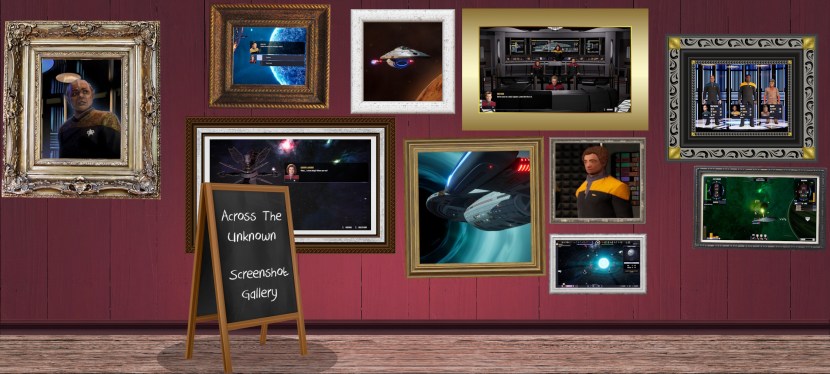
When I review video games here on the website, I often take a whole lot of screenshots! With over 1,000 screenshots for Across The Unknown just languishing on my computer, I thought I’d put together a gallery of some of the better or more interesting ones. This piece isn’t my review of the game – you can click or tap here if you want to read that. Instead, this is a gallery of more than 180 screenshots that I took but didn’t get to use in that review.
I’ve organised the screenshots into categories, and within each category, I’ve tried to go chronologically through the game. All screenshots are in 720p resolution (1280×720 pixels), which I find adequate for use here on my website; it’s a good balance between detail and size, in my opinion! And… yeah. That’s all. Feel free to use any of these screenshots in your own projects about Across The Unknown; unedited video game screenshots are generally considered to be the copyright of the developer/publisher, not of the person who took the screenshot. However, if you *do* find some of these to be useful for whatever you’re working on, I’d appreciate being acknowledged, and/or a link to this post!
It goes without saying that there are spoilers ahead for Across The Unknown and Star Trek: Voyager. I hope you find some of these screenshots useful, and… enjoy!
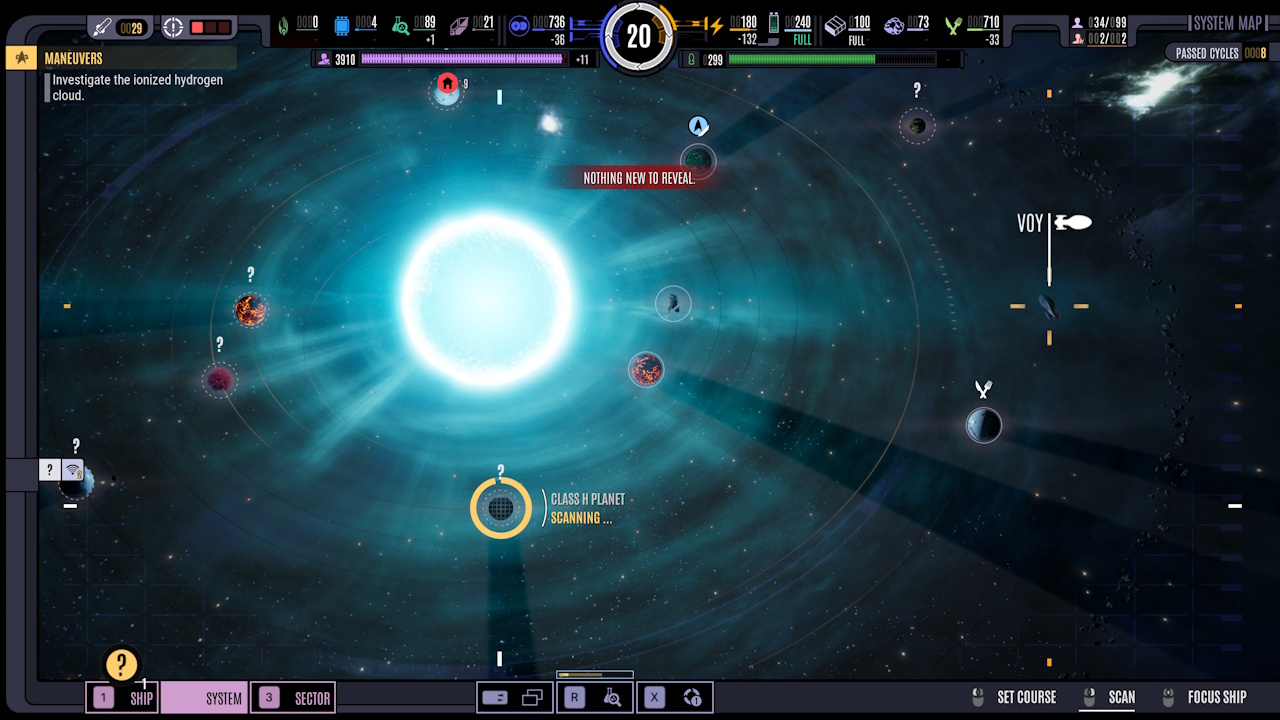
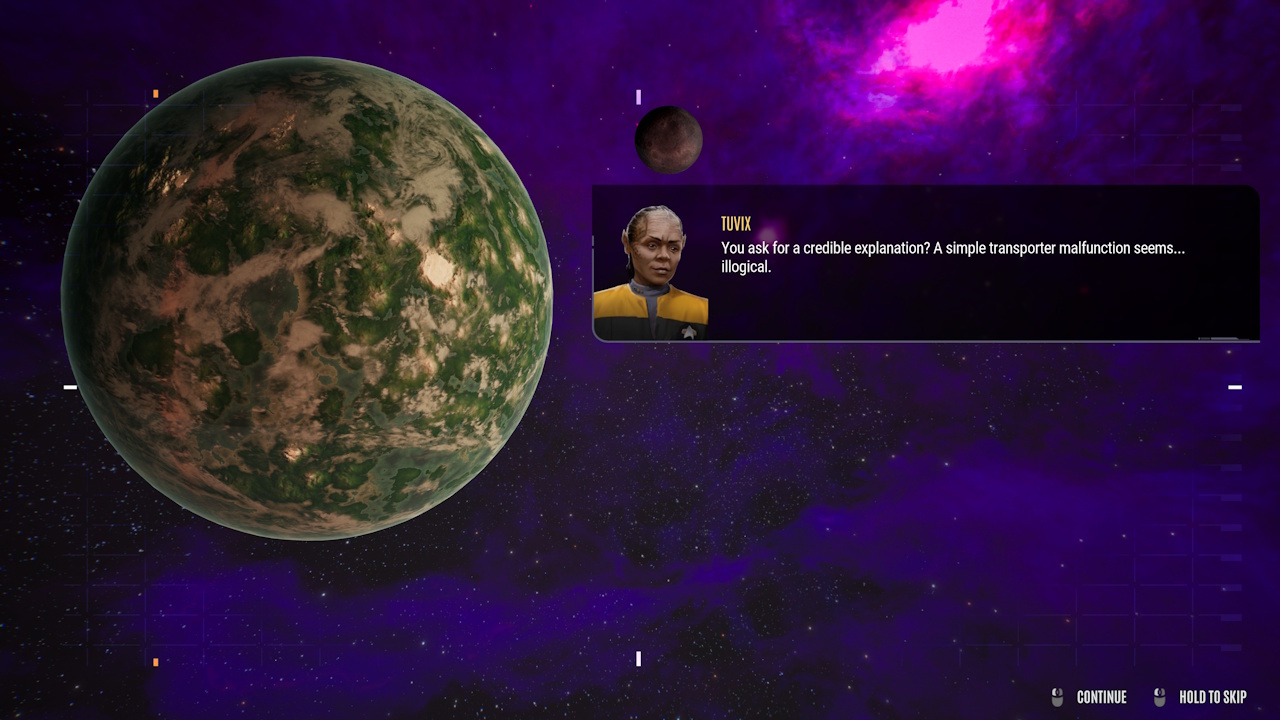
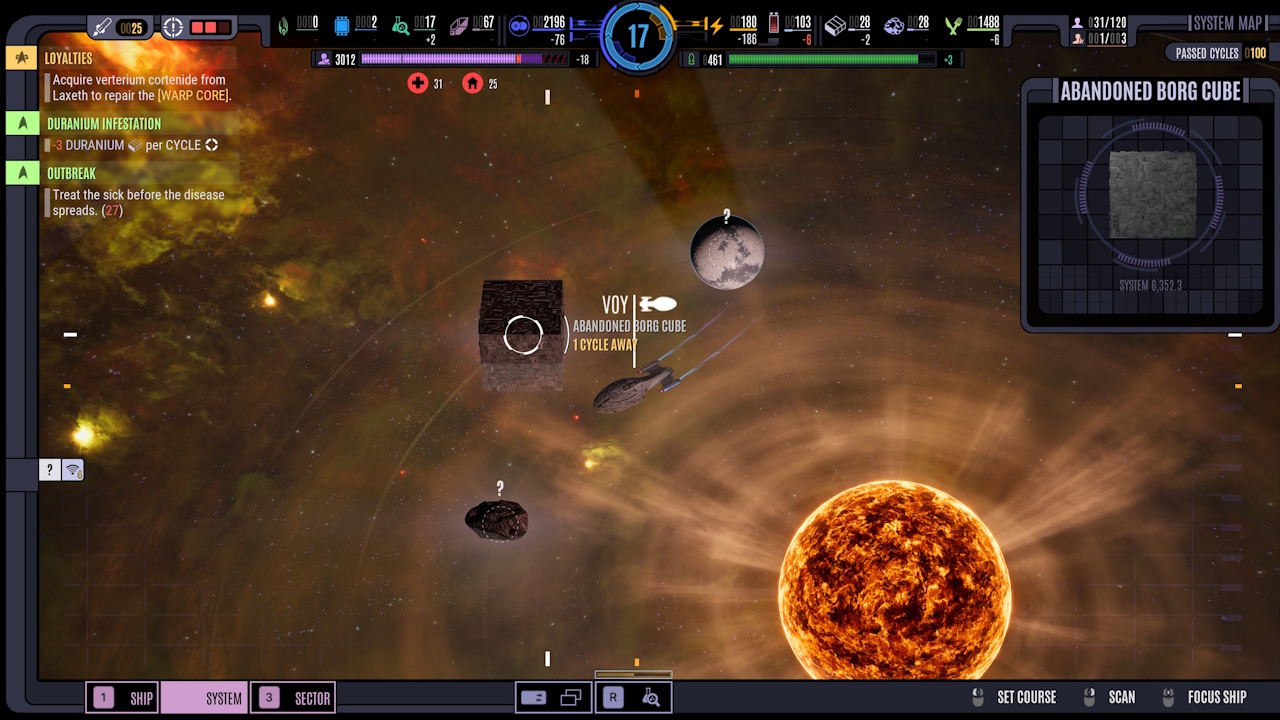
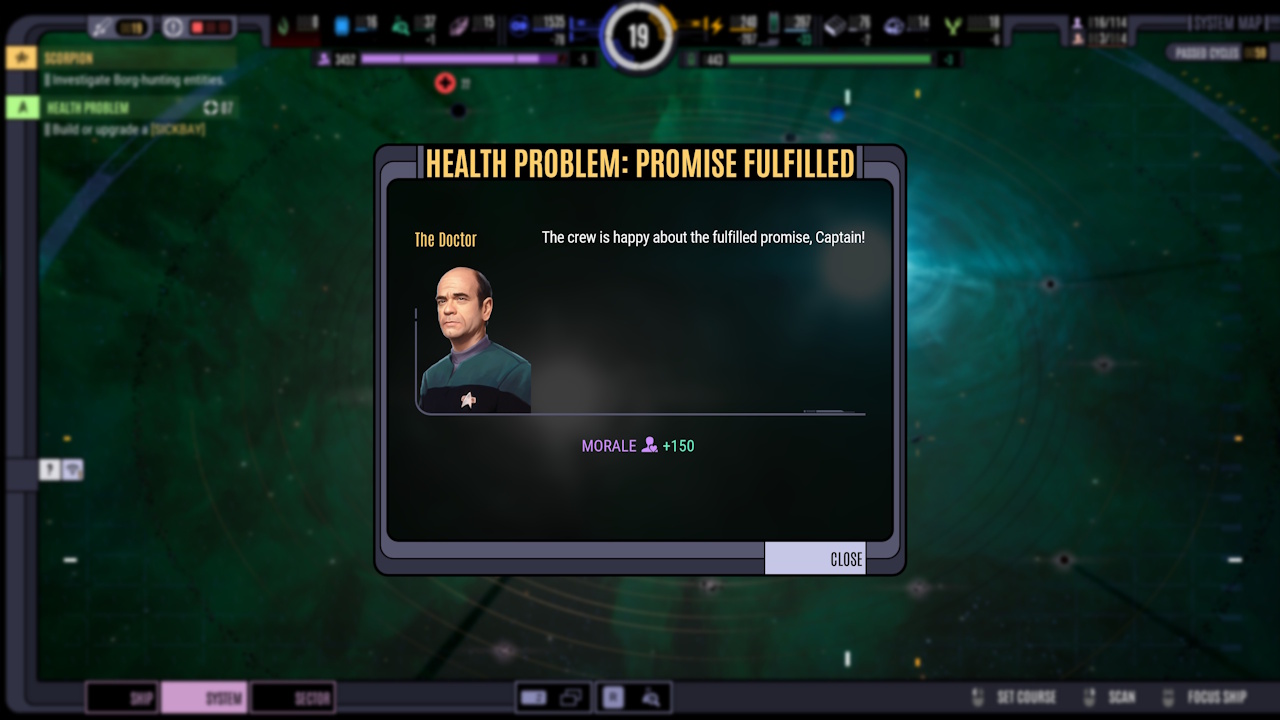
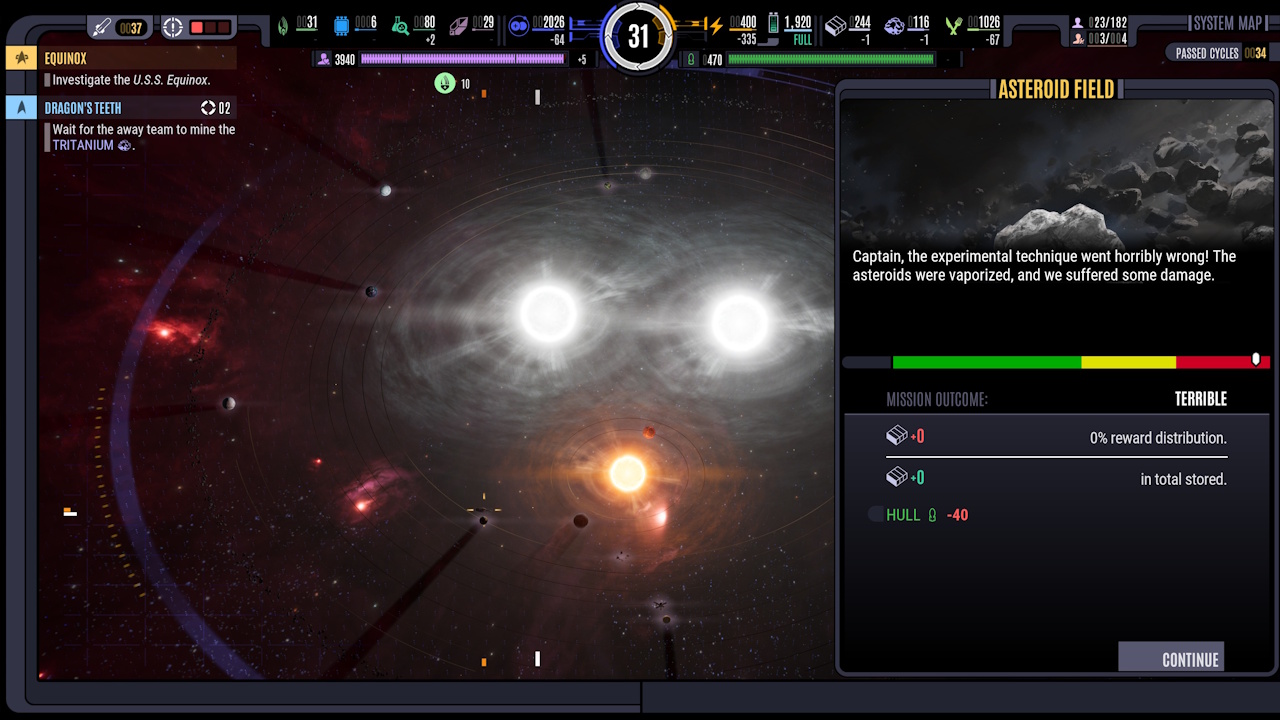
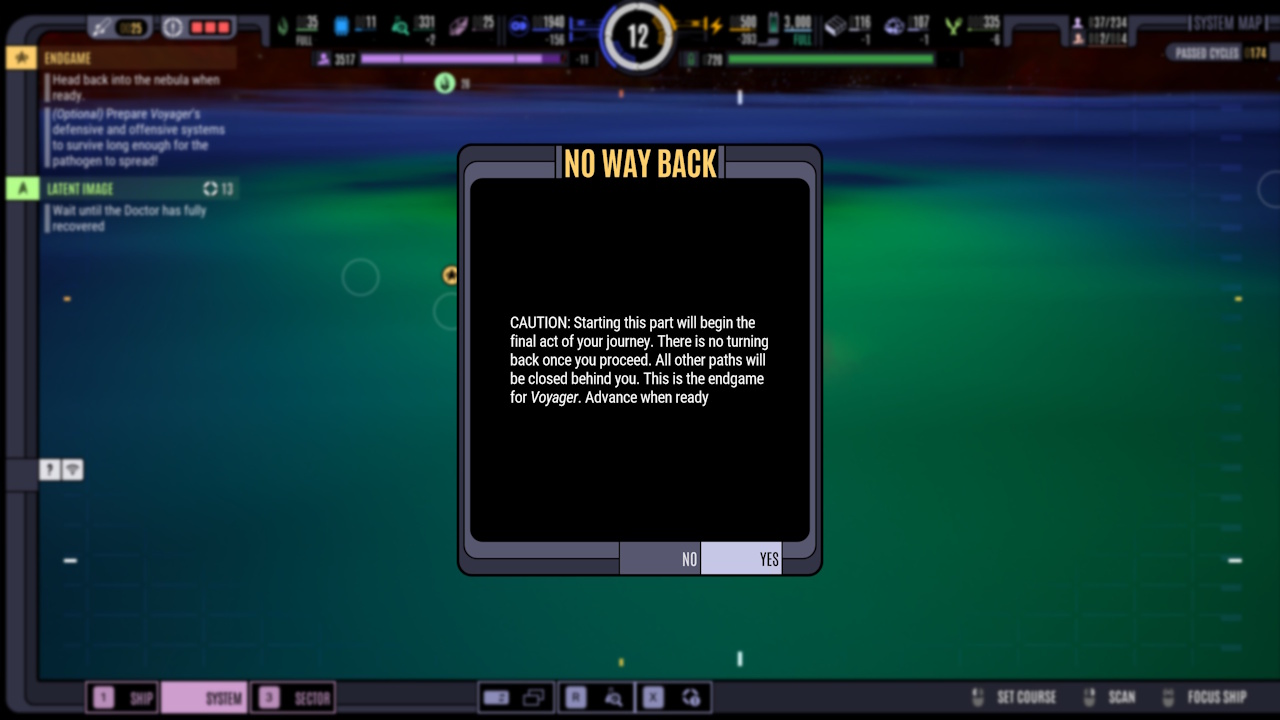
System View:
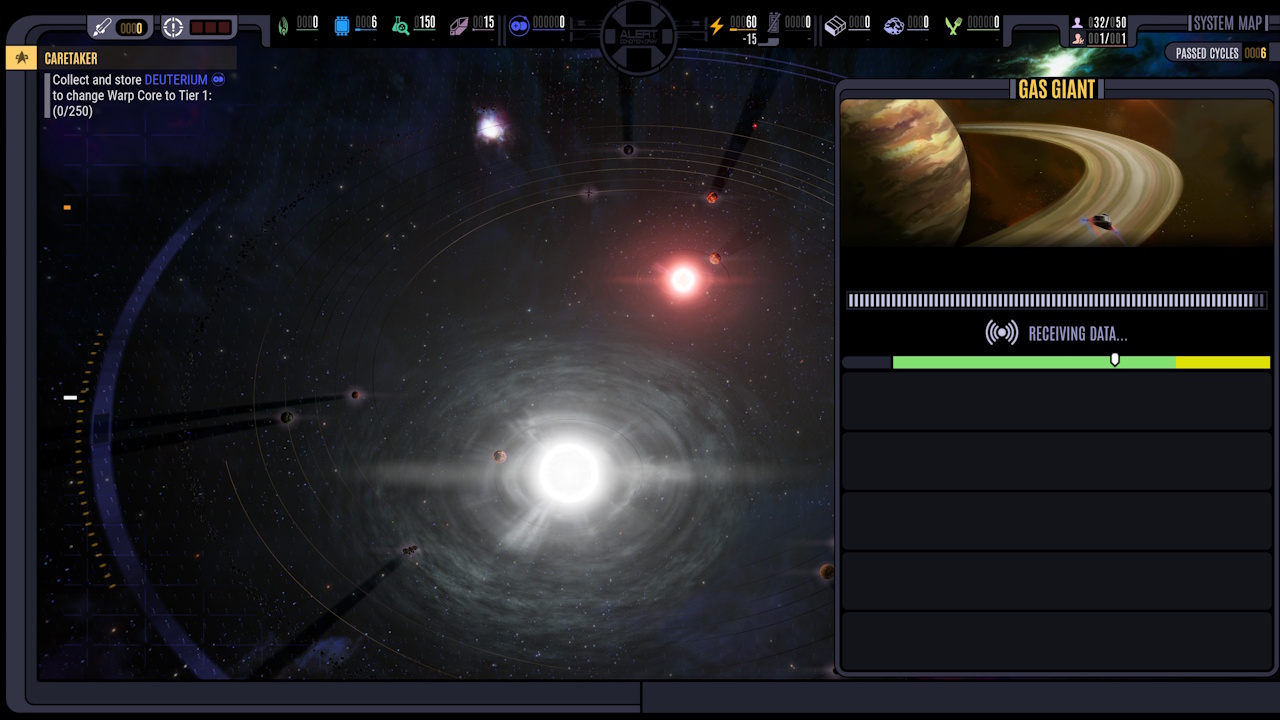
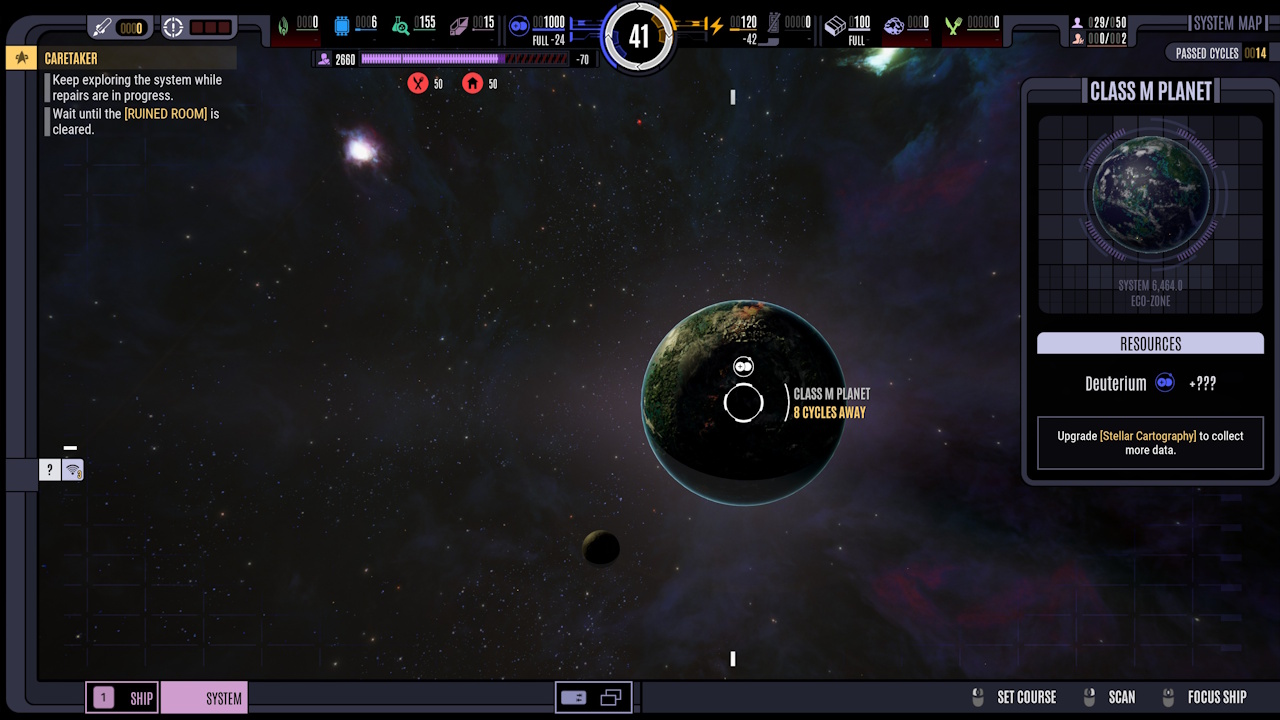
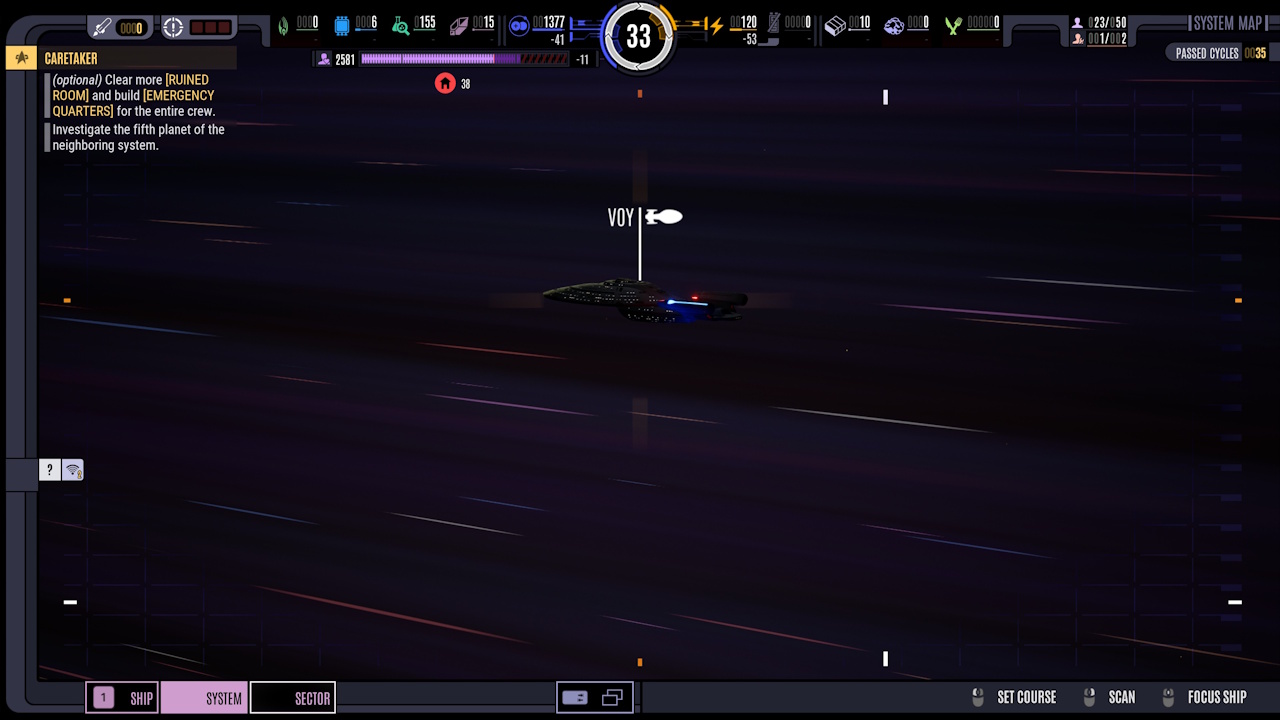
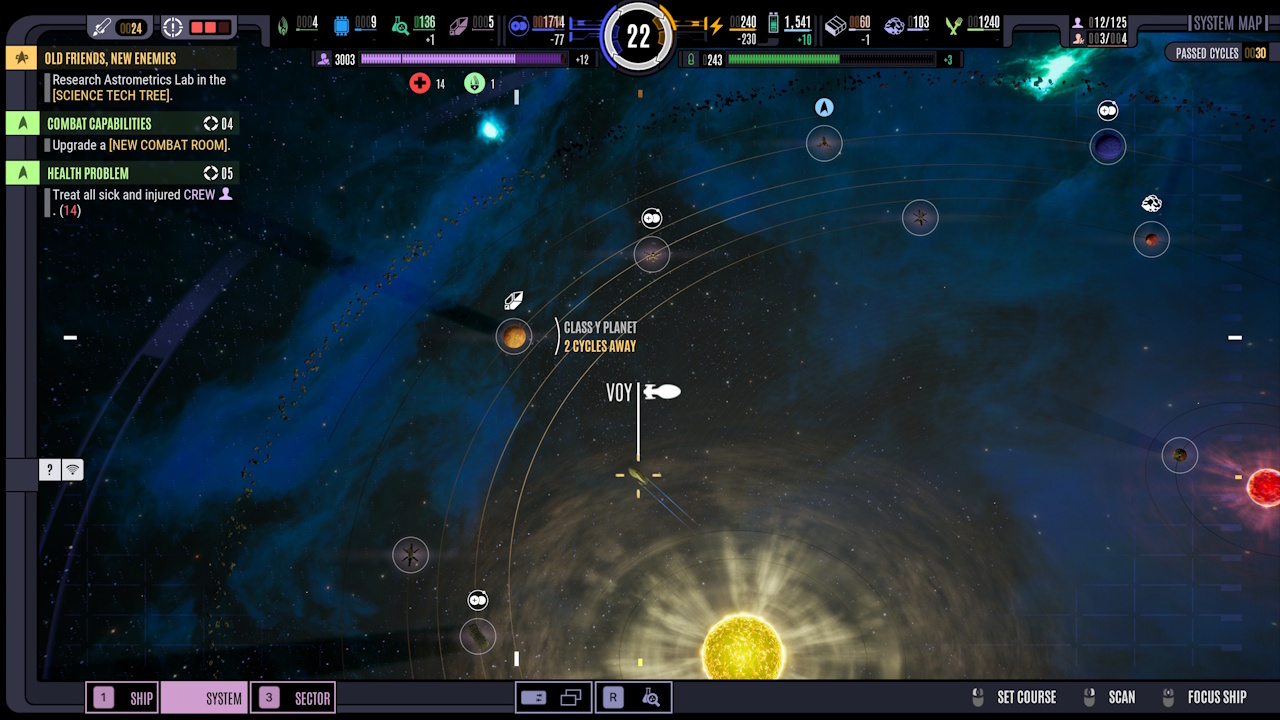
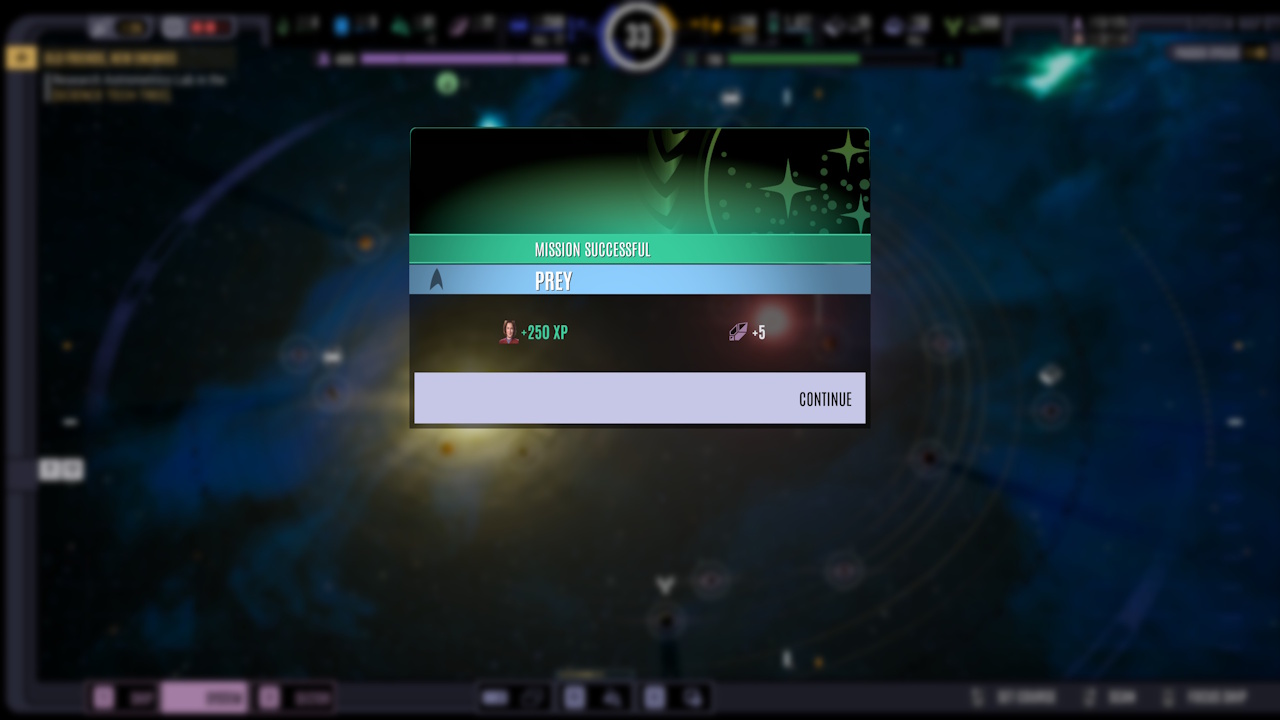
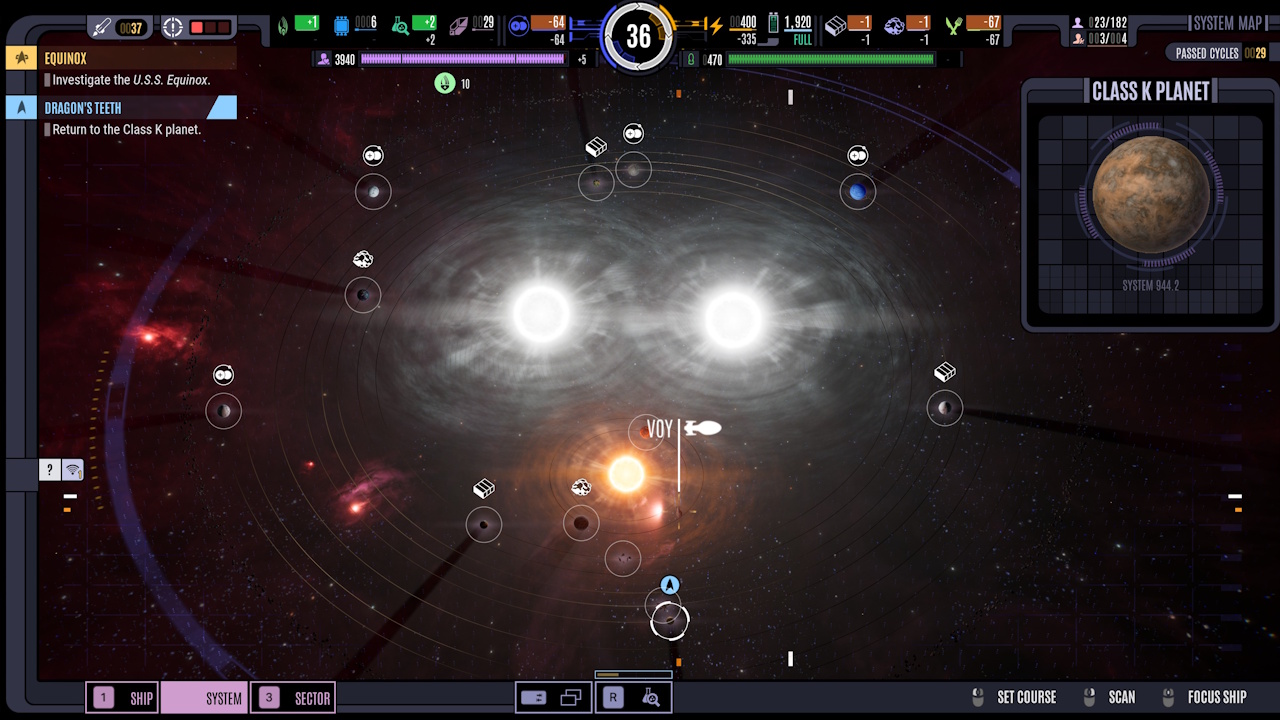
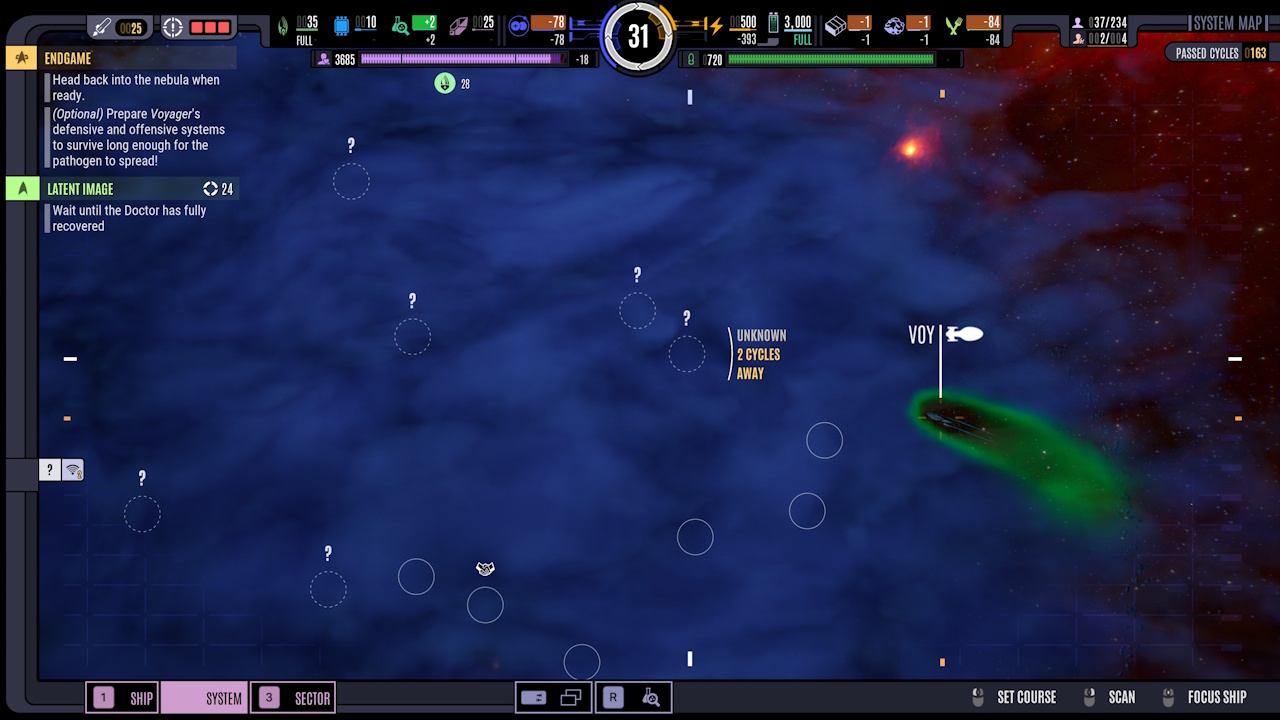
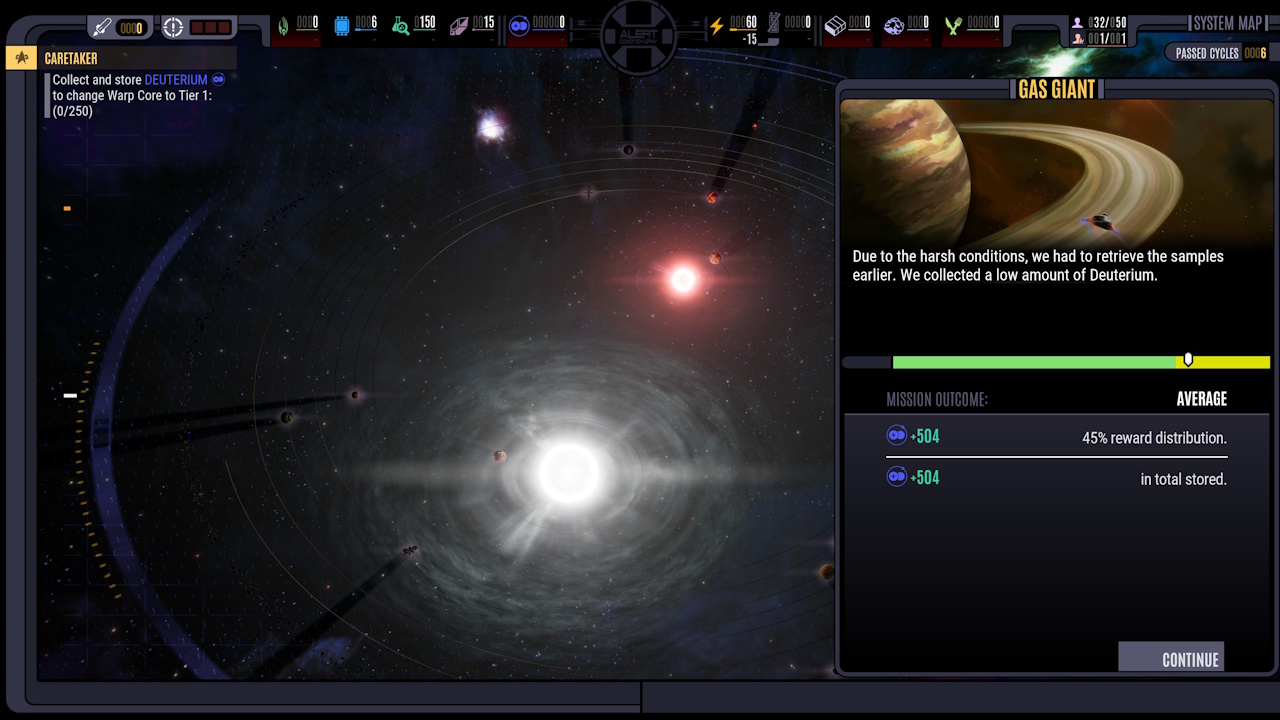
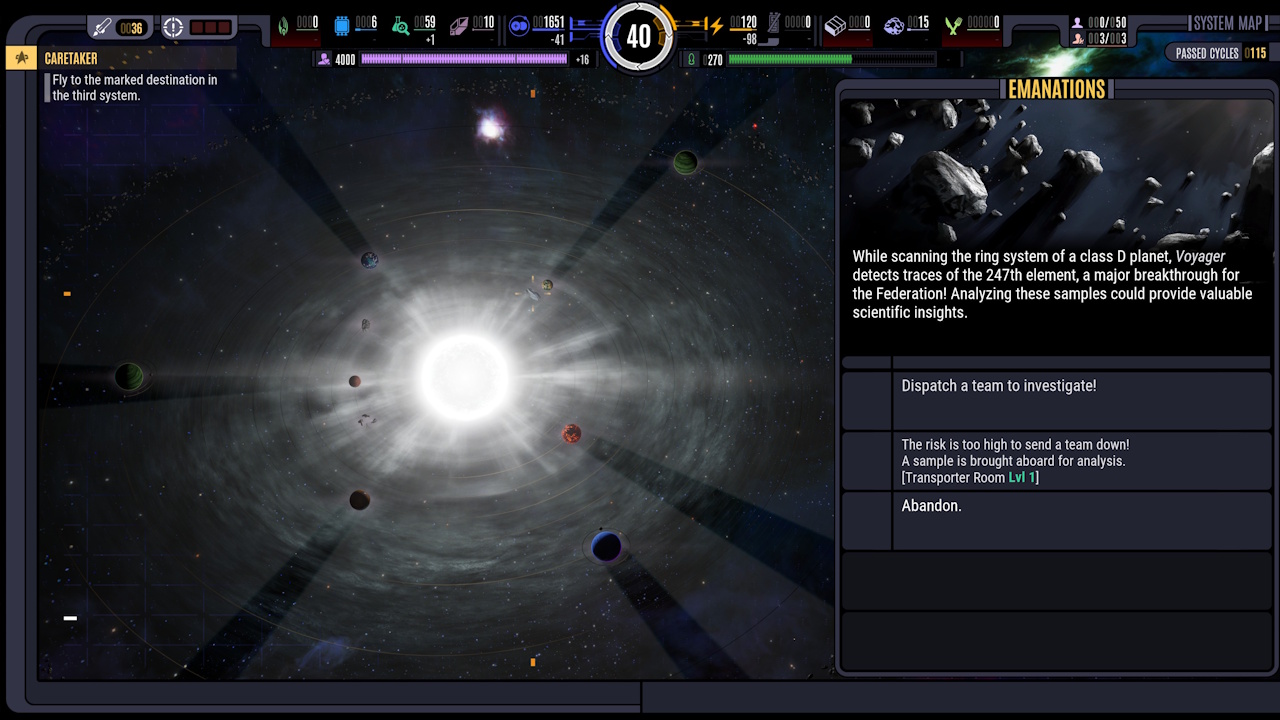
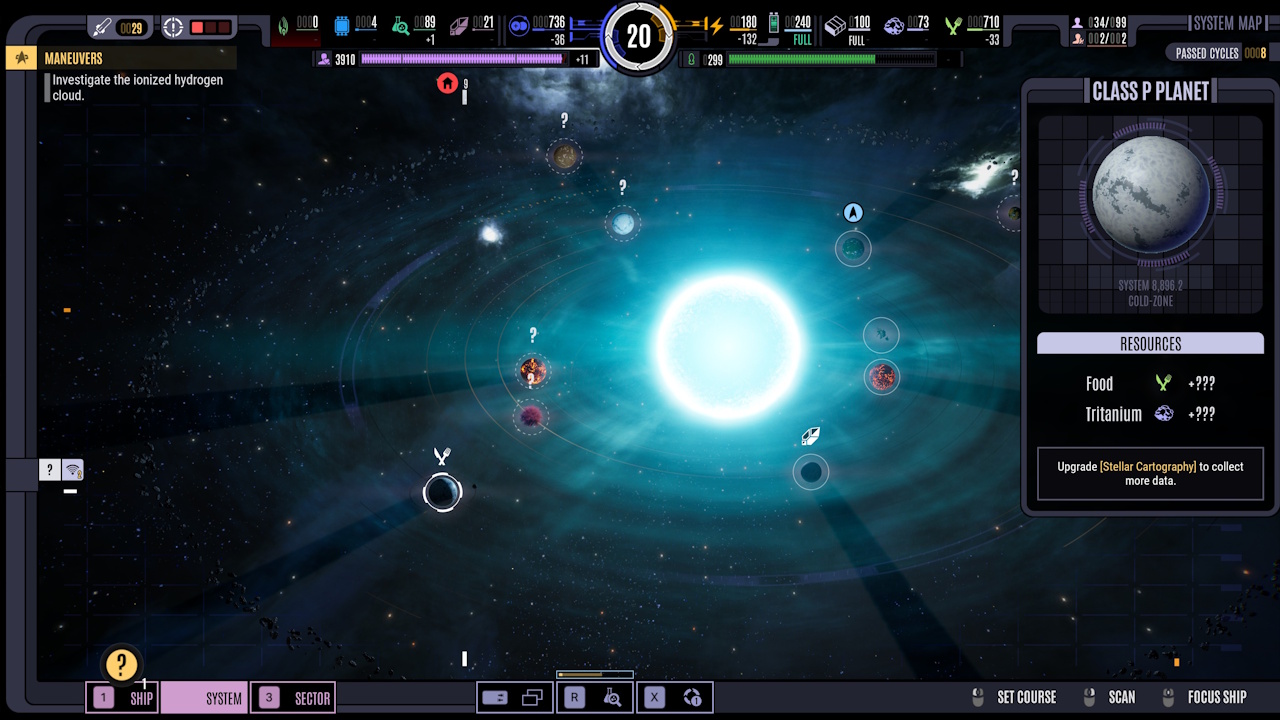
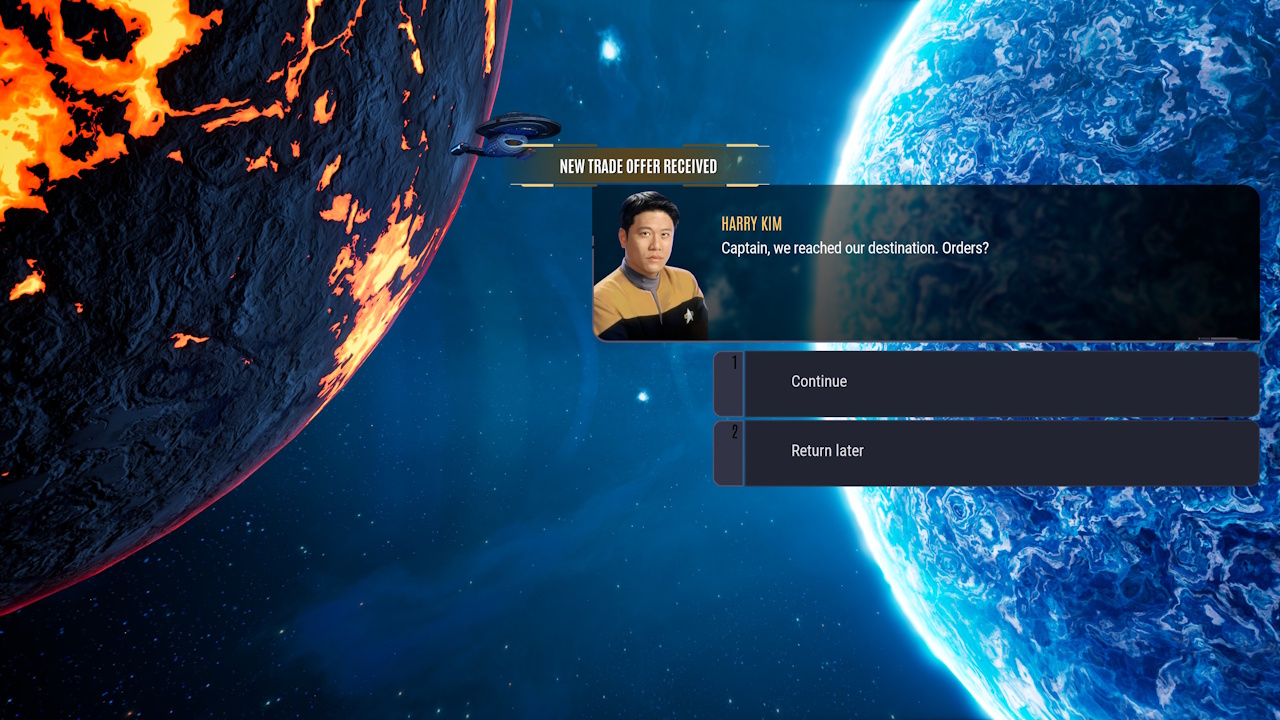
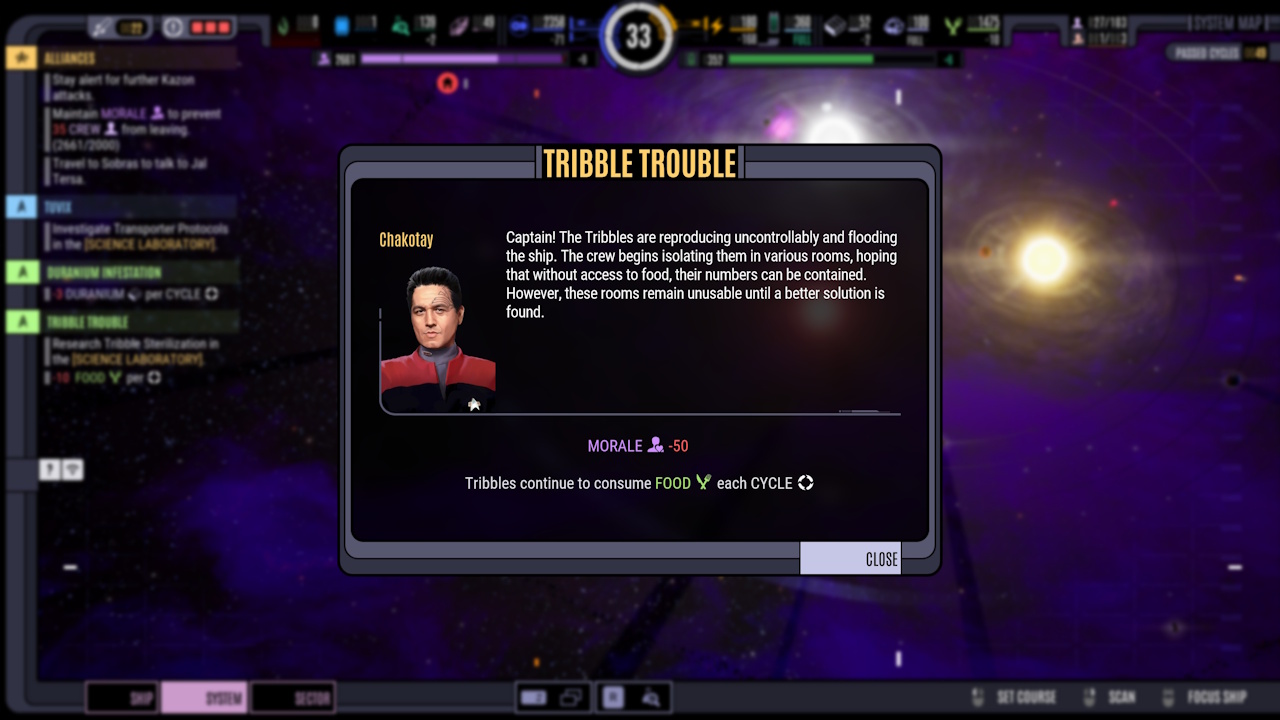
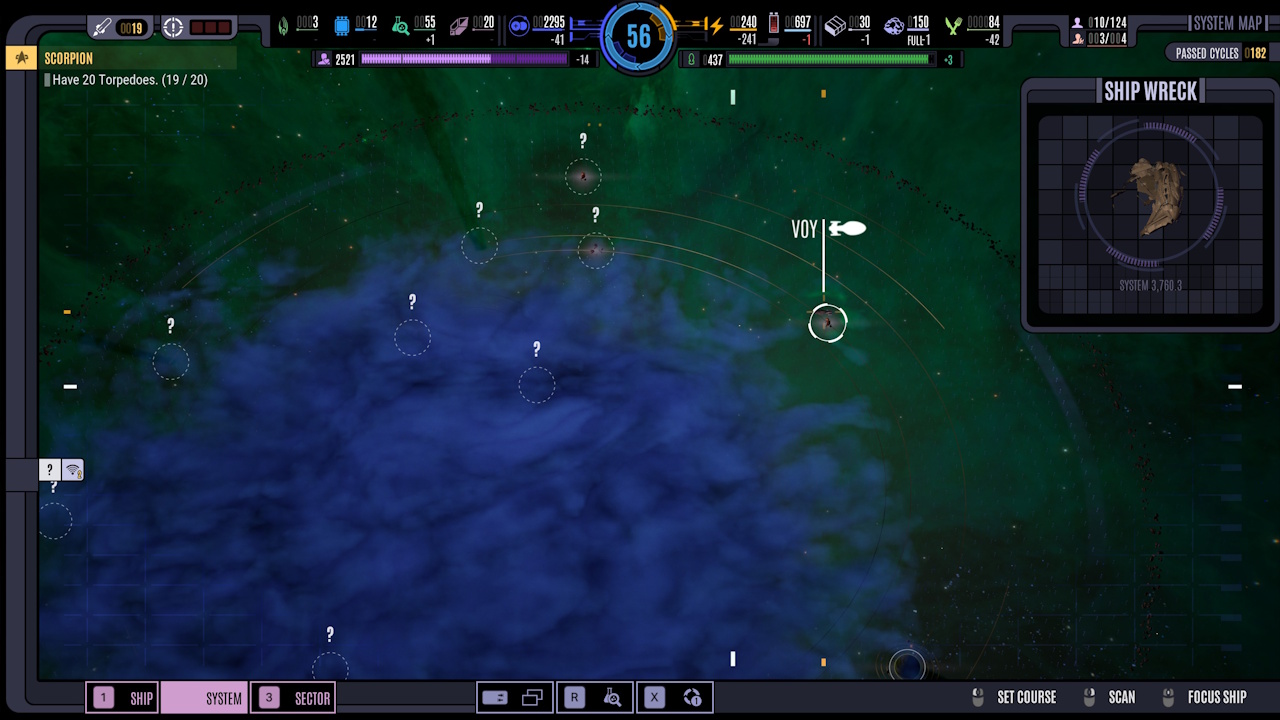
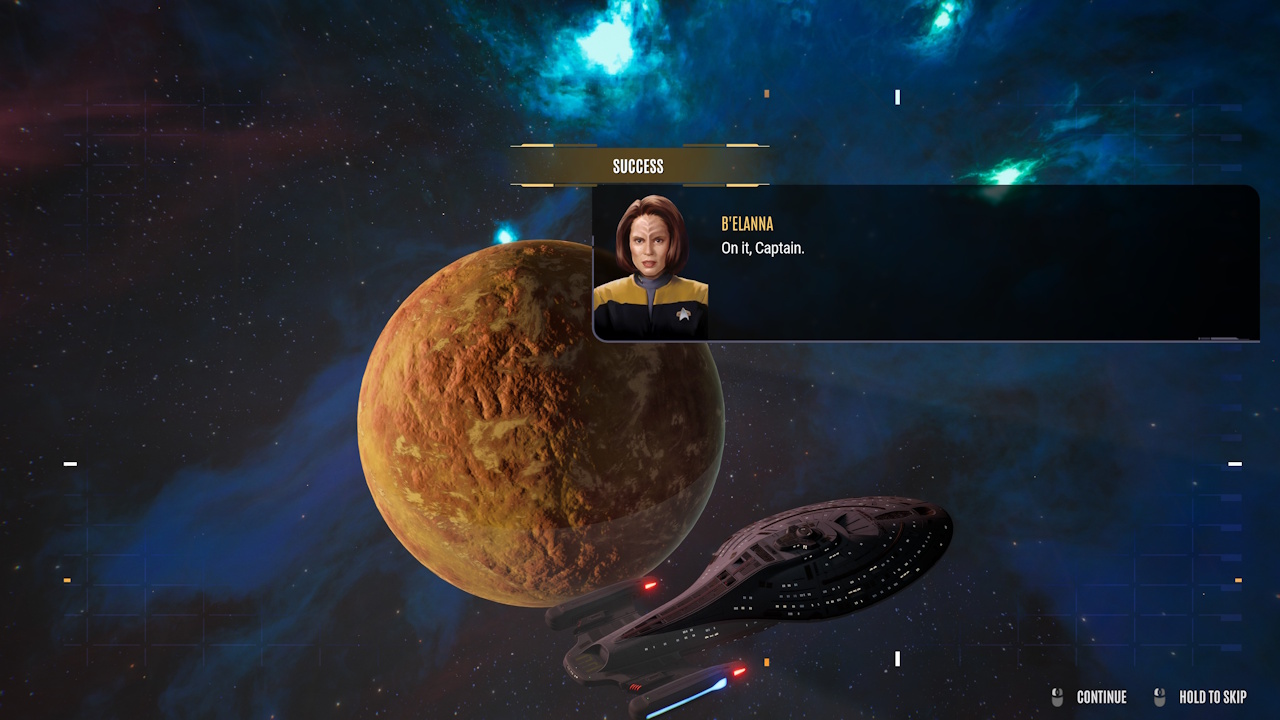
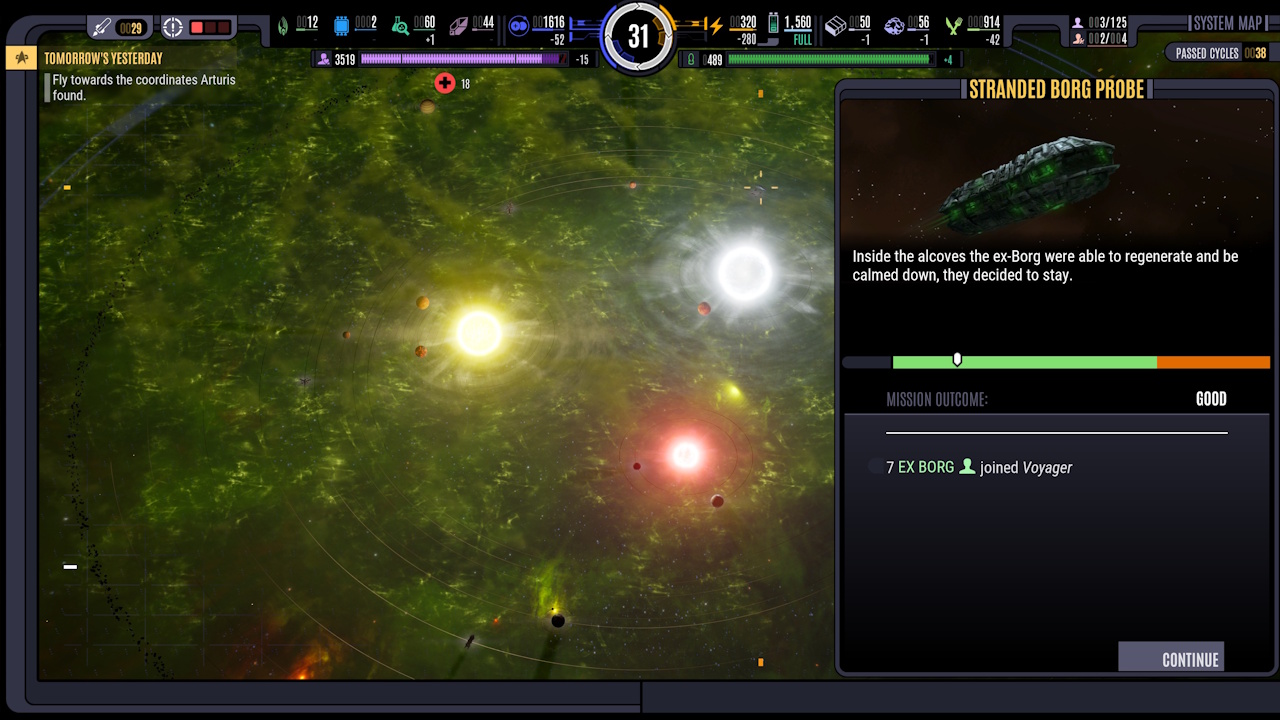
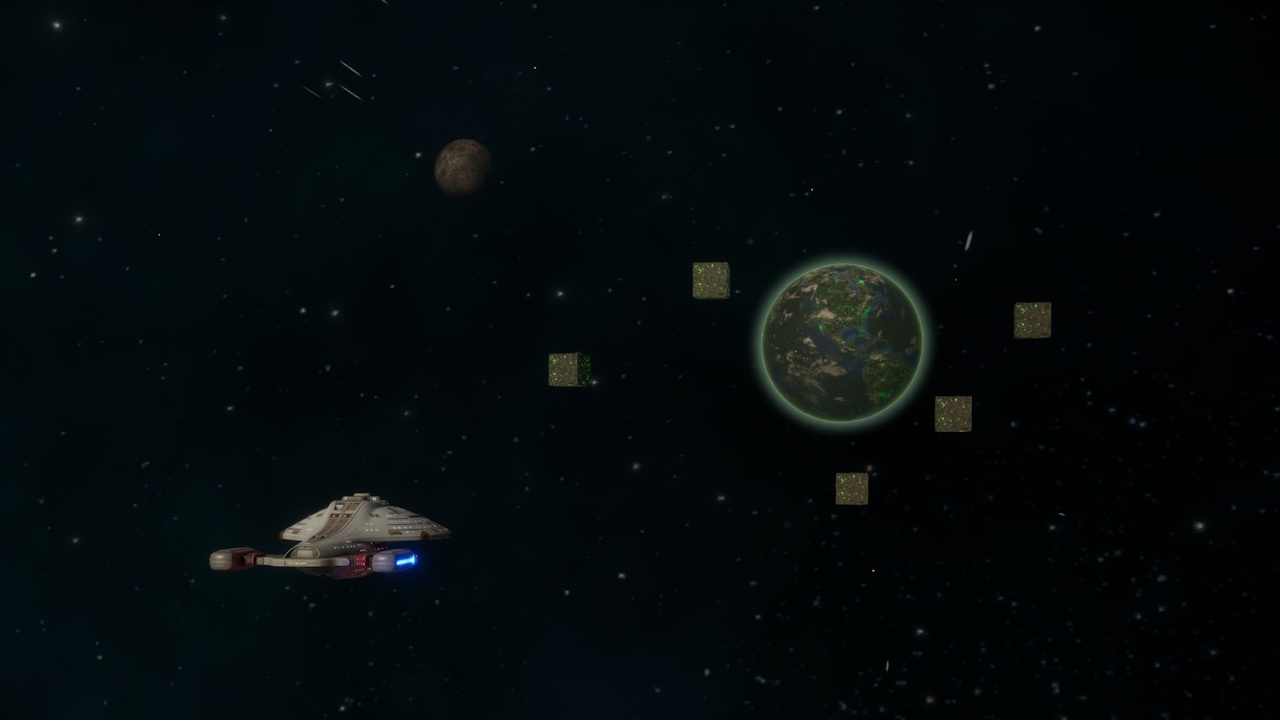
The system view is where you’ll spend a lot of time. Scanning planets, navigating nebulae, starting main quests and side missions… it all happens here.

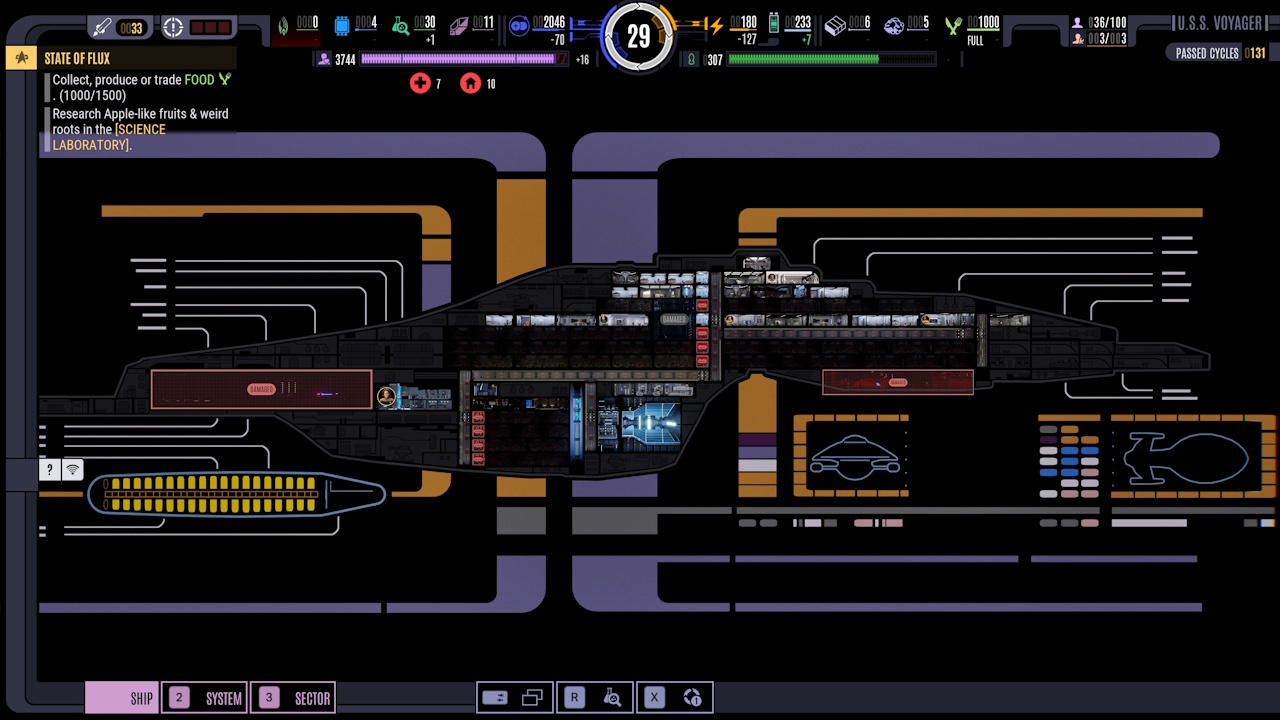
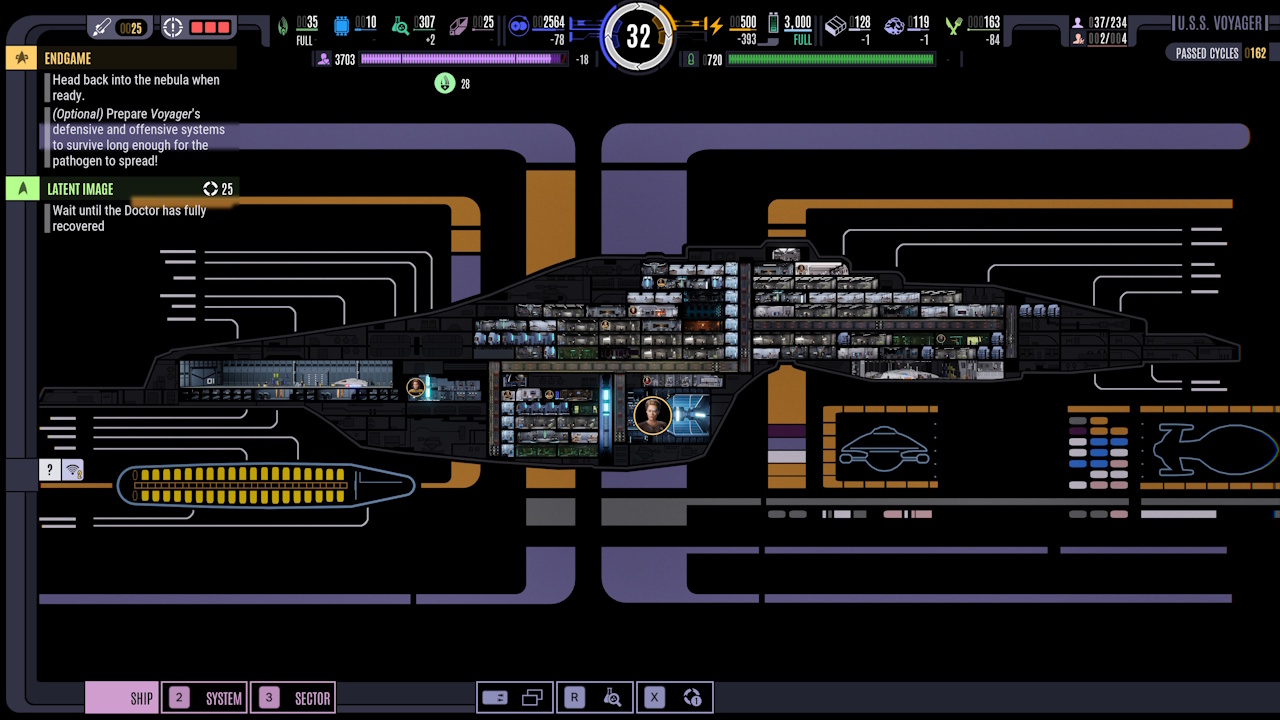
MSD/Ship View:
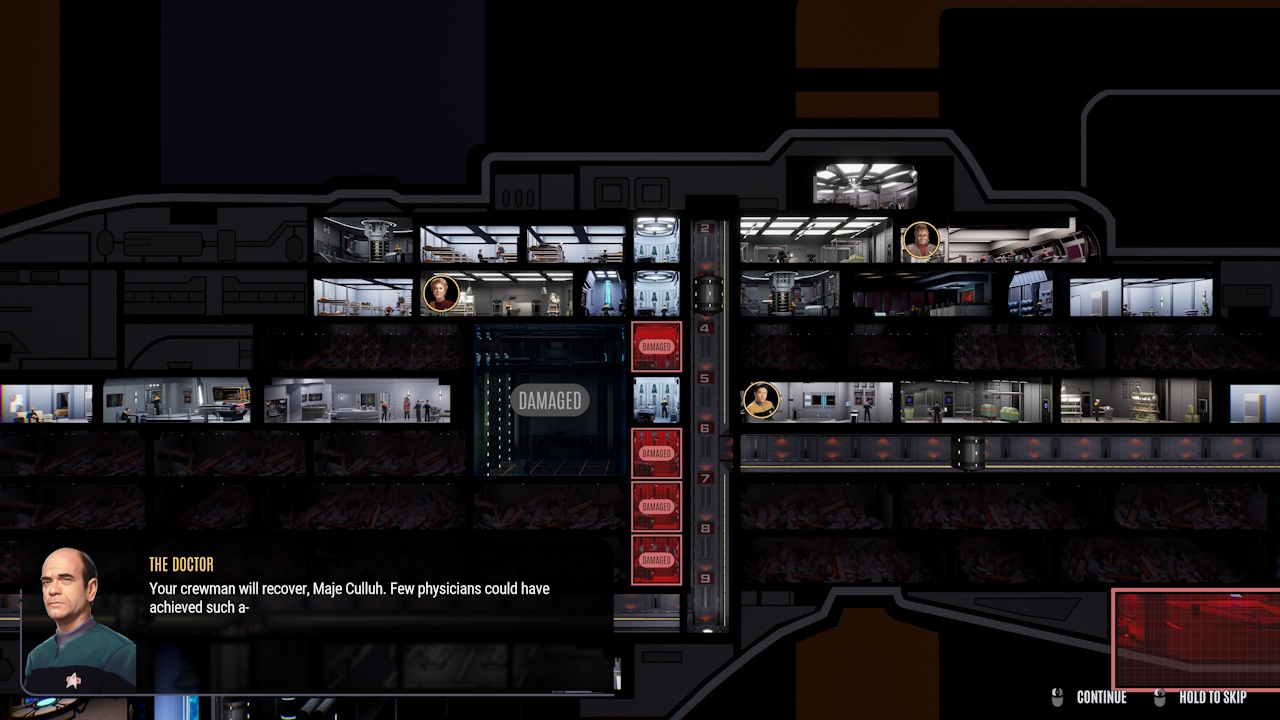
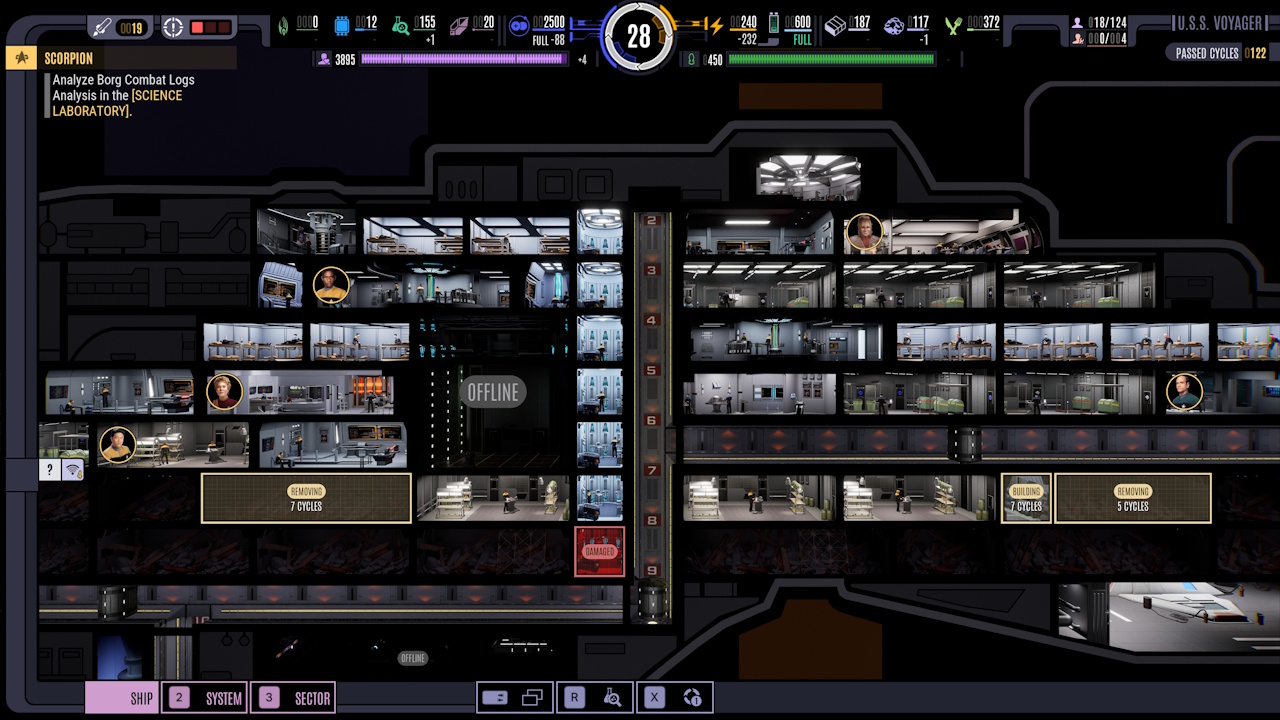
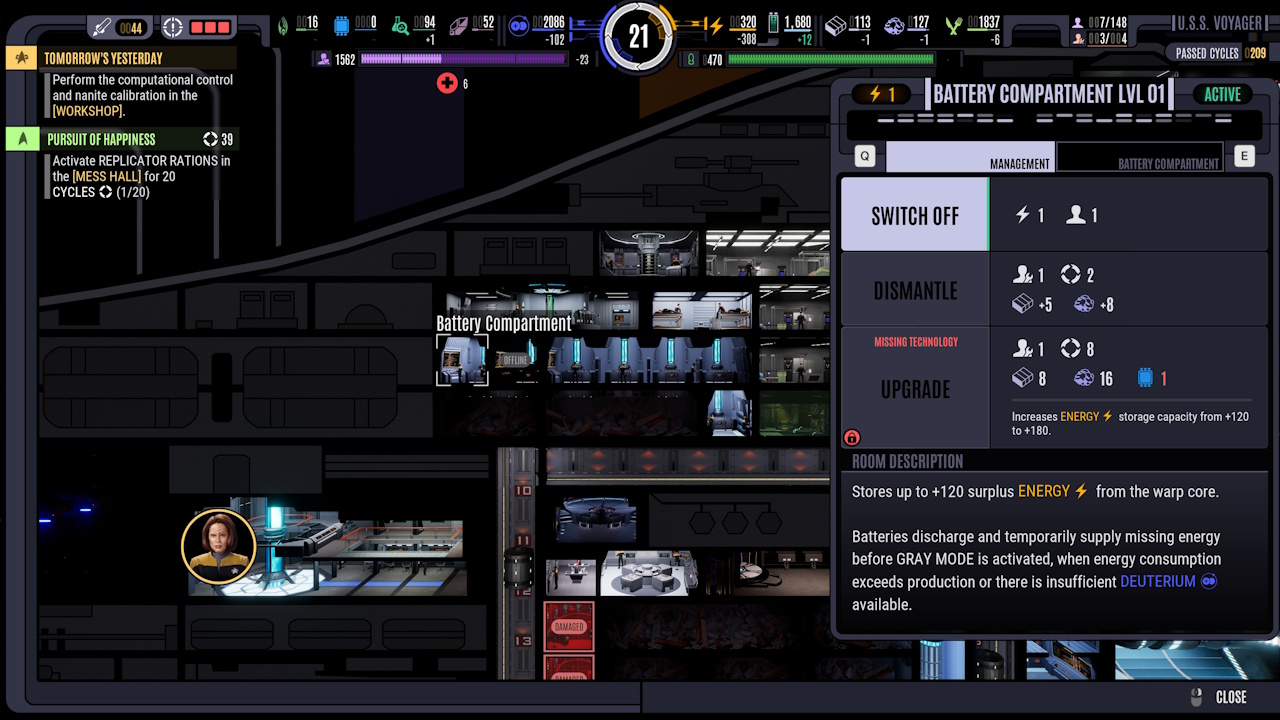
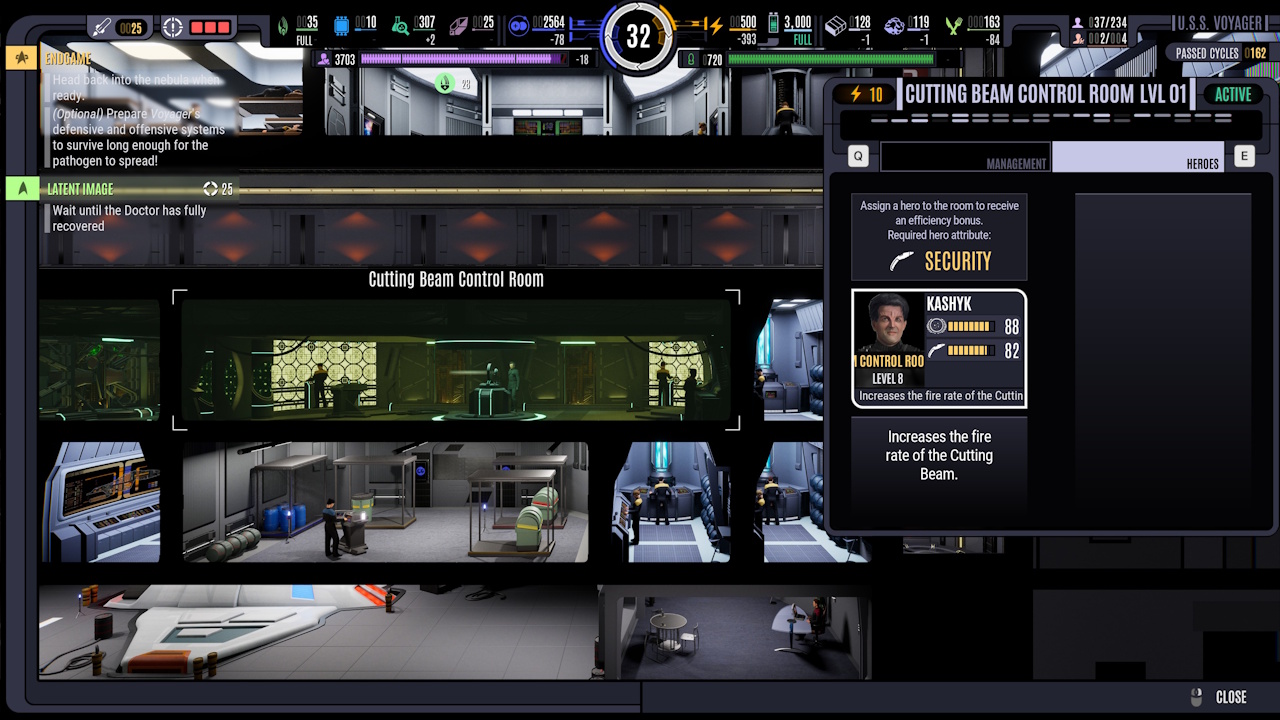
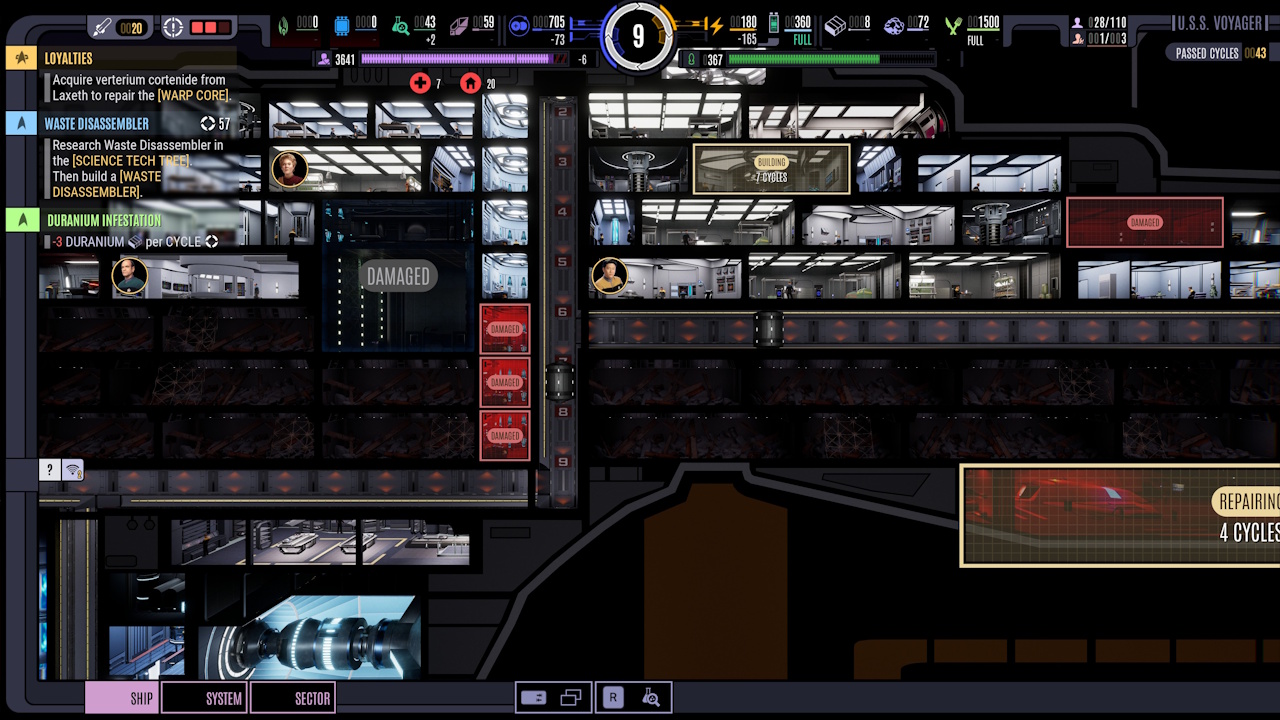
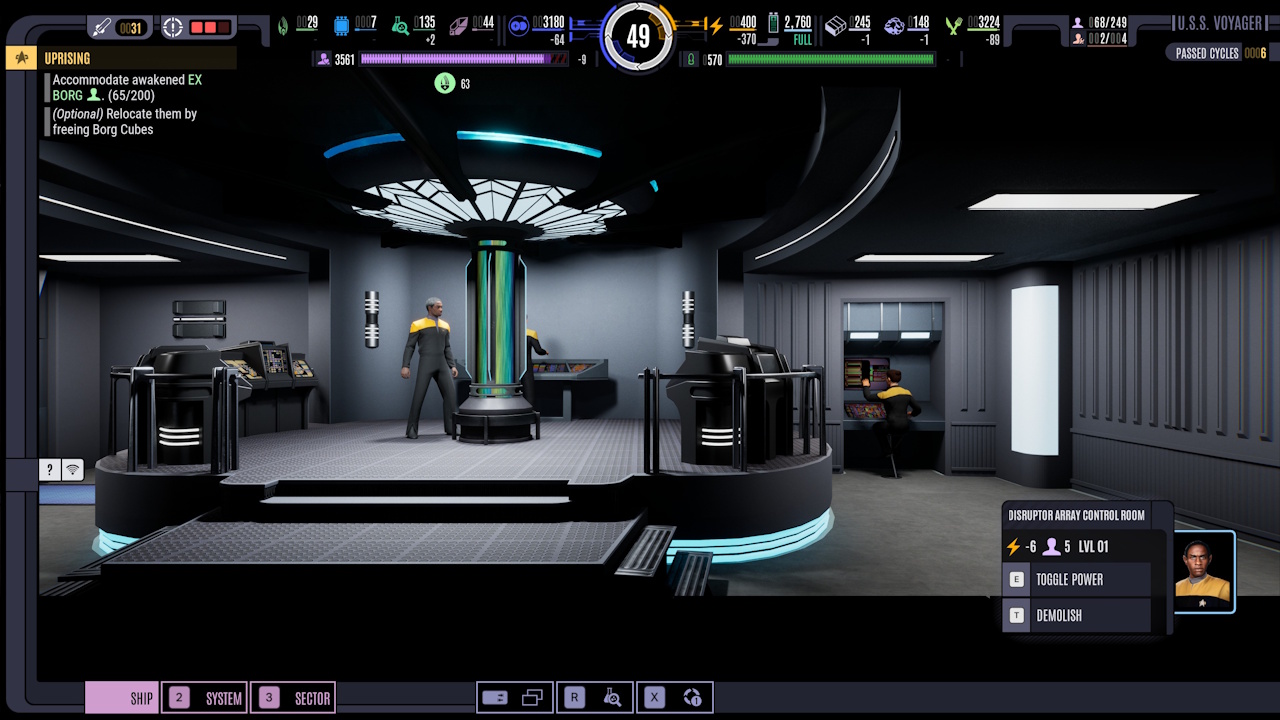
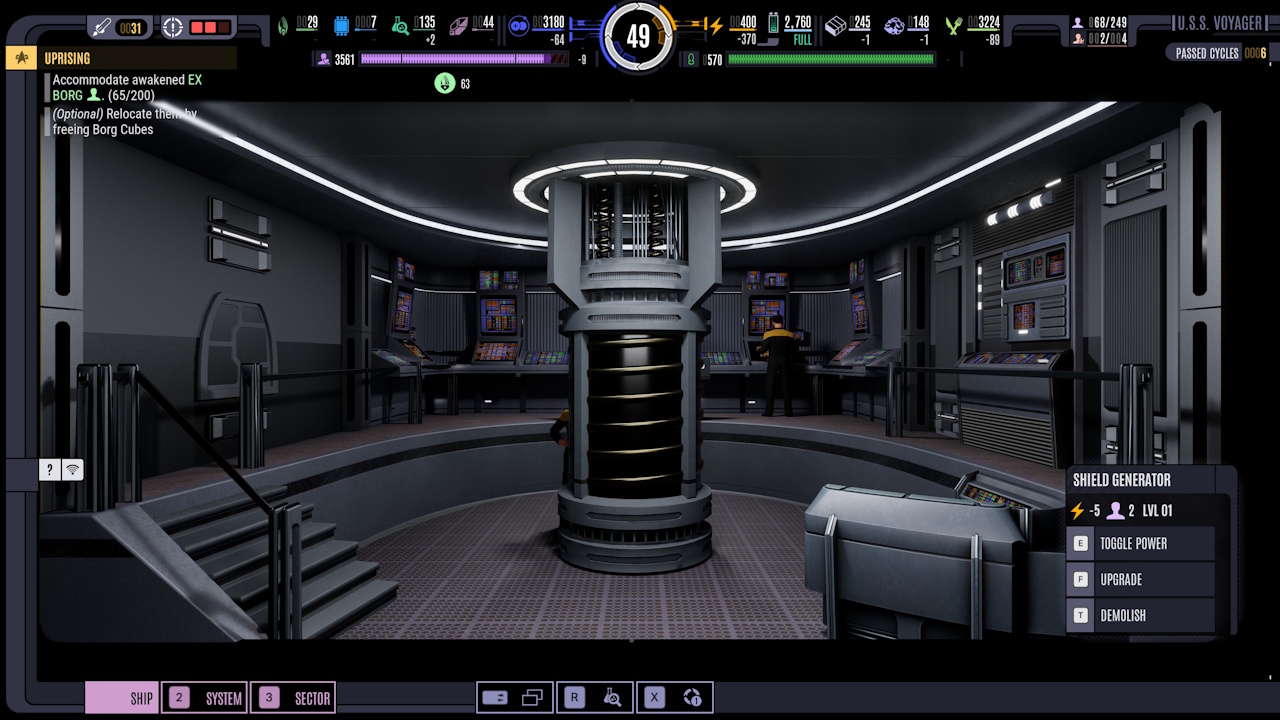
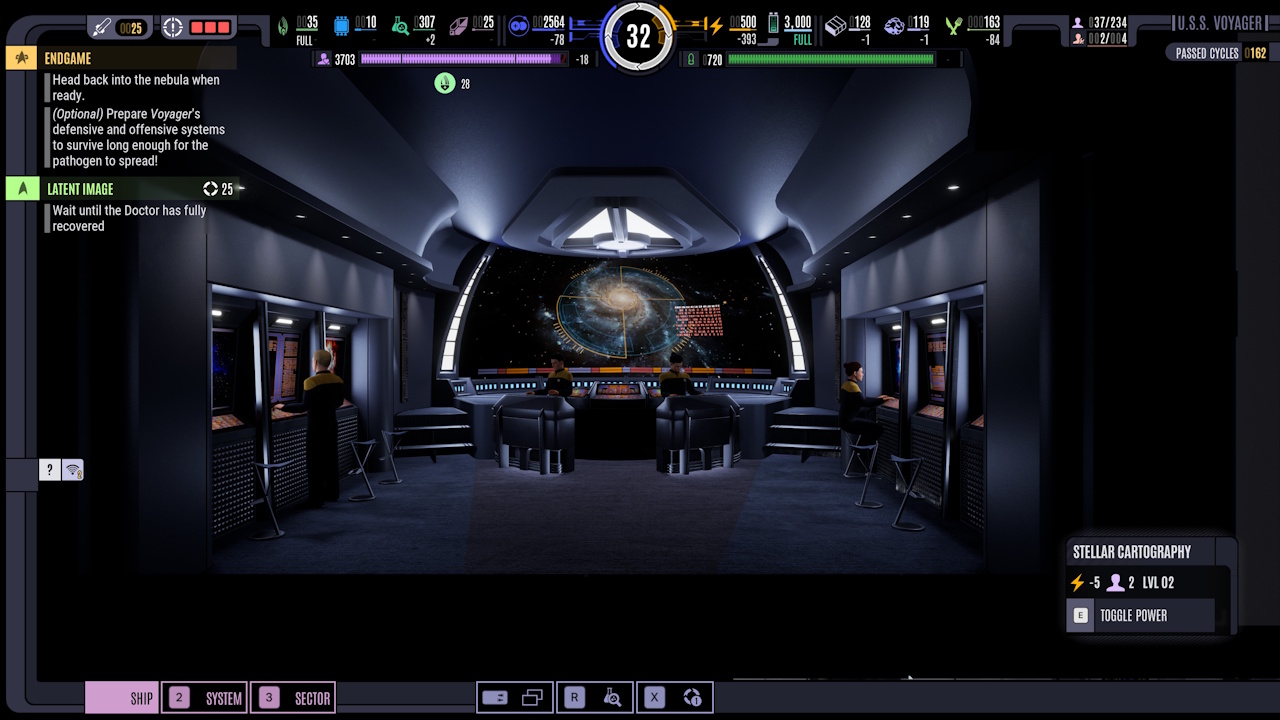
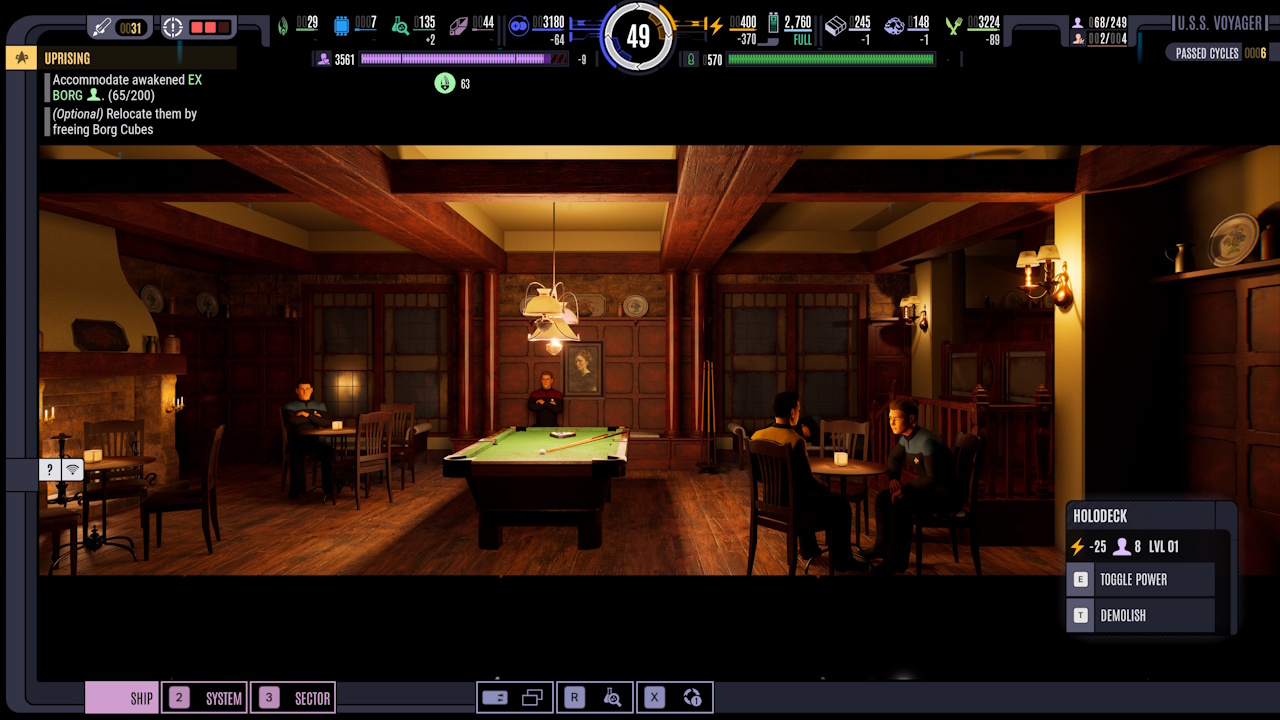
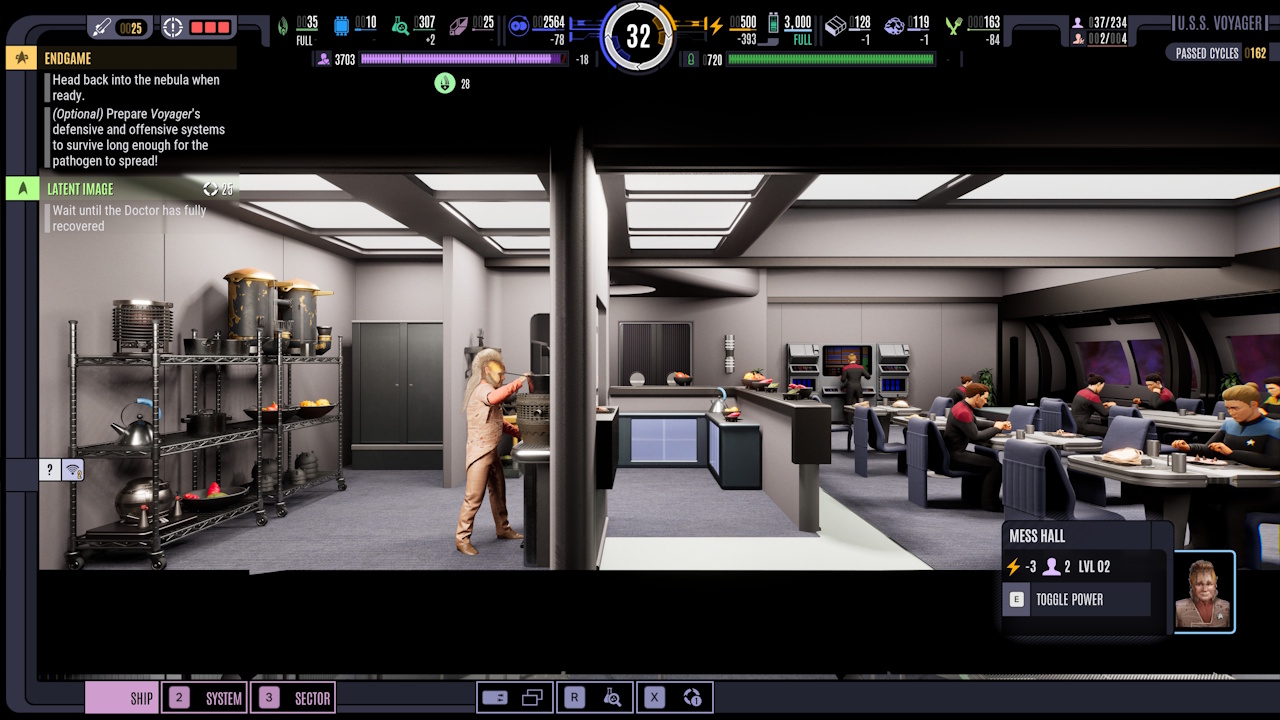
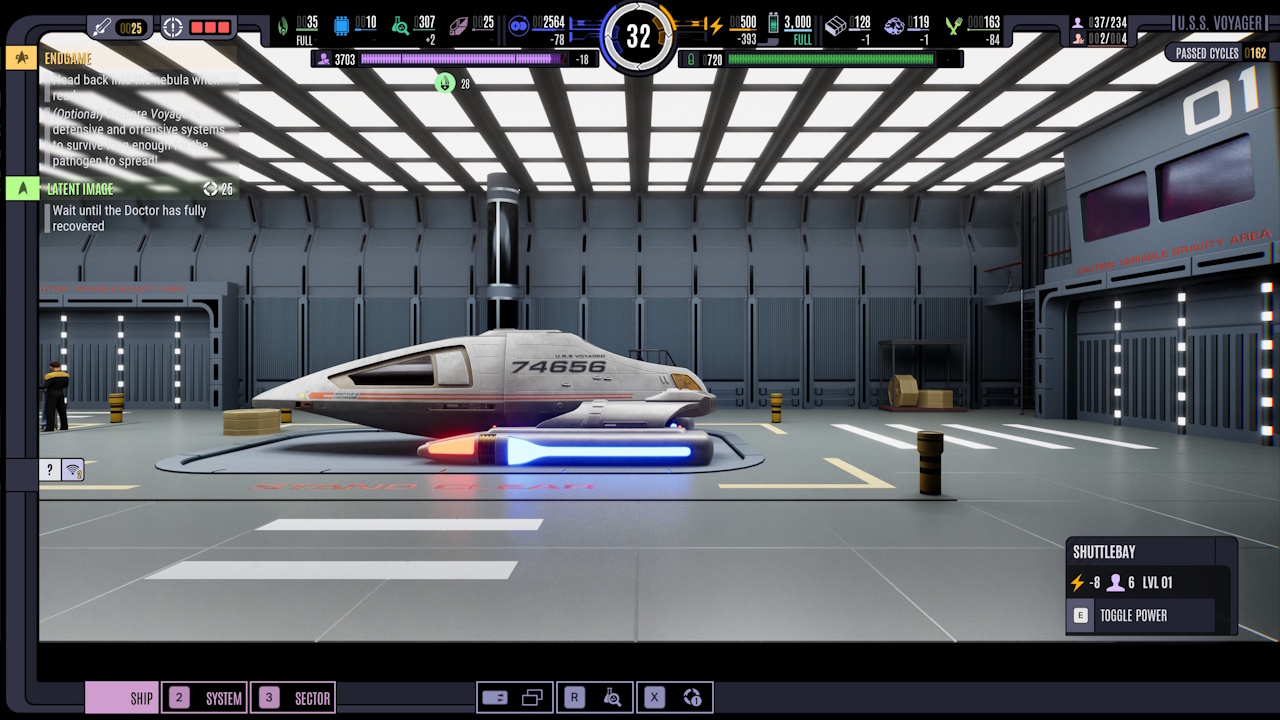
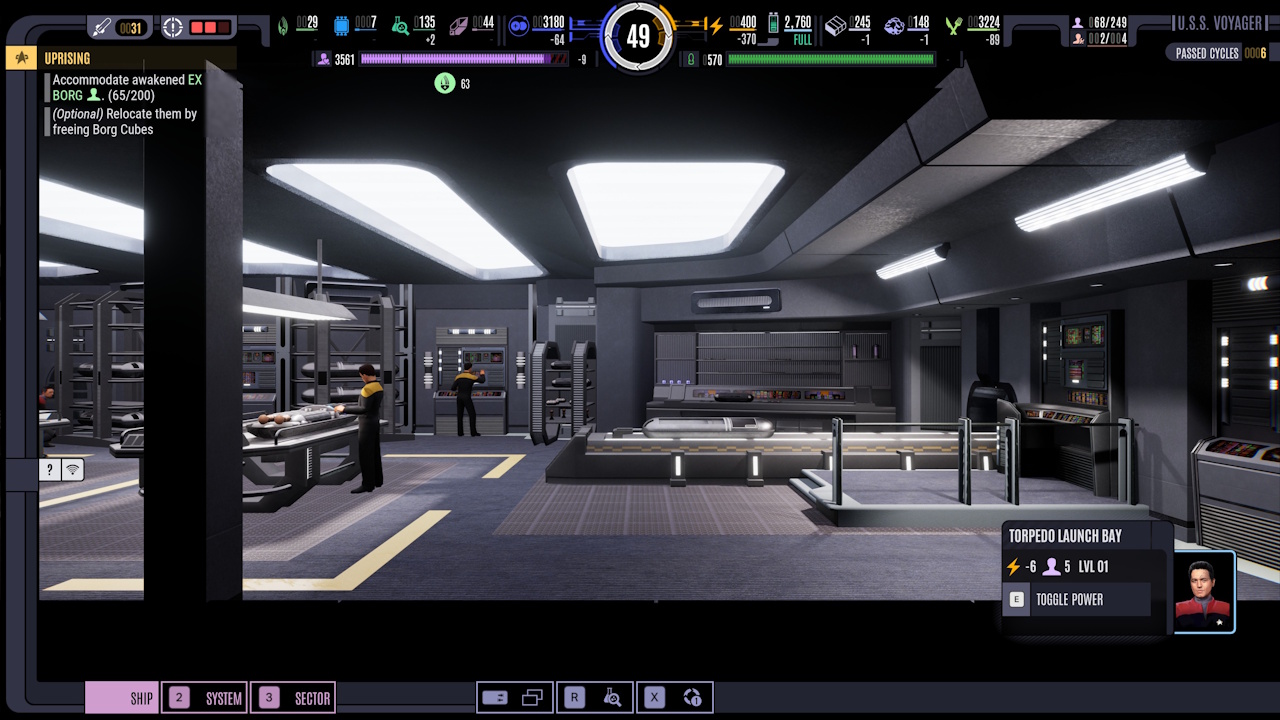
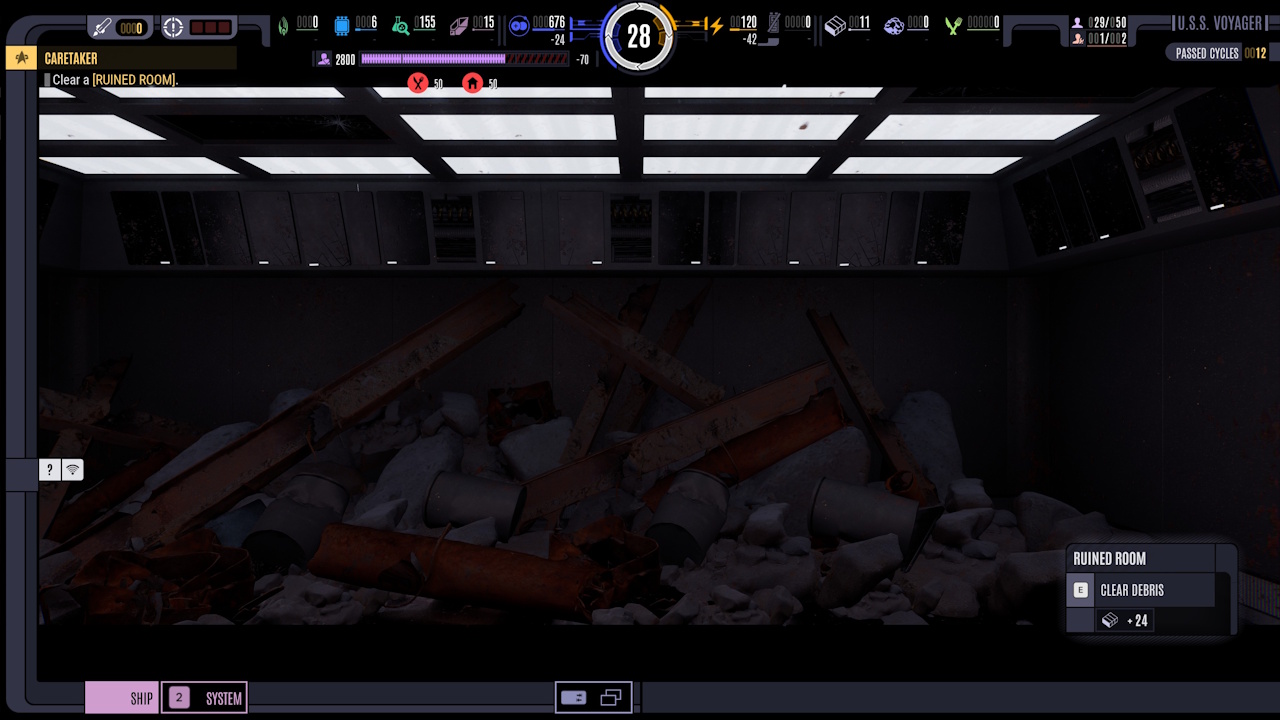
This is Voyager’s MSD (or Master Systems Display; a visual element from the TV series). It’s also where you’ll customise Voyager, clearing debris from damaged rooms, building replacement rooms, and assigning hero characters to be in control of key systems, like weapons, food production, and more.
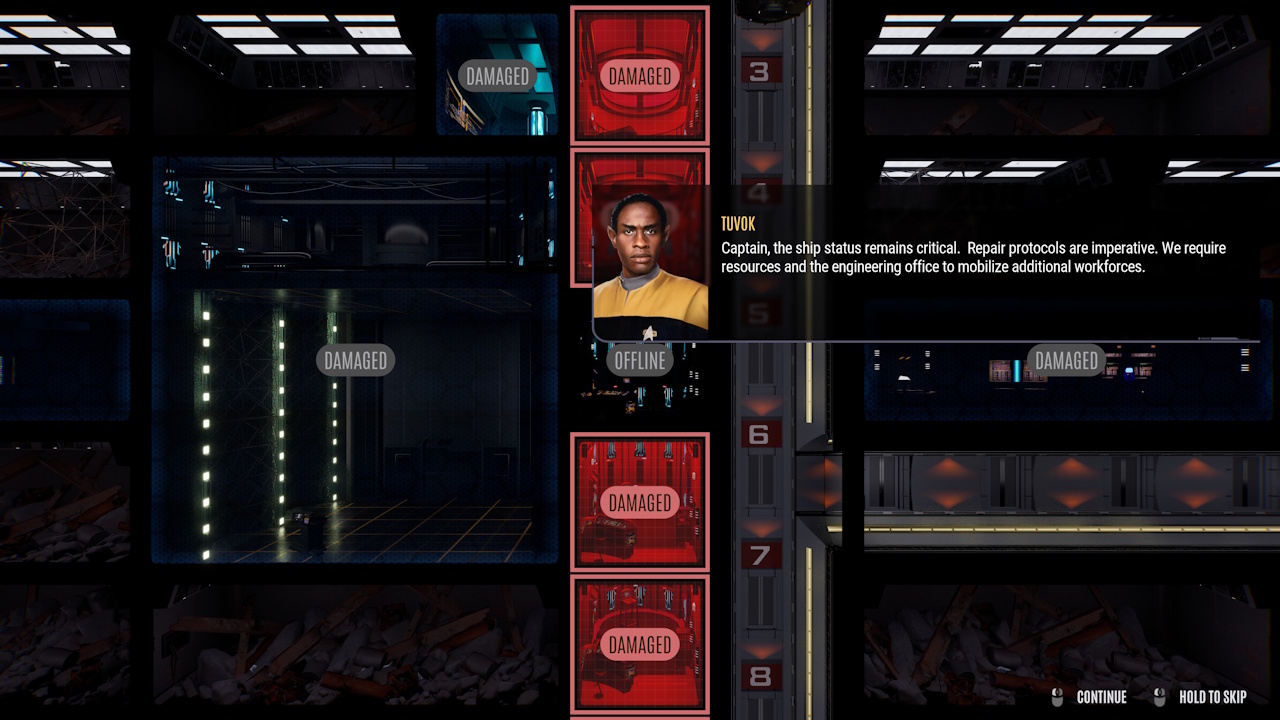
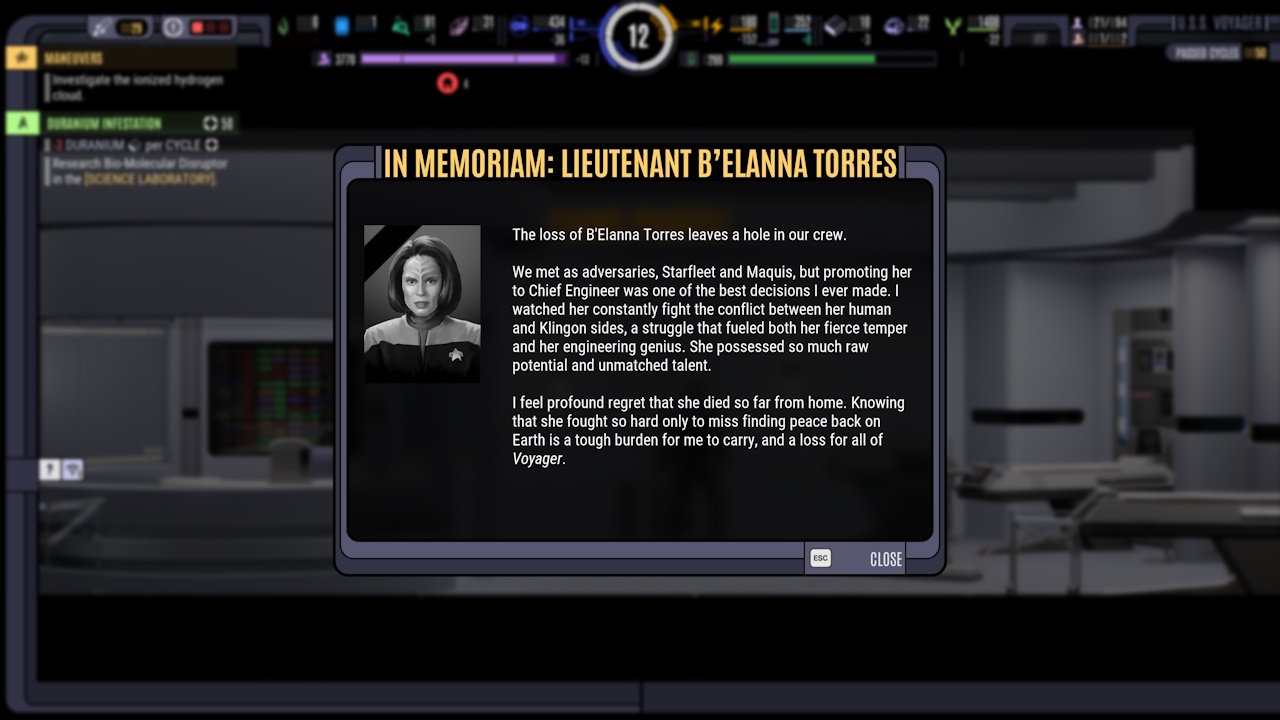
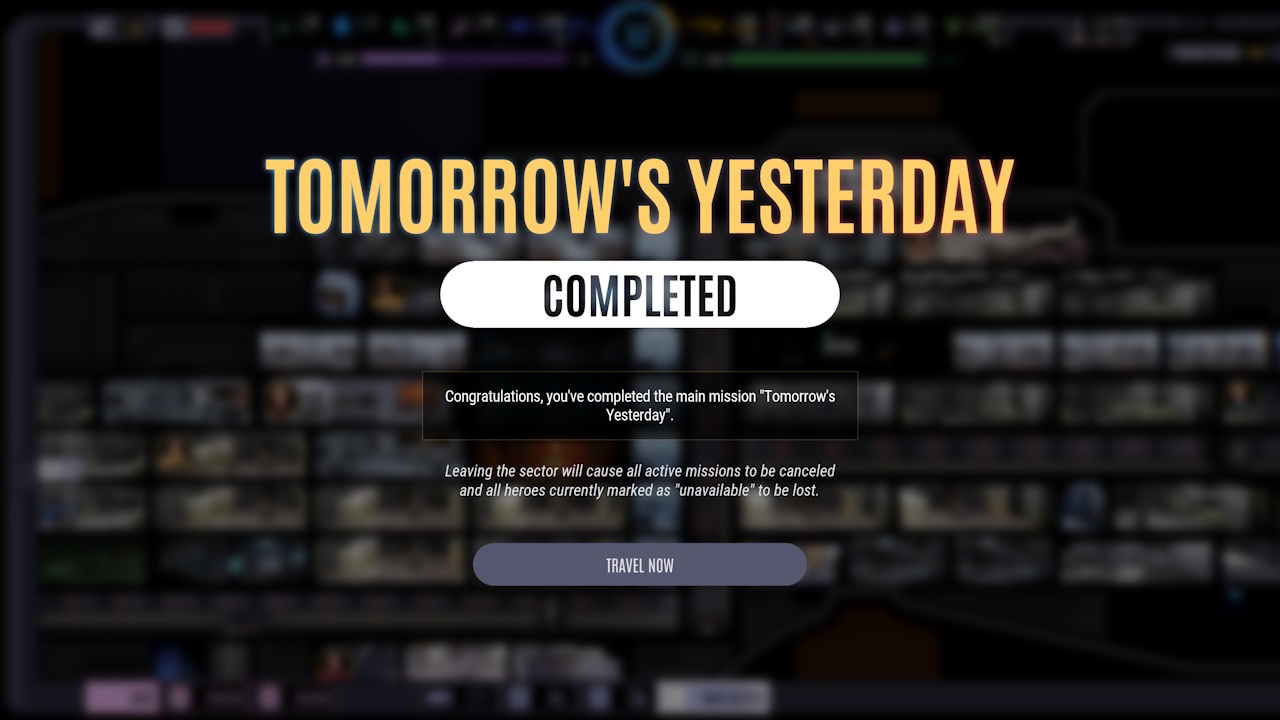
Zoomed-In Rooms:
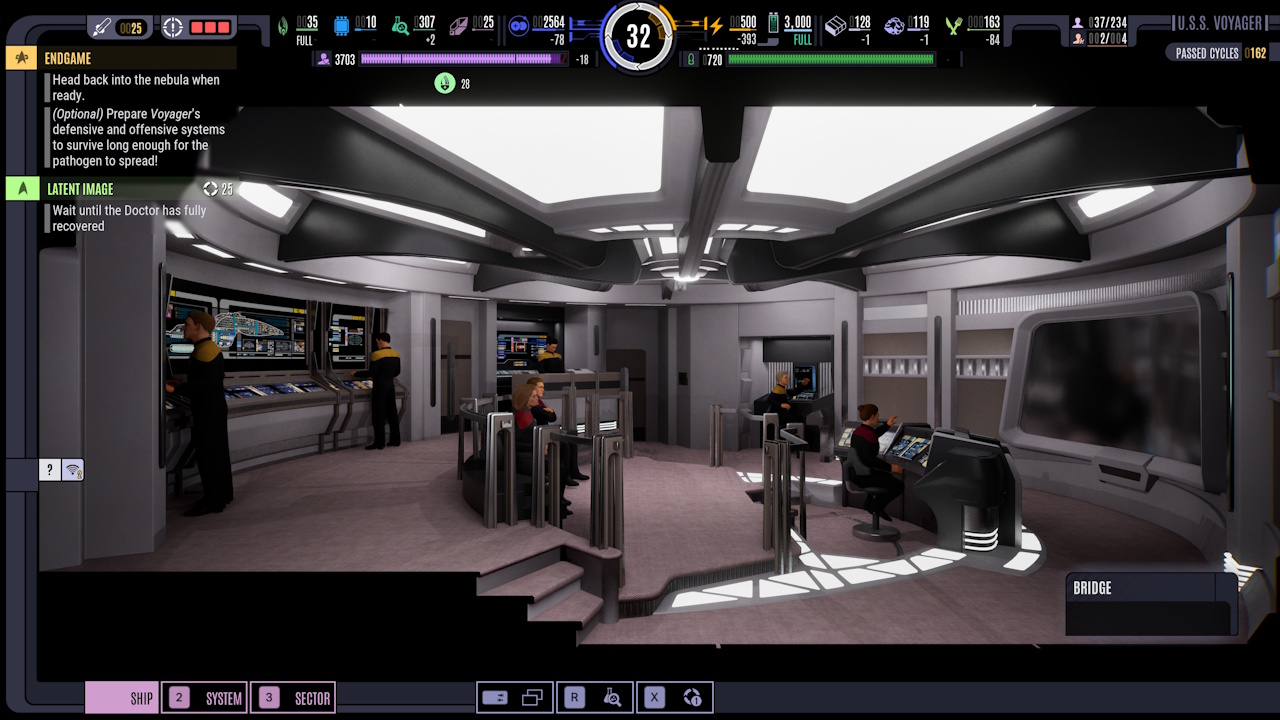
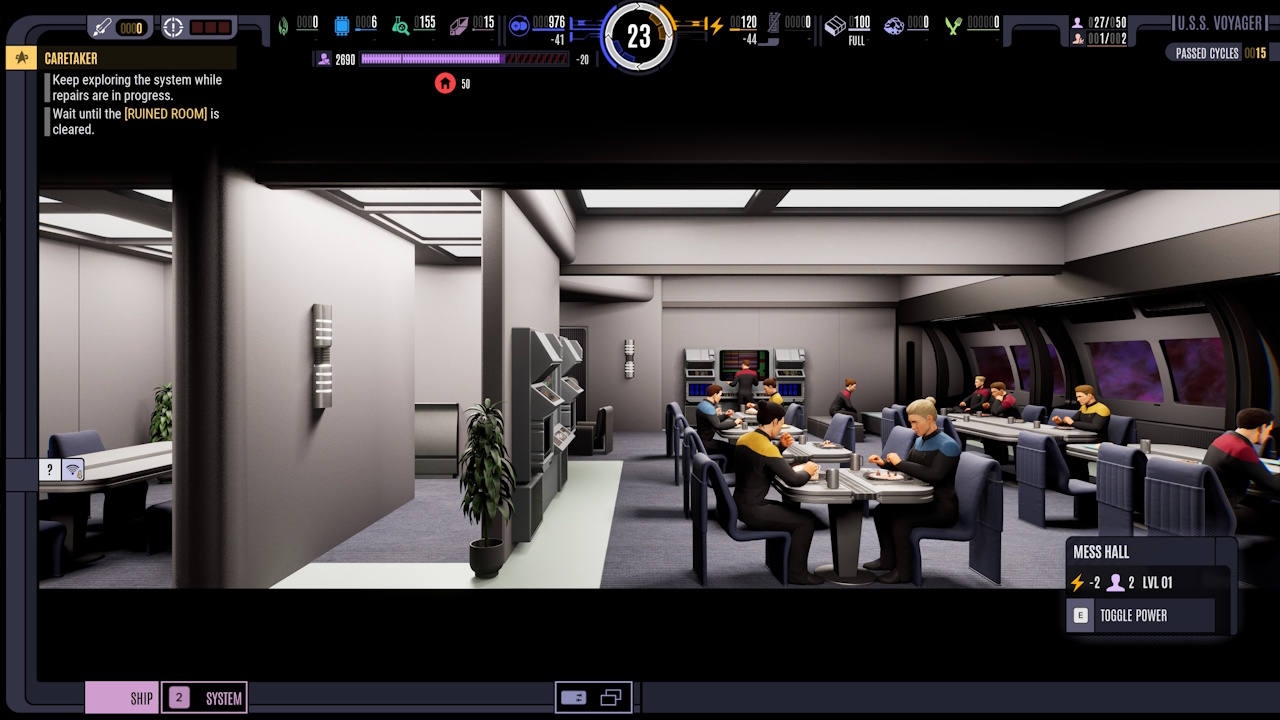
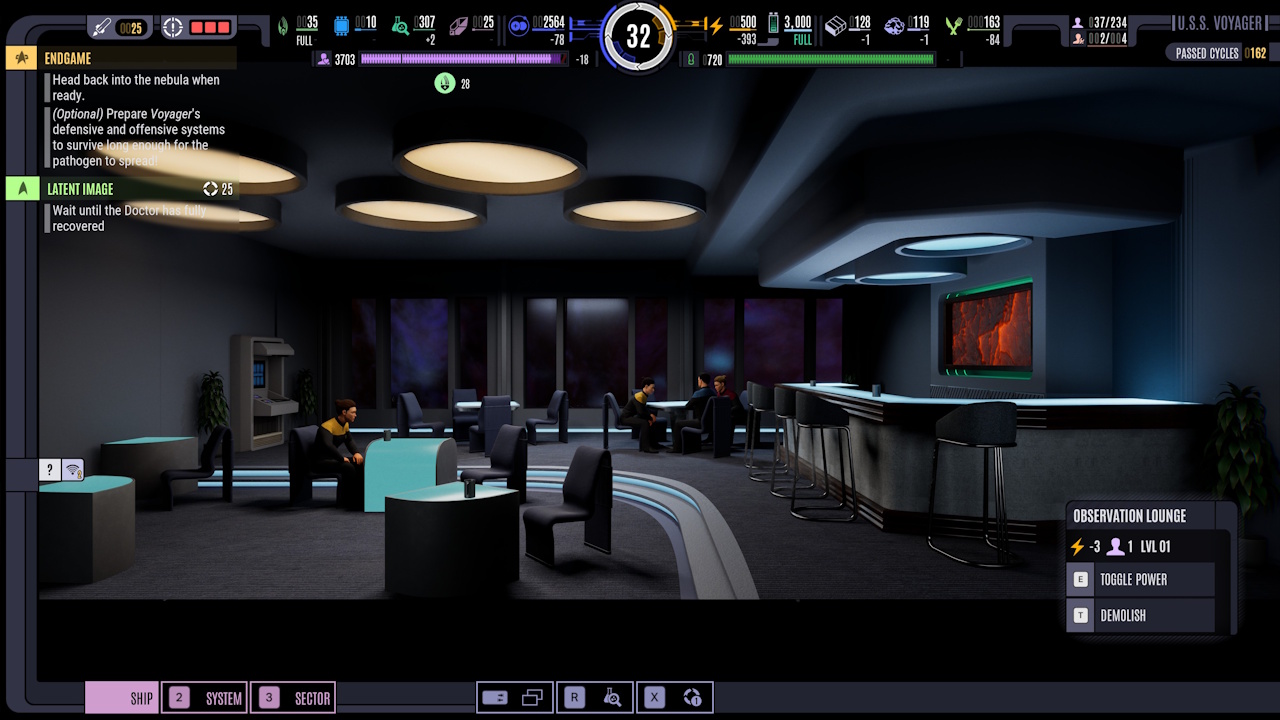
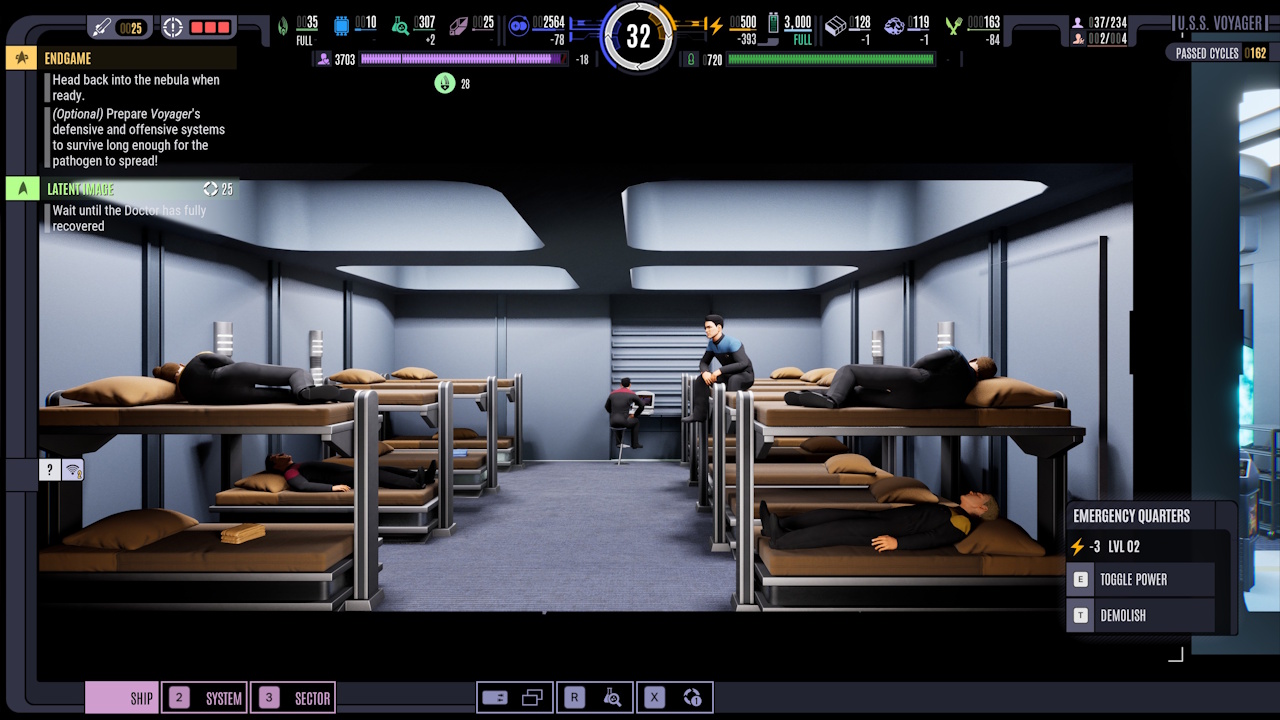
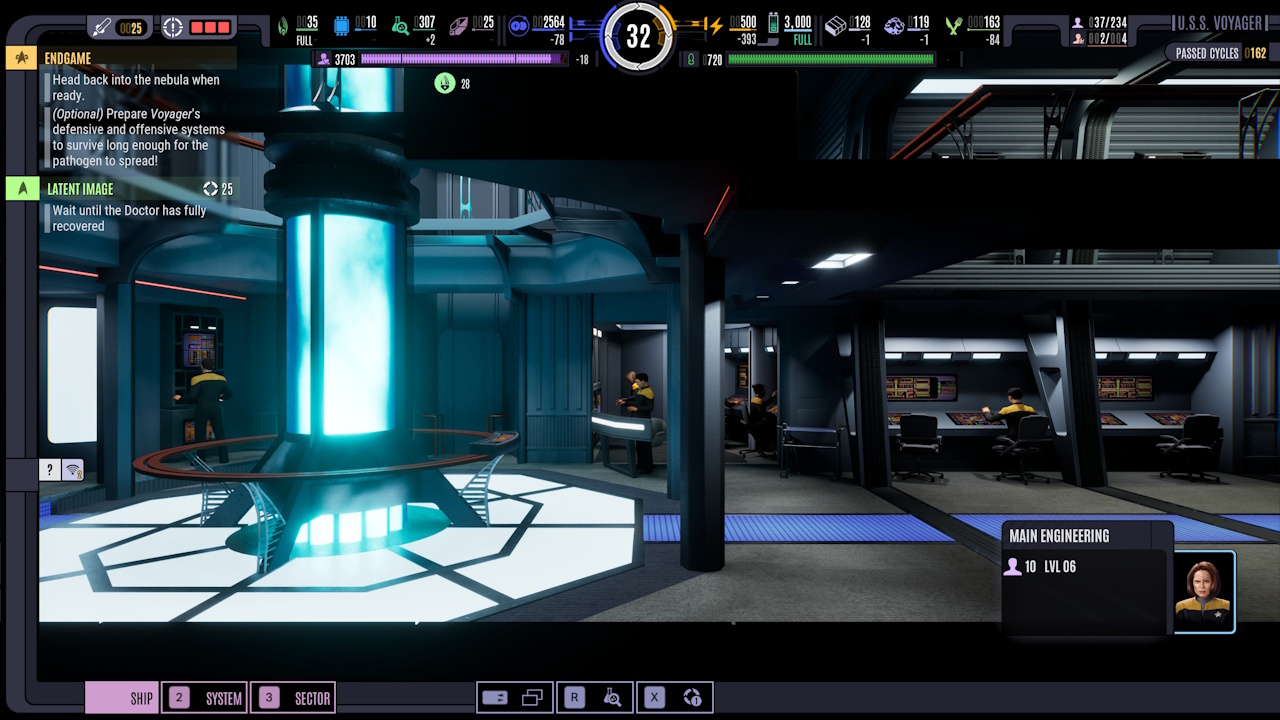
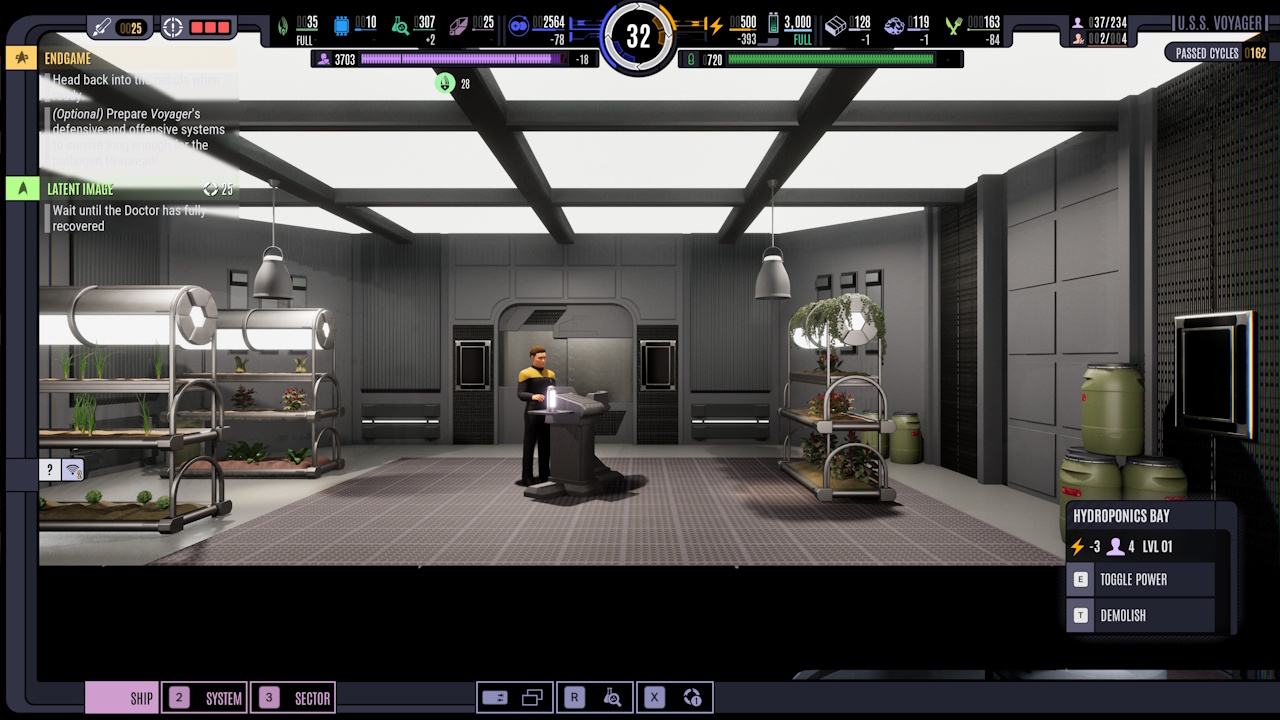
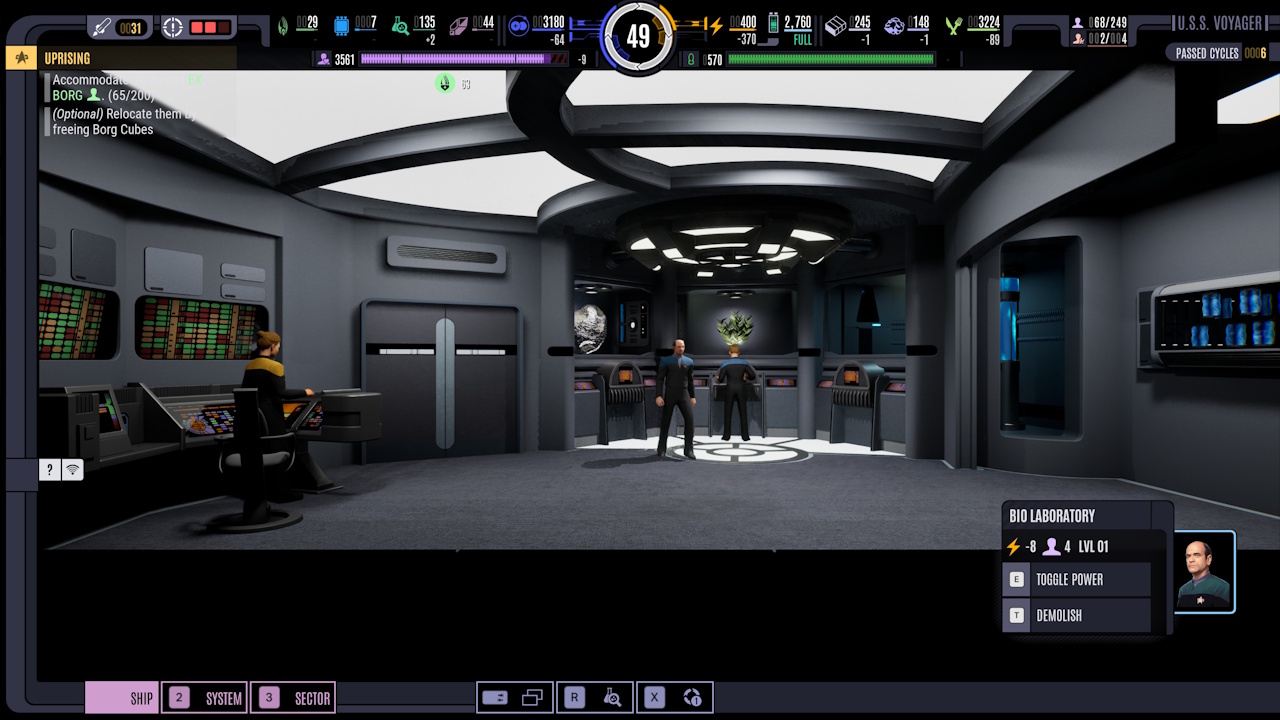
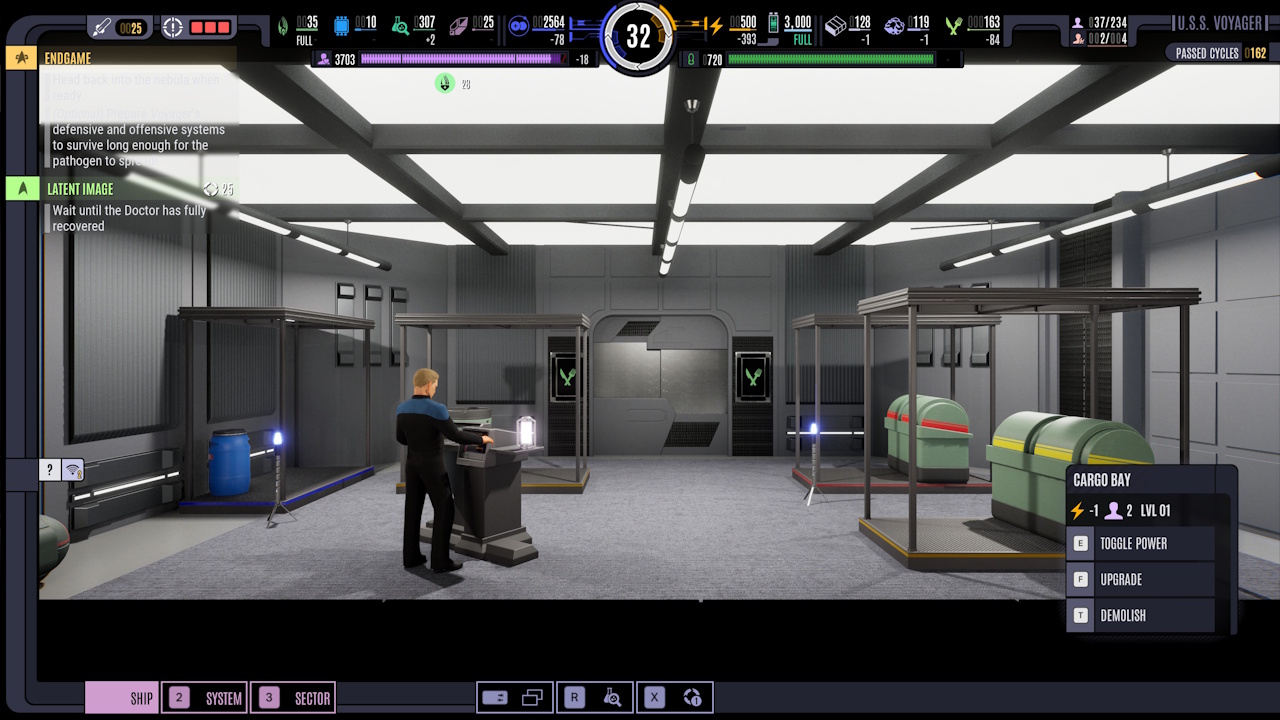
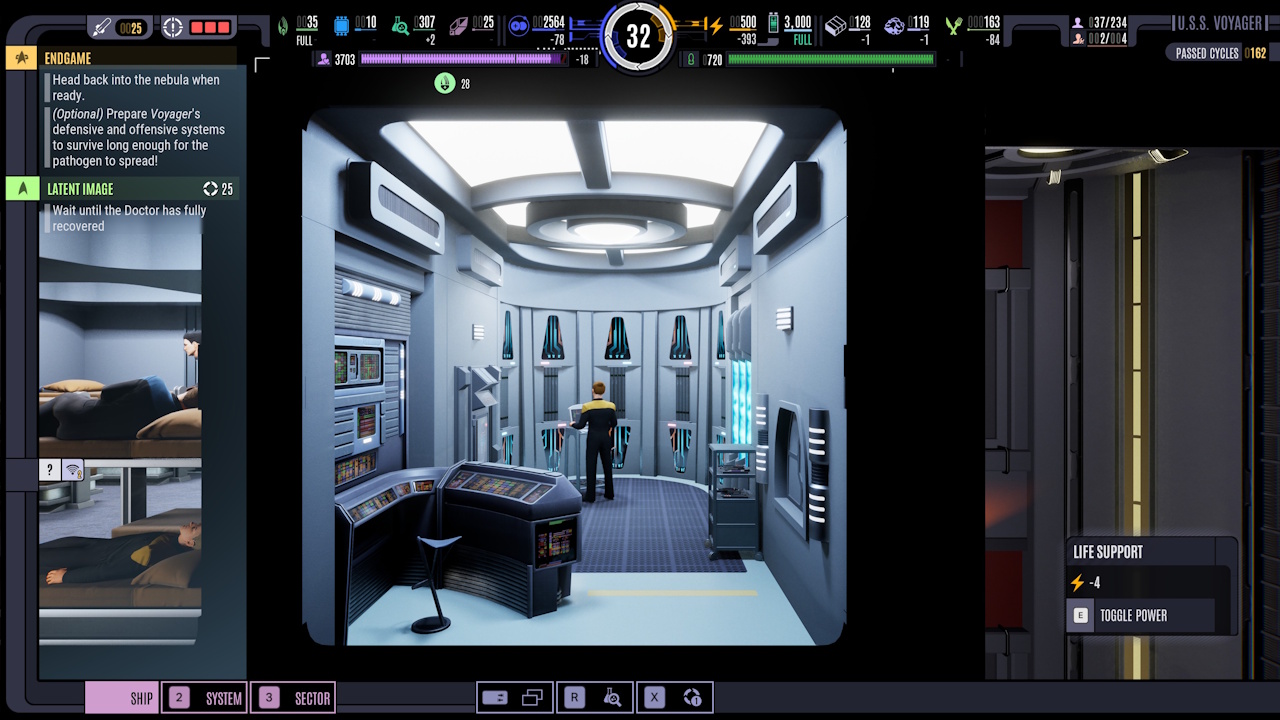
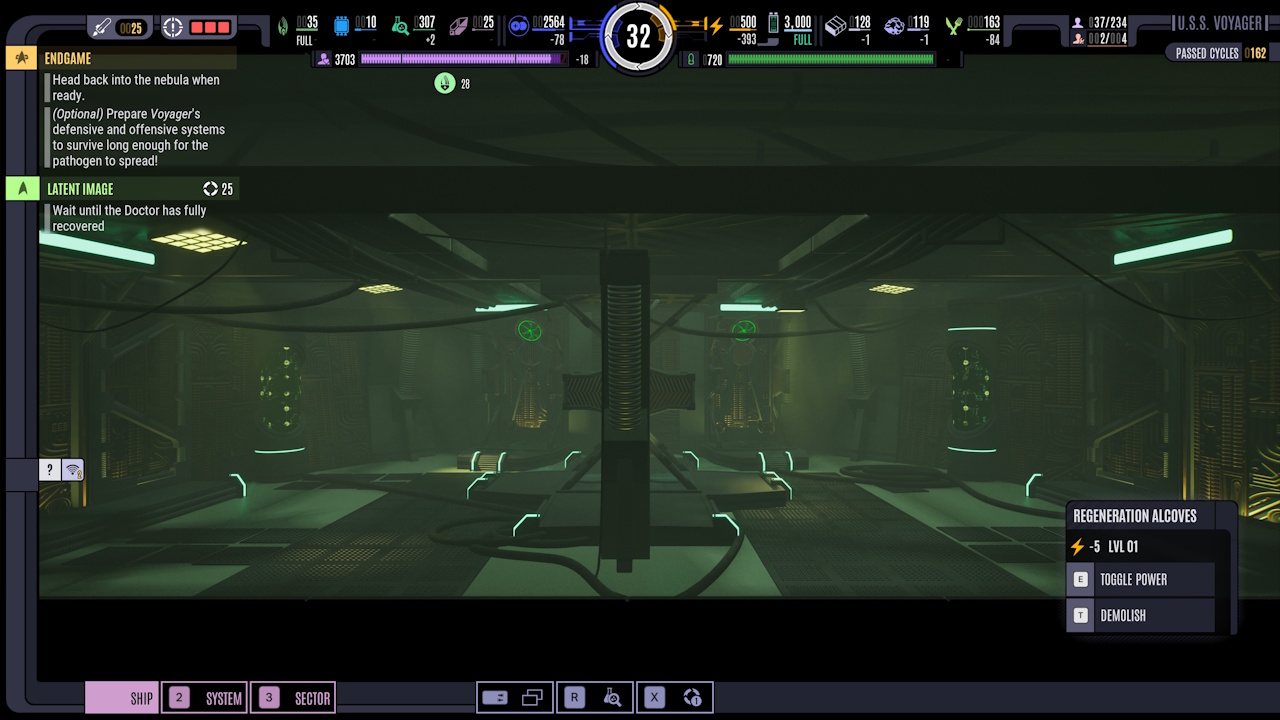
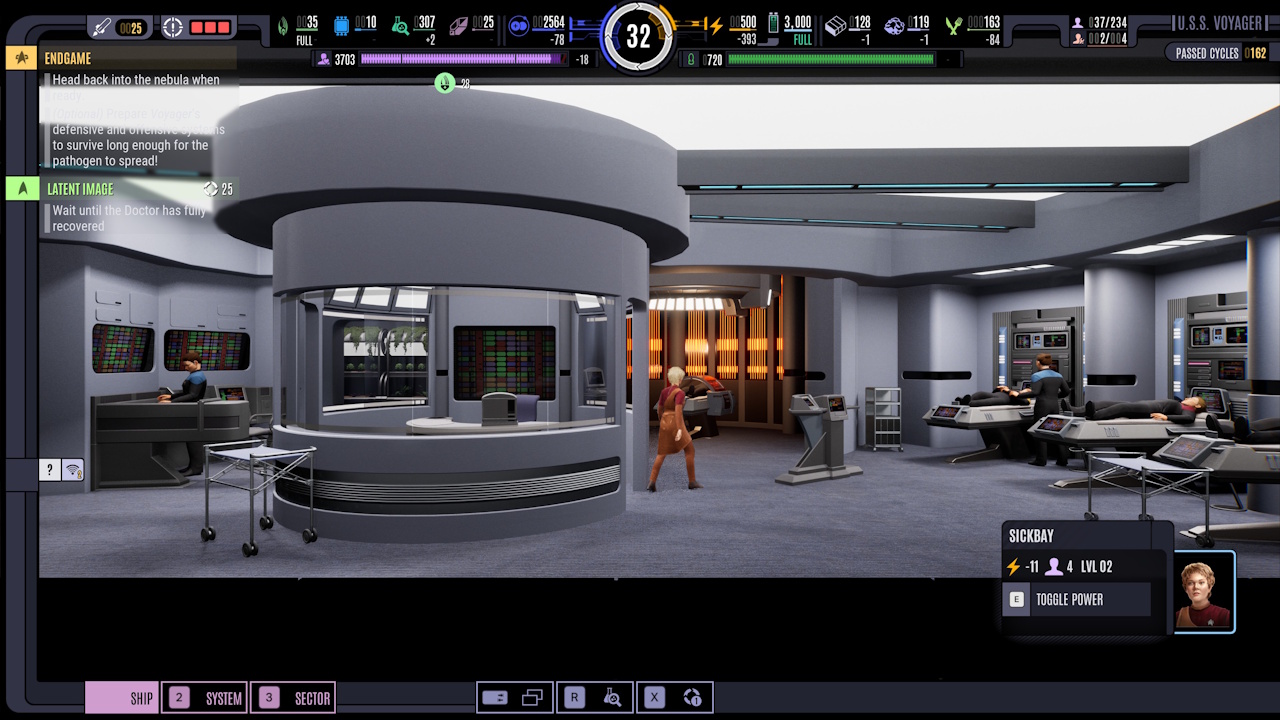
These are a few of the rooms that you can build aboard Voyager. These are from the same MSD/ship view as above, just zoomed in to the individual rooms. It’s fun to see NPCs milling around, keeping the ship flying! Some story moments also take place in rooms like Main Engineering or Sickbay, and you can make some major, run-impacting decisions here.
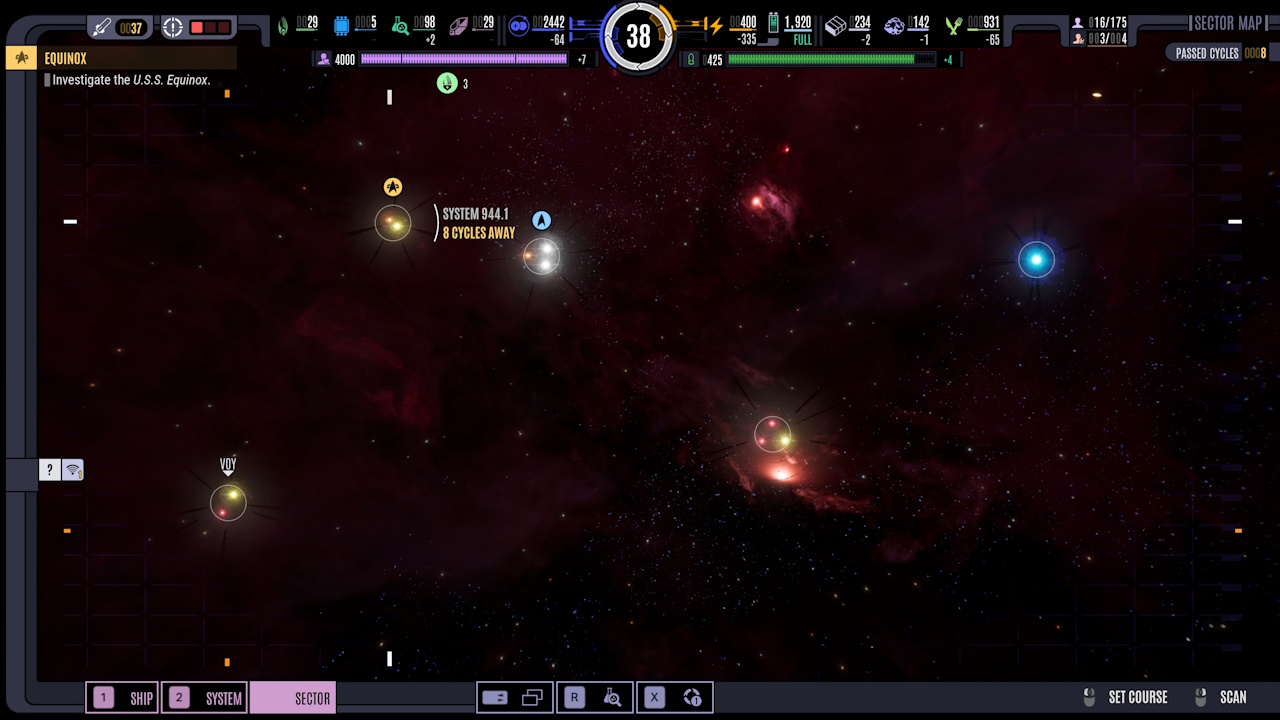
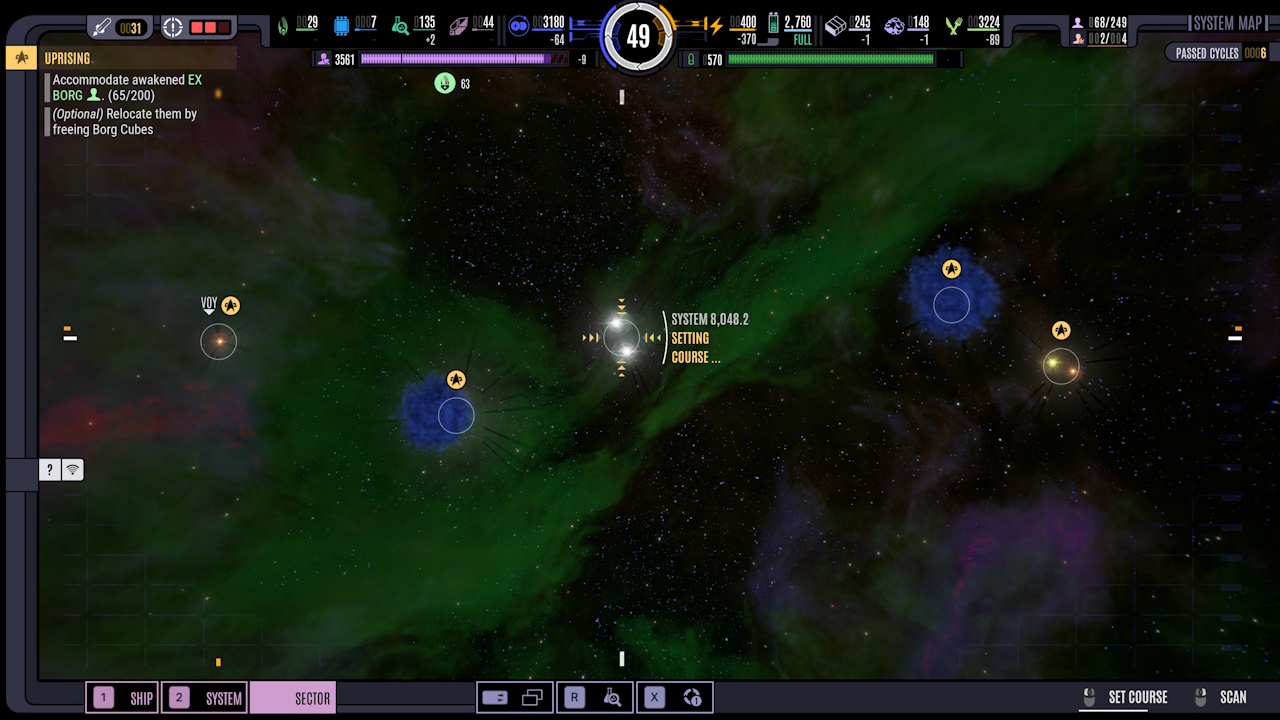
Sector View:
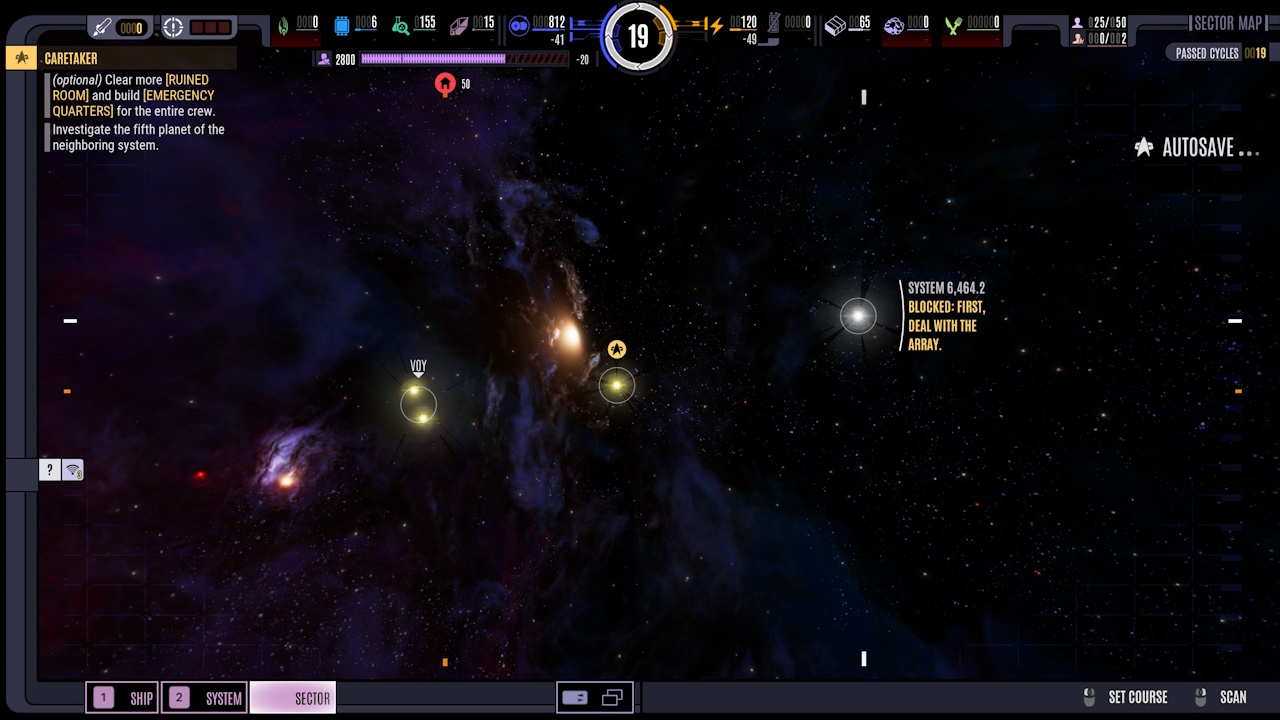
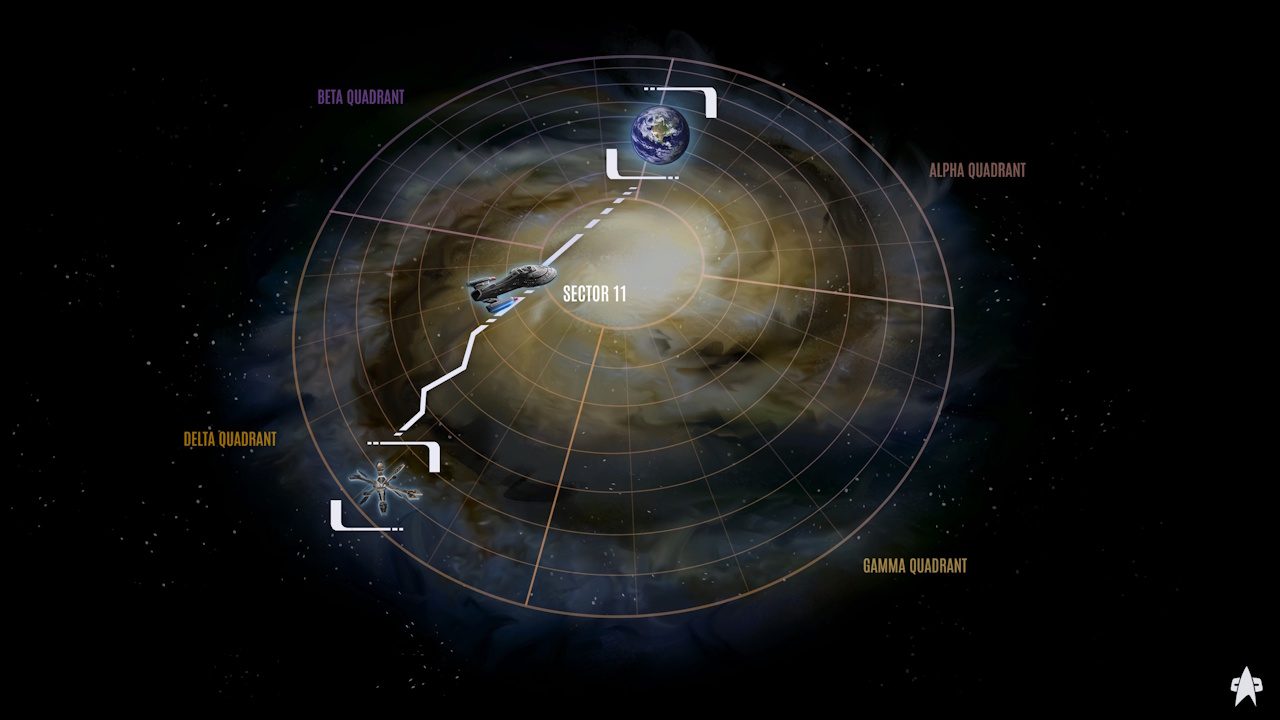
I didn’t spend a lot of time here. All you can really do is choose which system to scan or visit next.
The Tech Tree:
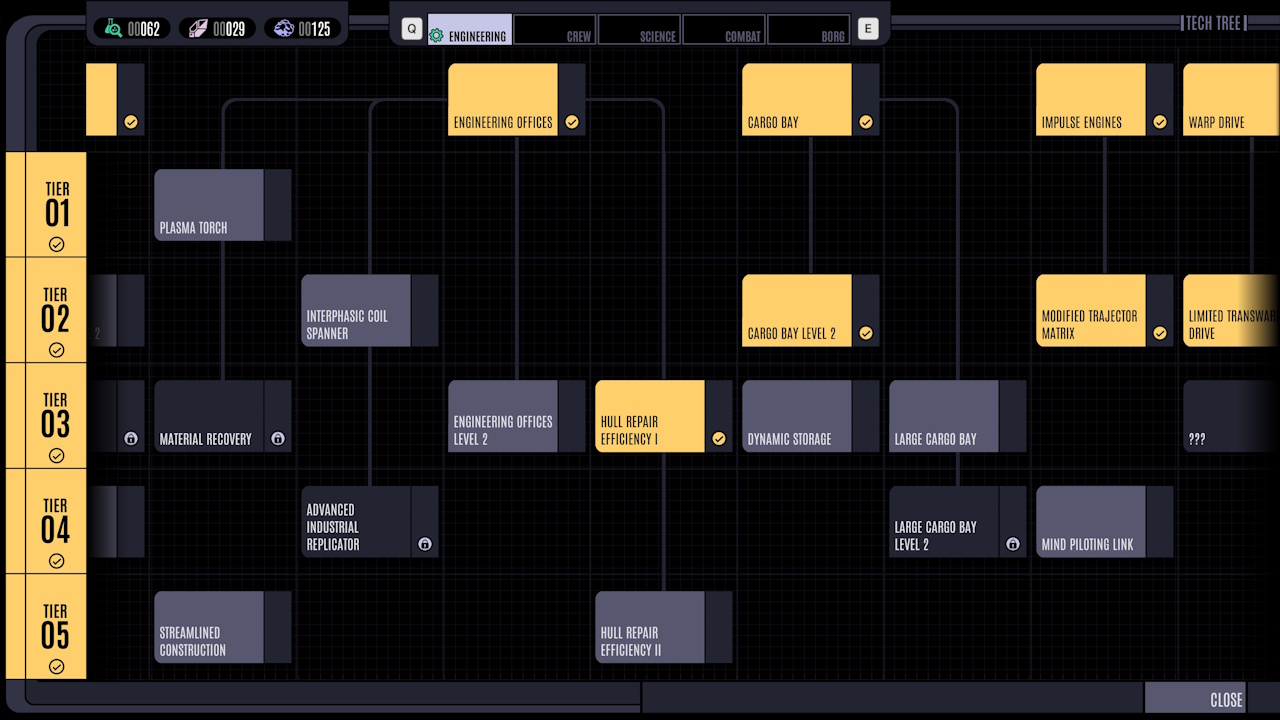
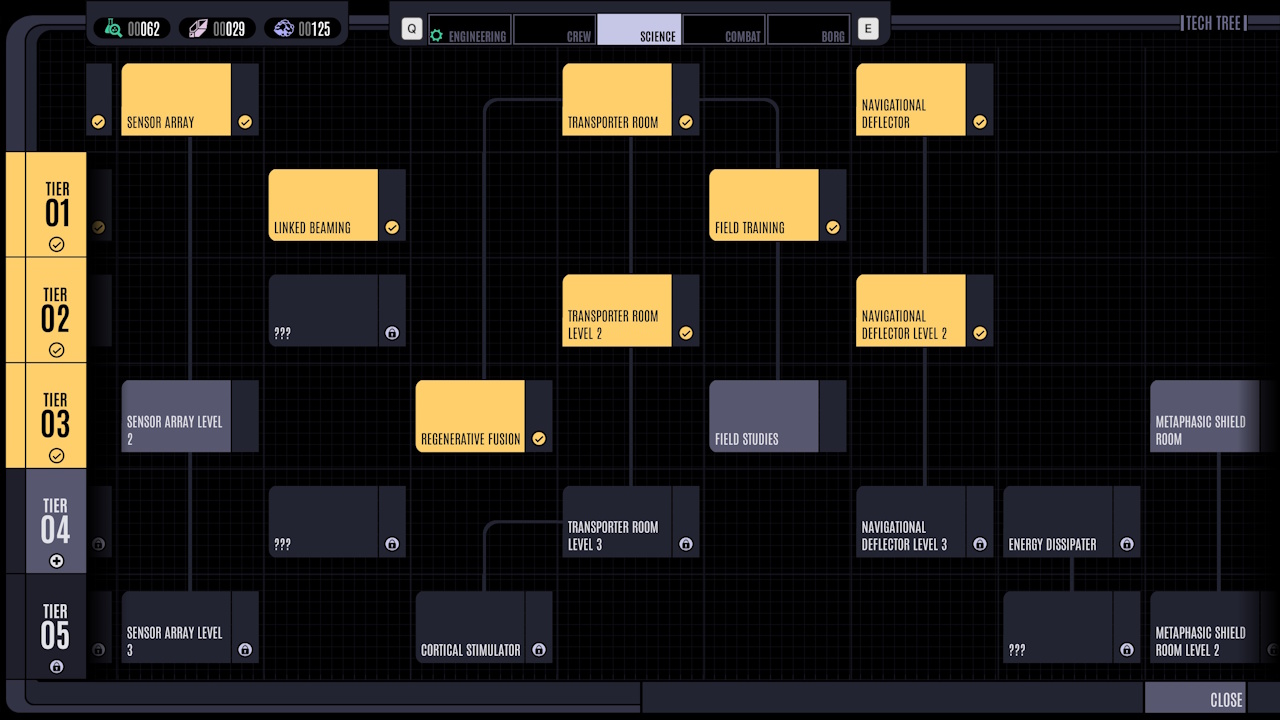
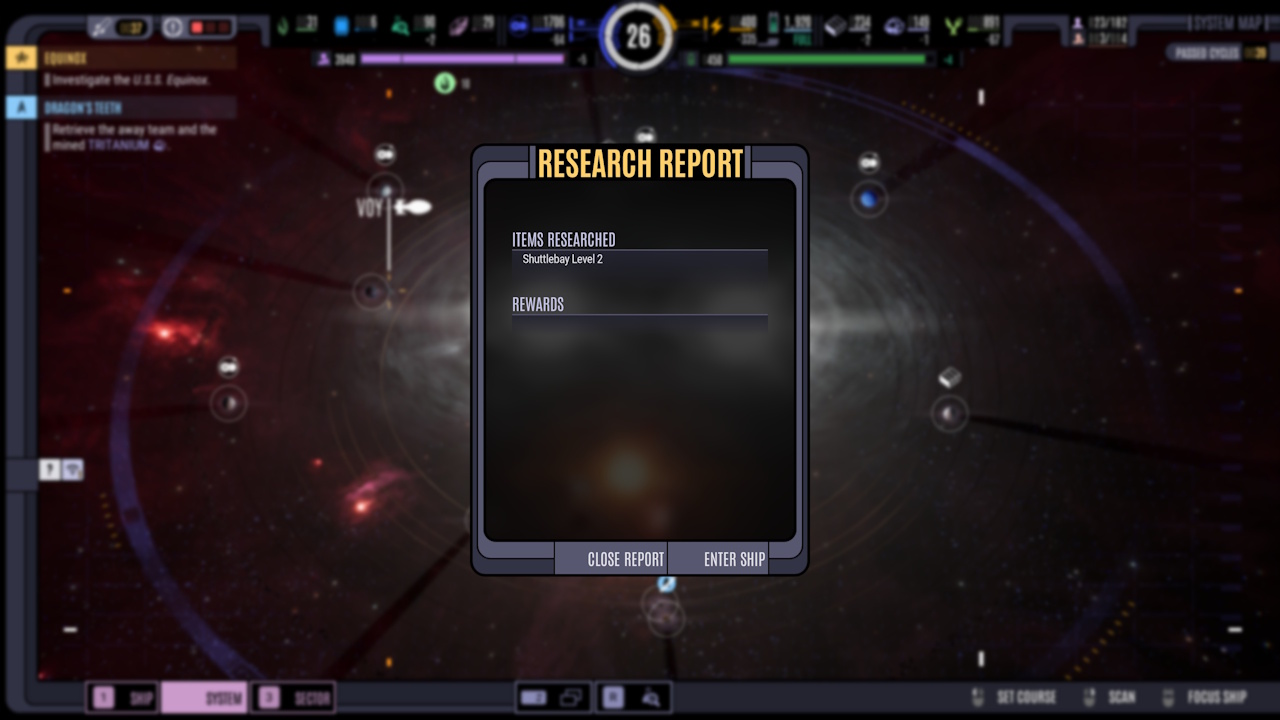
The tech tree is where you unlock new technologies, rooms, and such like. Some of these are available to research at any time if you have the right resources and enough Science Points, but others must be unlocked via missions. There are 5 categories: Engineering, Crew, Science, Combat, and Borg.
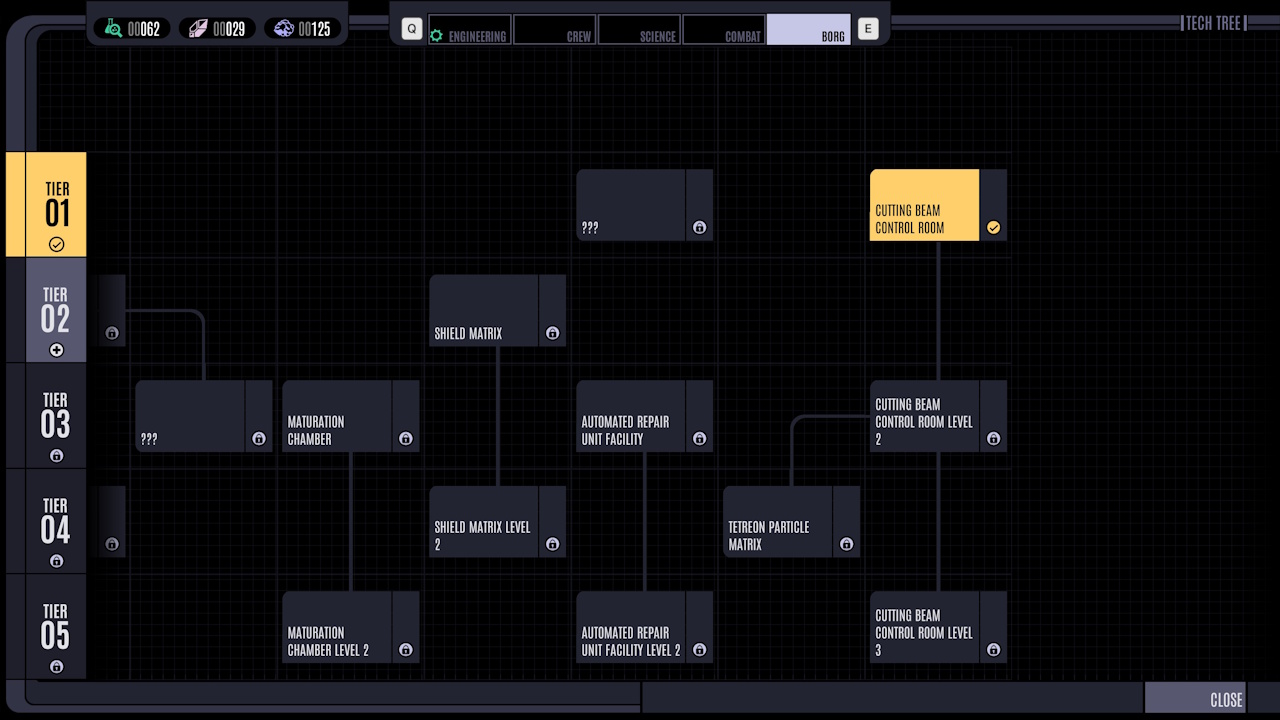
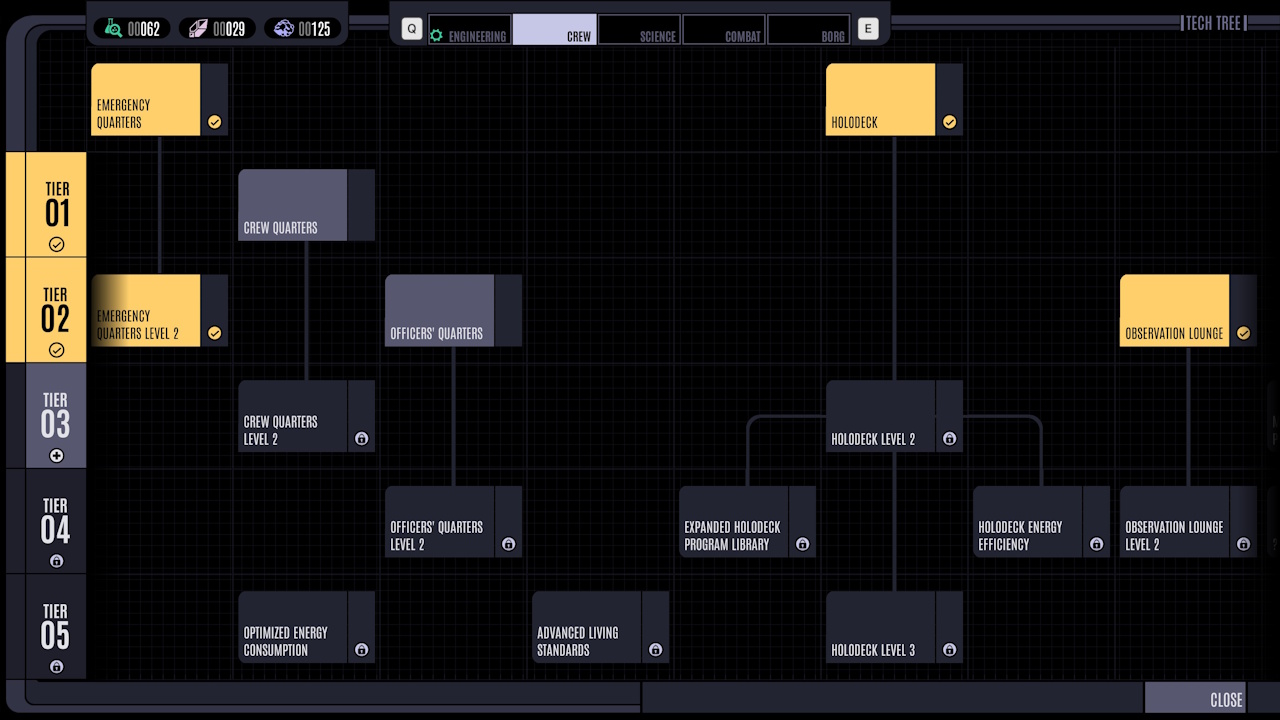
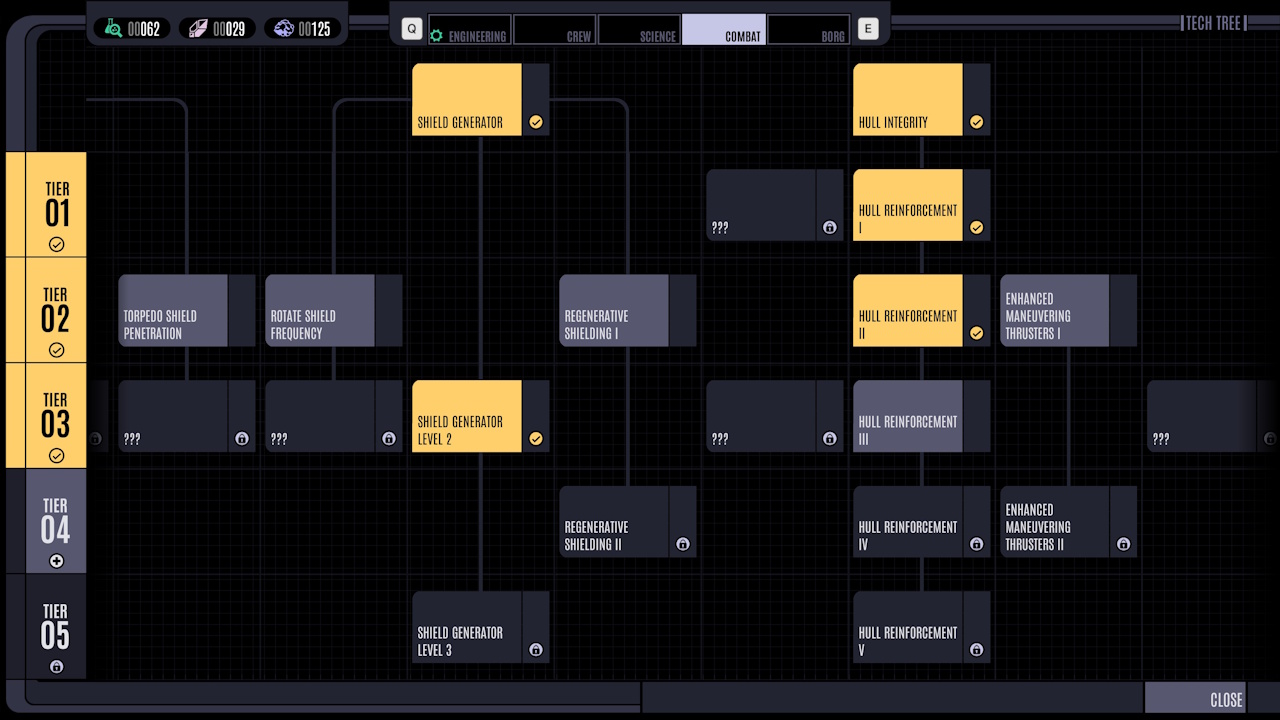
Cut-Scenes:
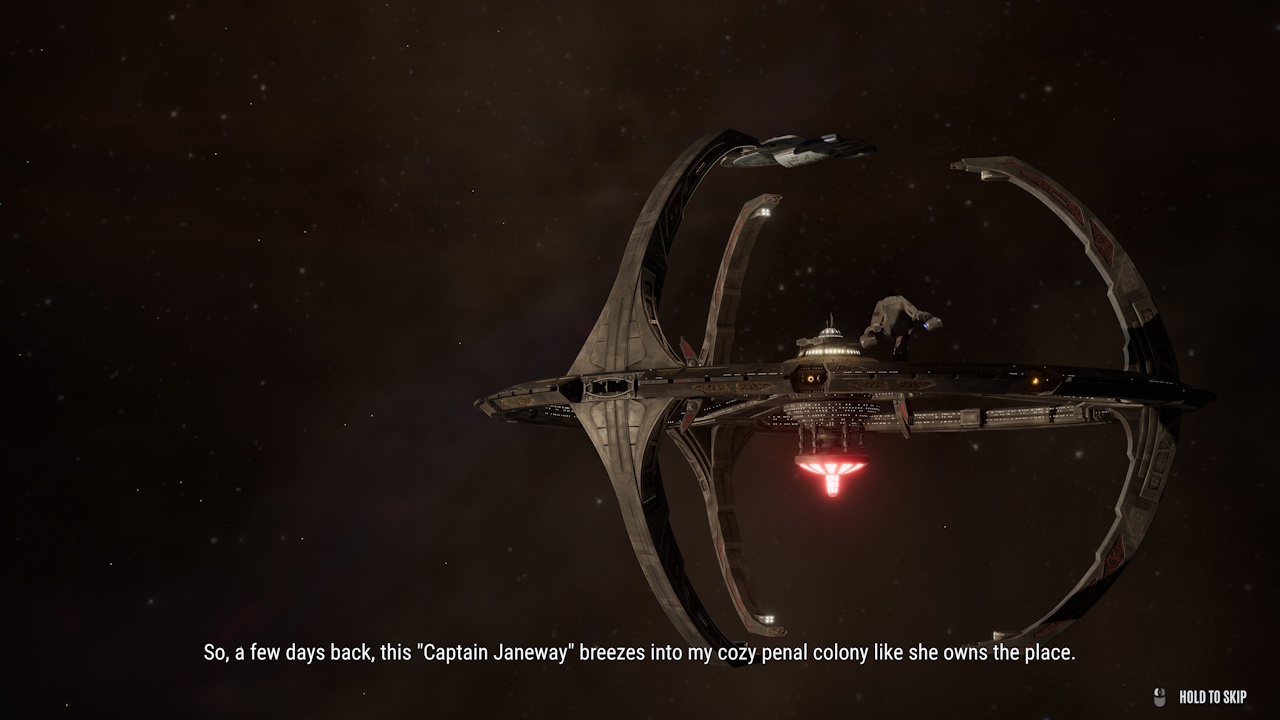
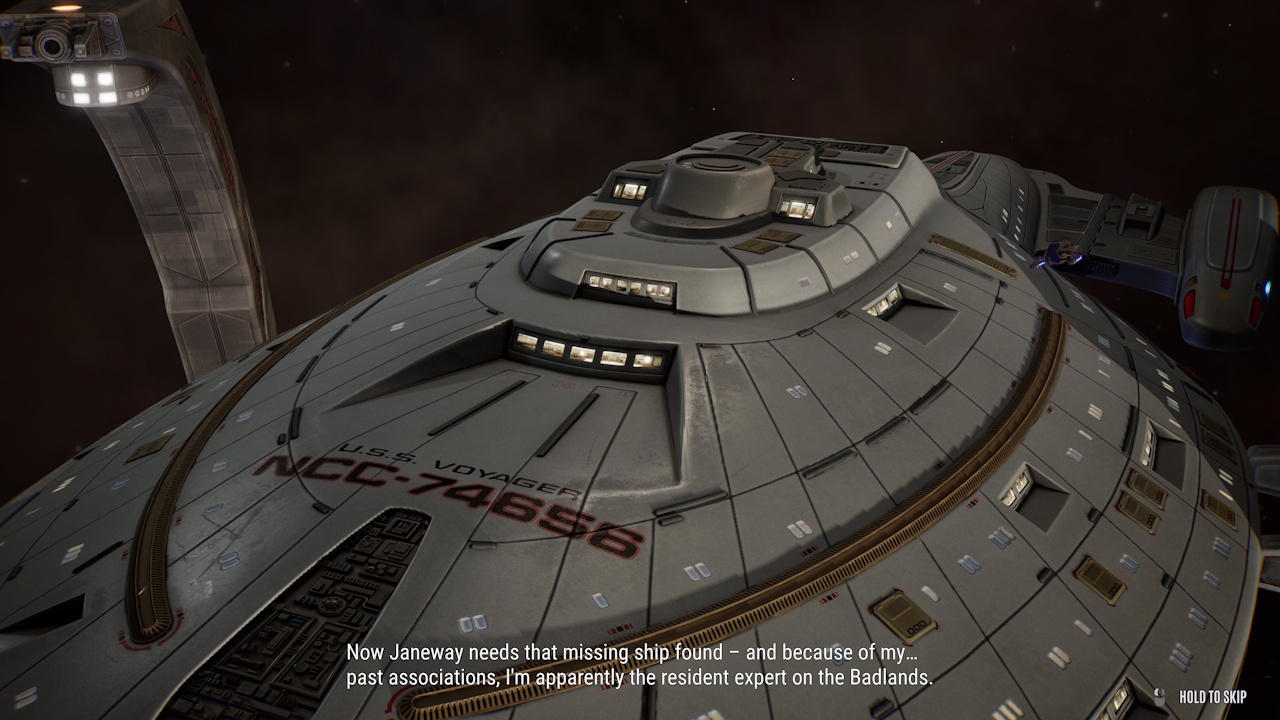
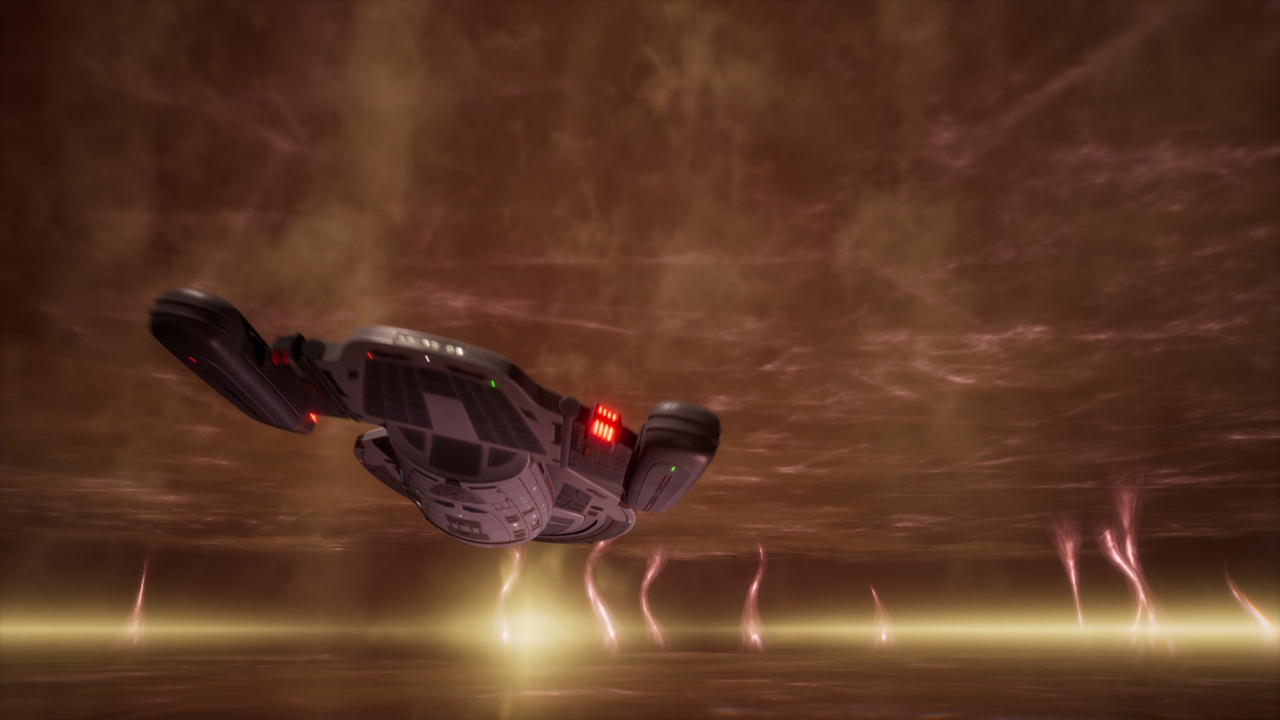
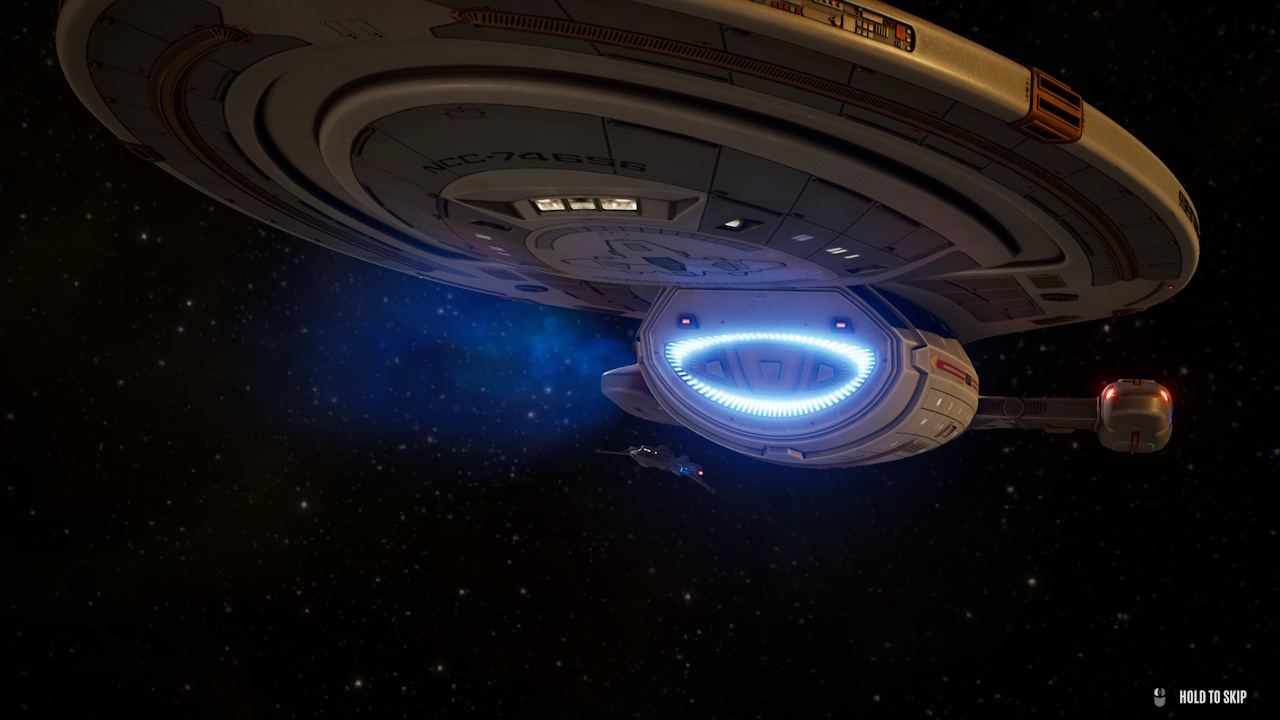
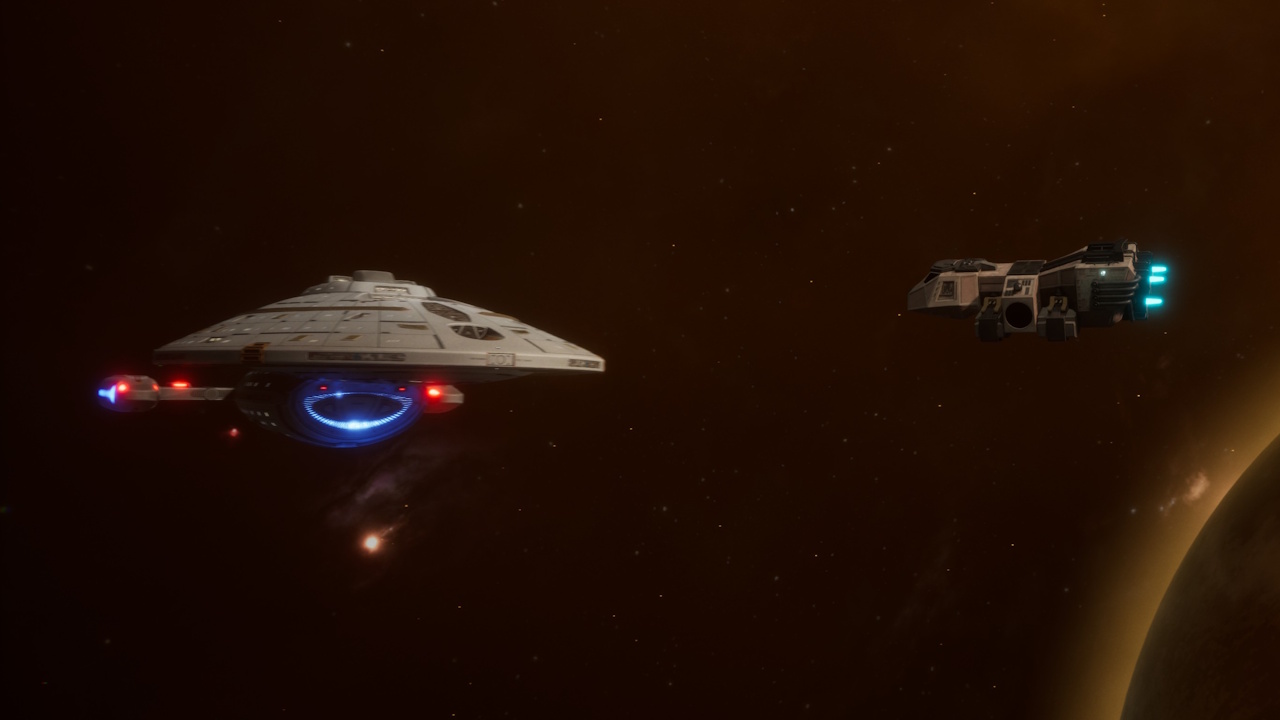
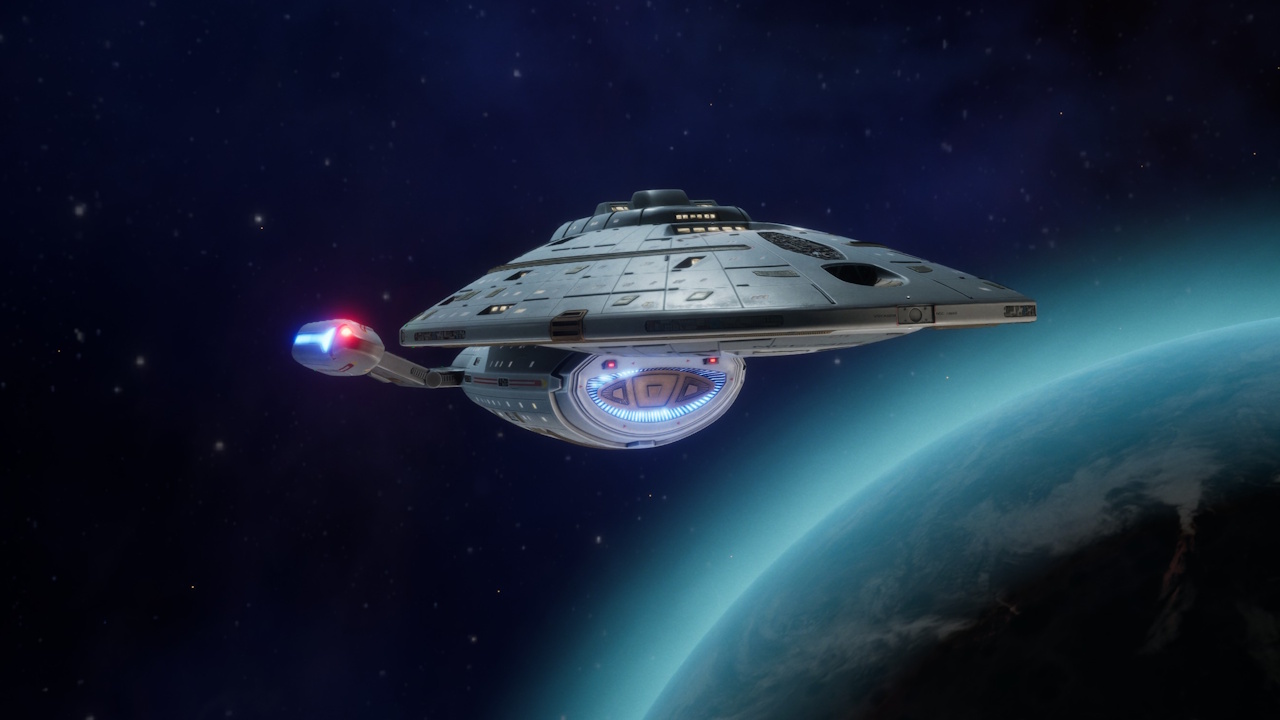
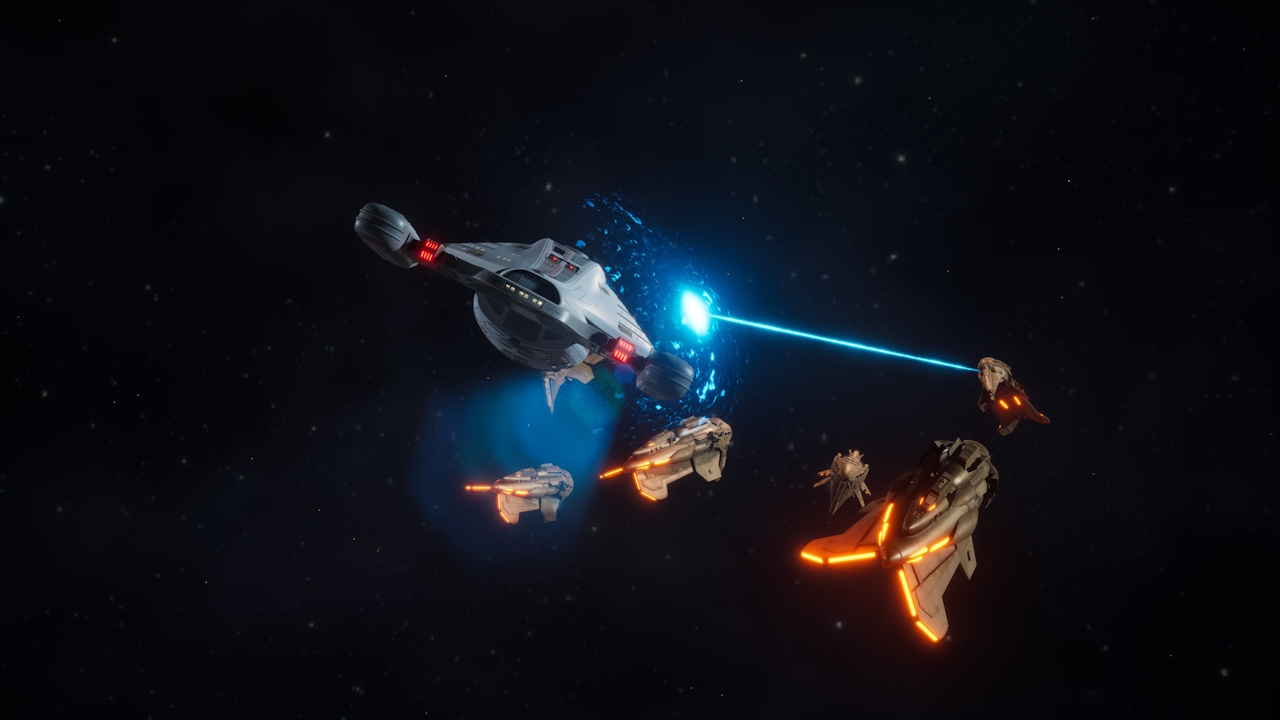
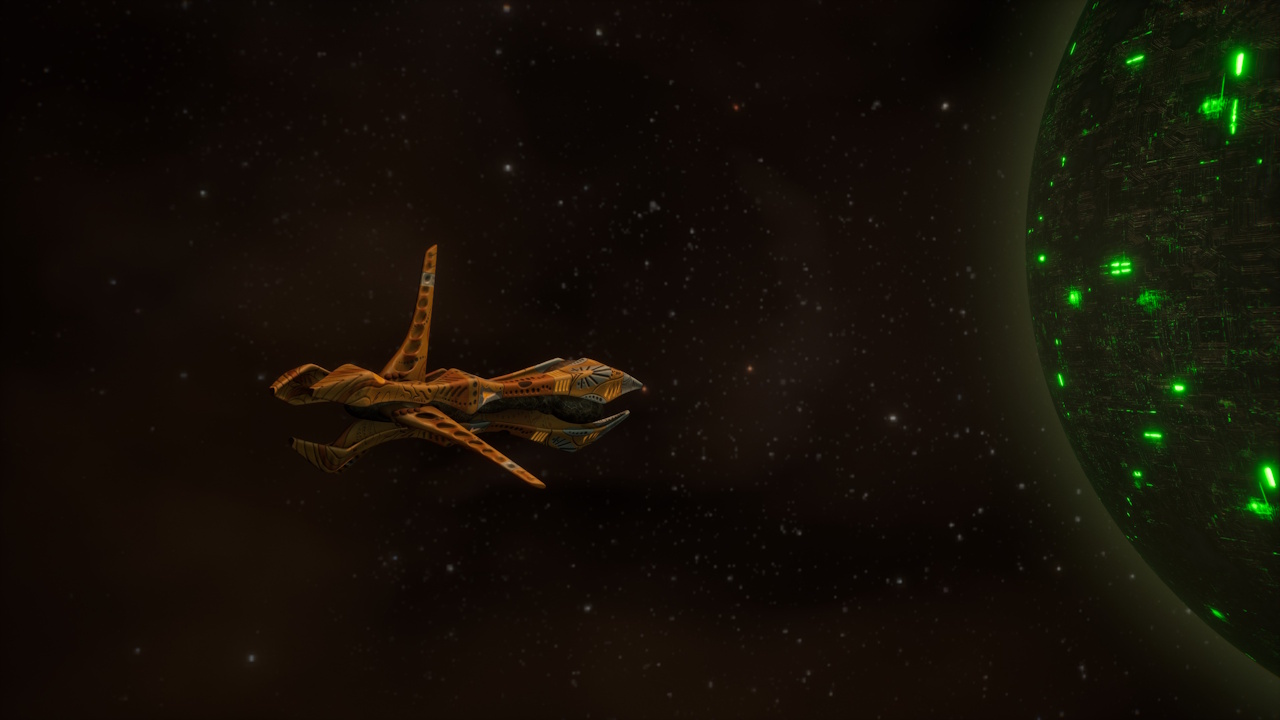
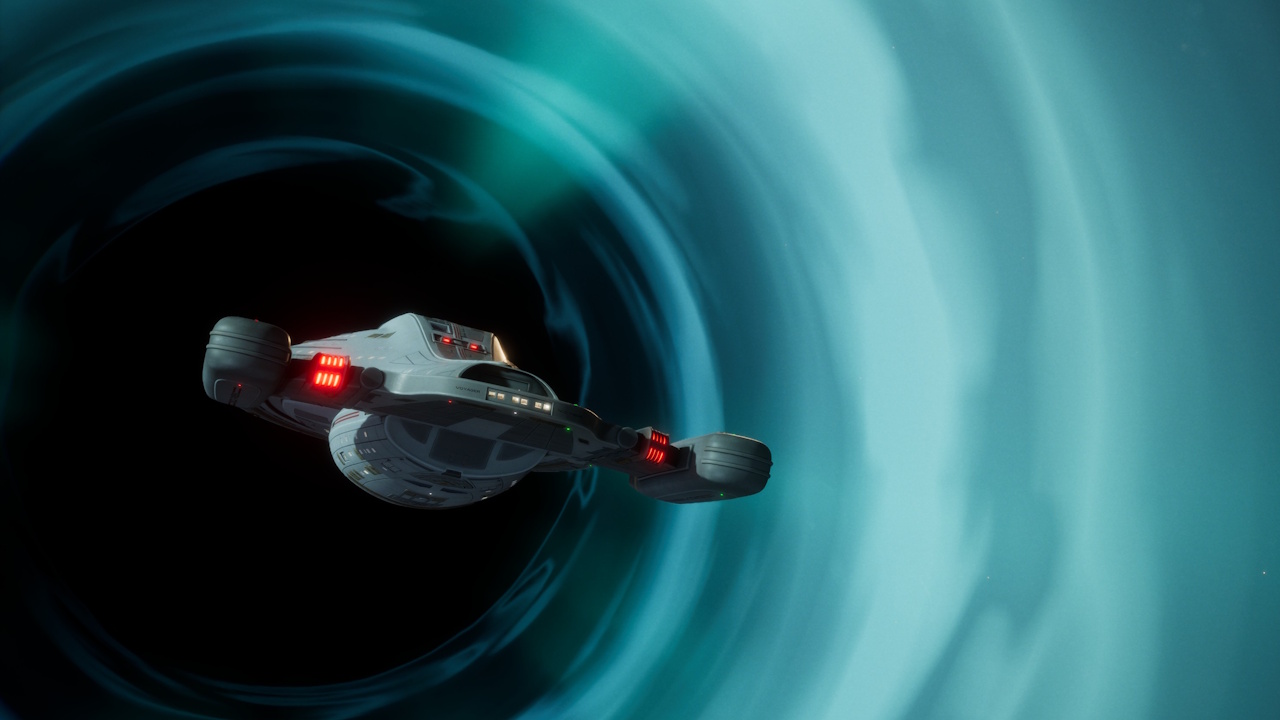
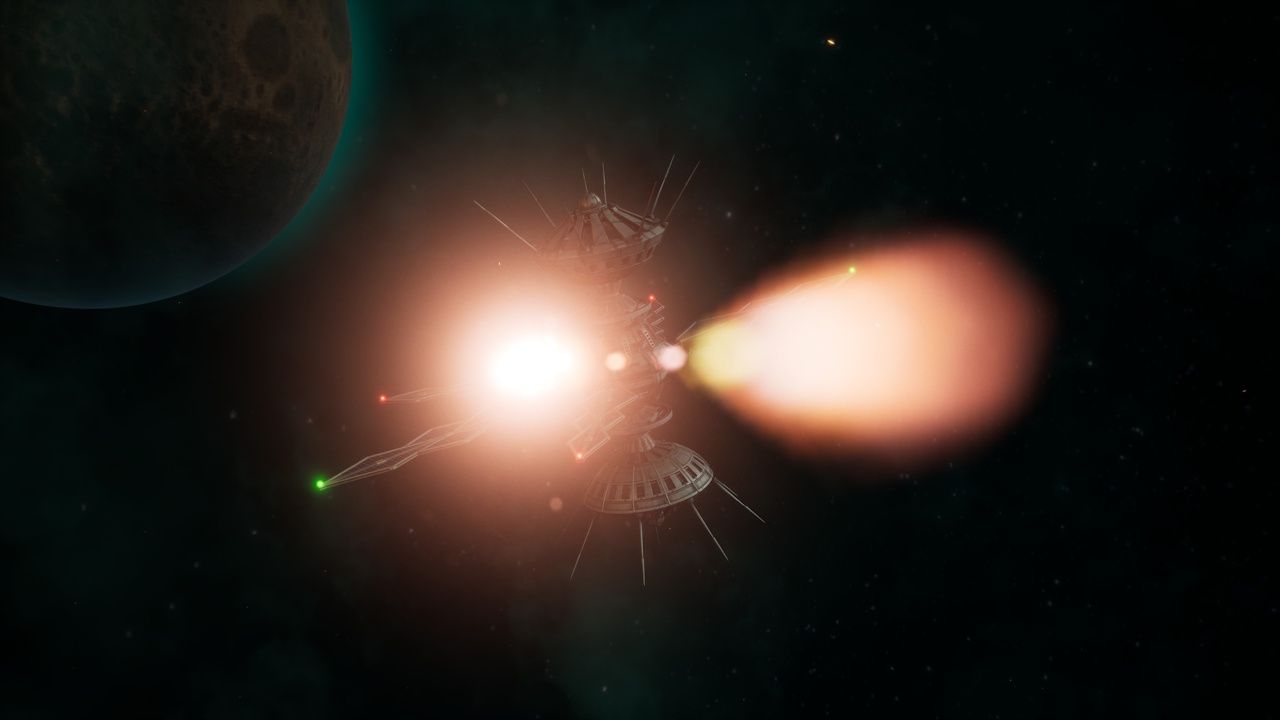
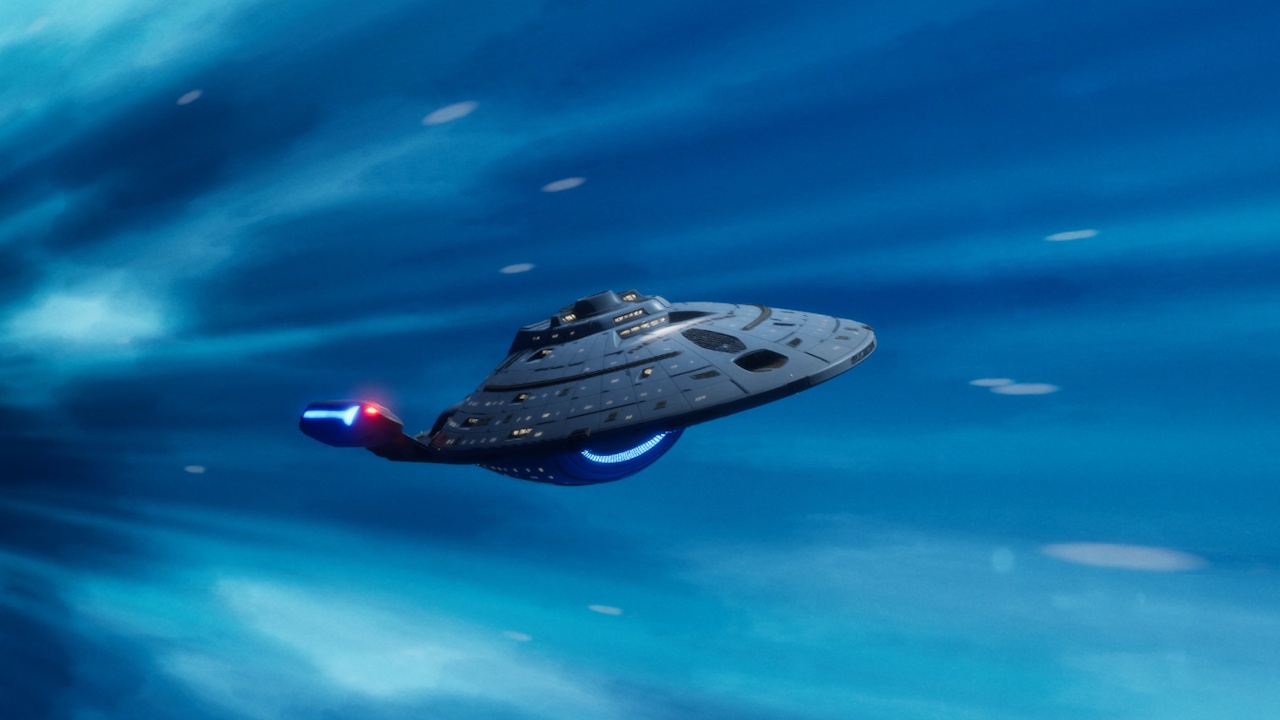
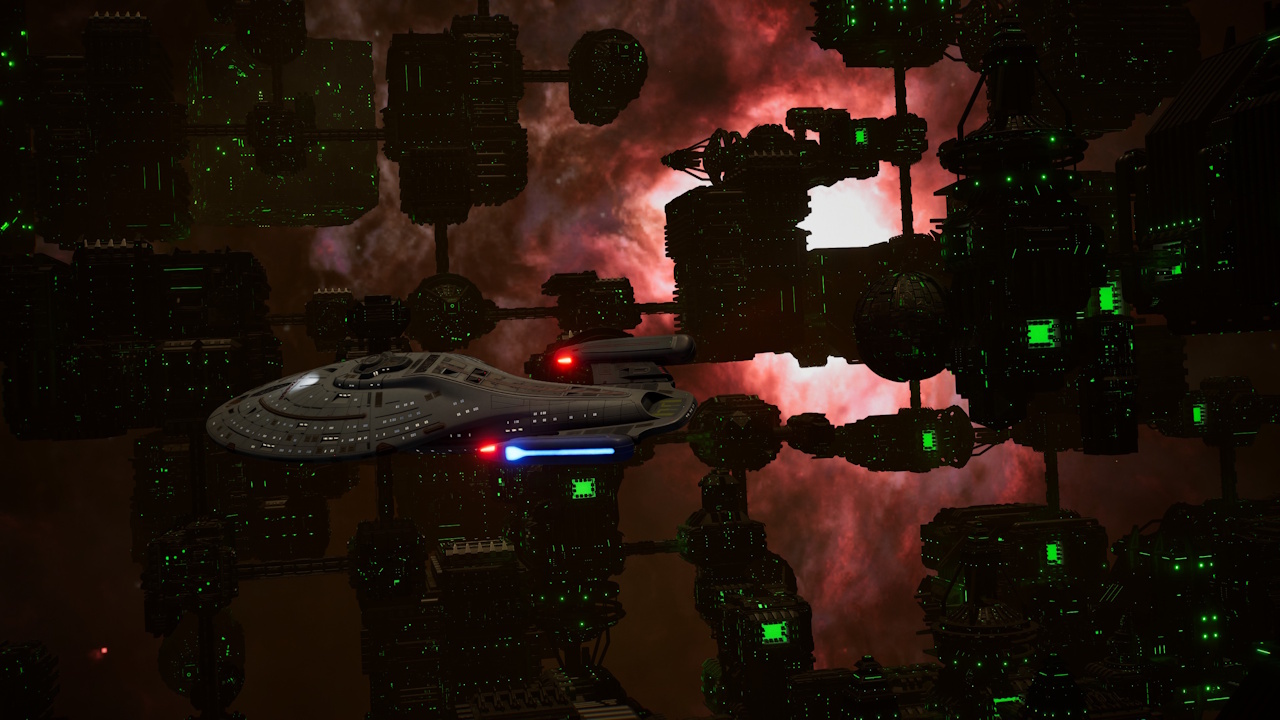
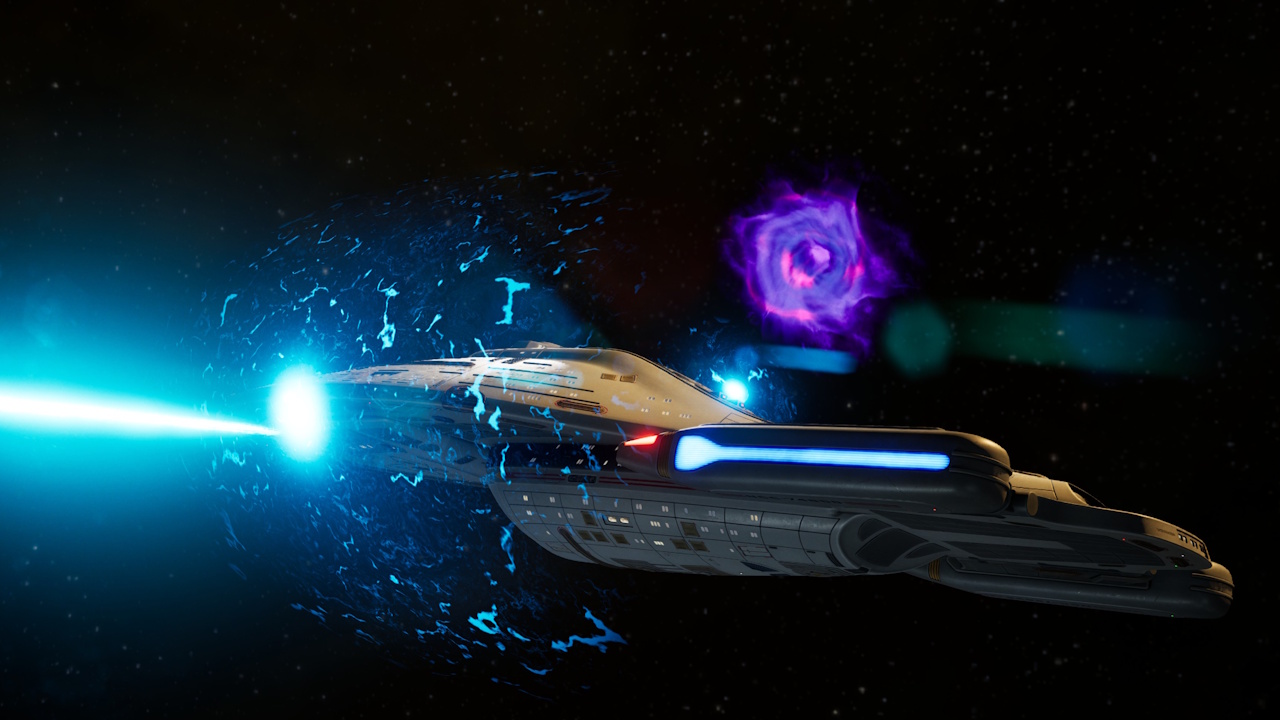
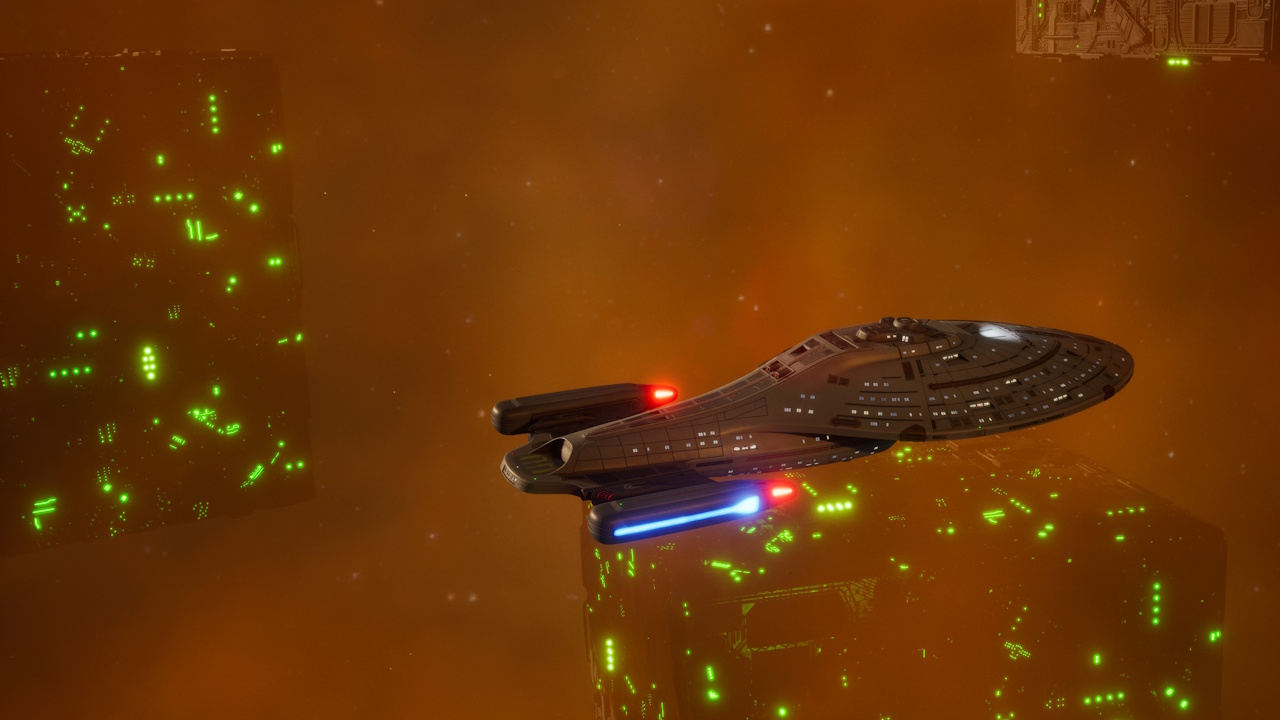
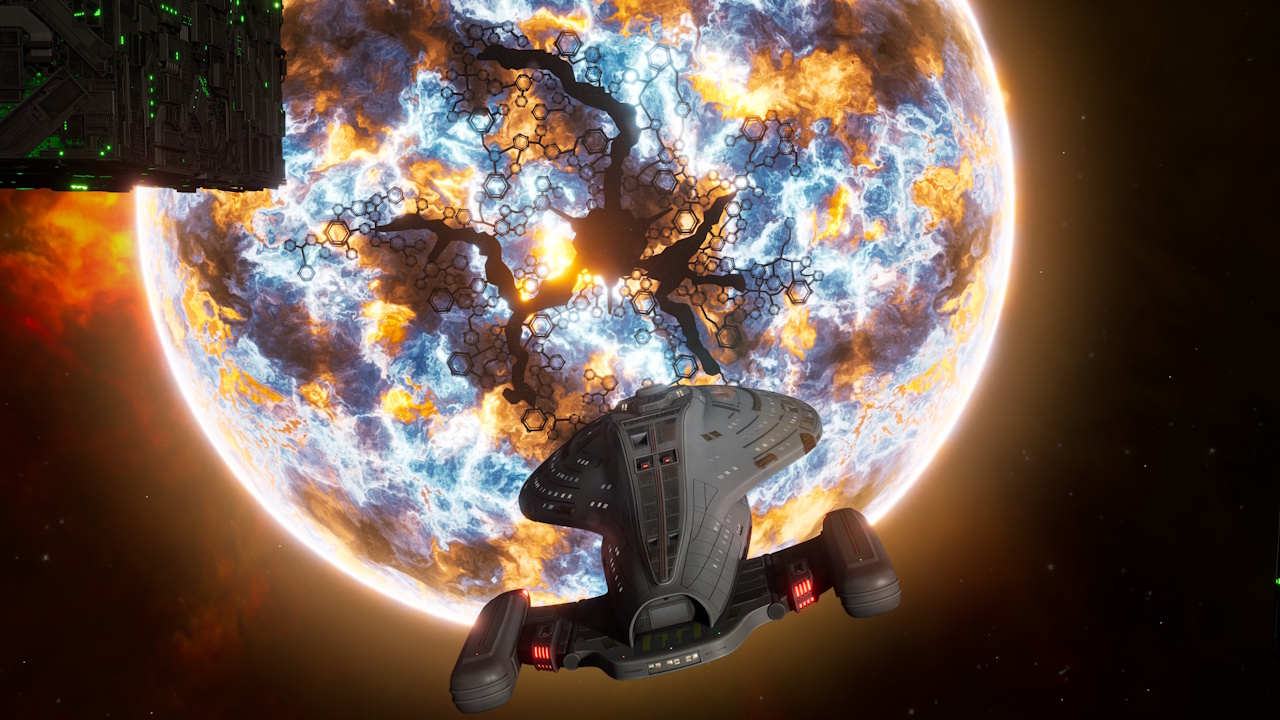
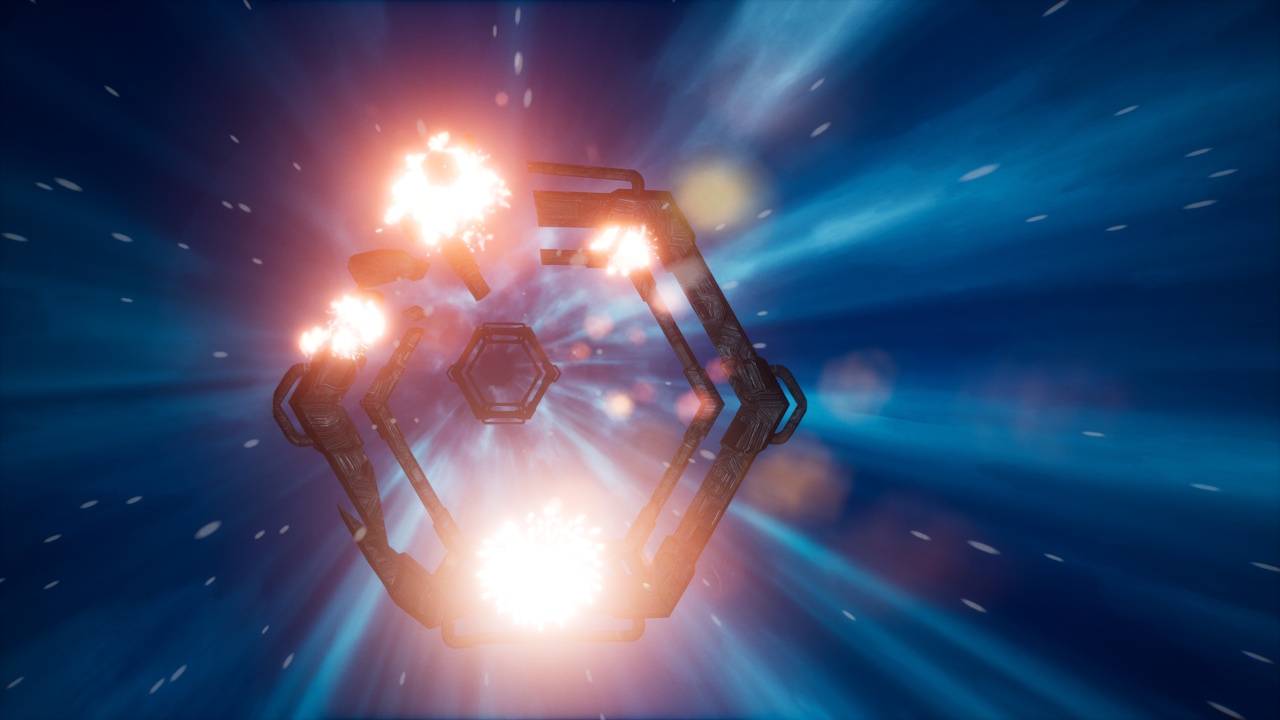
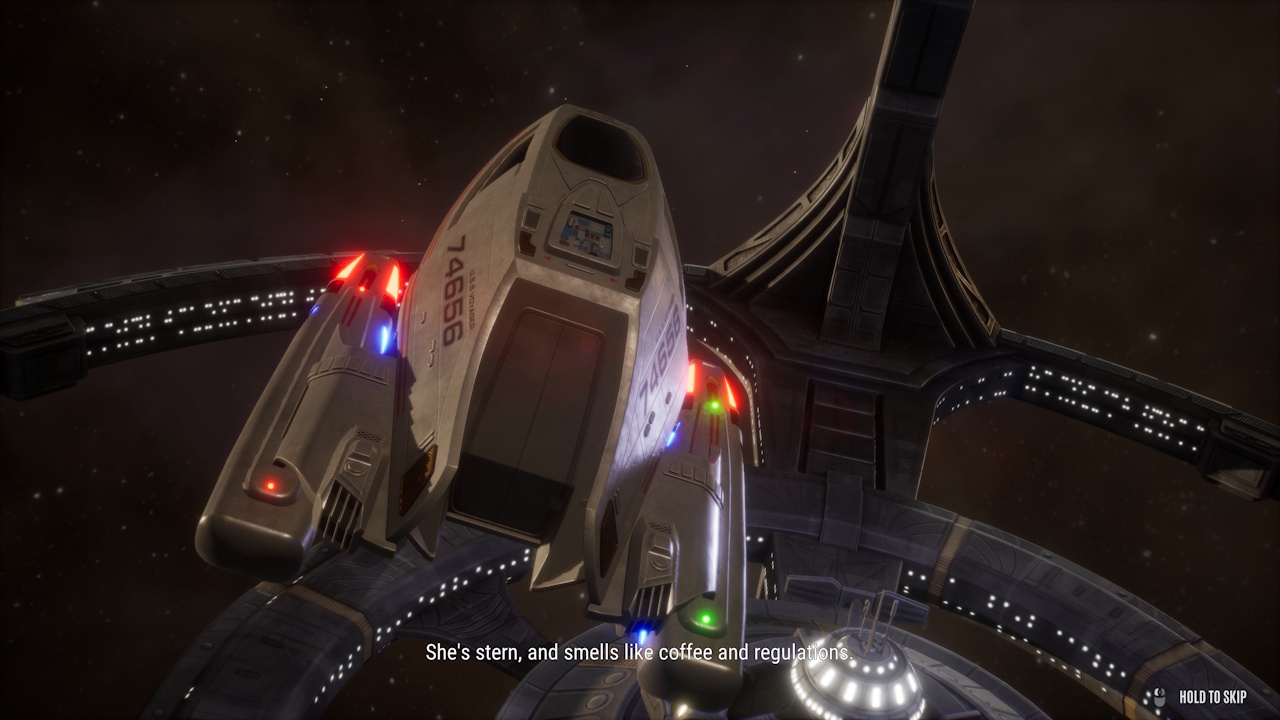
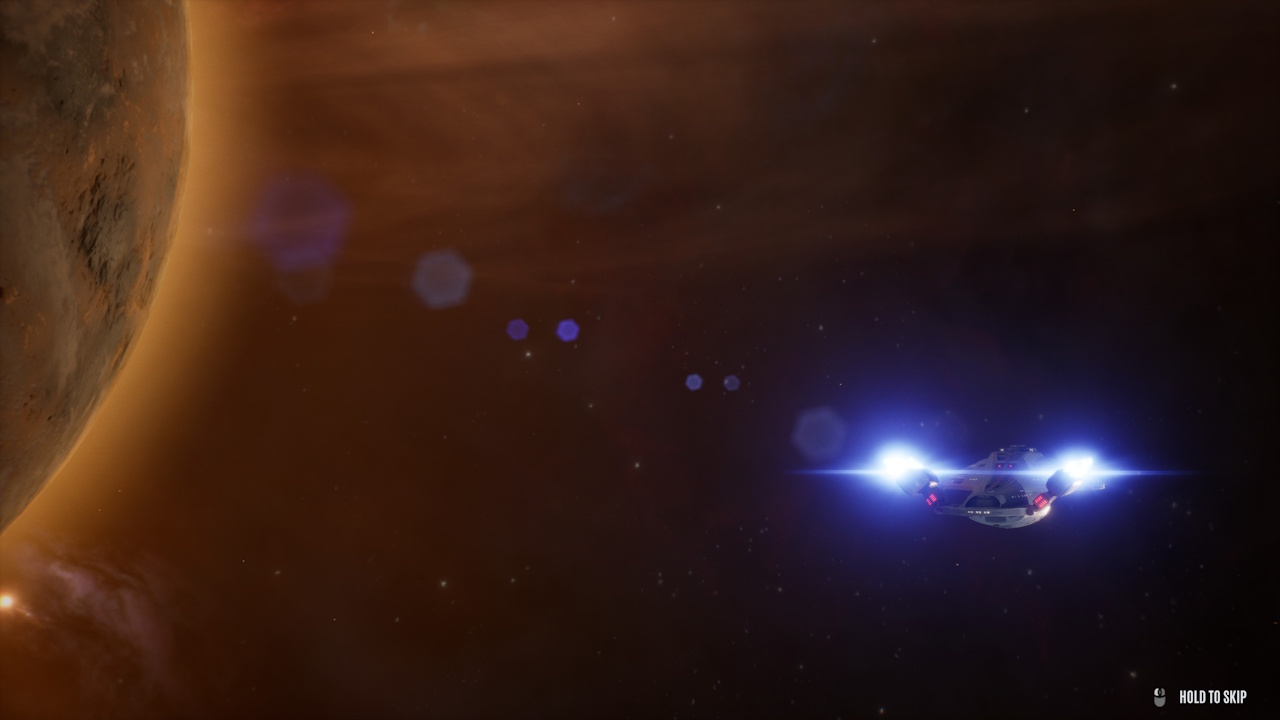
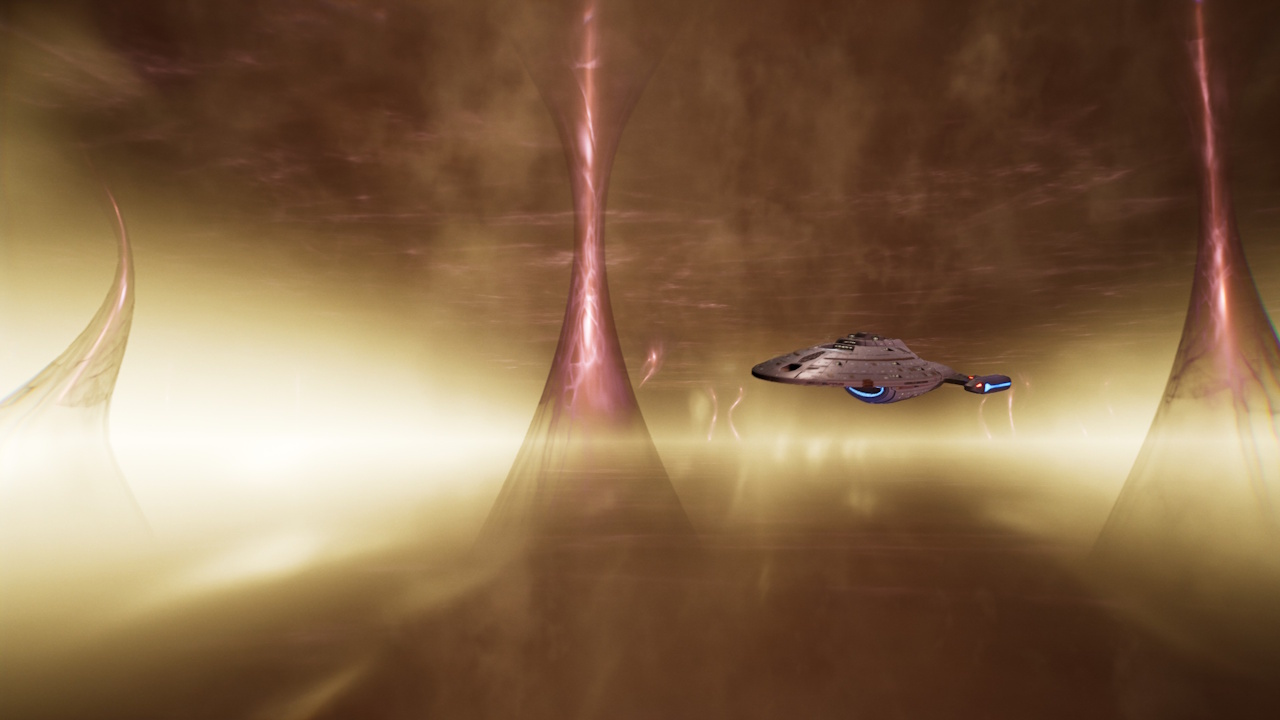
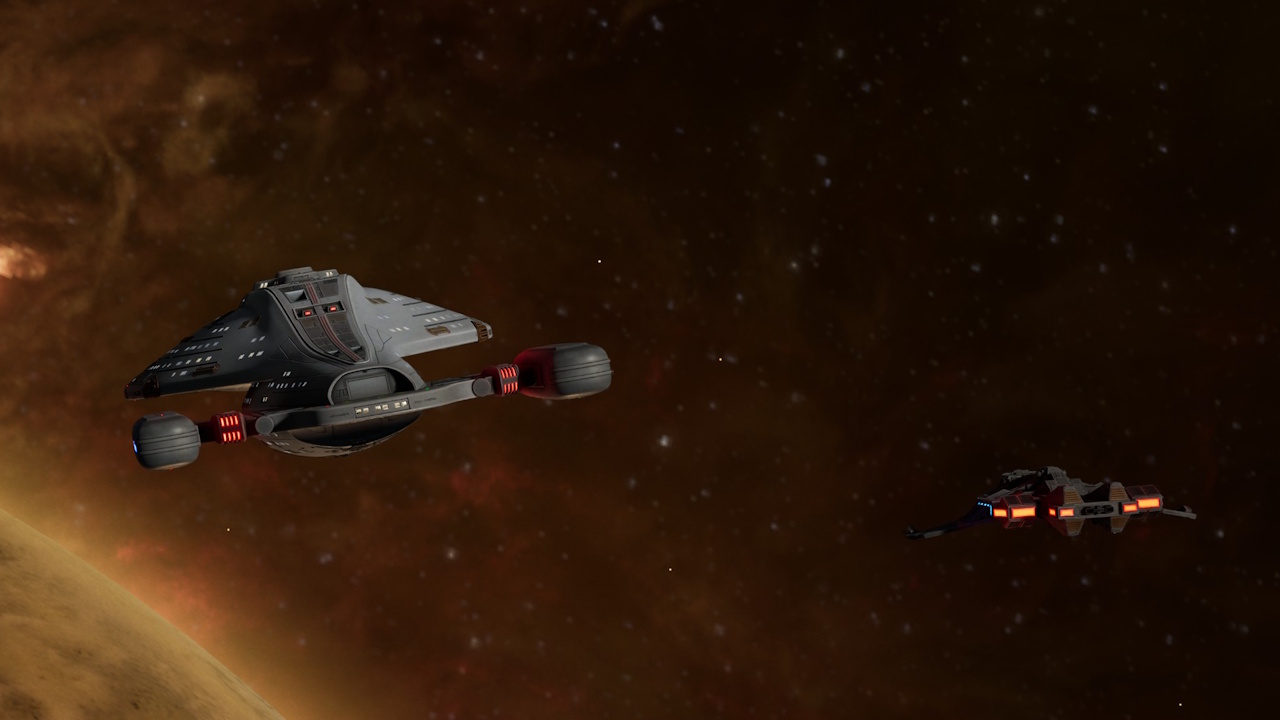
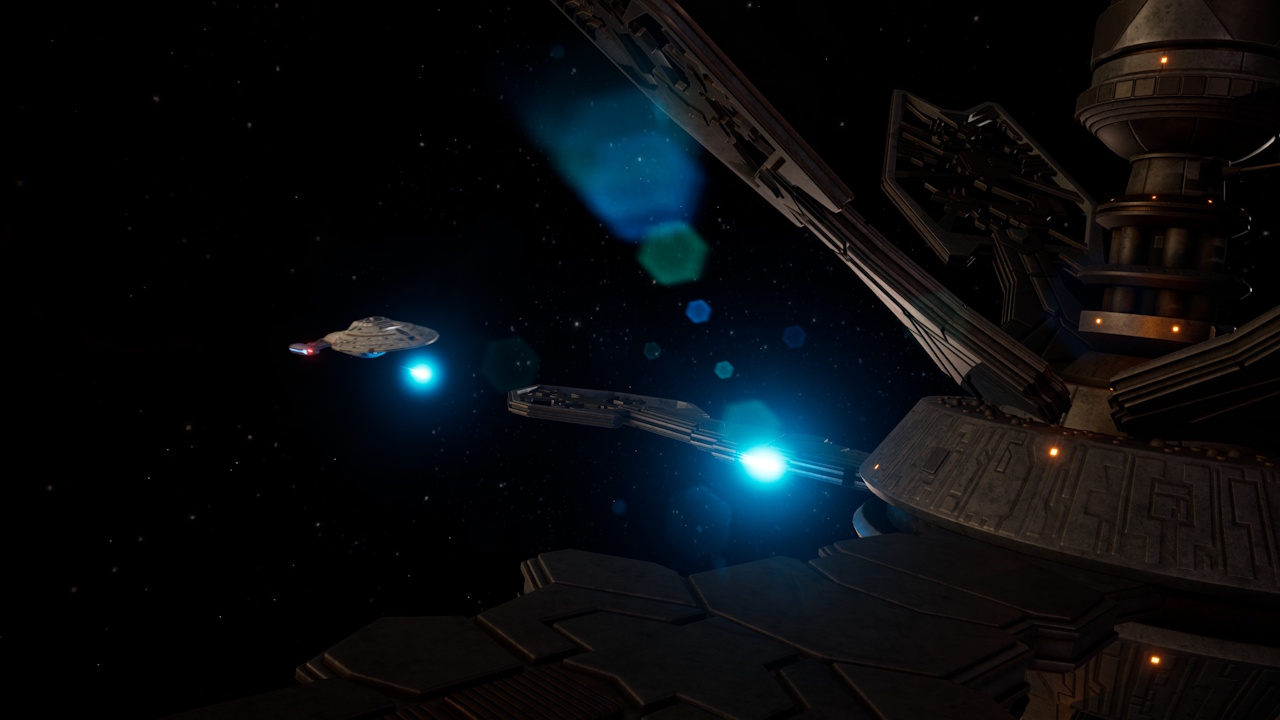
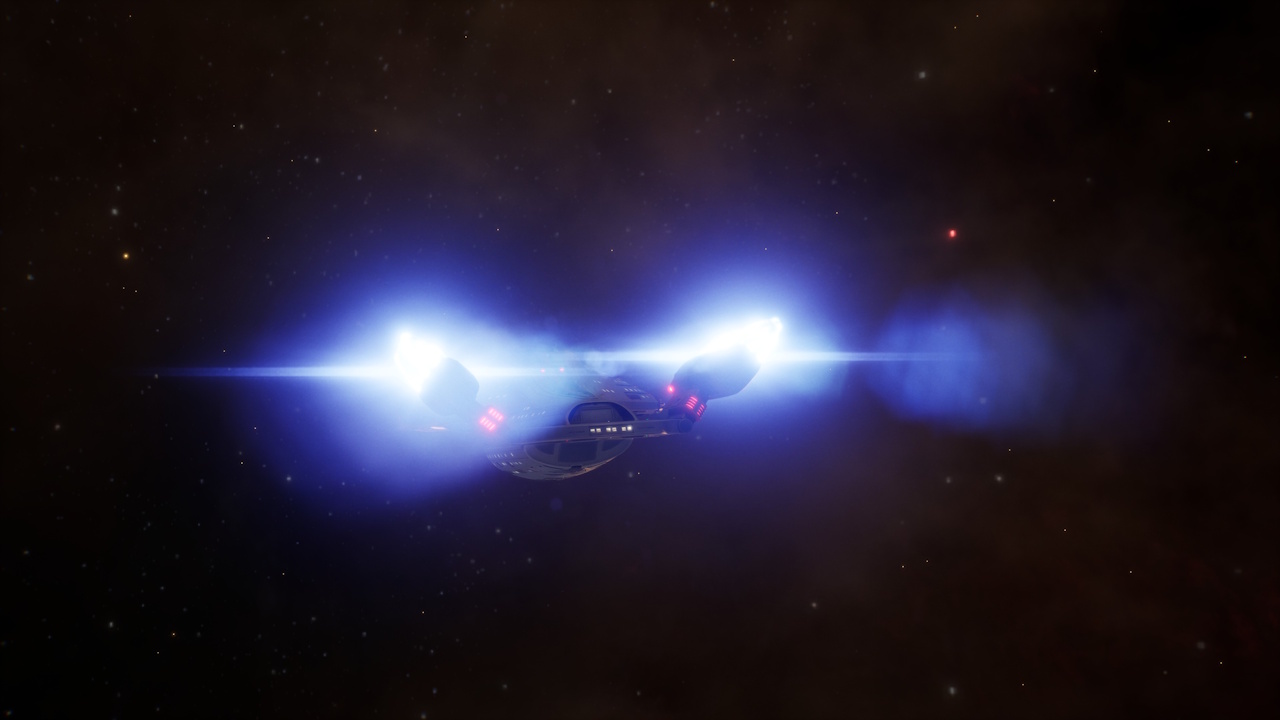
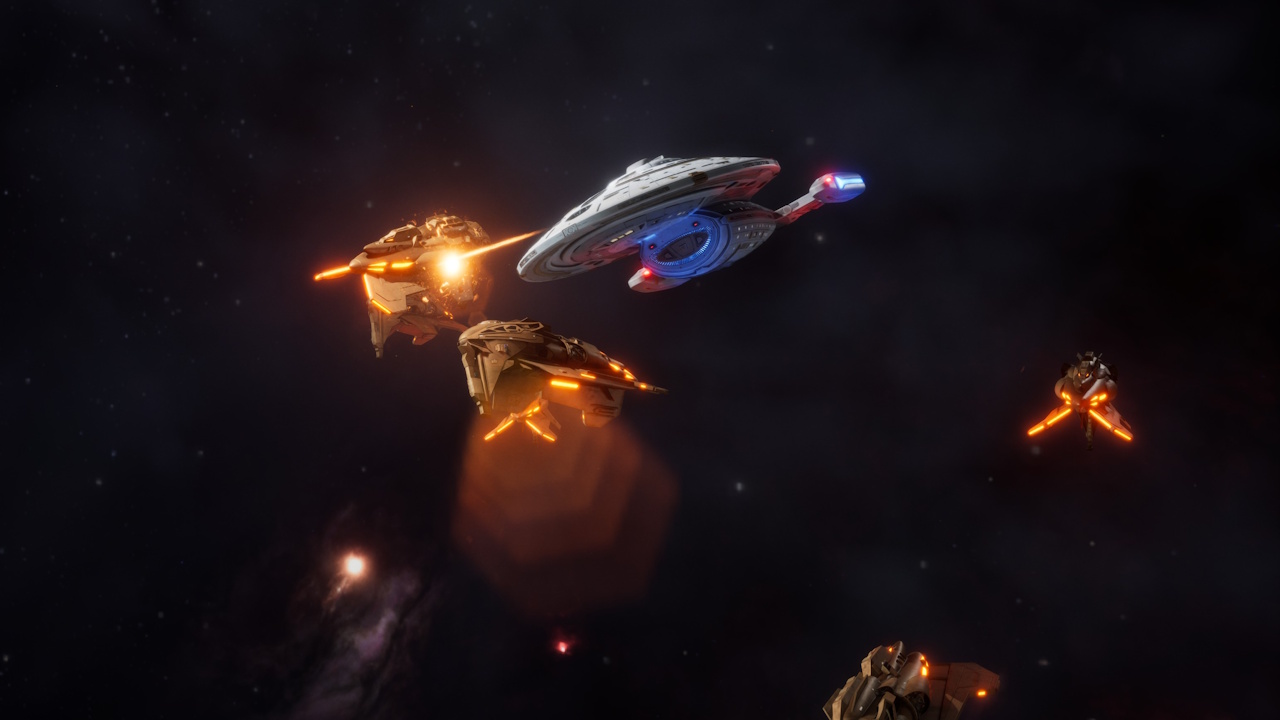
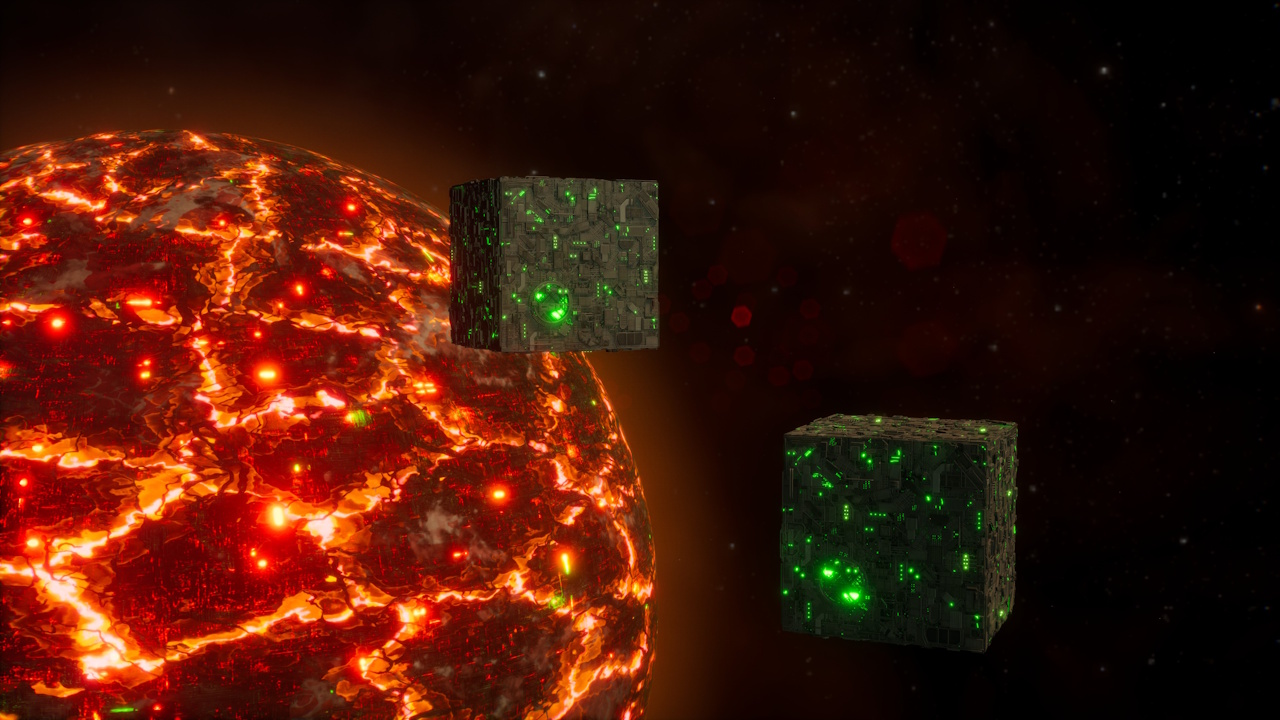
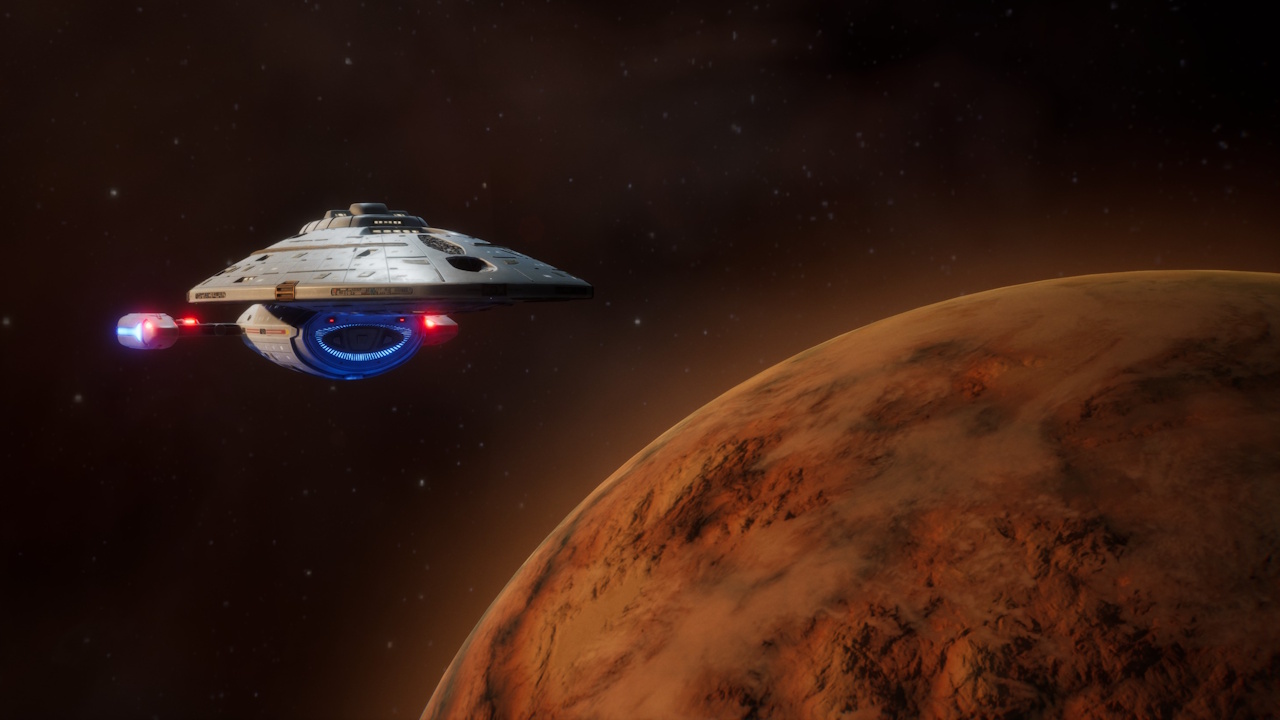
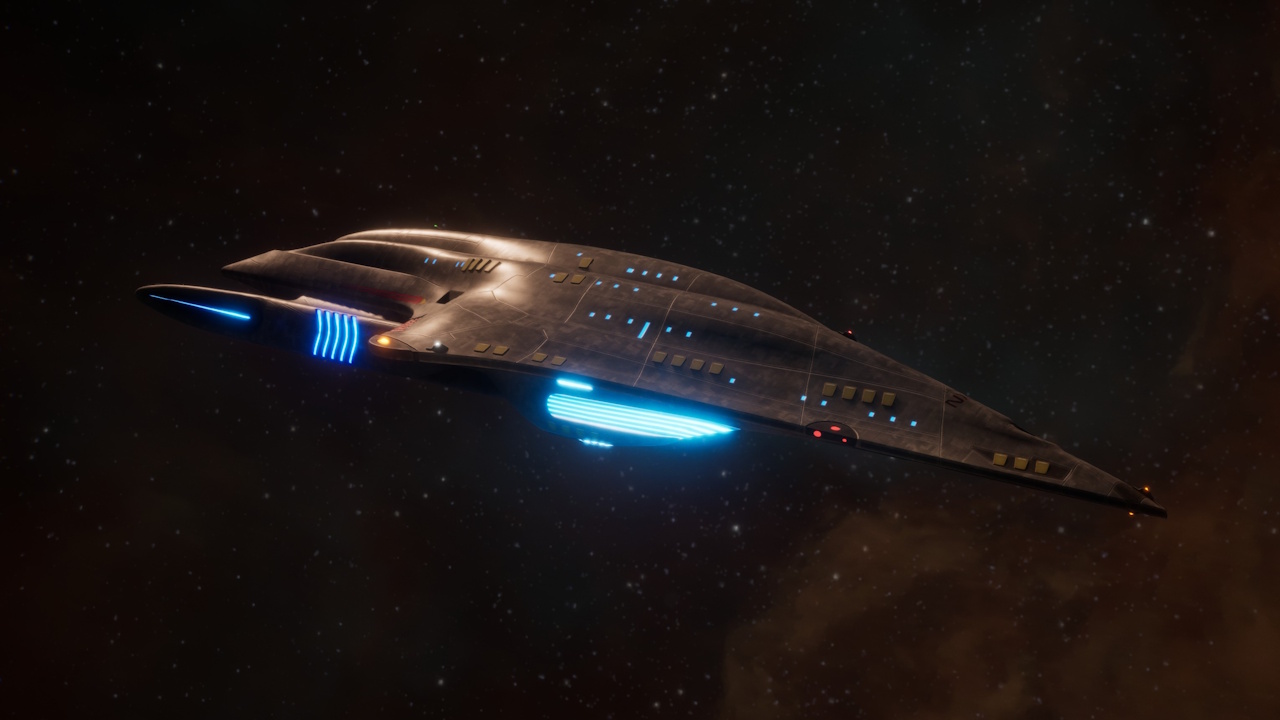
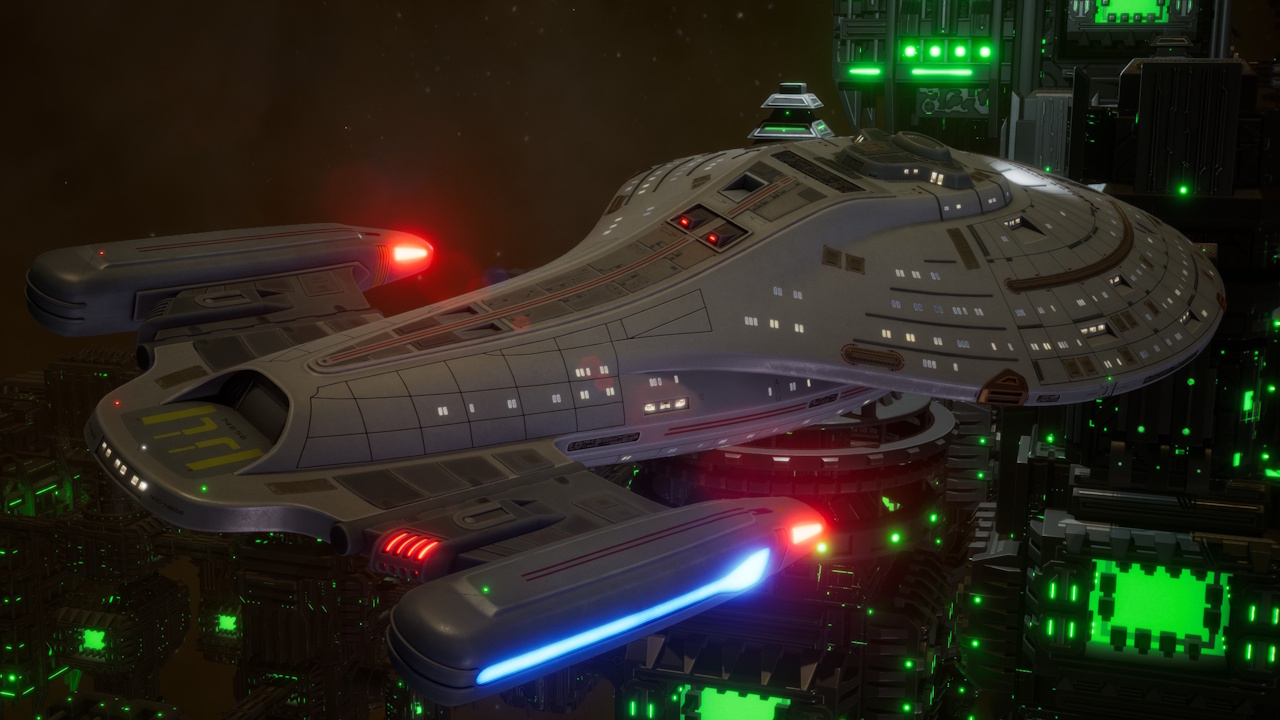
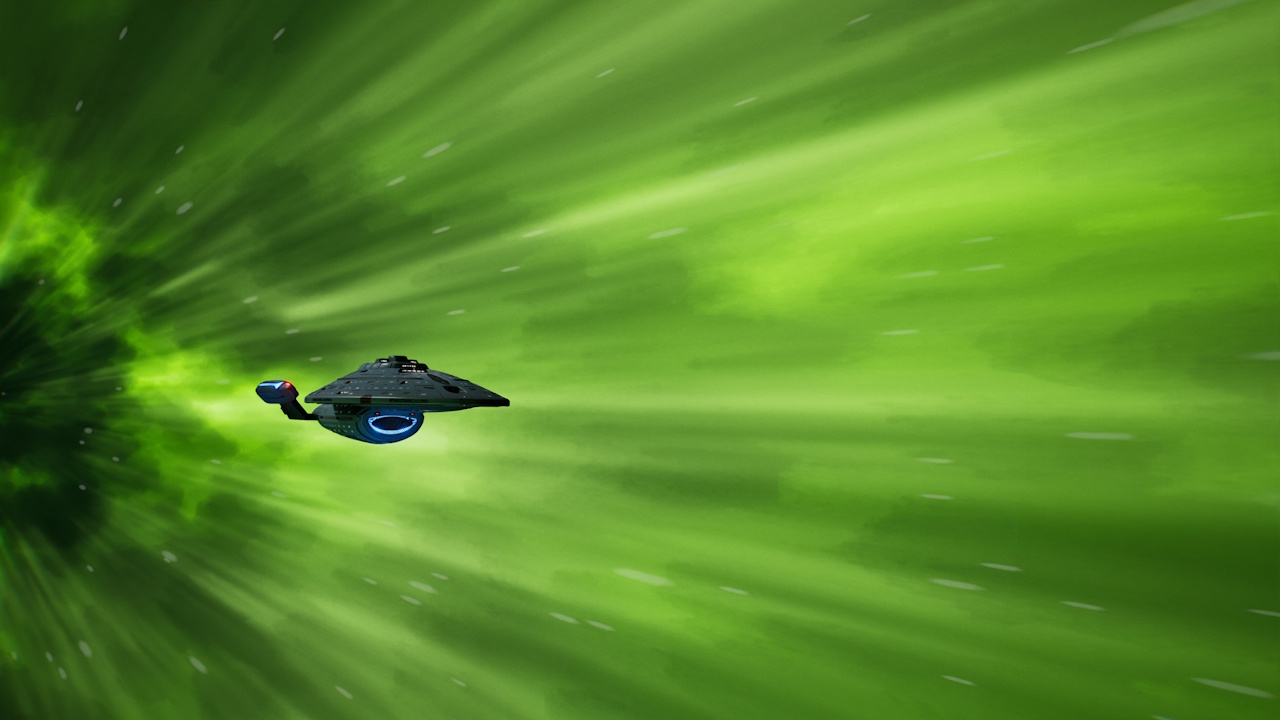
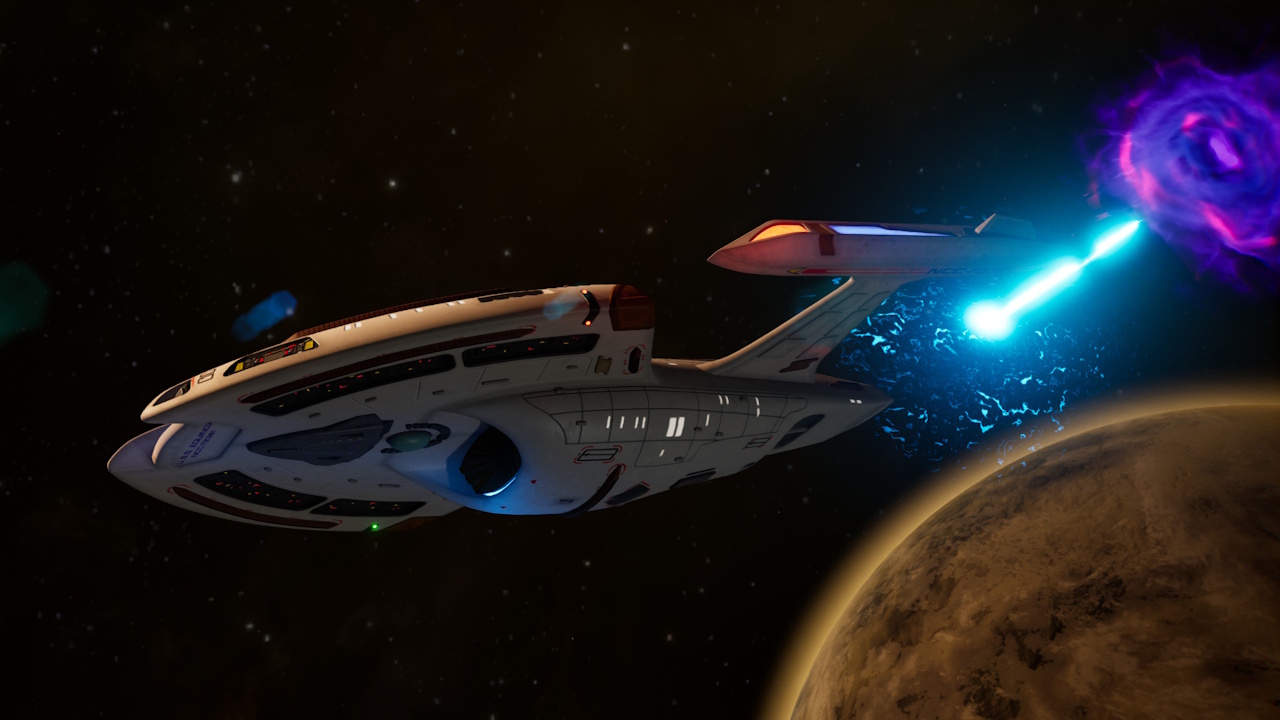
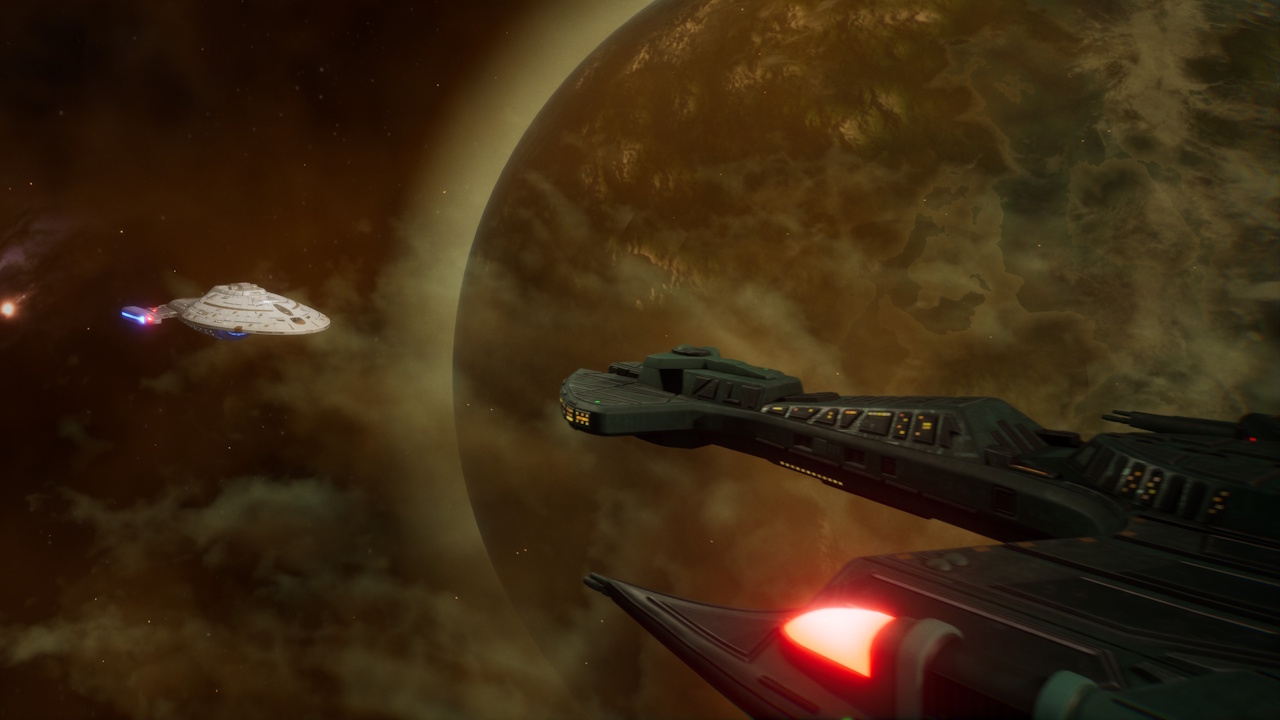
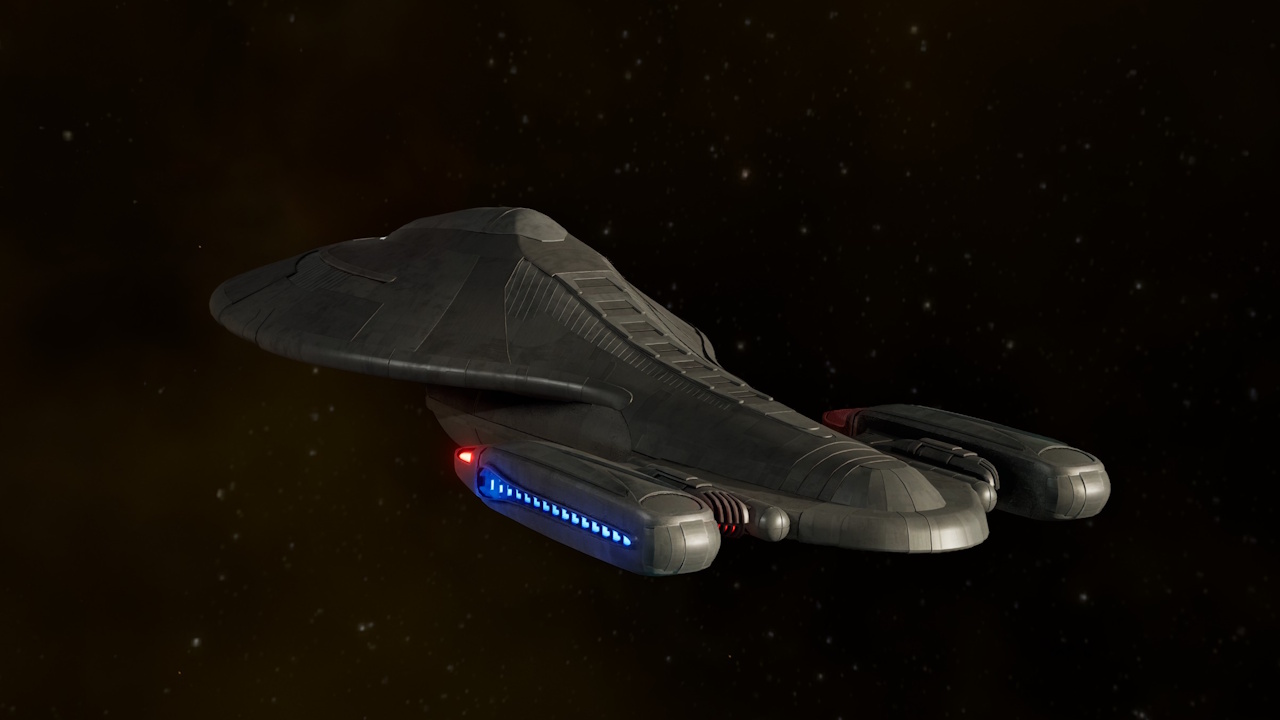
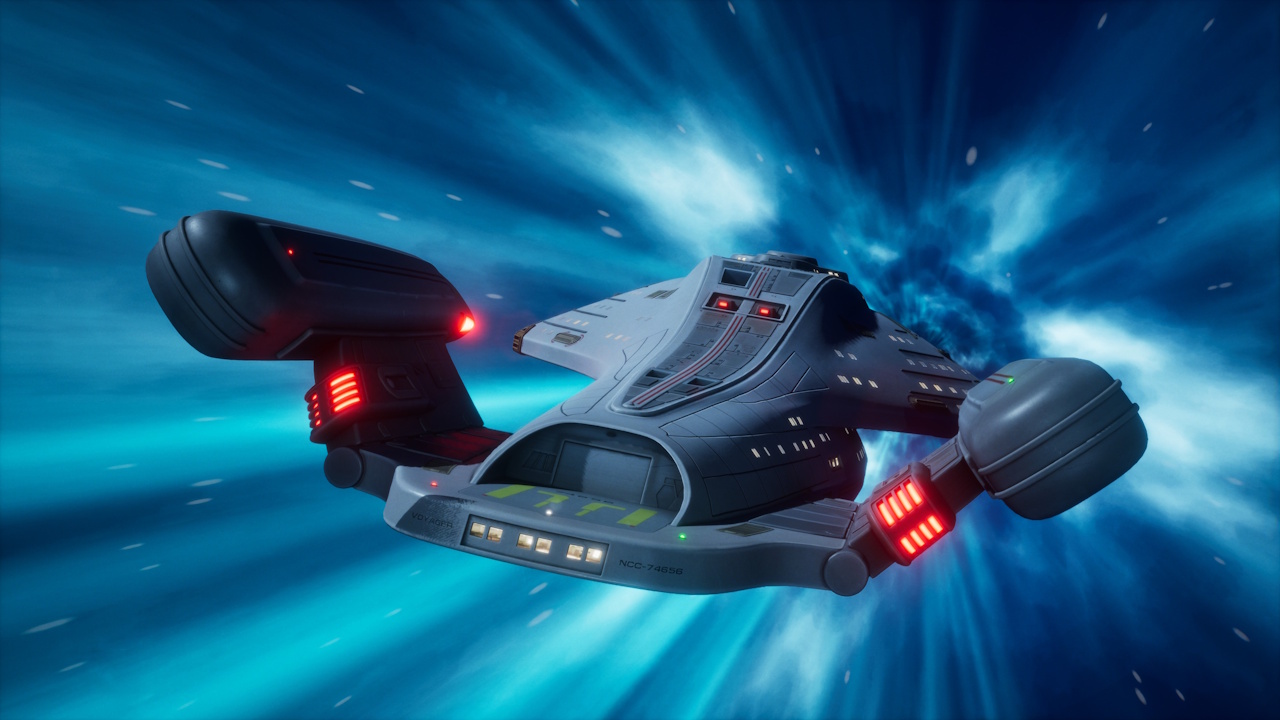
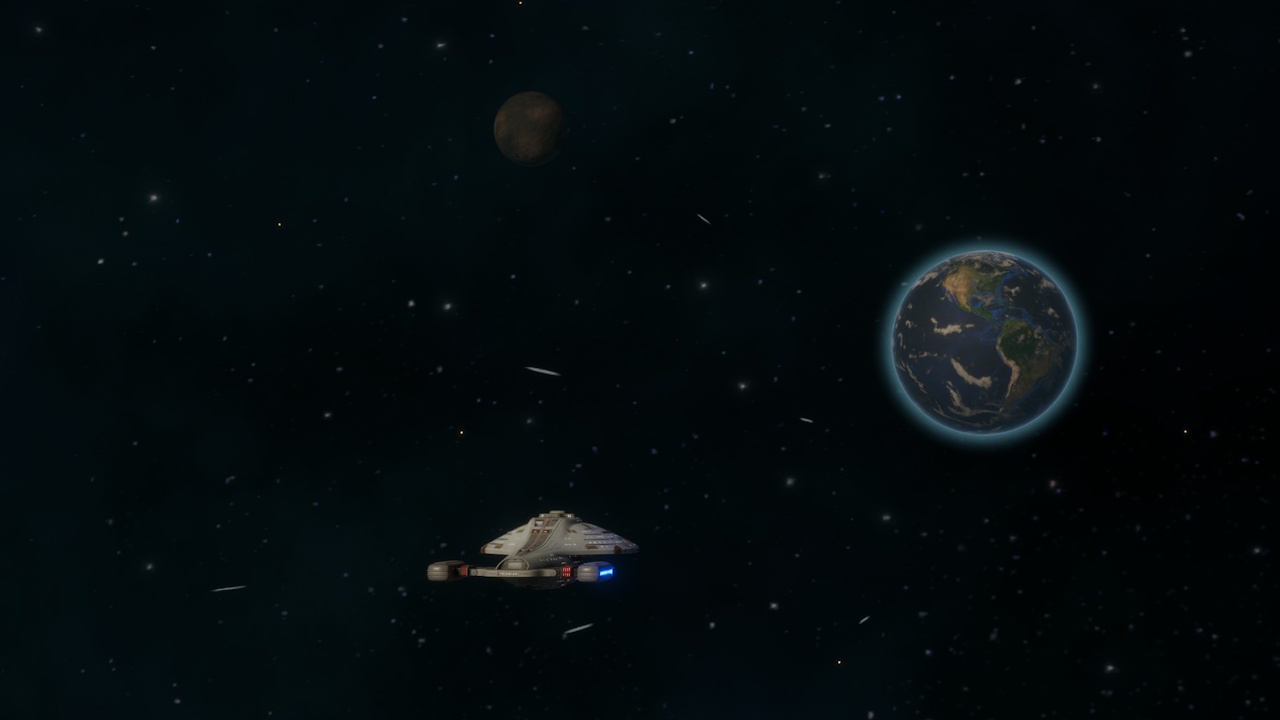
There are a few cut-scenes (or cinematics) in the game, all of which depict Voyager. The ship can be seen in flight, approaching points of interest, in combat, and so on. I cropped a few of these to be a bit more interesting/focused.
Away Missions:
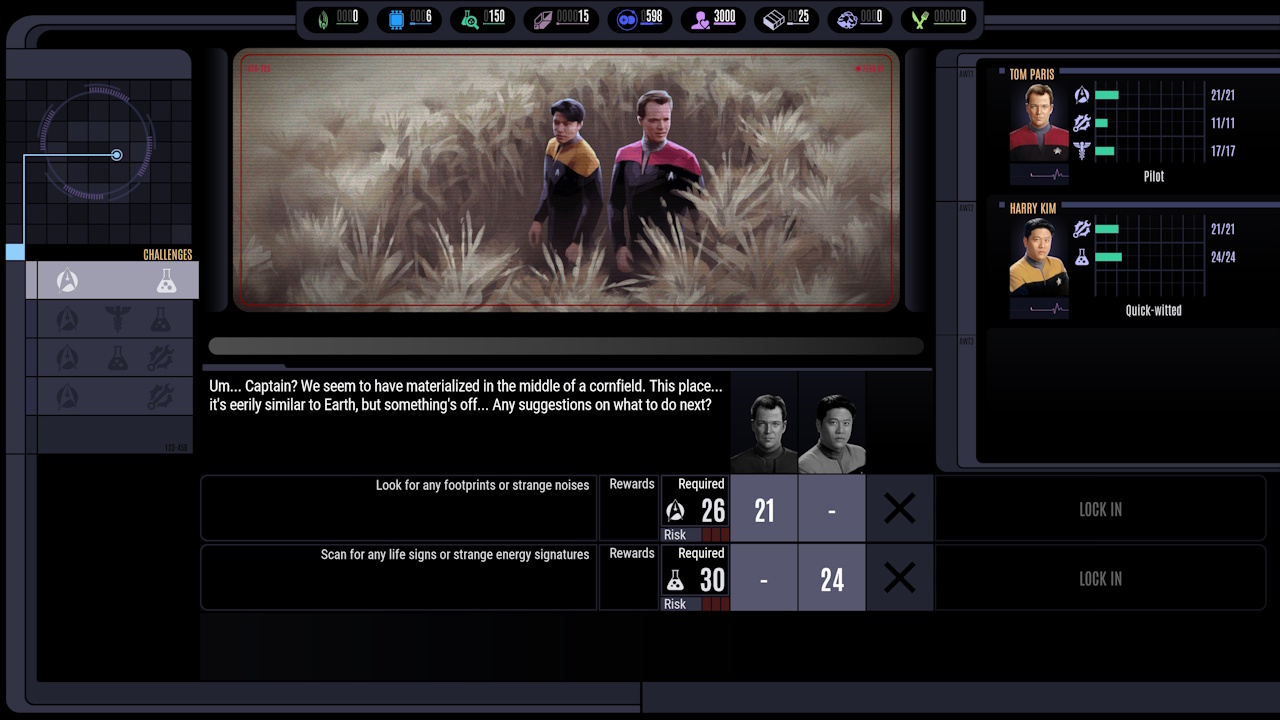
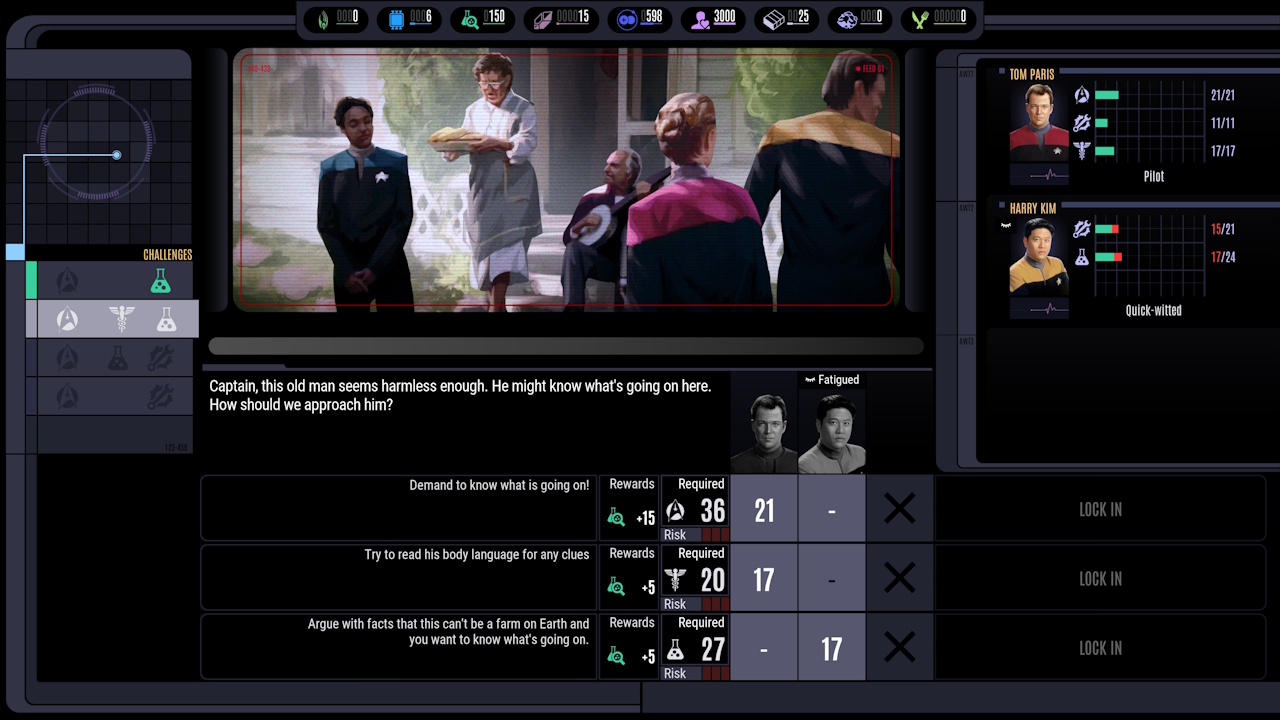
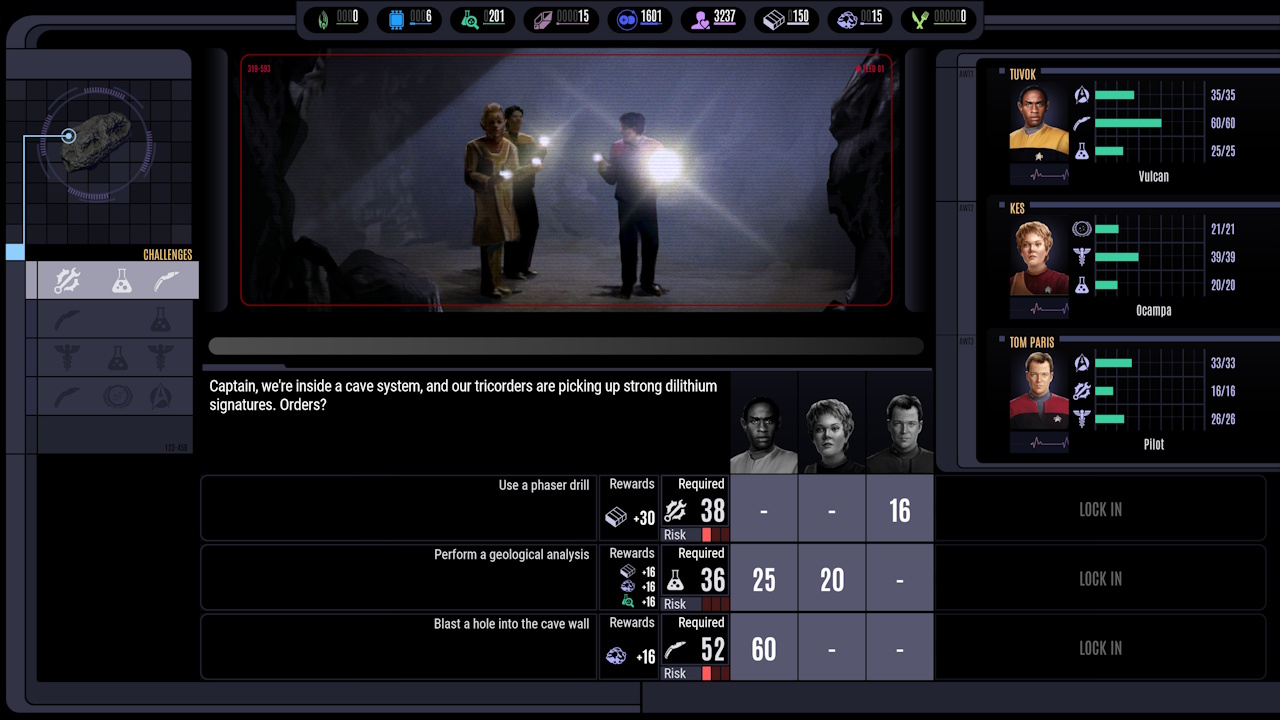
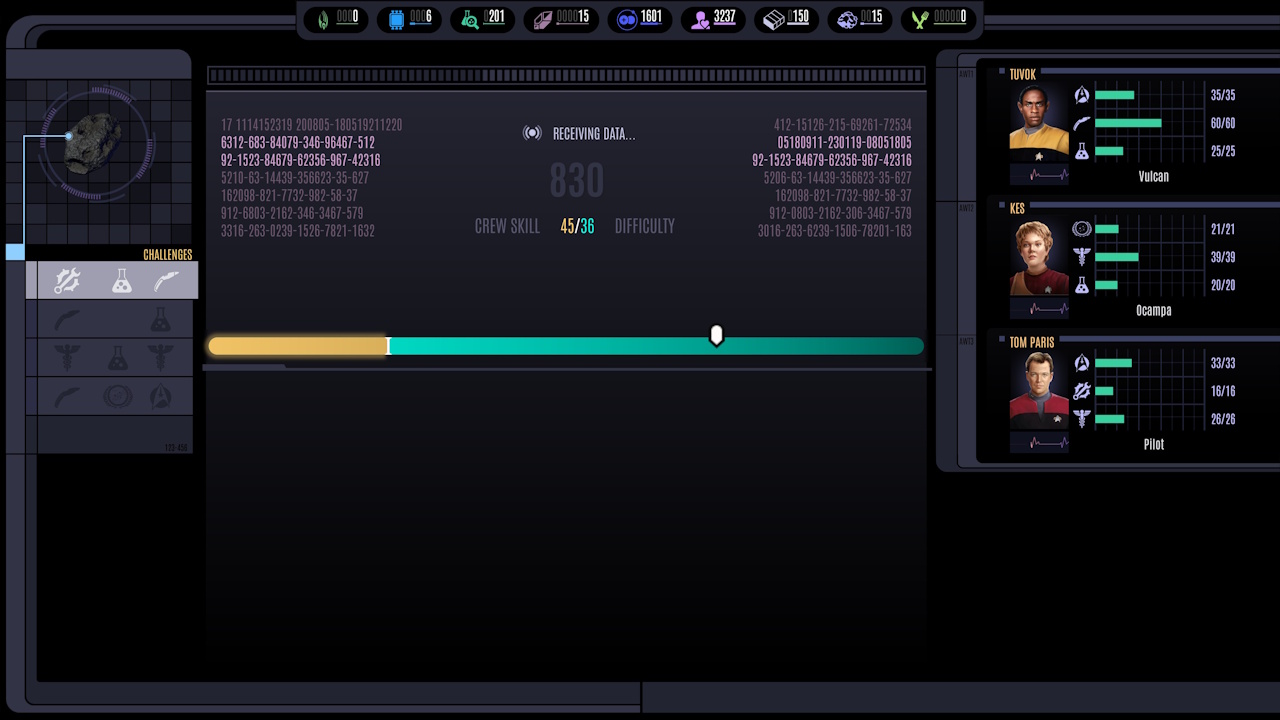
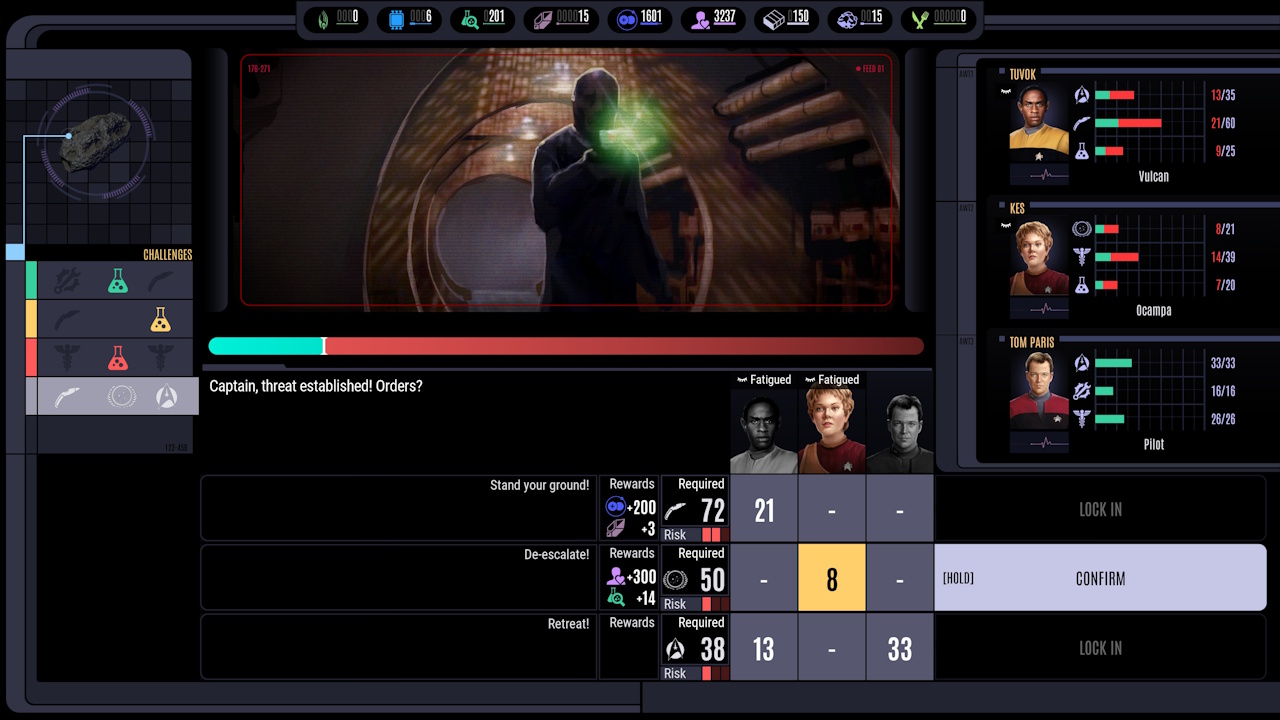
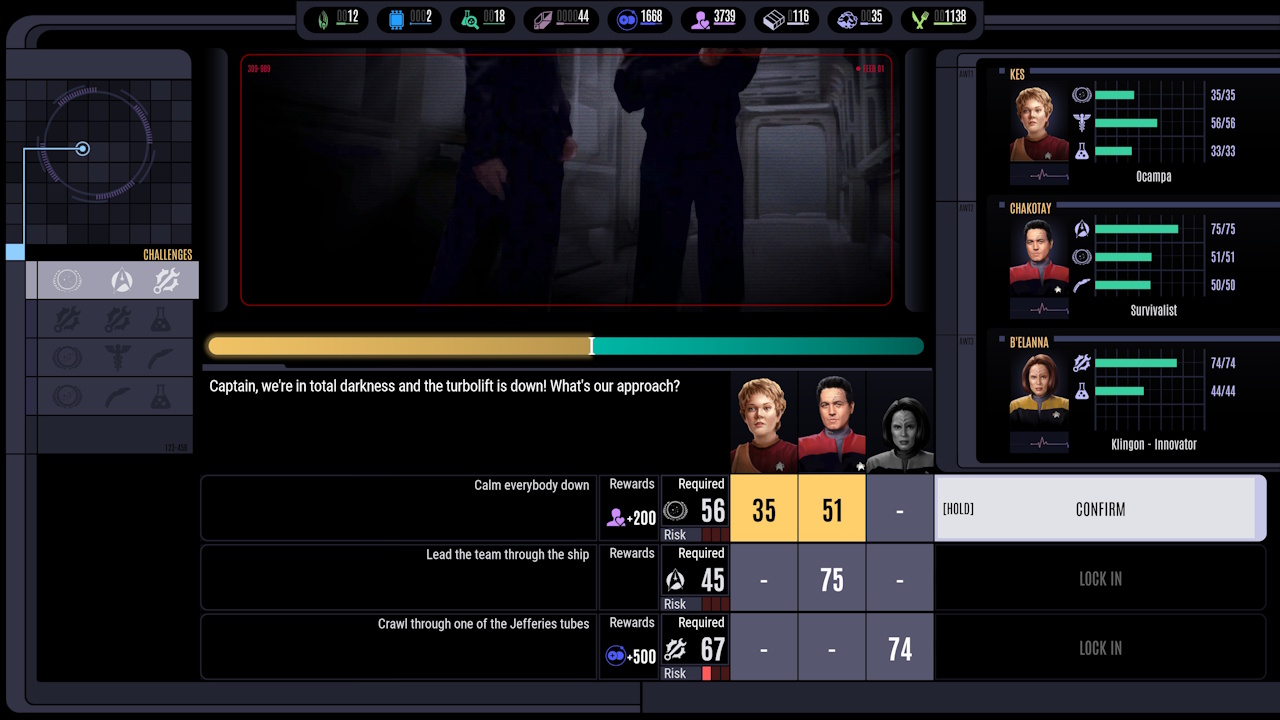
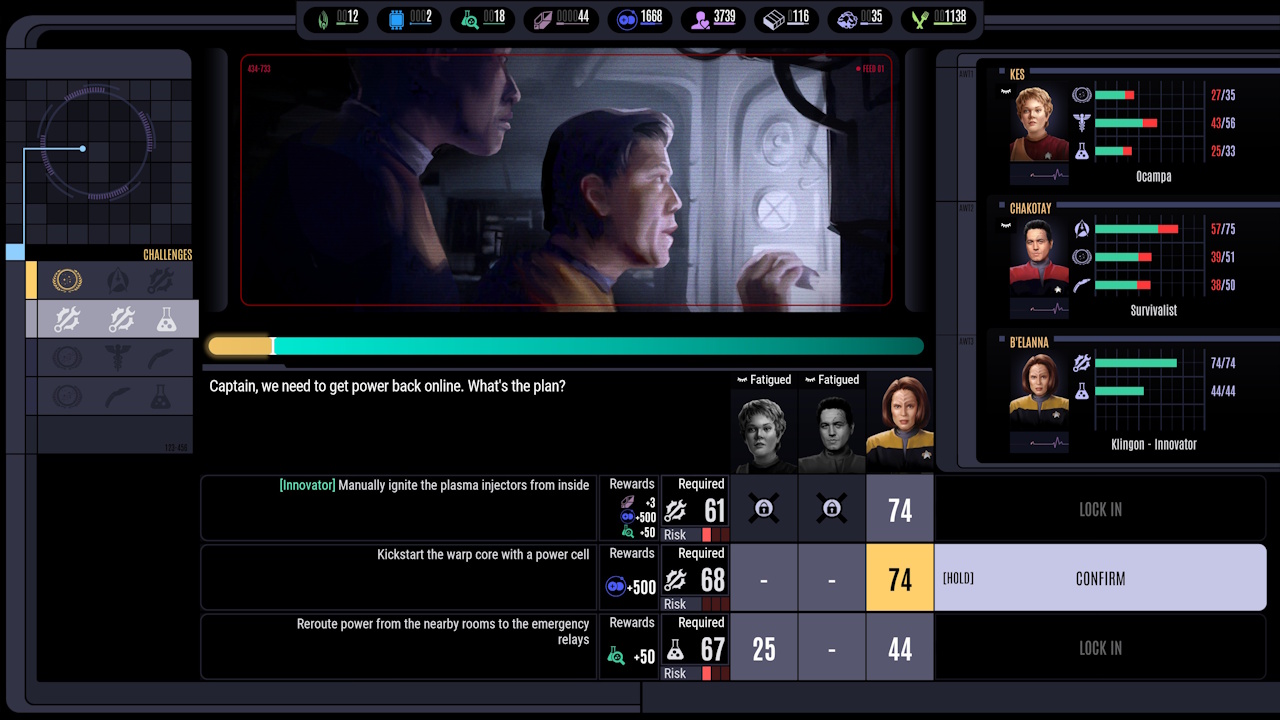
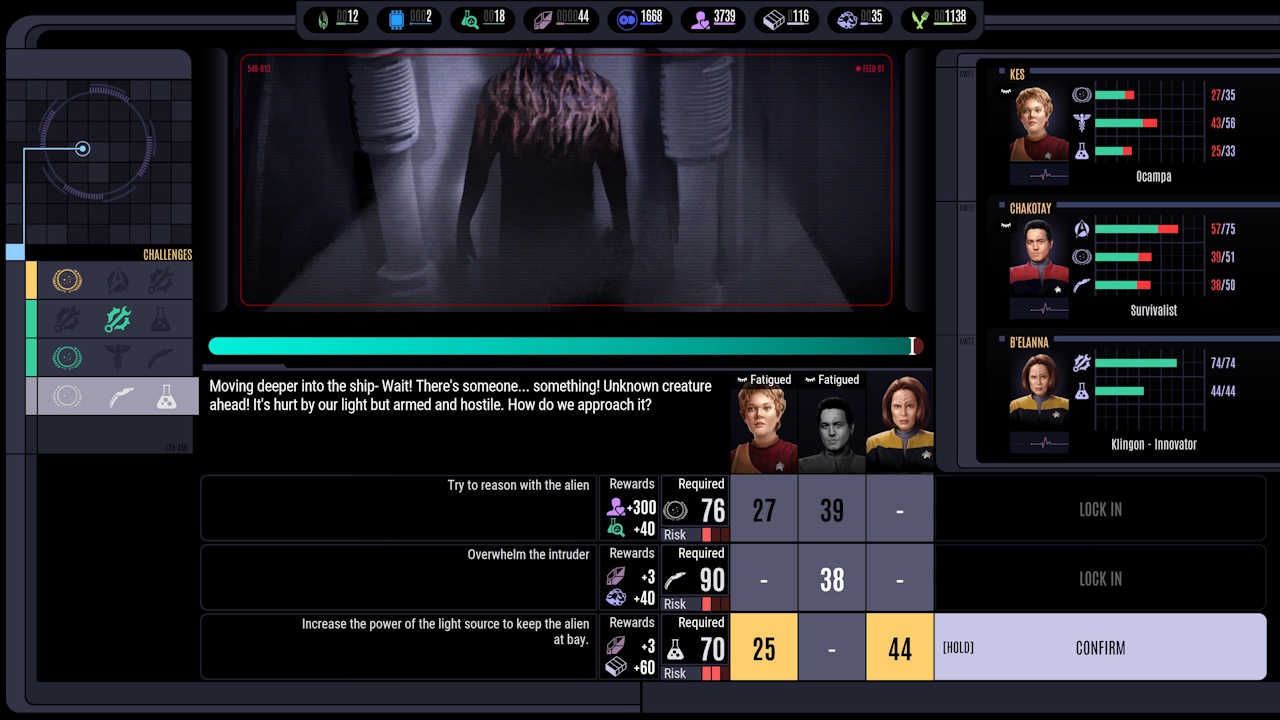
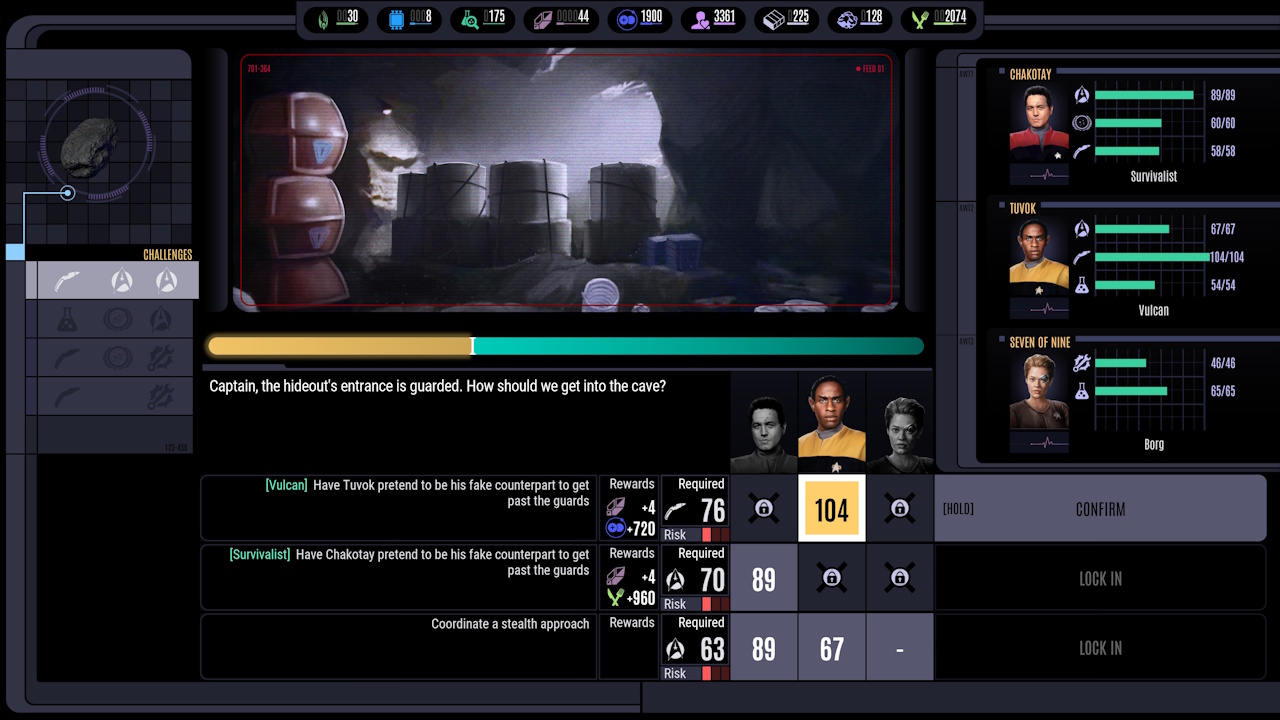
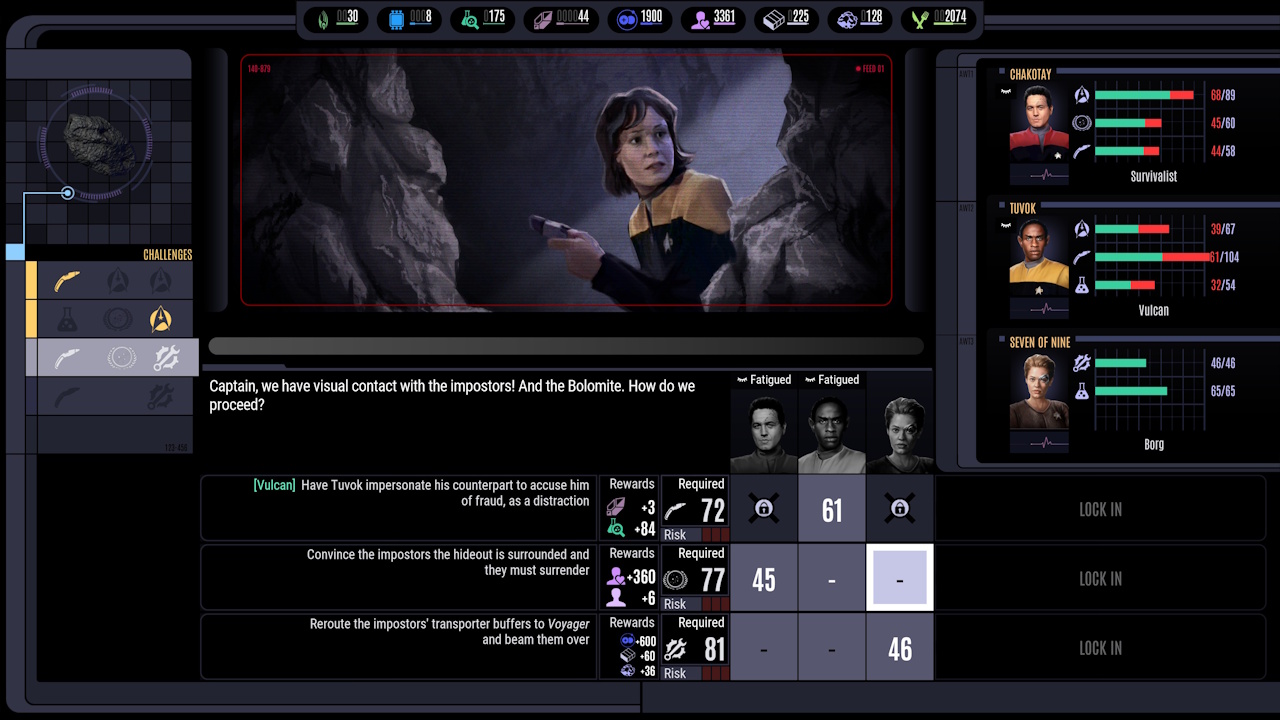
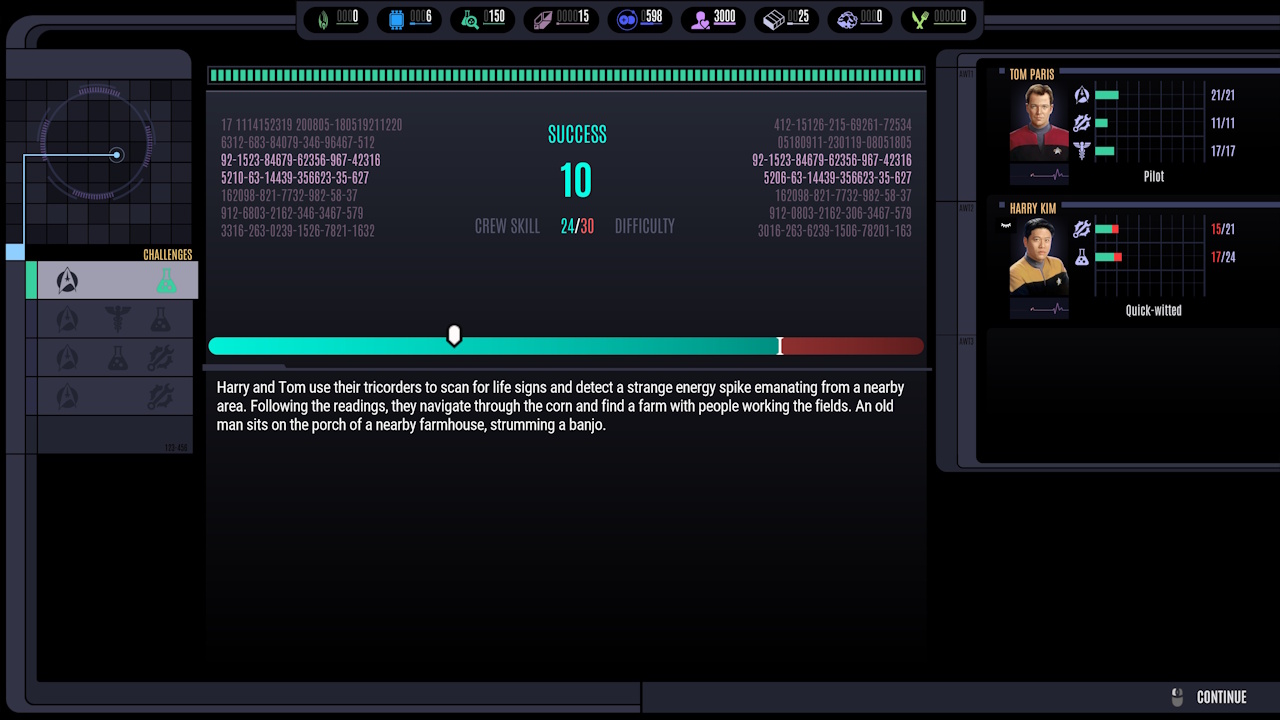
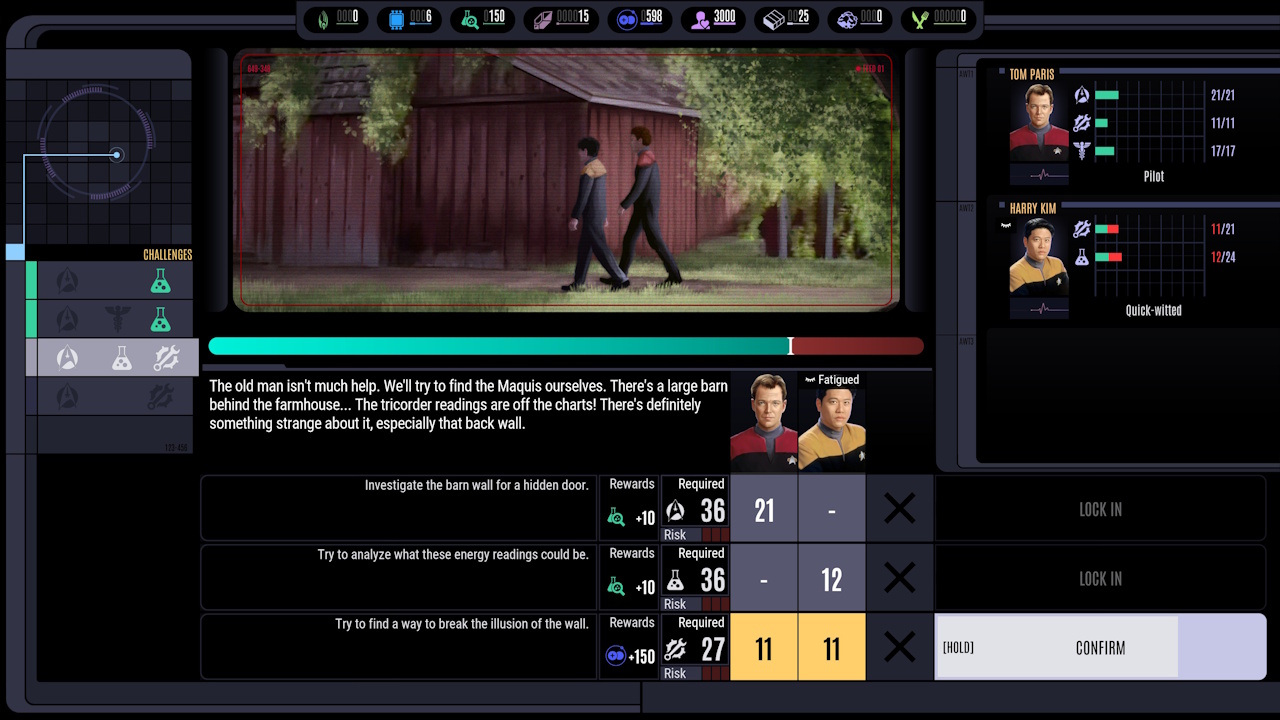
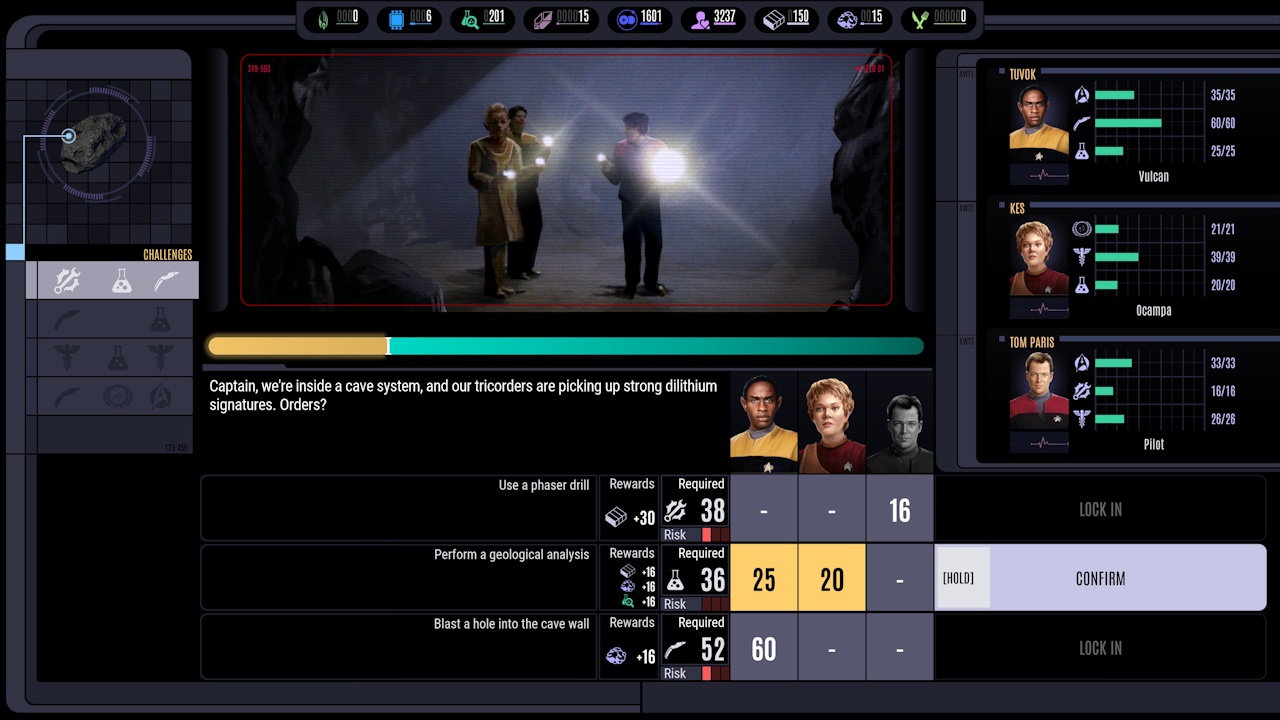
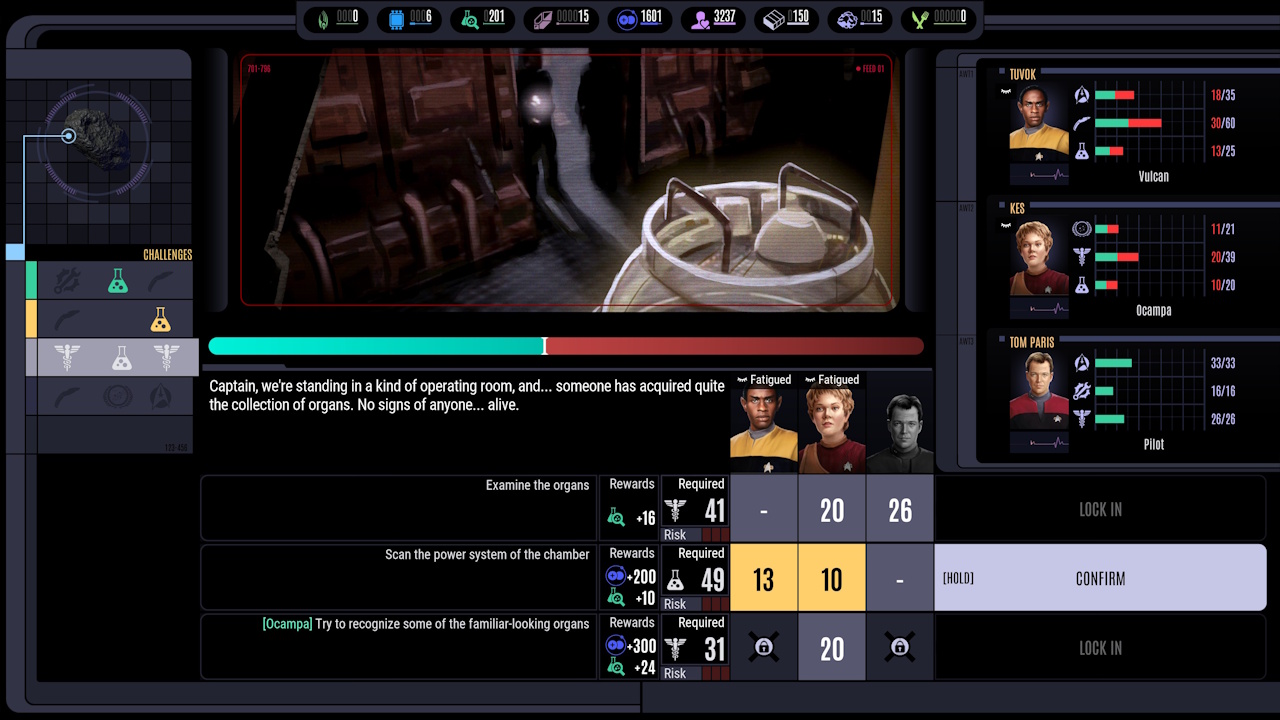
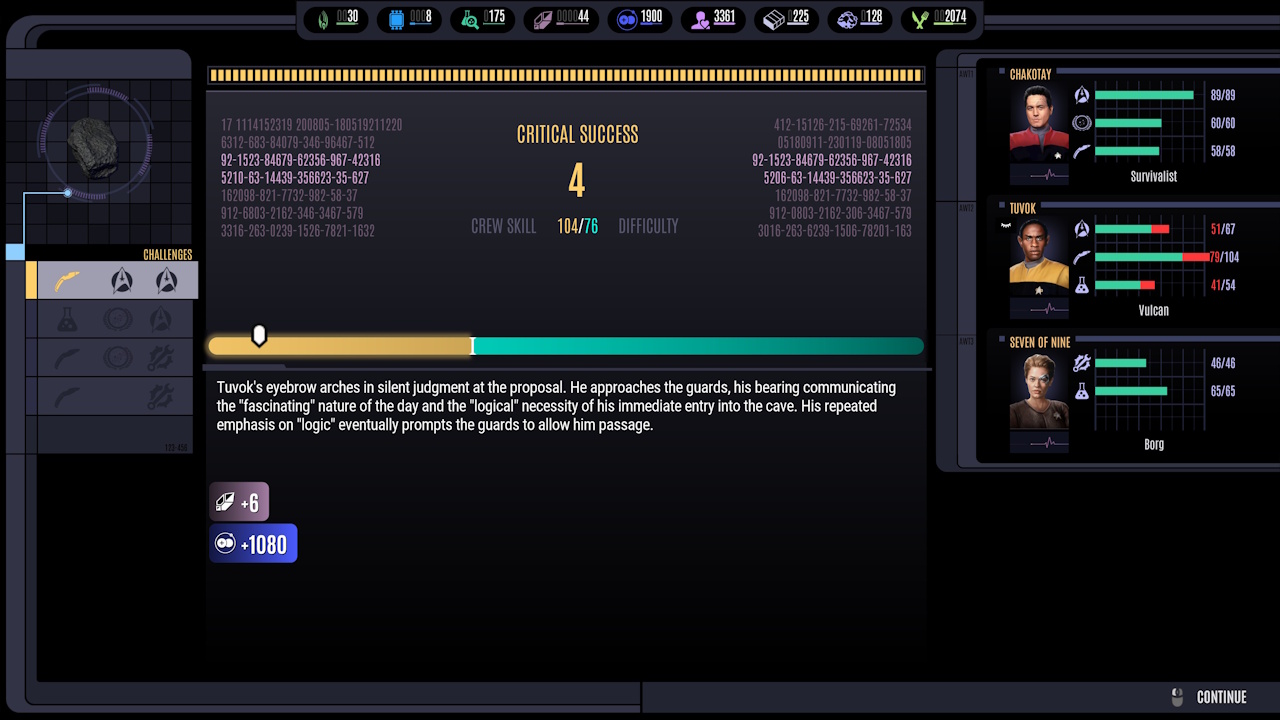
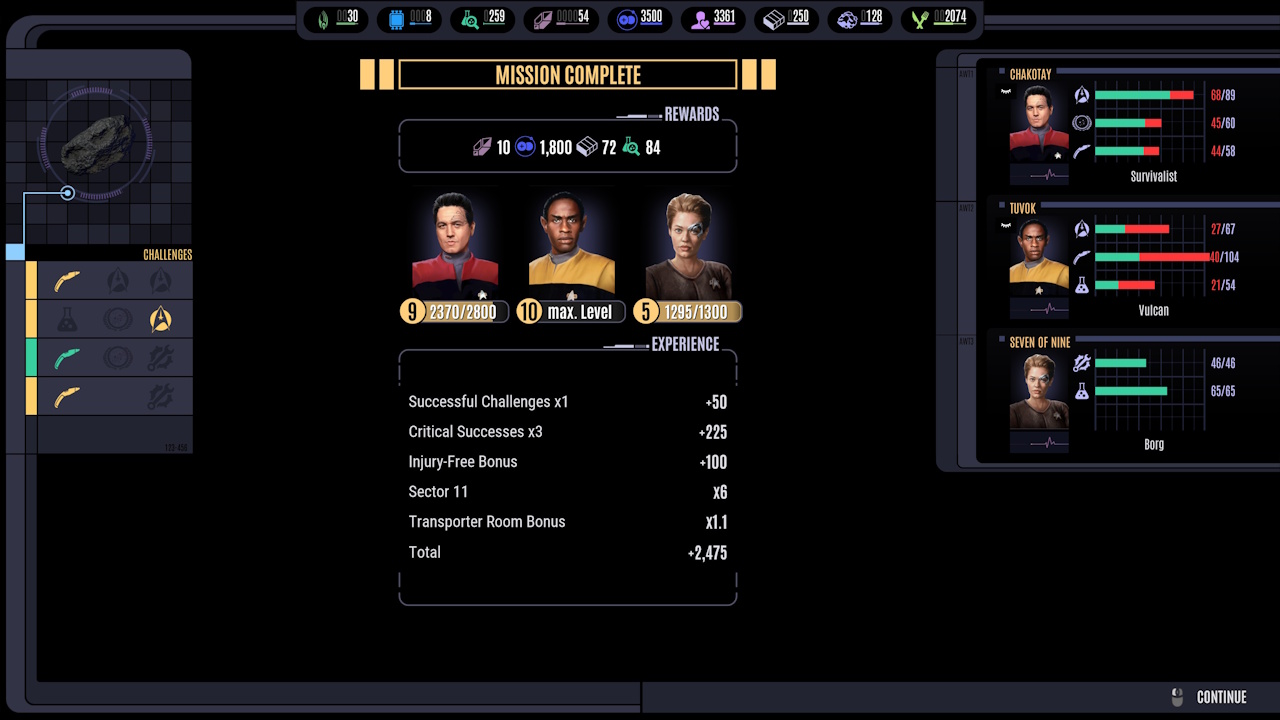
Away missions involve heroes visiting planets, ships, or other locations off of Voyager. They’re communicated through text and images, with the images having a kind of “painted” art style. Away missions also involve skill checks and rolls of the digital dice.
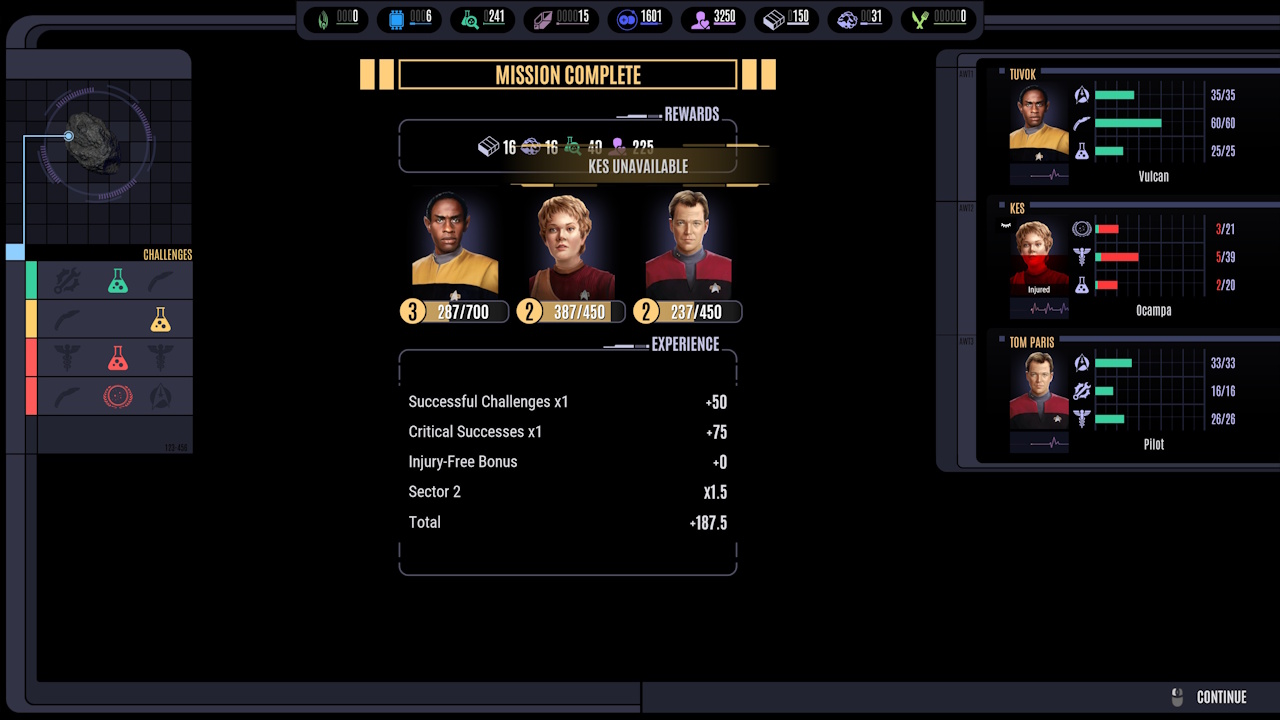
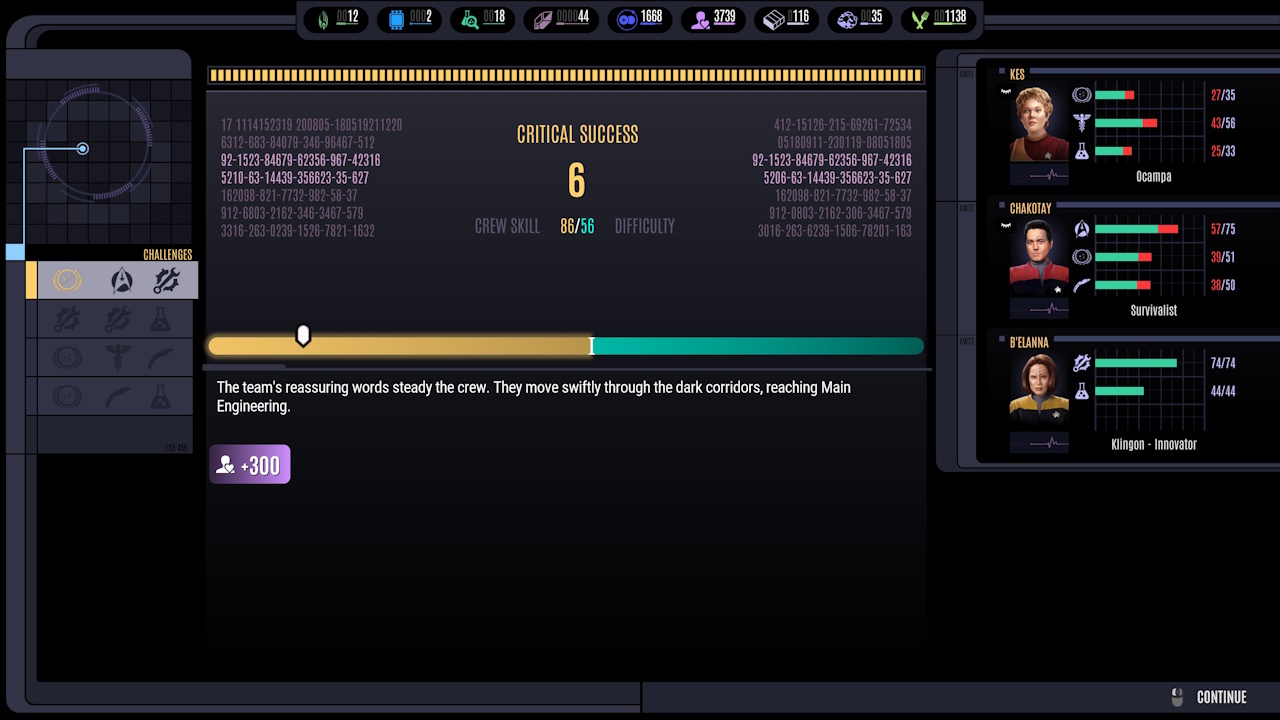
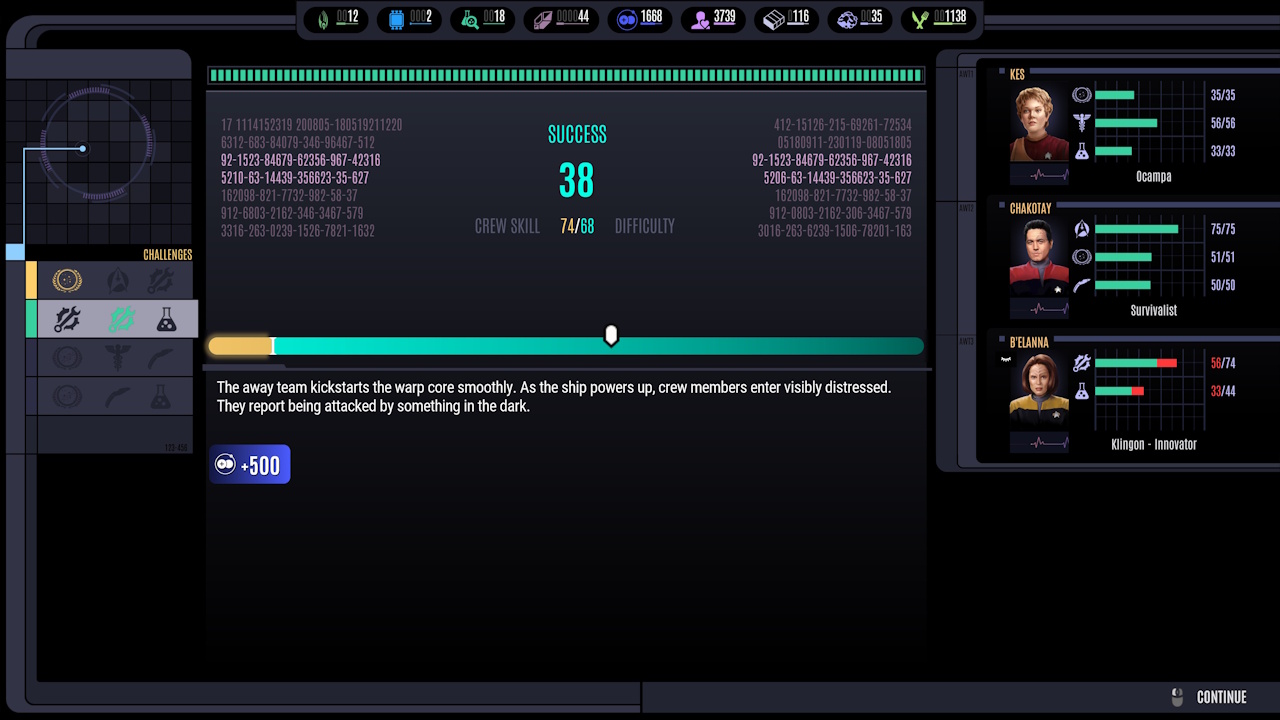
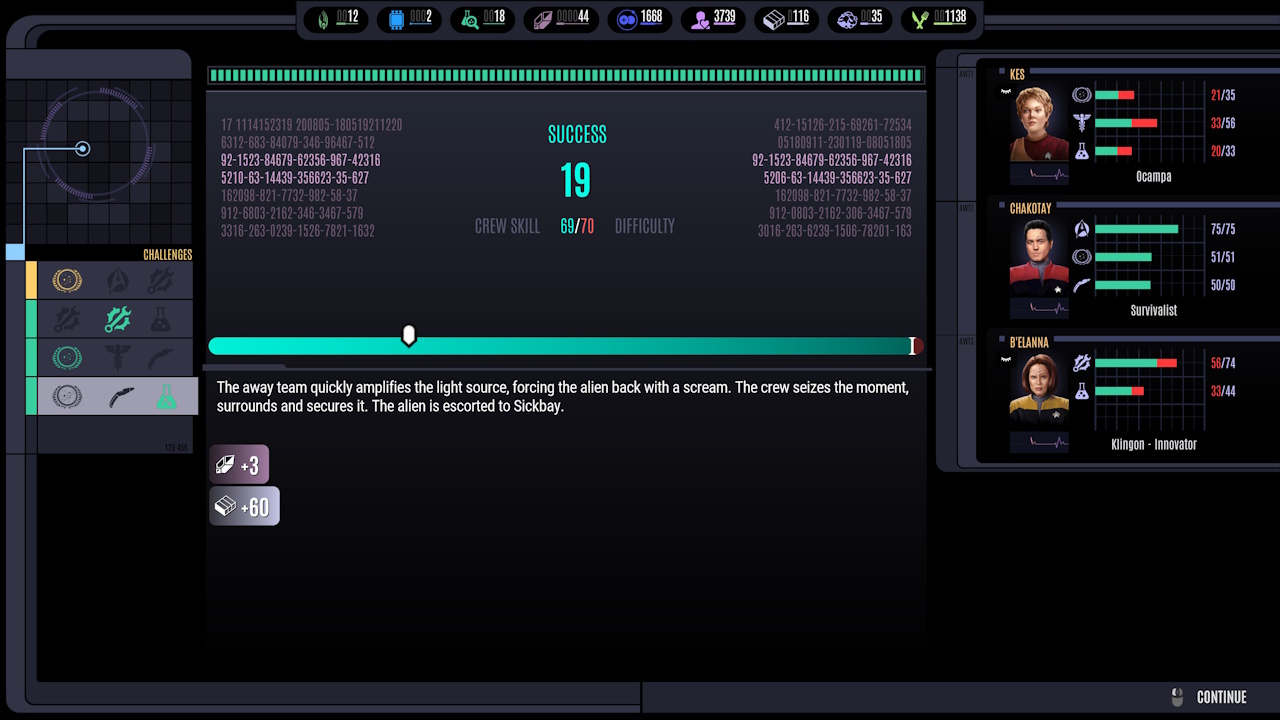
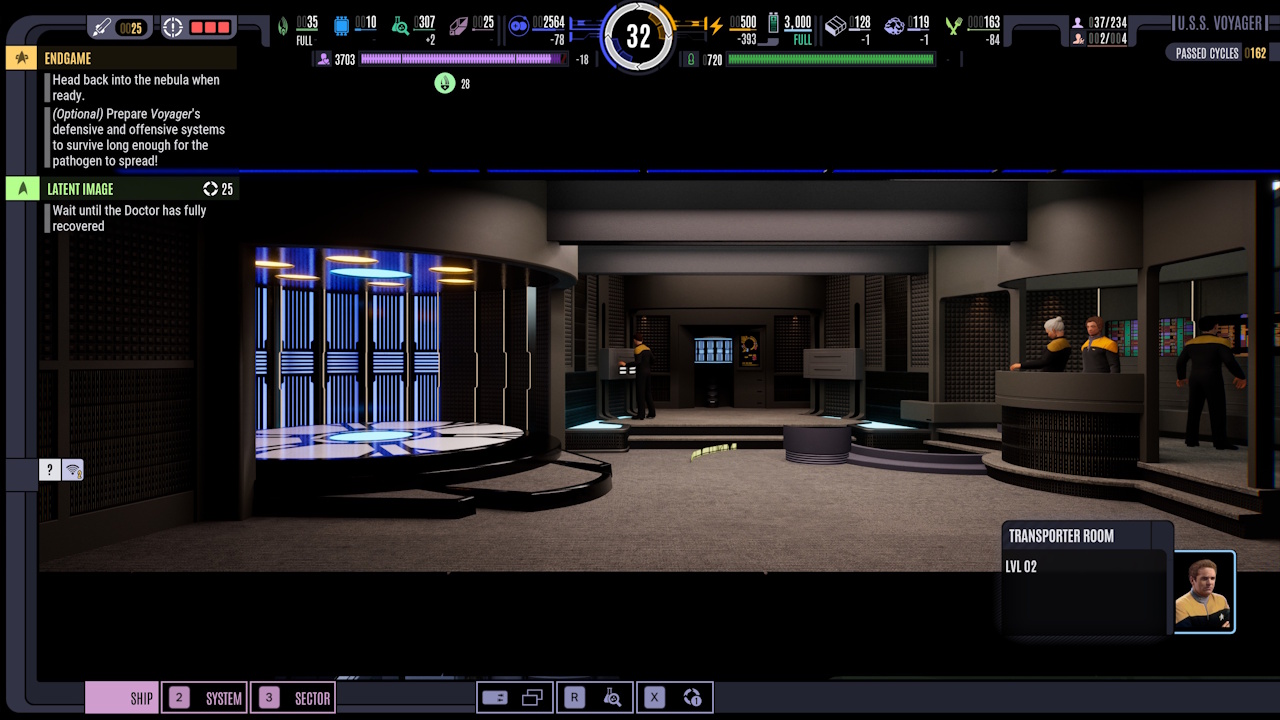
Transporter Room:
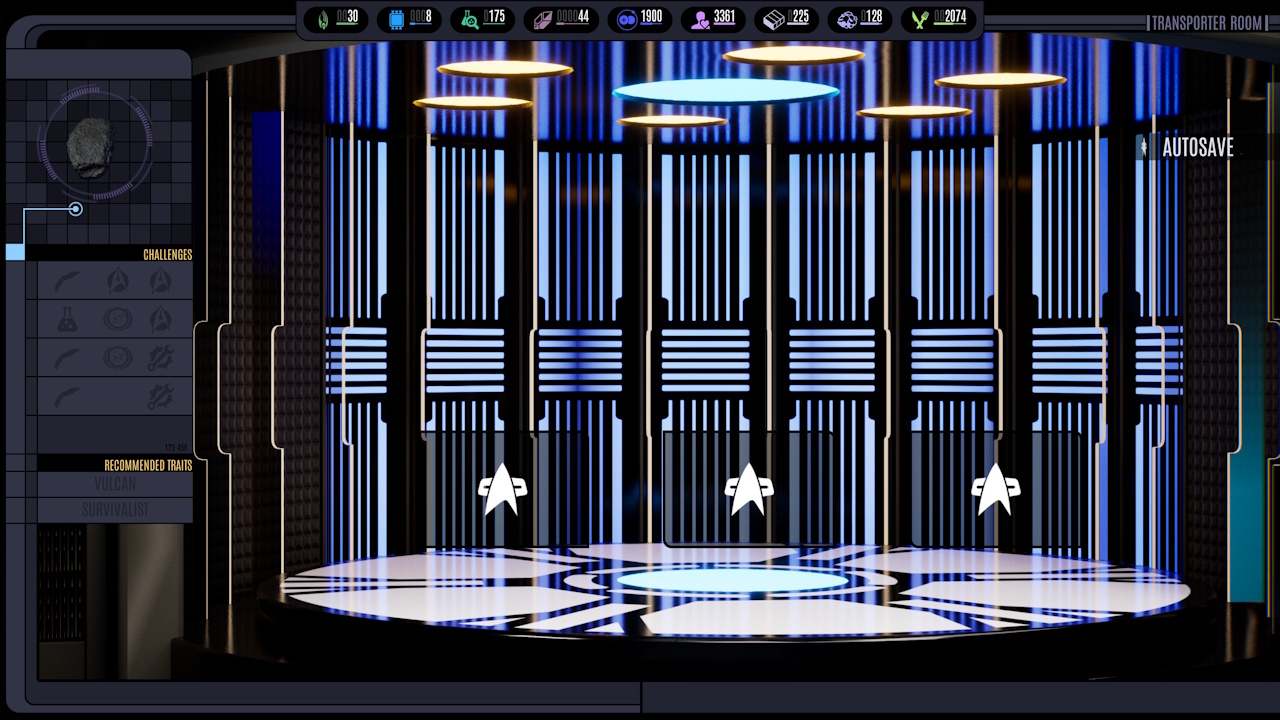
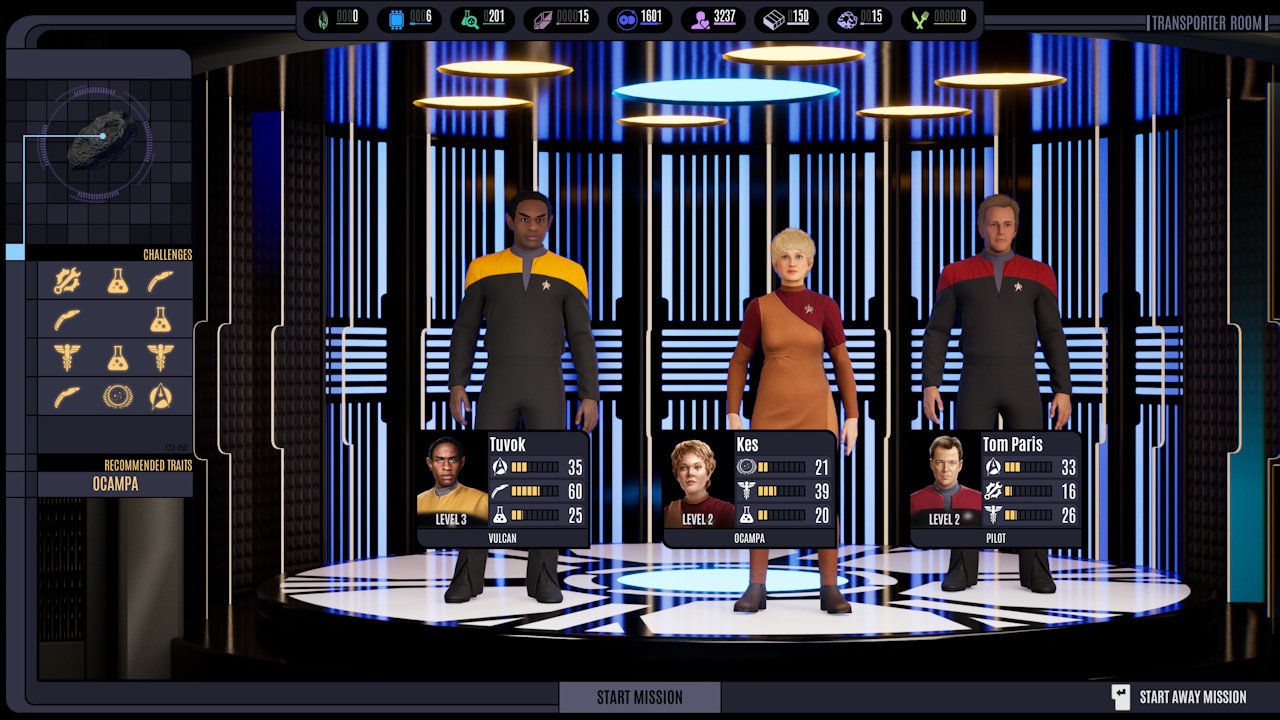
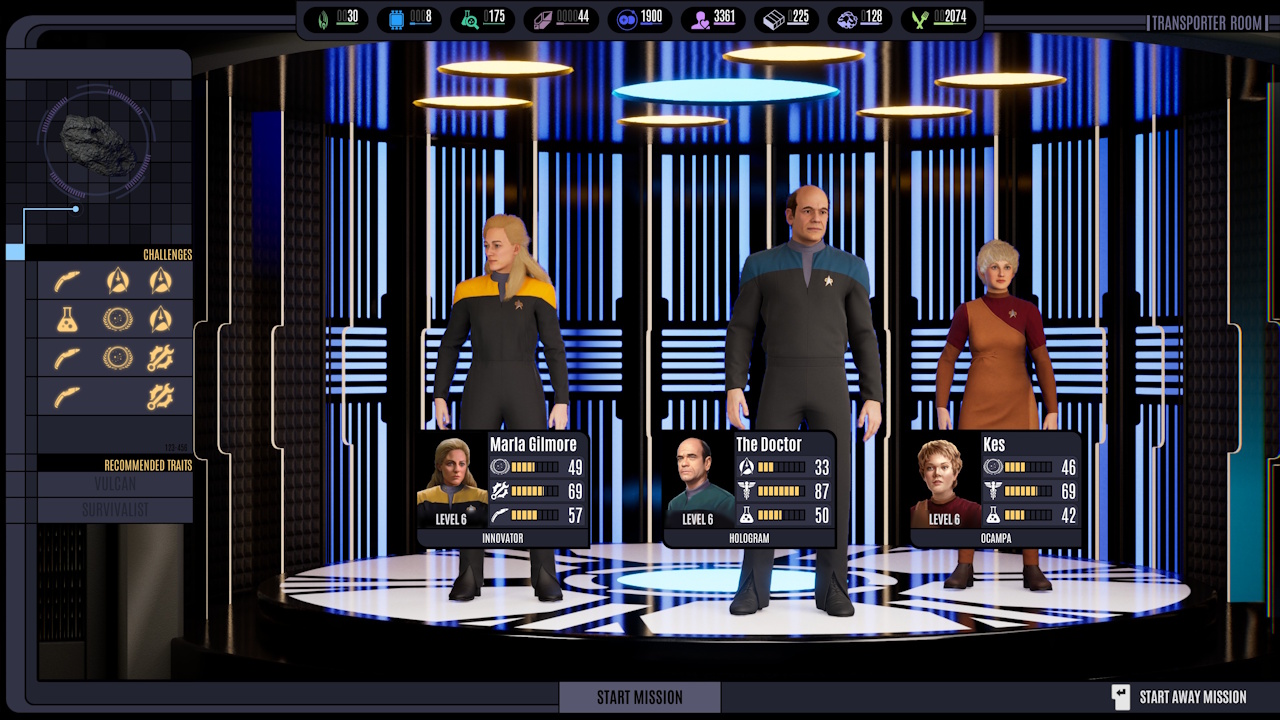
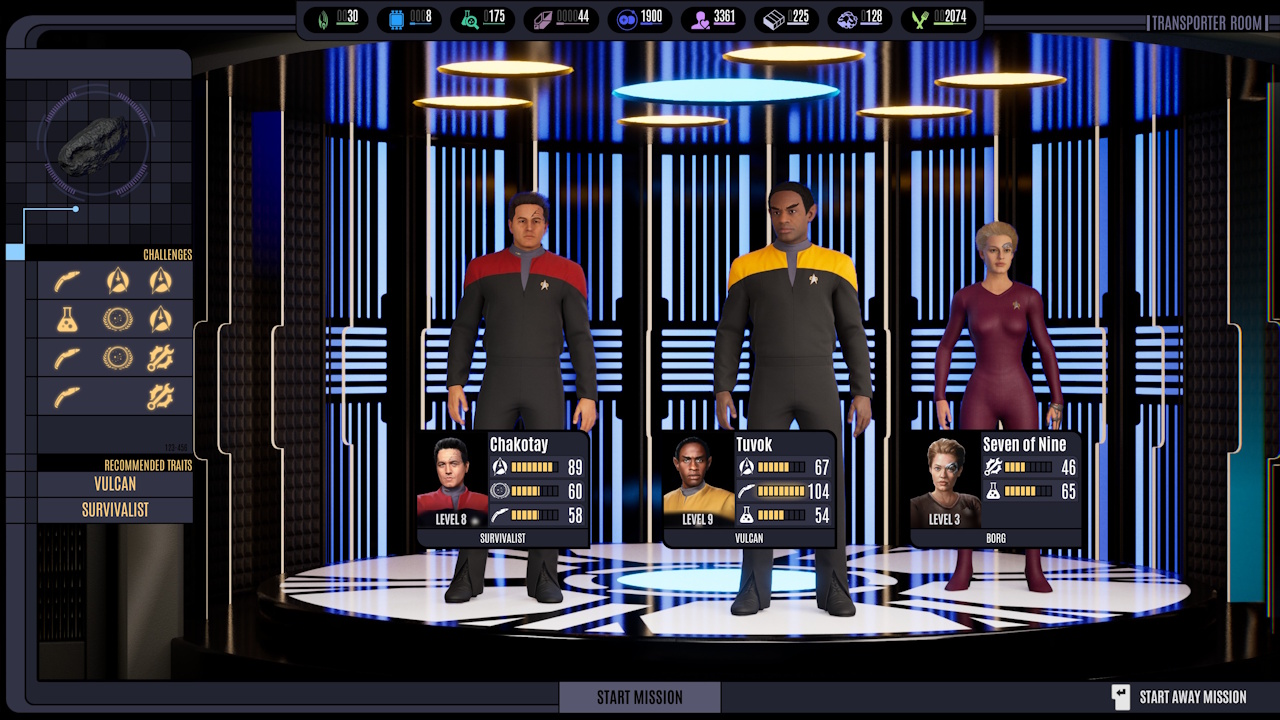
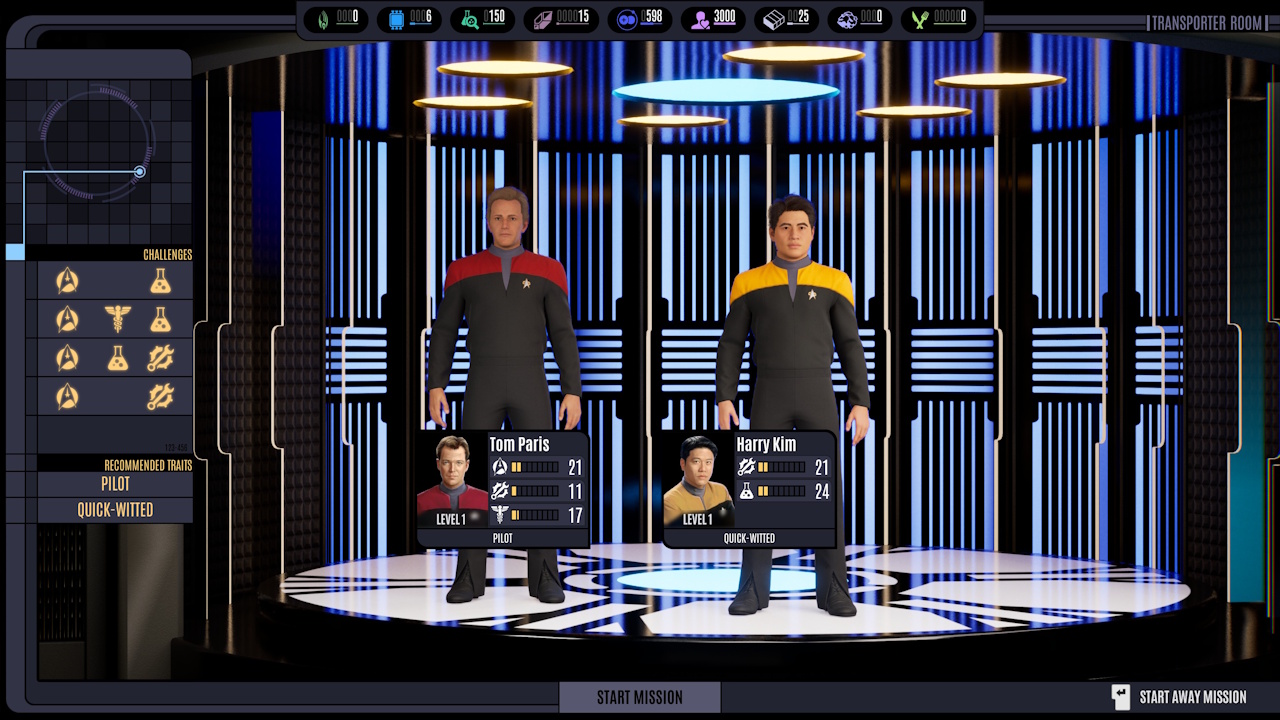
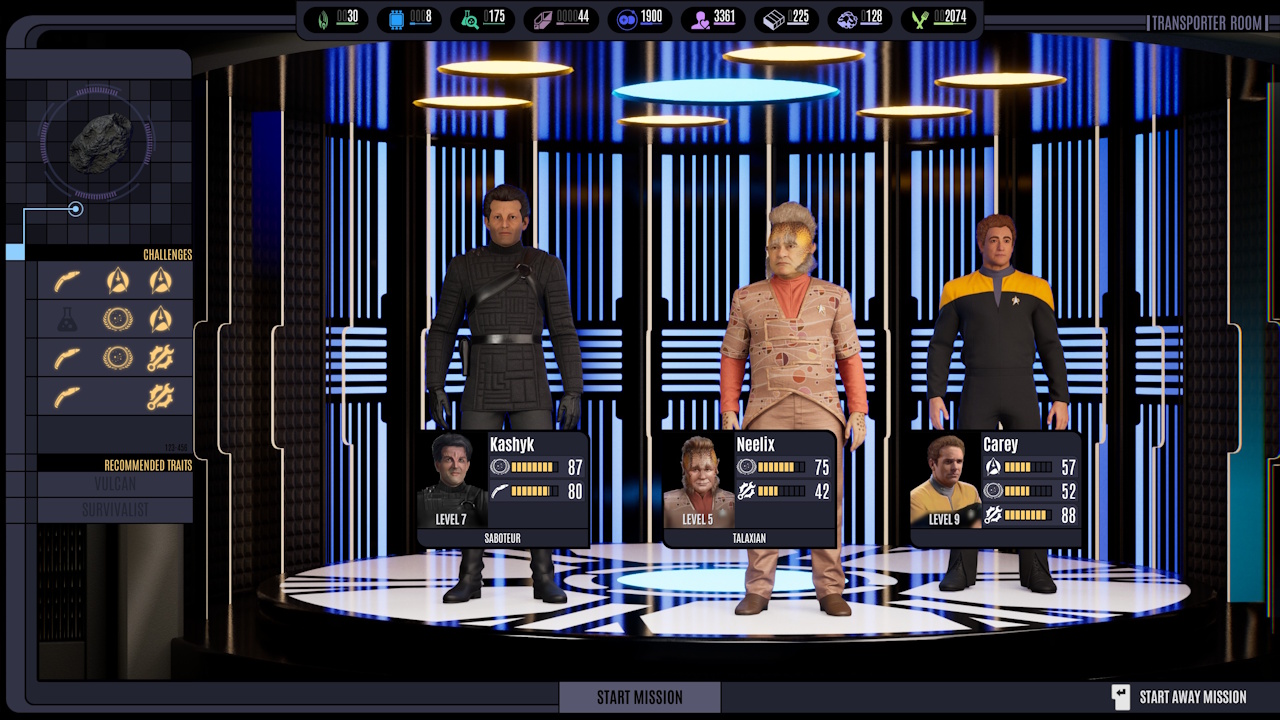
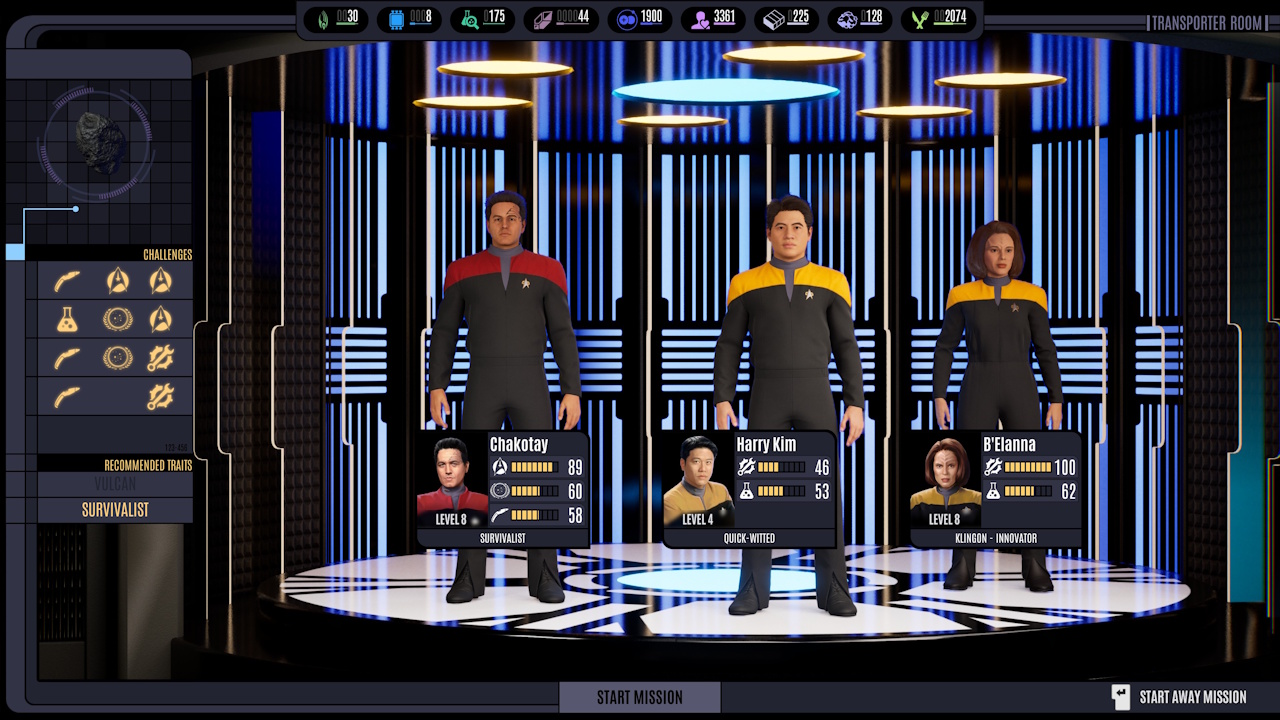
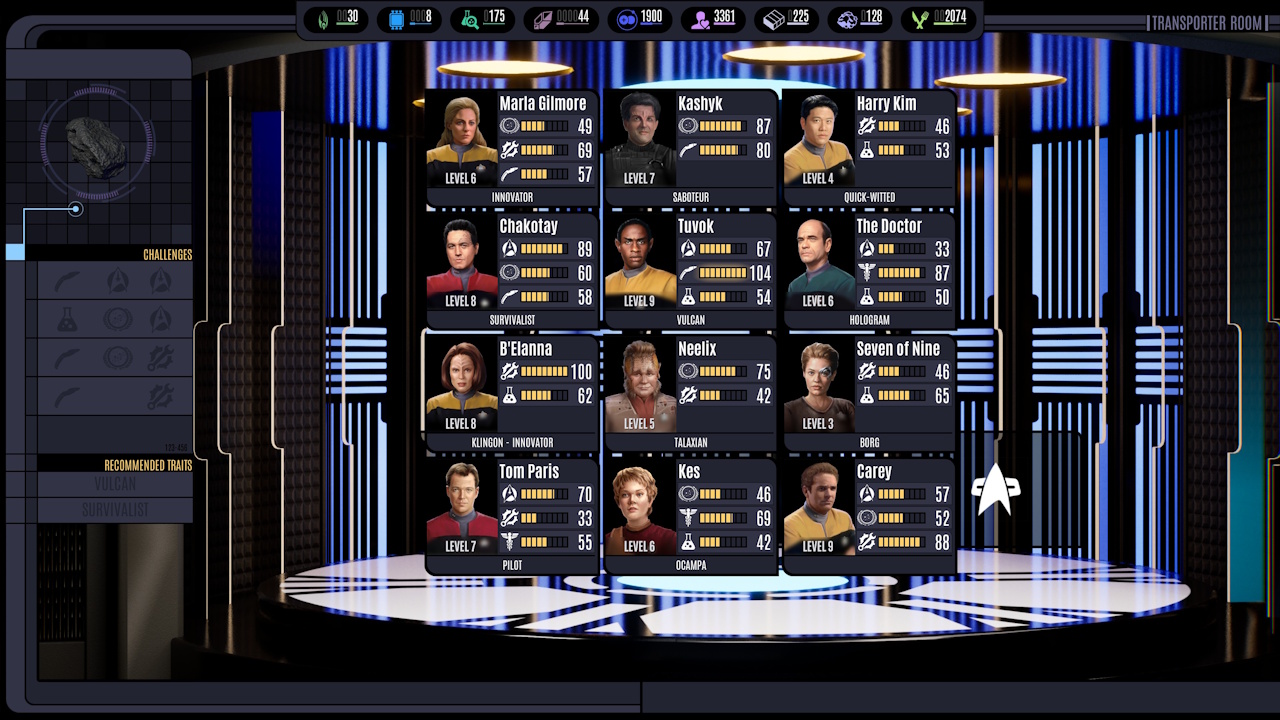
Before you start an away mission, you have to pick which hero(es) are going to take part. This takes place in the transporter room, and the game gives you hints about which heroes might be better-suited to the mission at hand.
The View from the Bridge:
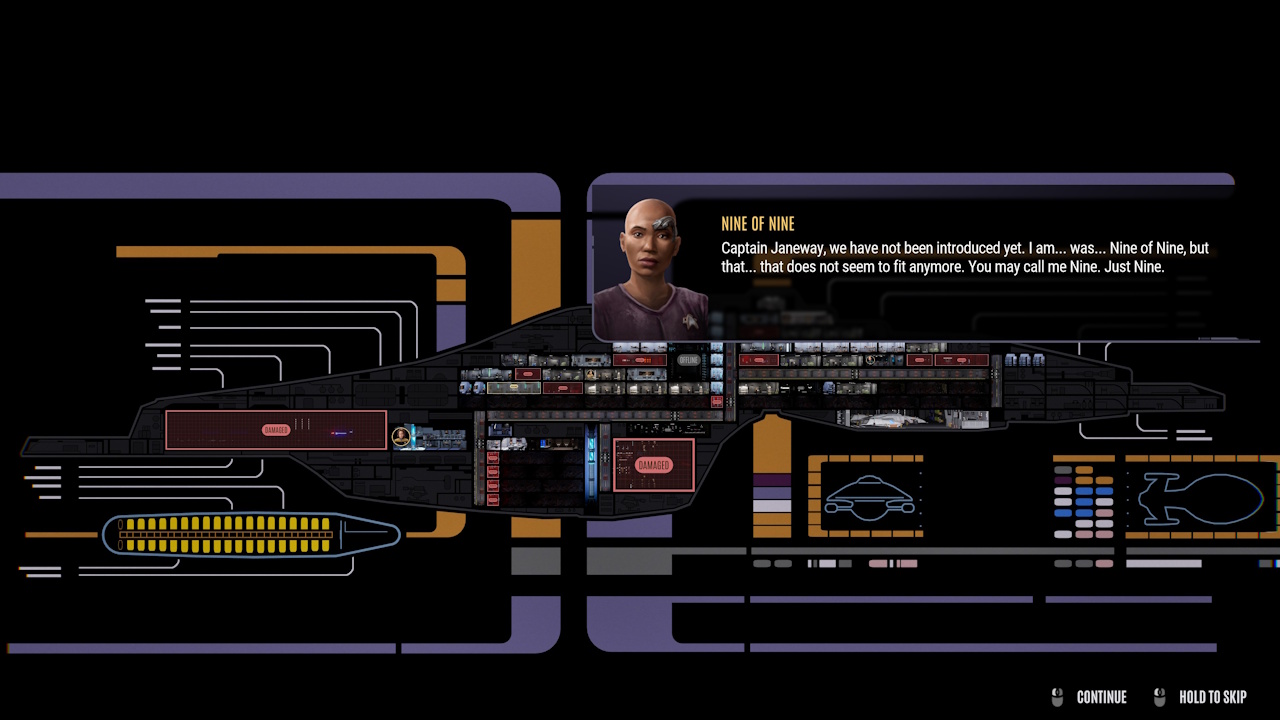
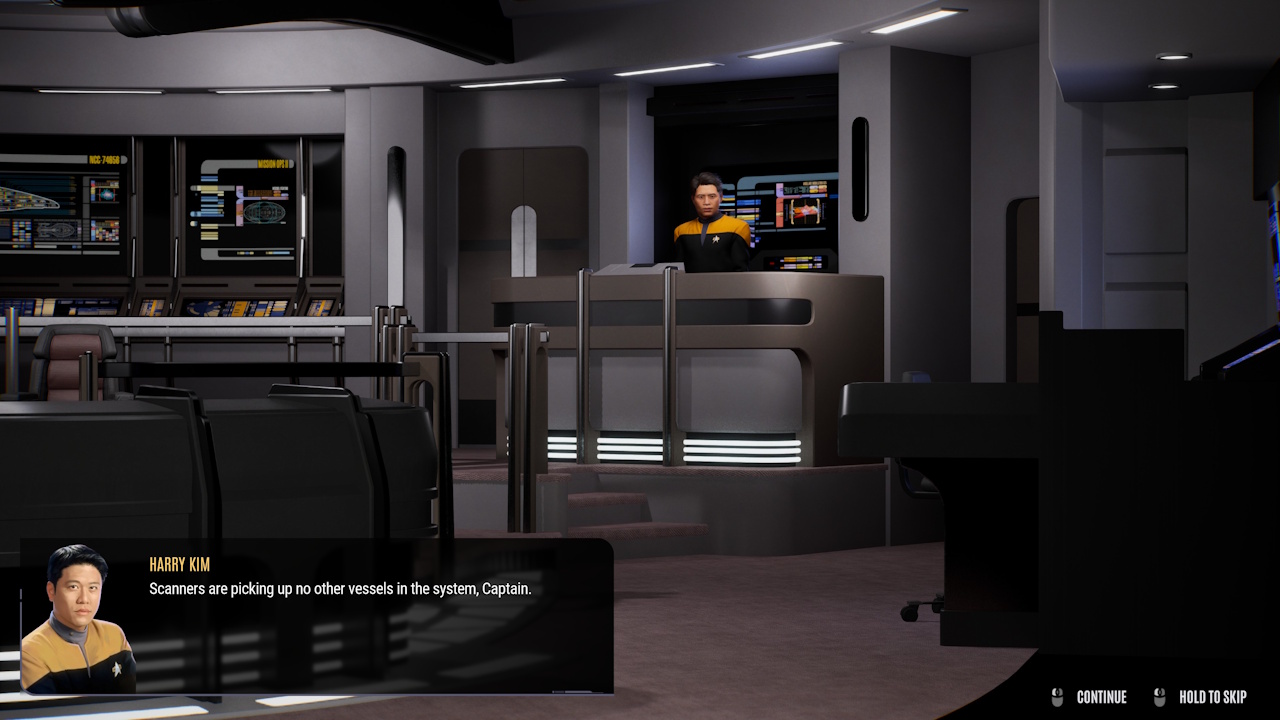
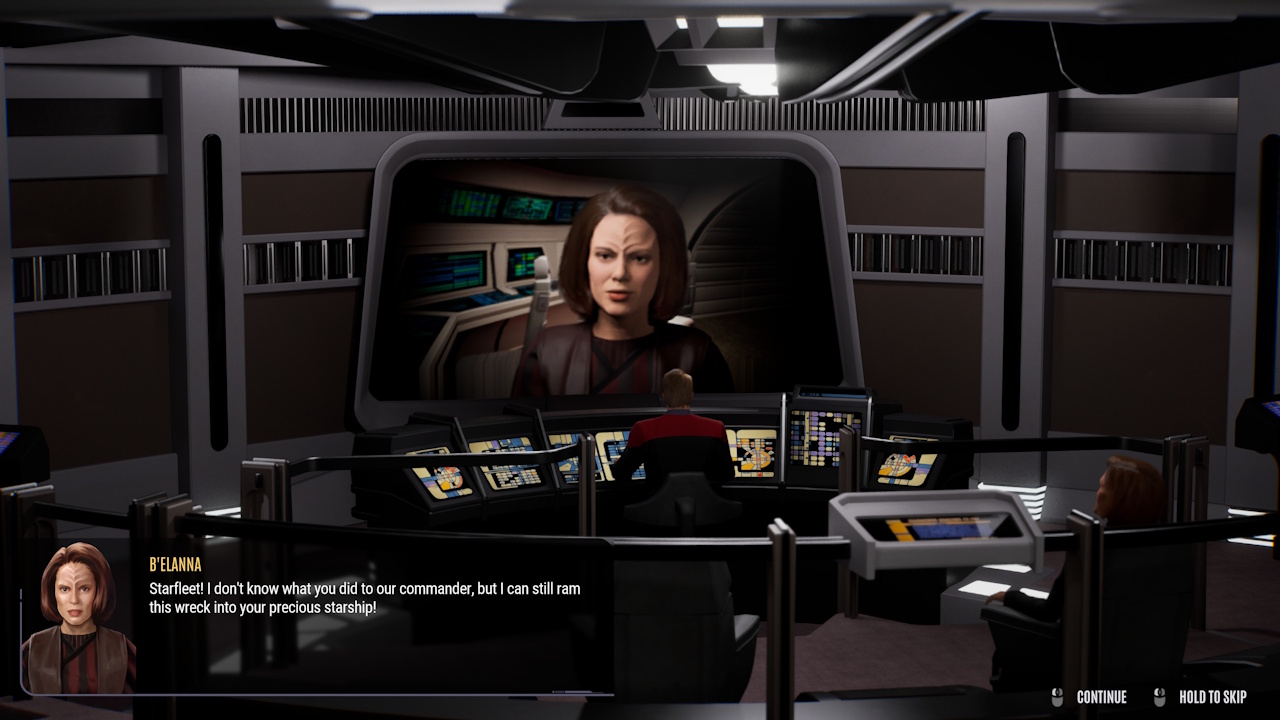
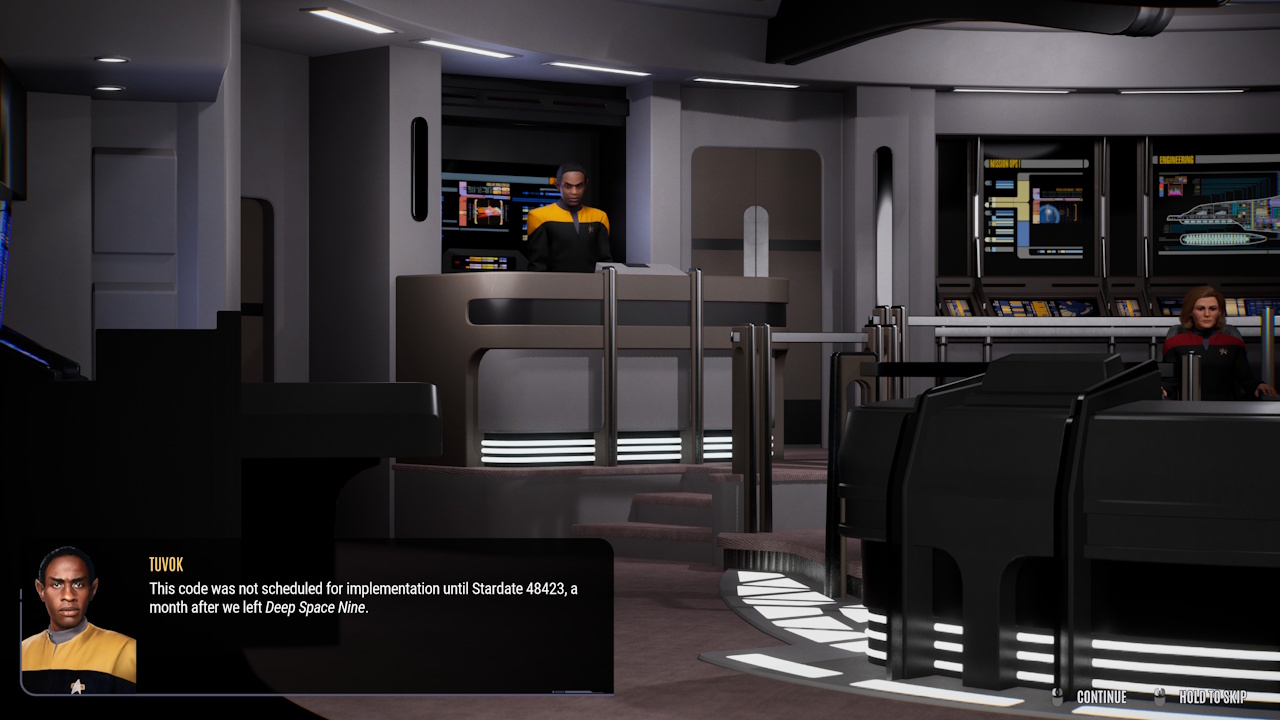
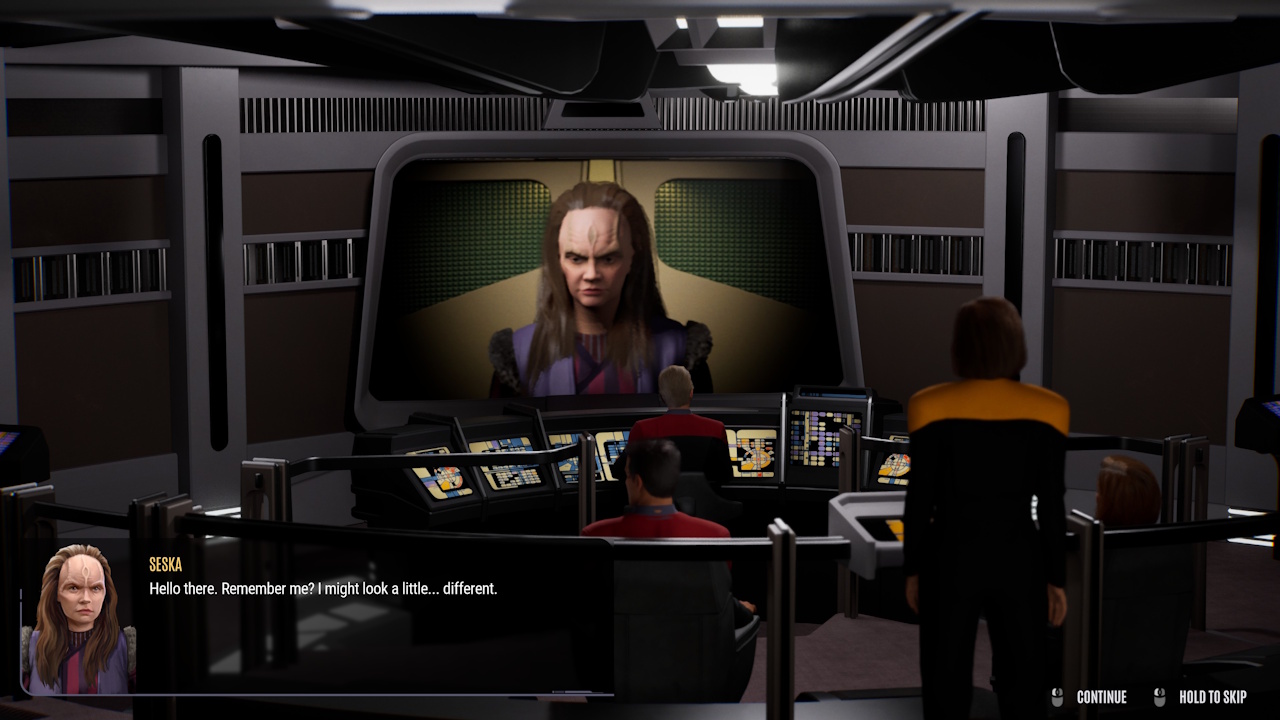
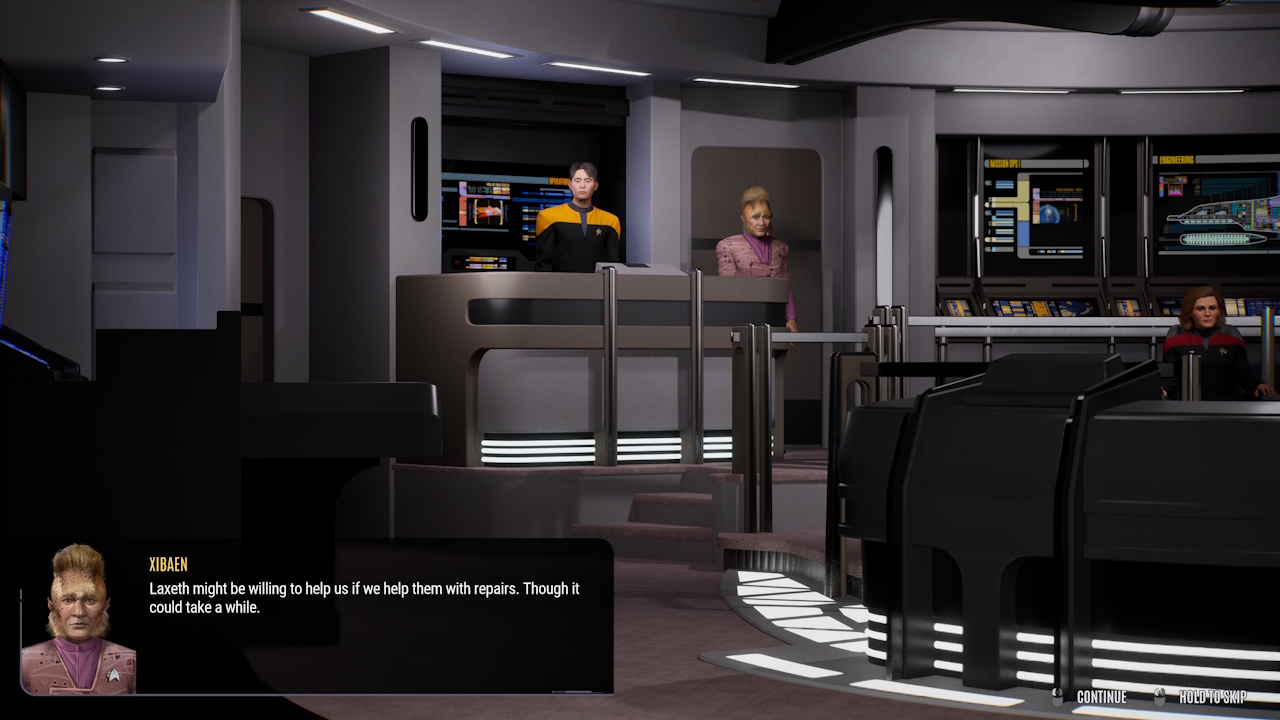
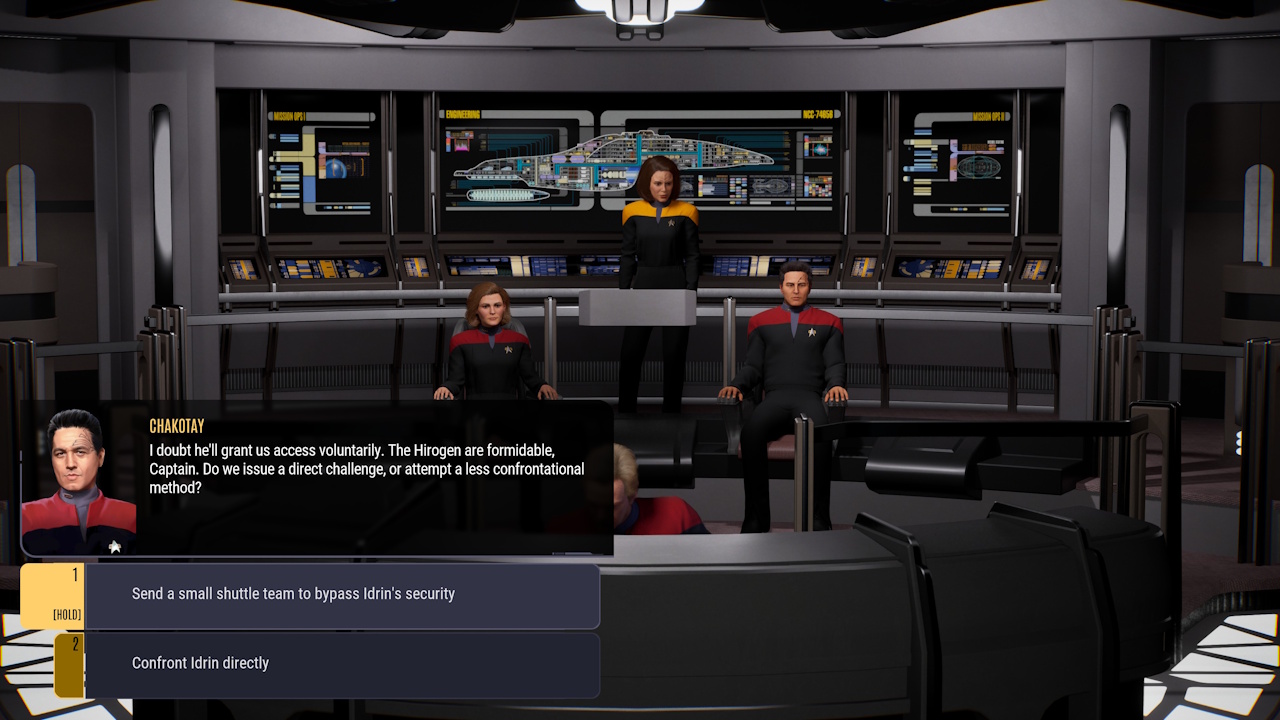
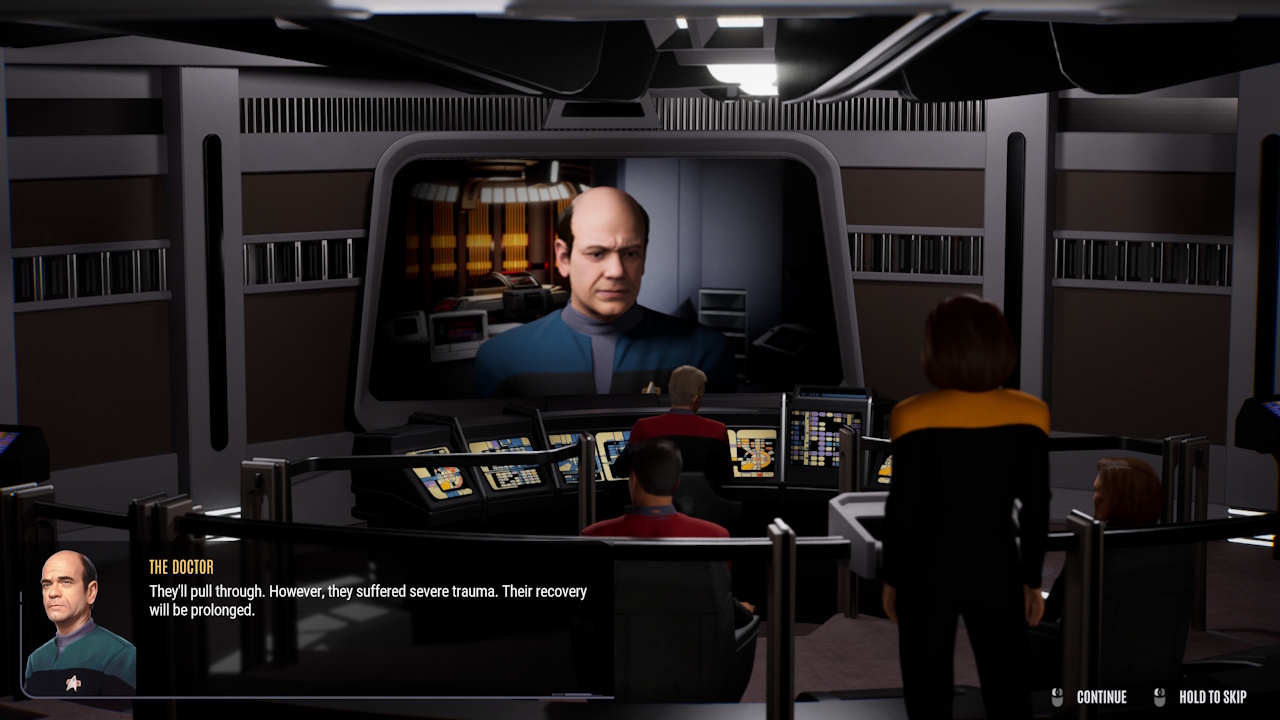
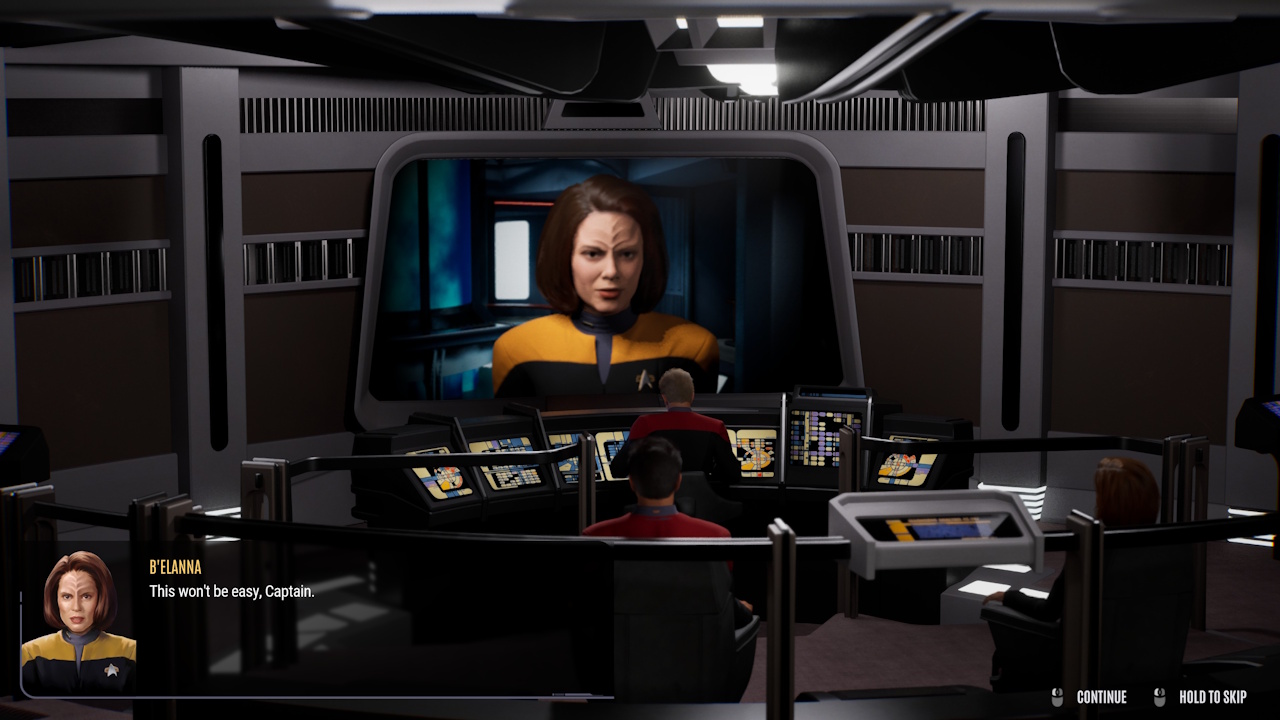
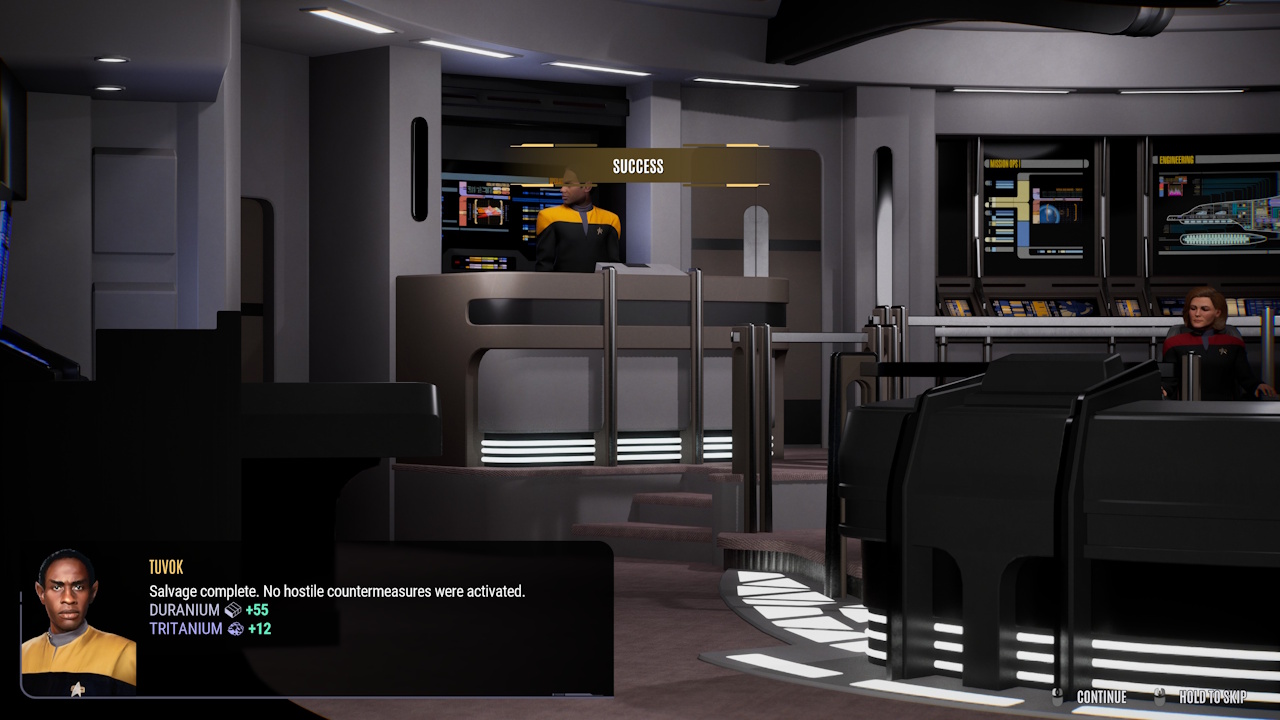
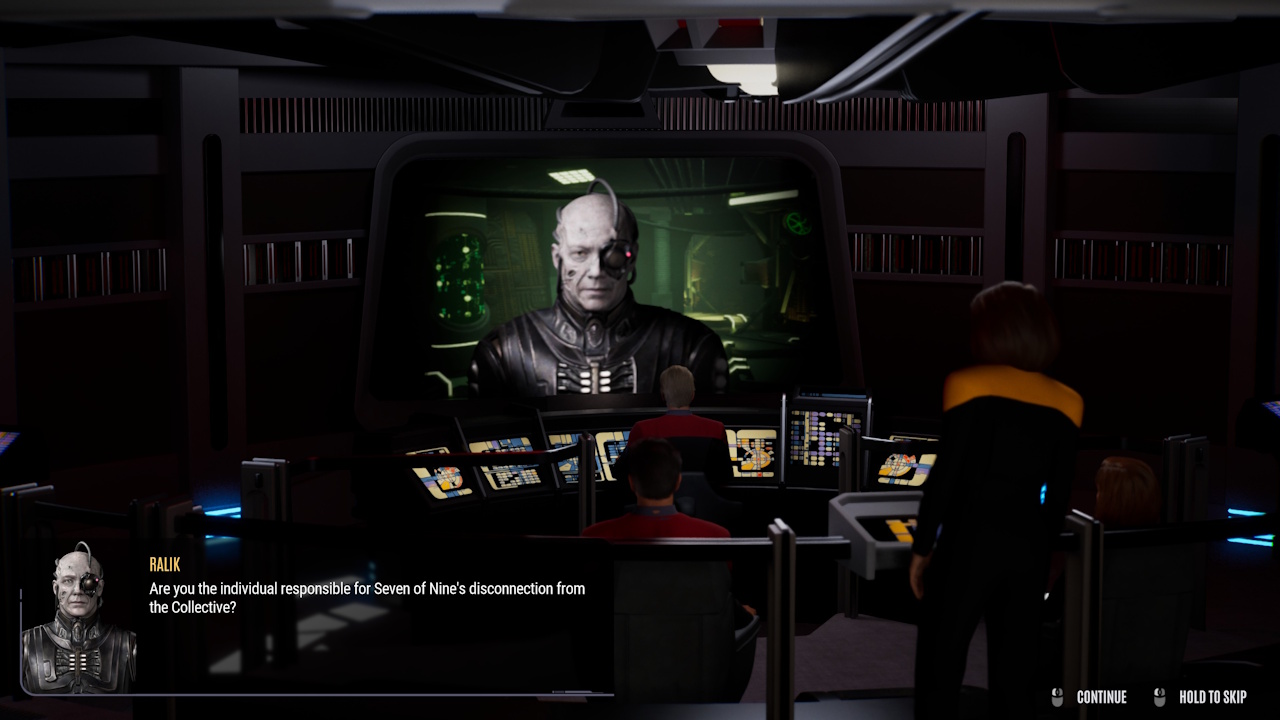
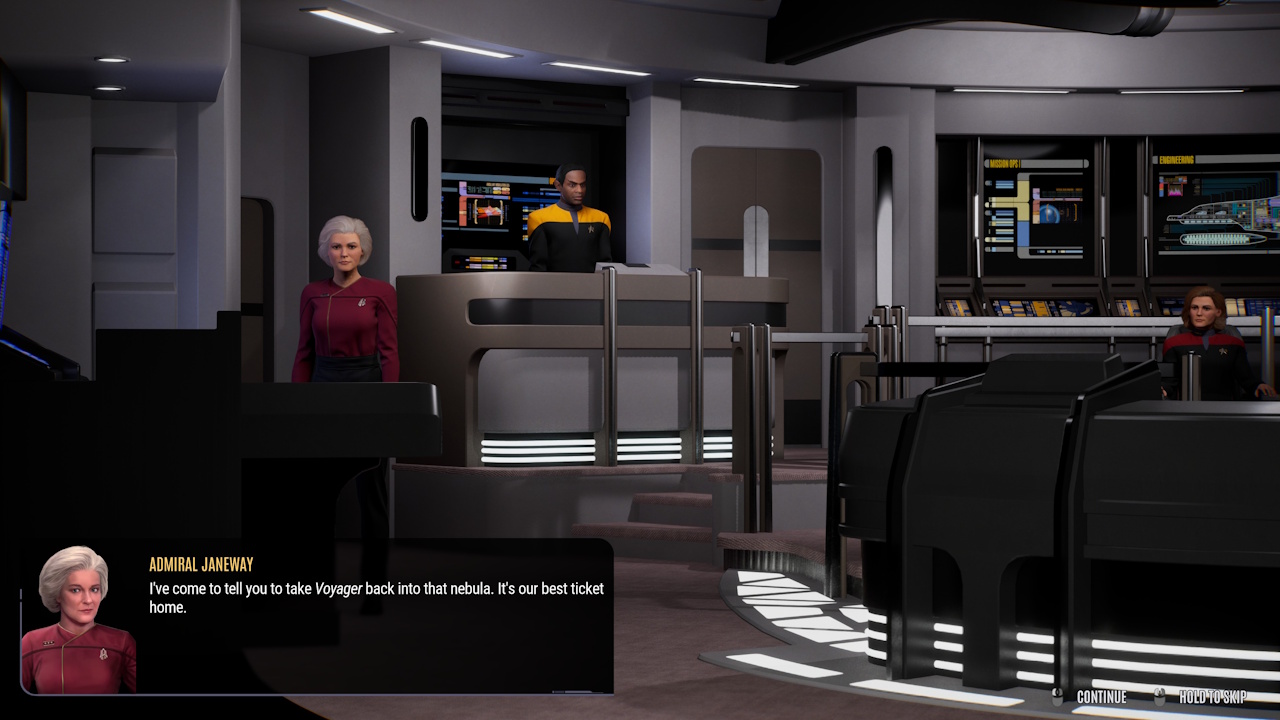
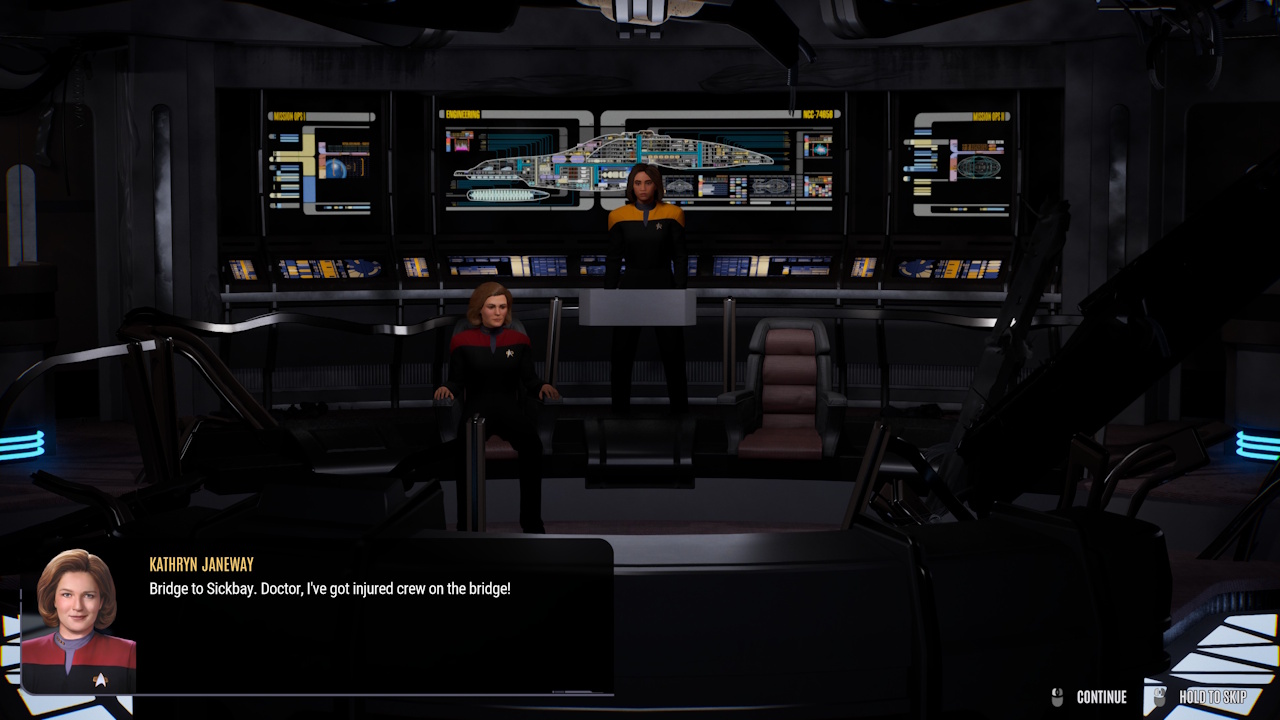
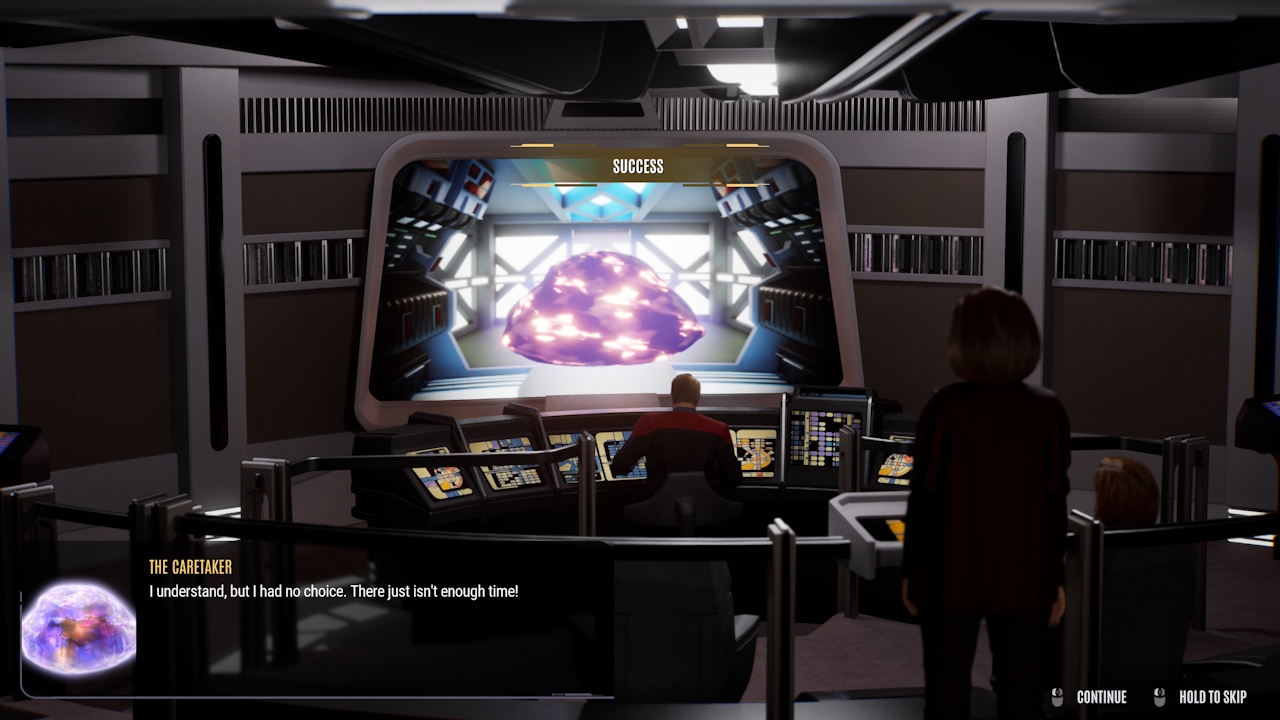
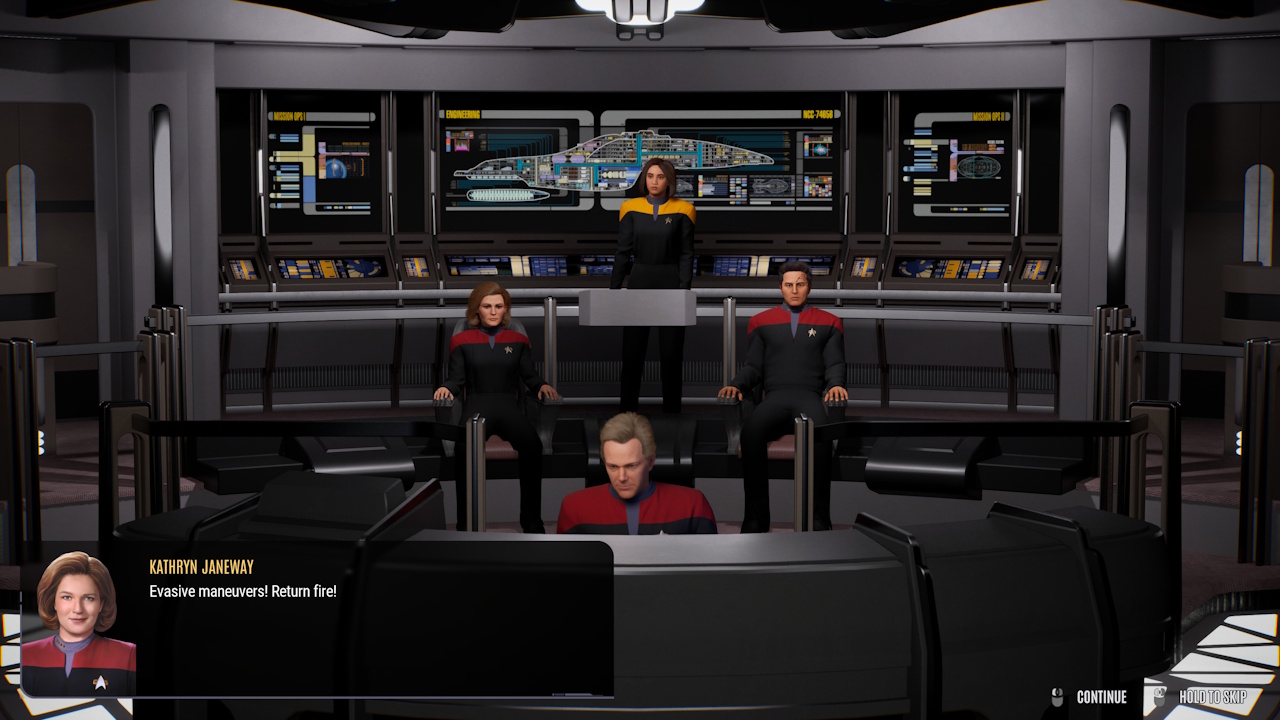
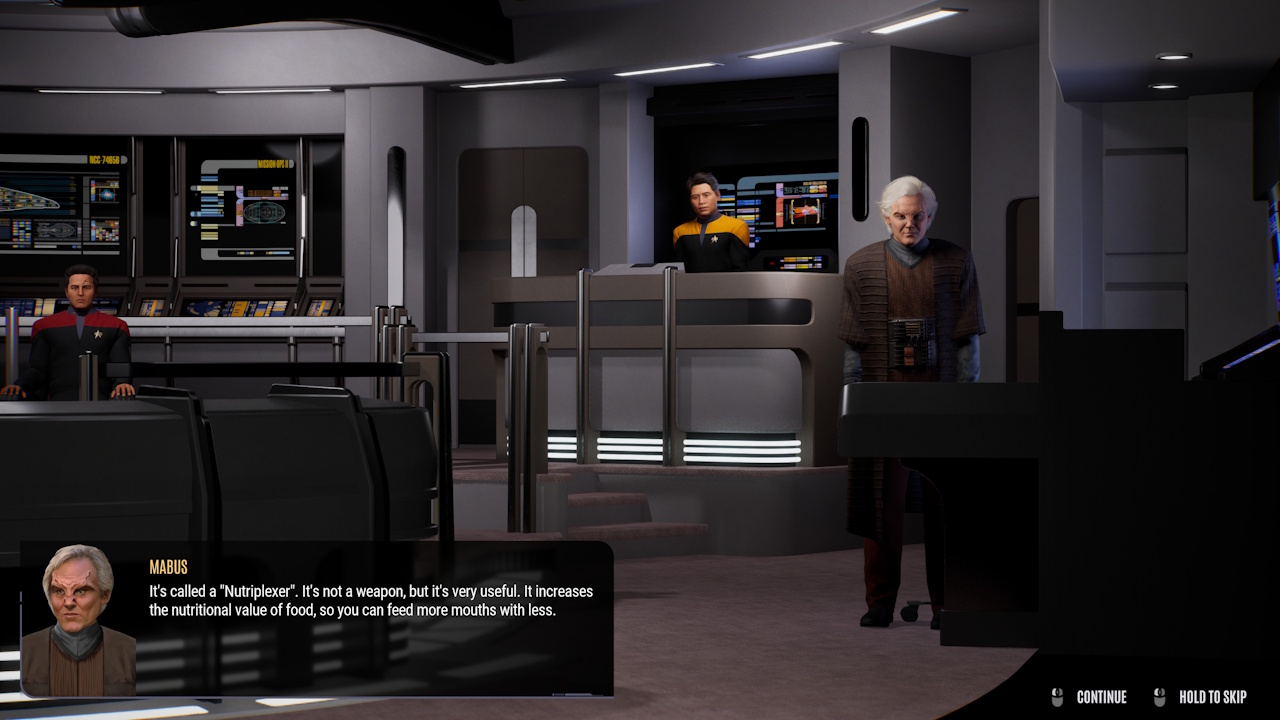
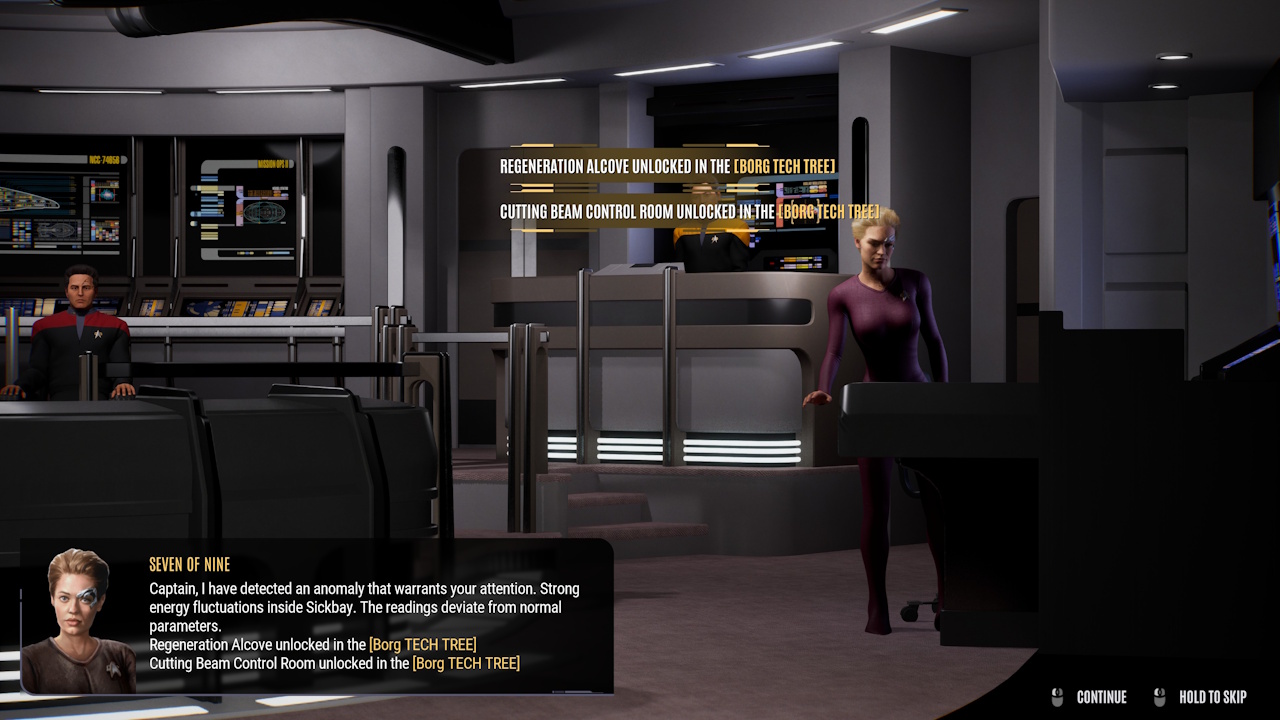
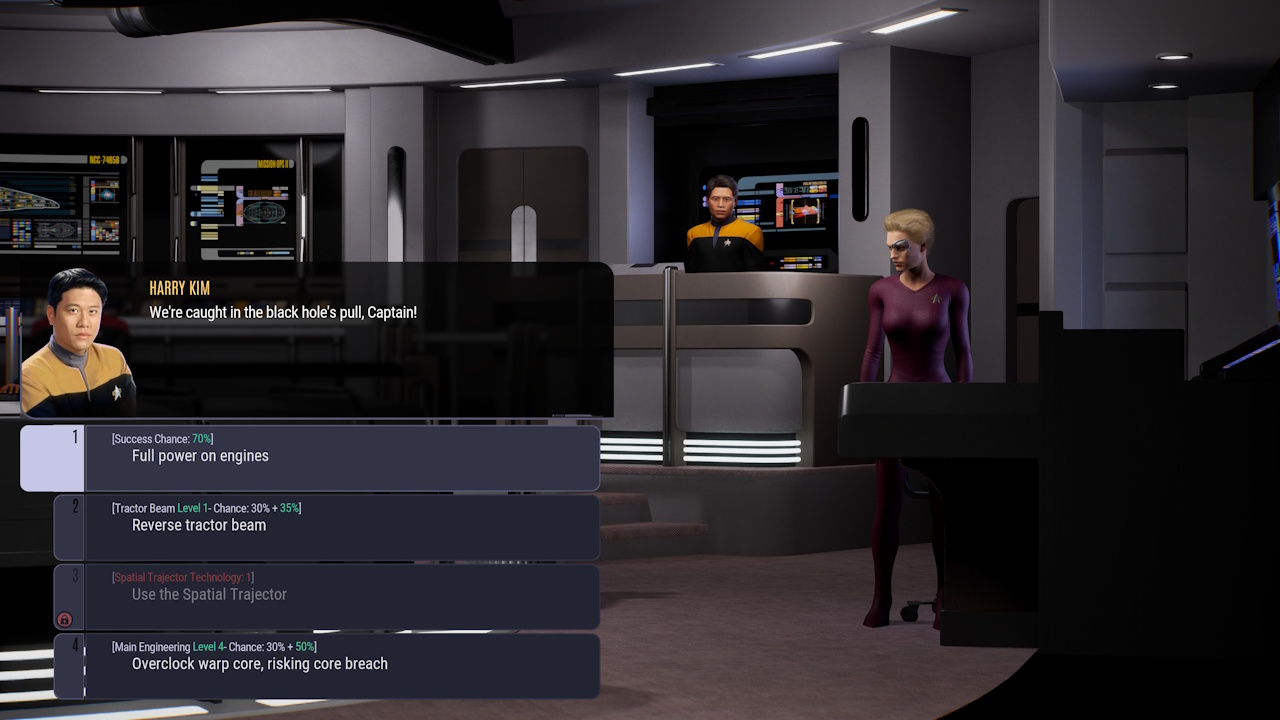
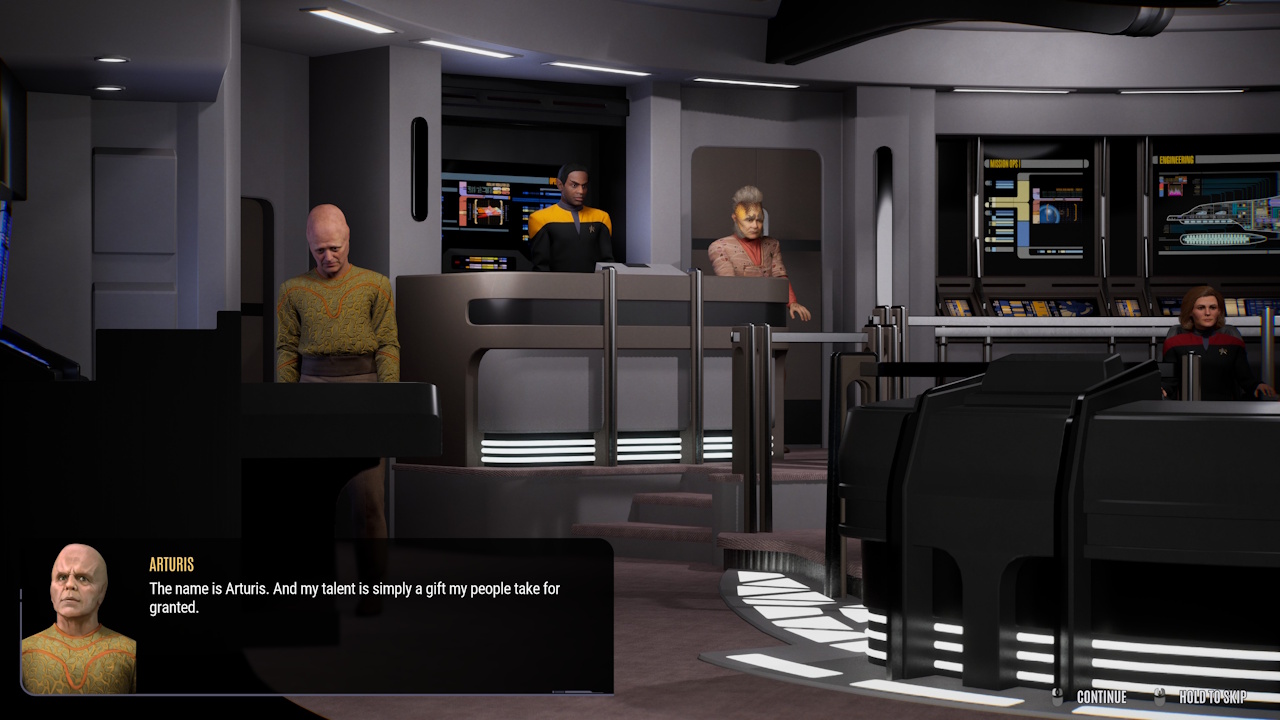
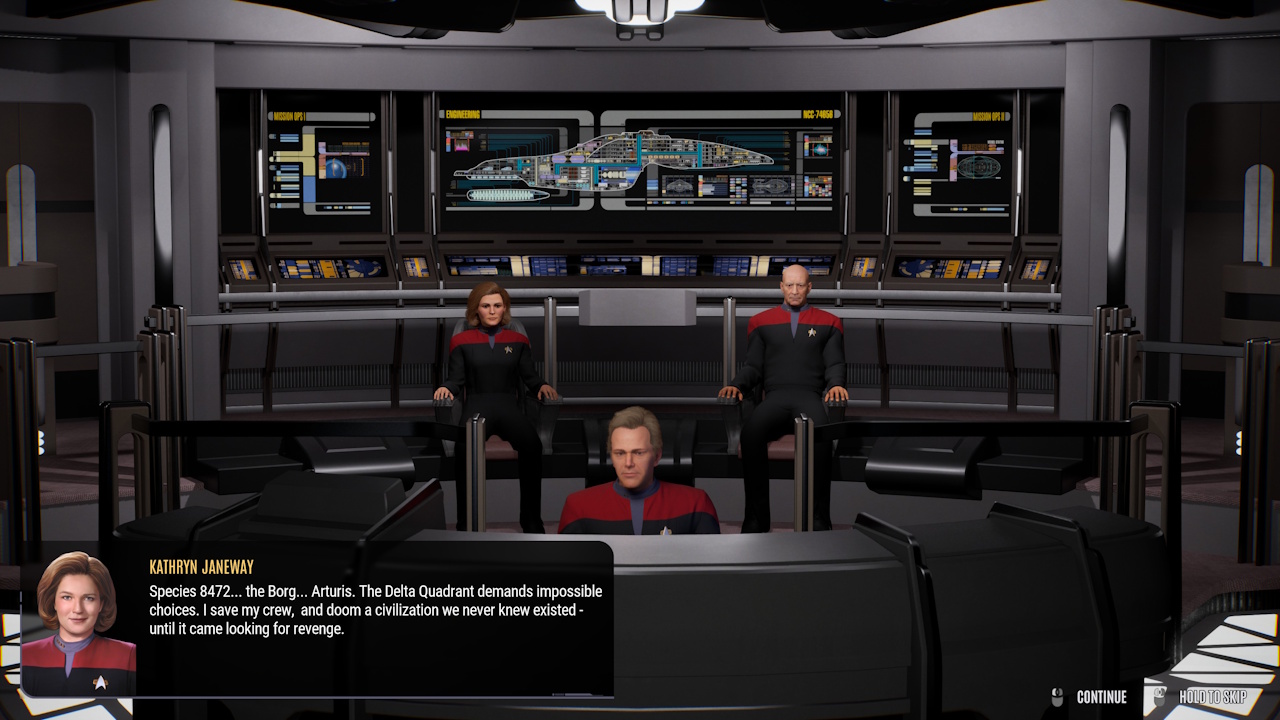
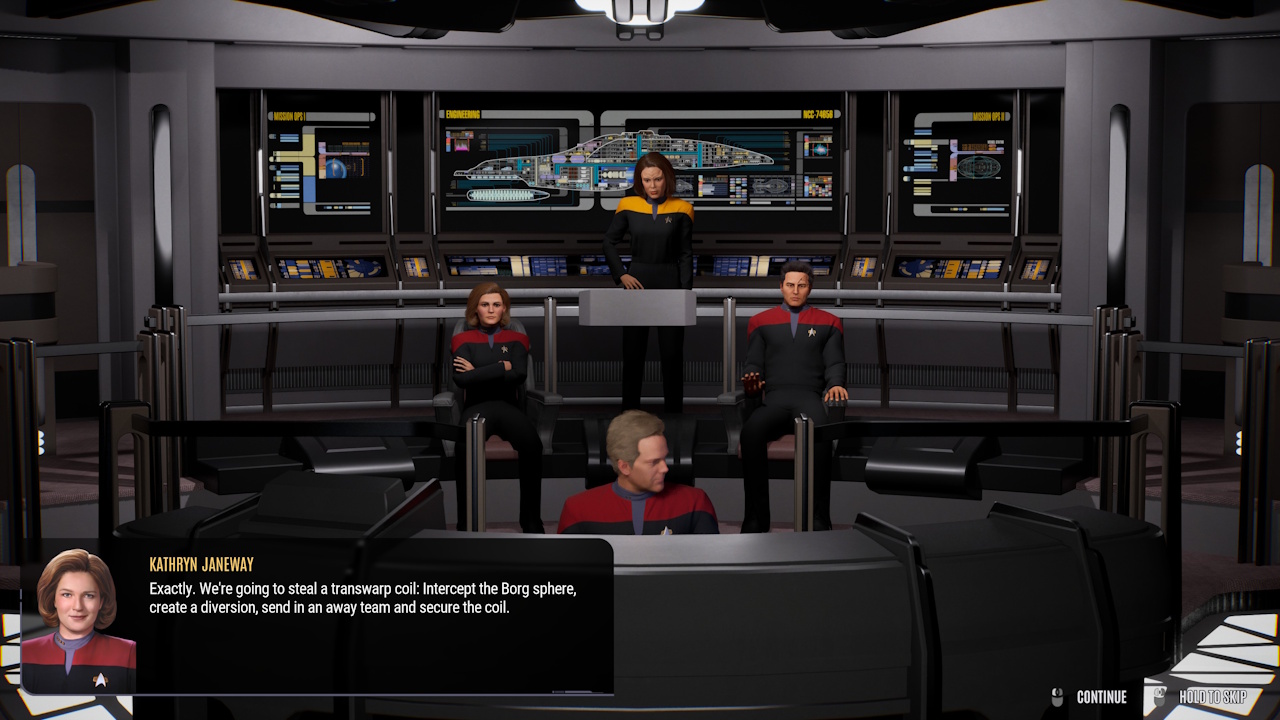
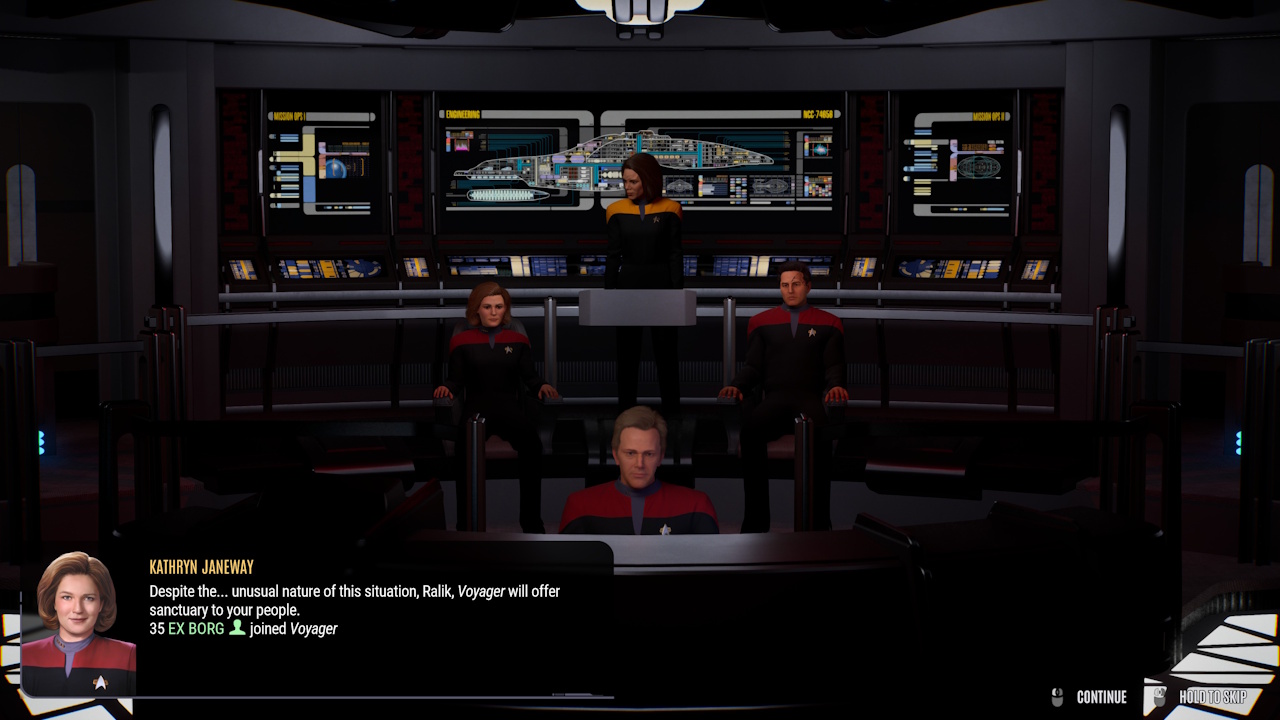
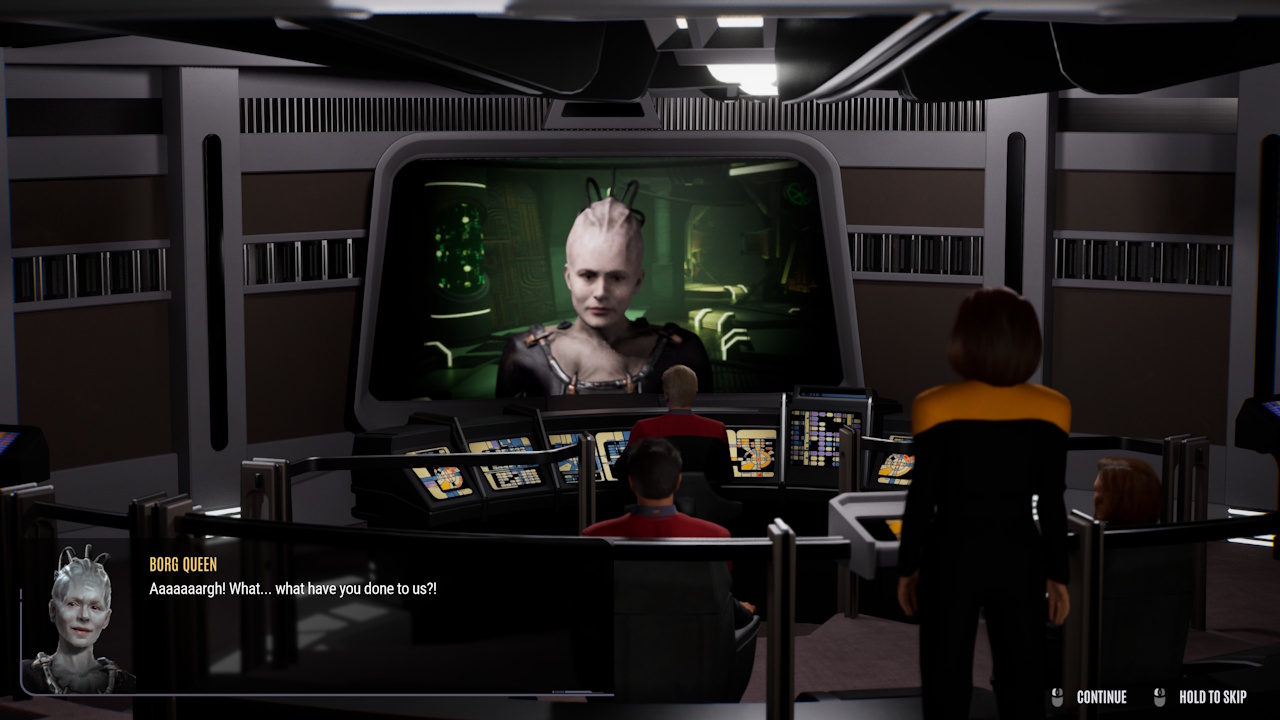
These scenes depict various characters conversing on the bridge. This is also where you get to make consequential choices.
Combat:
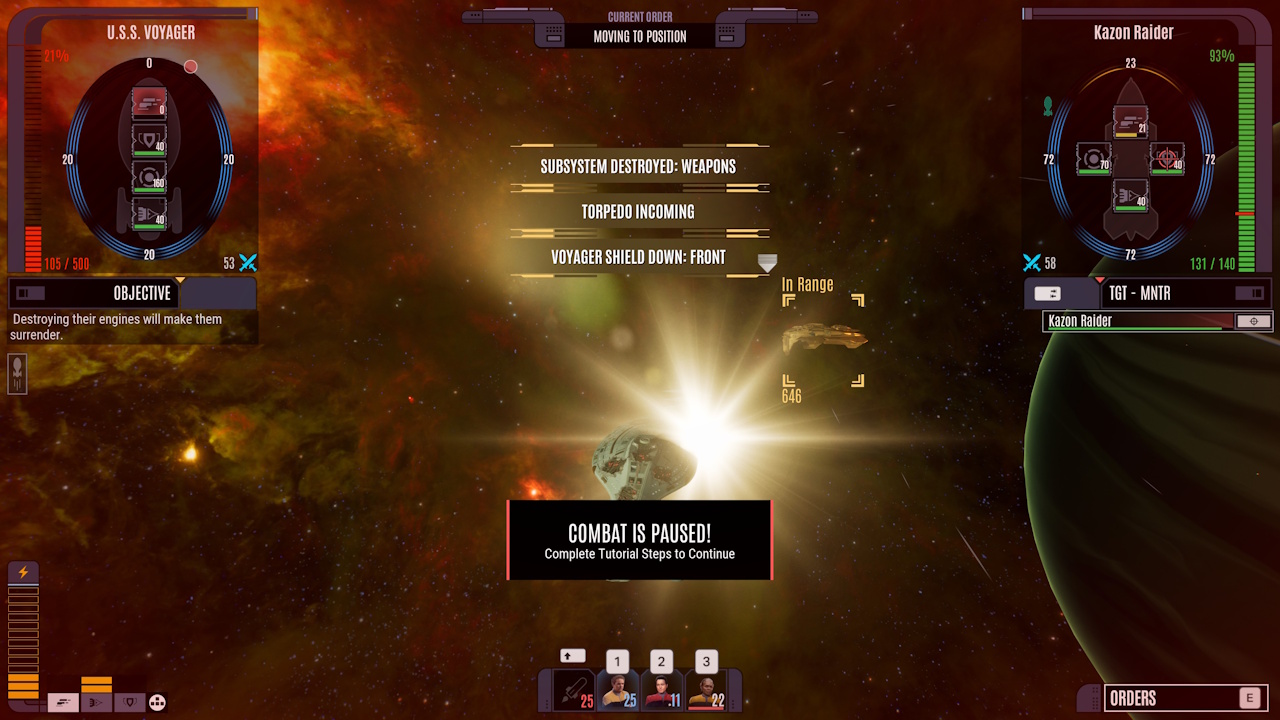
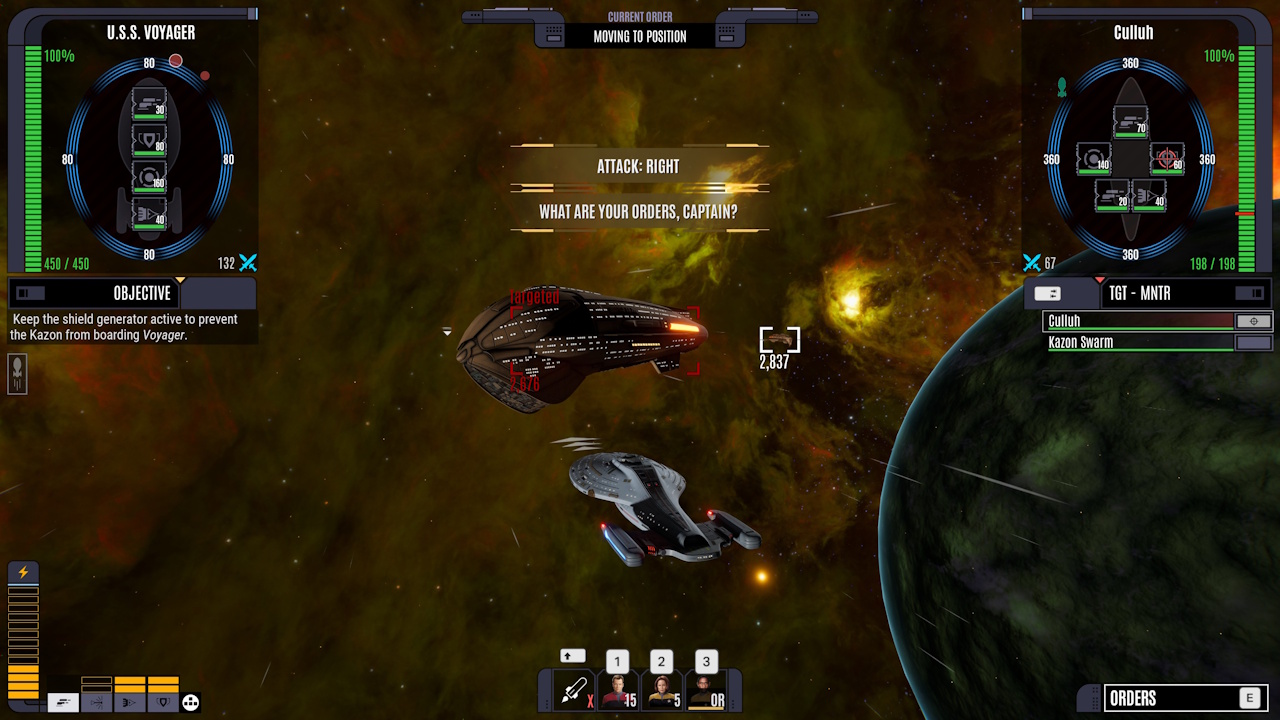
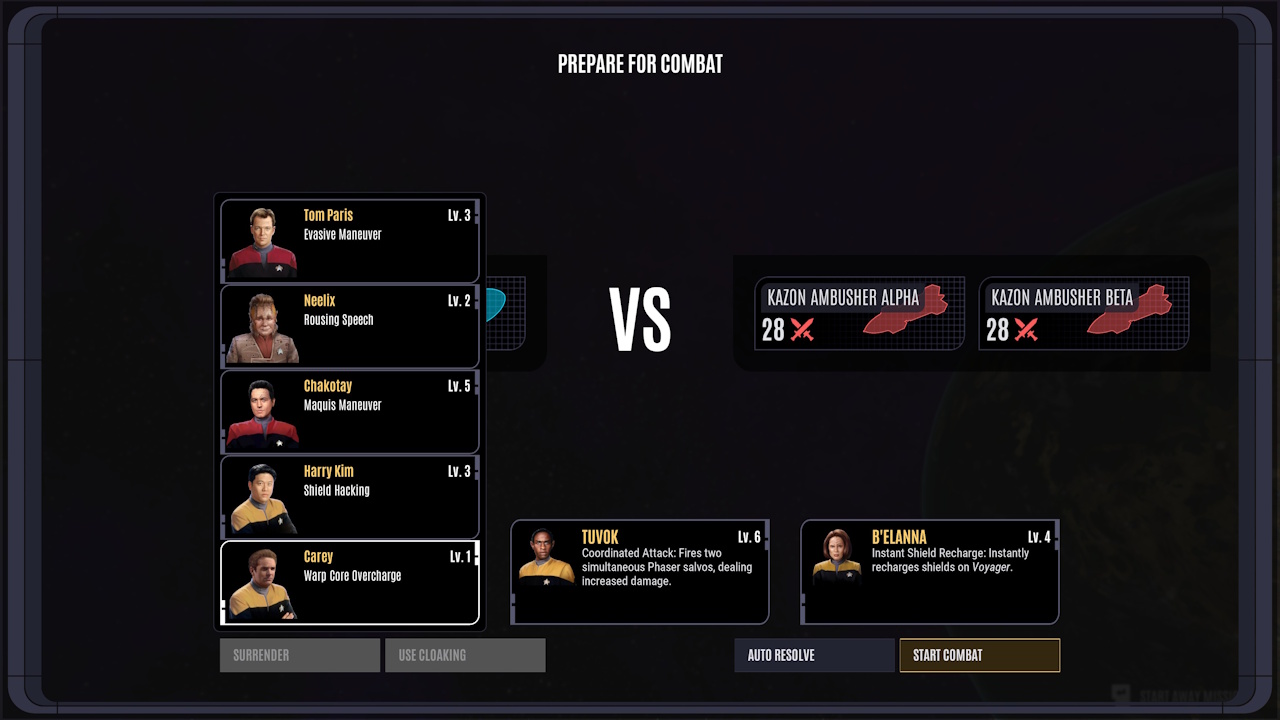
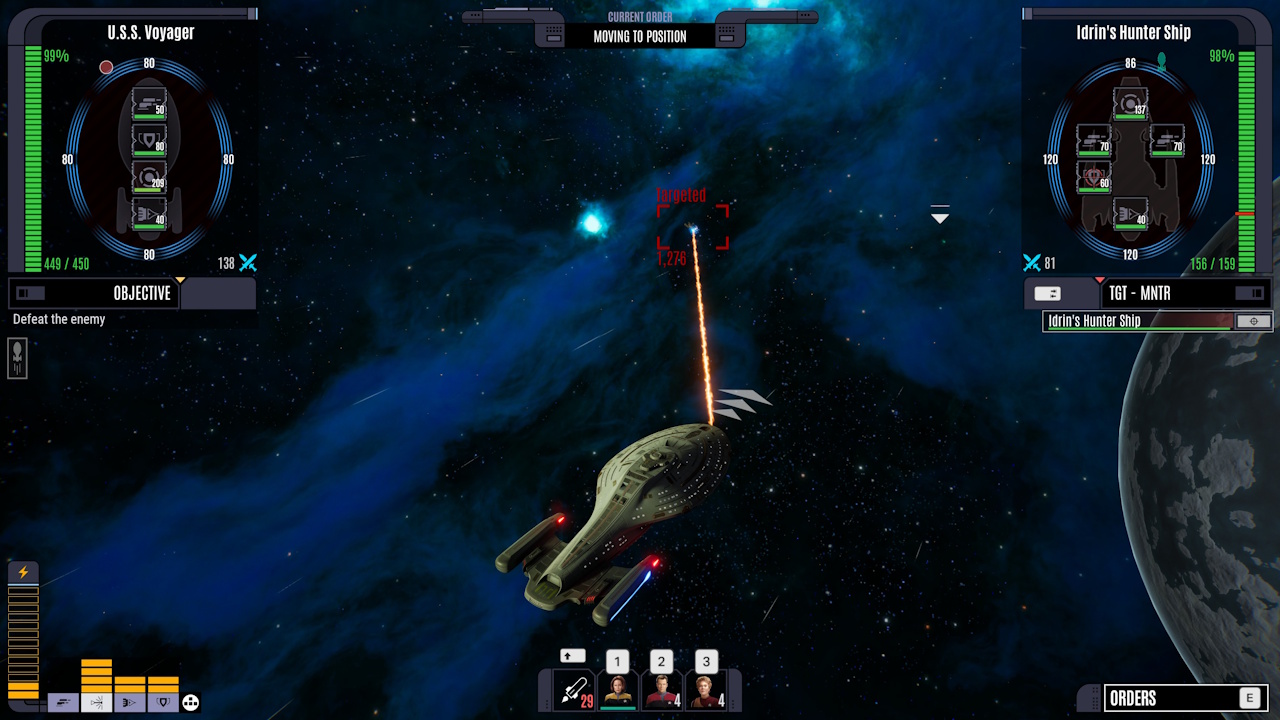
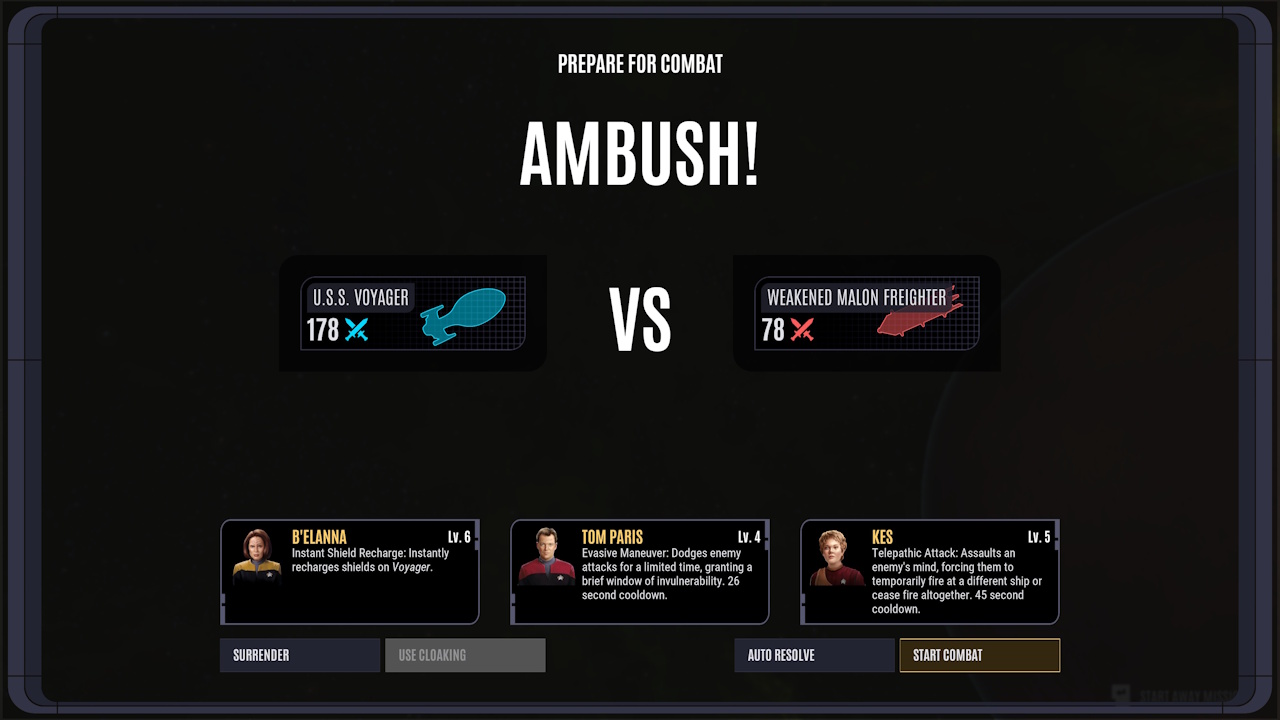
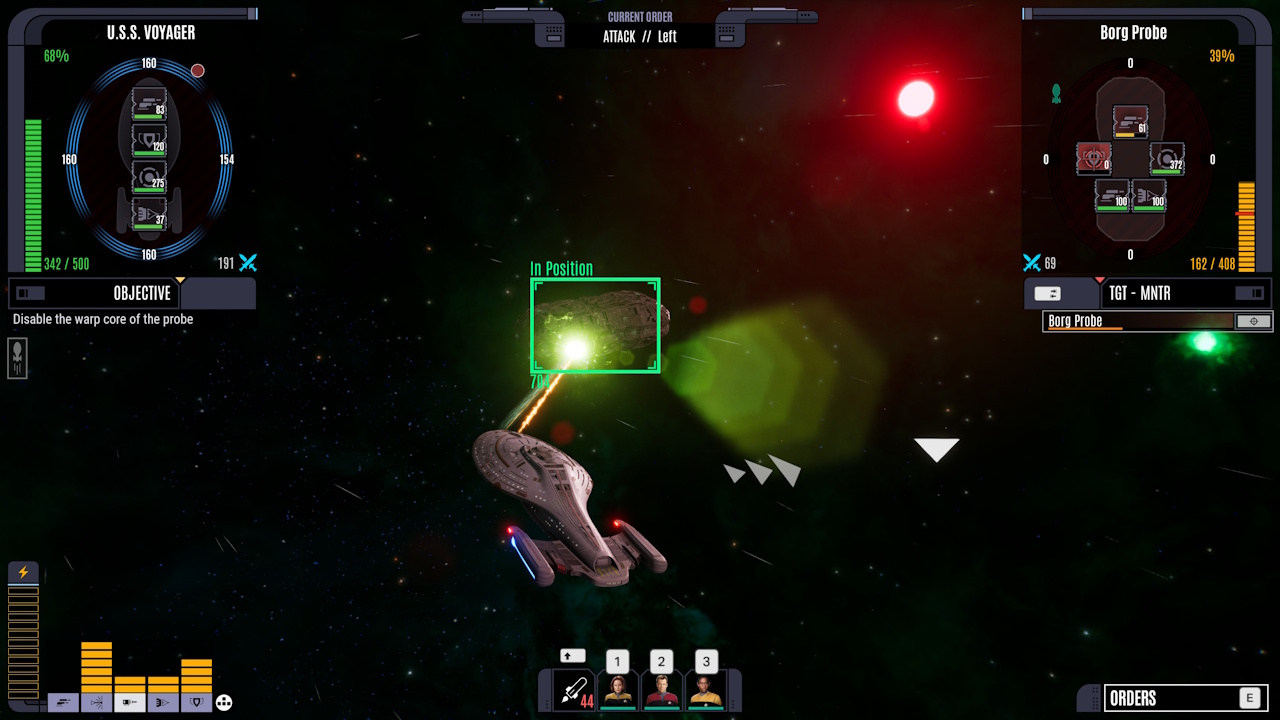
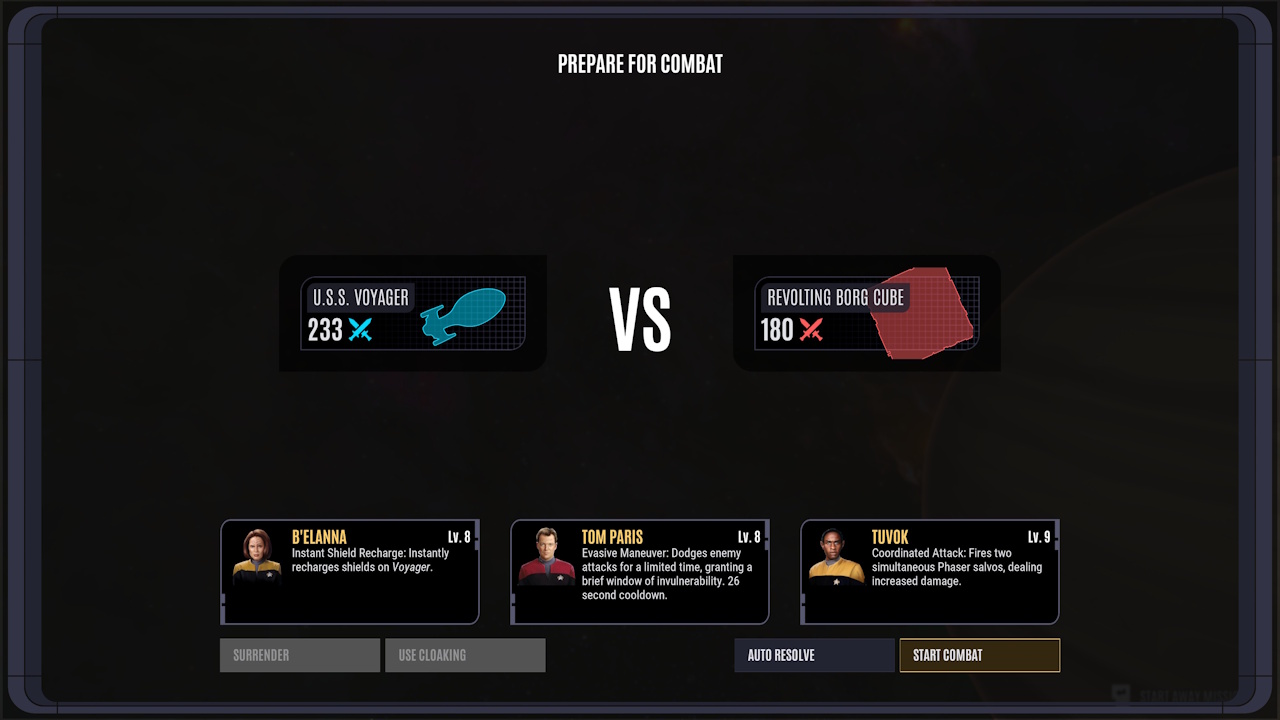
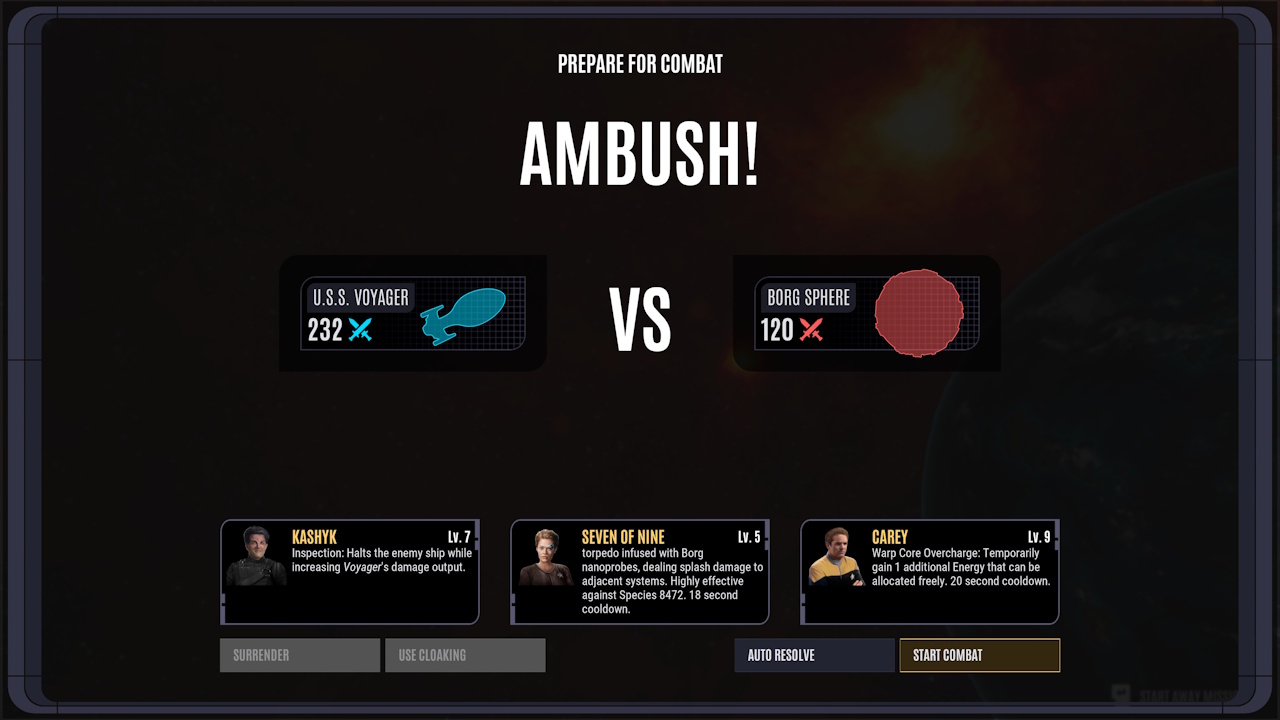
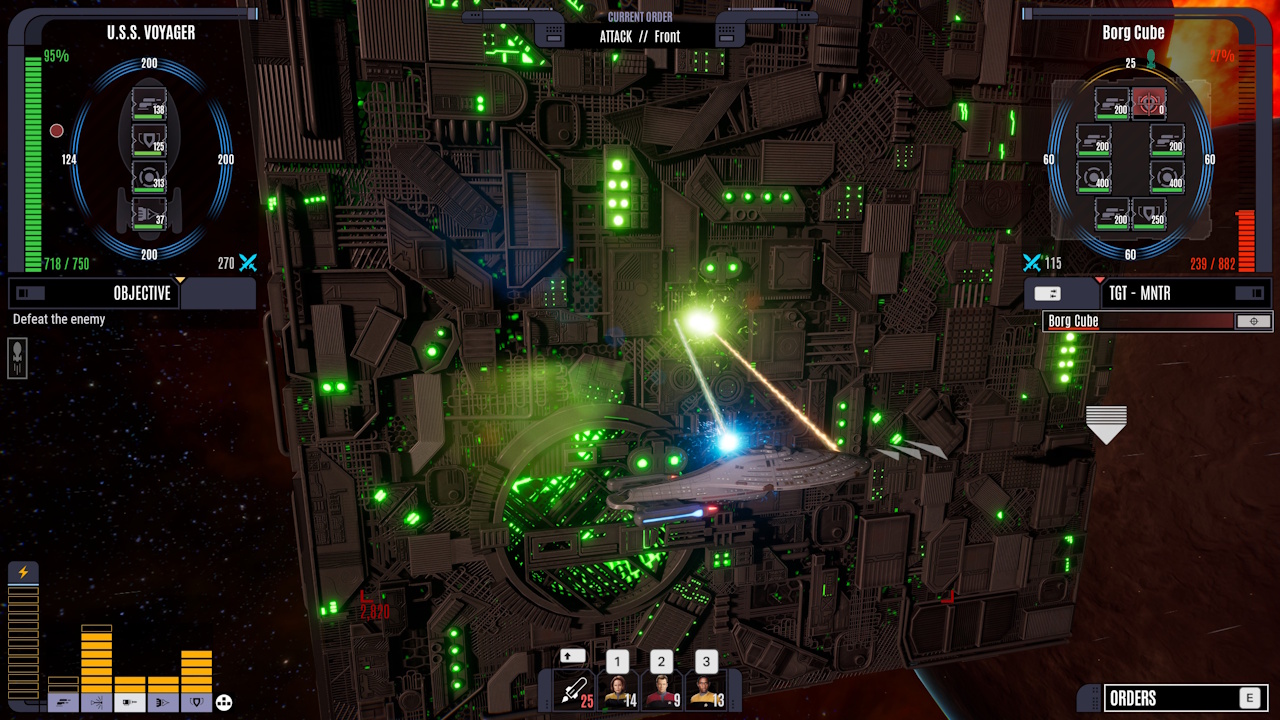
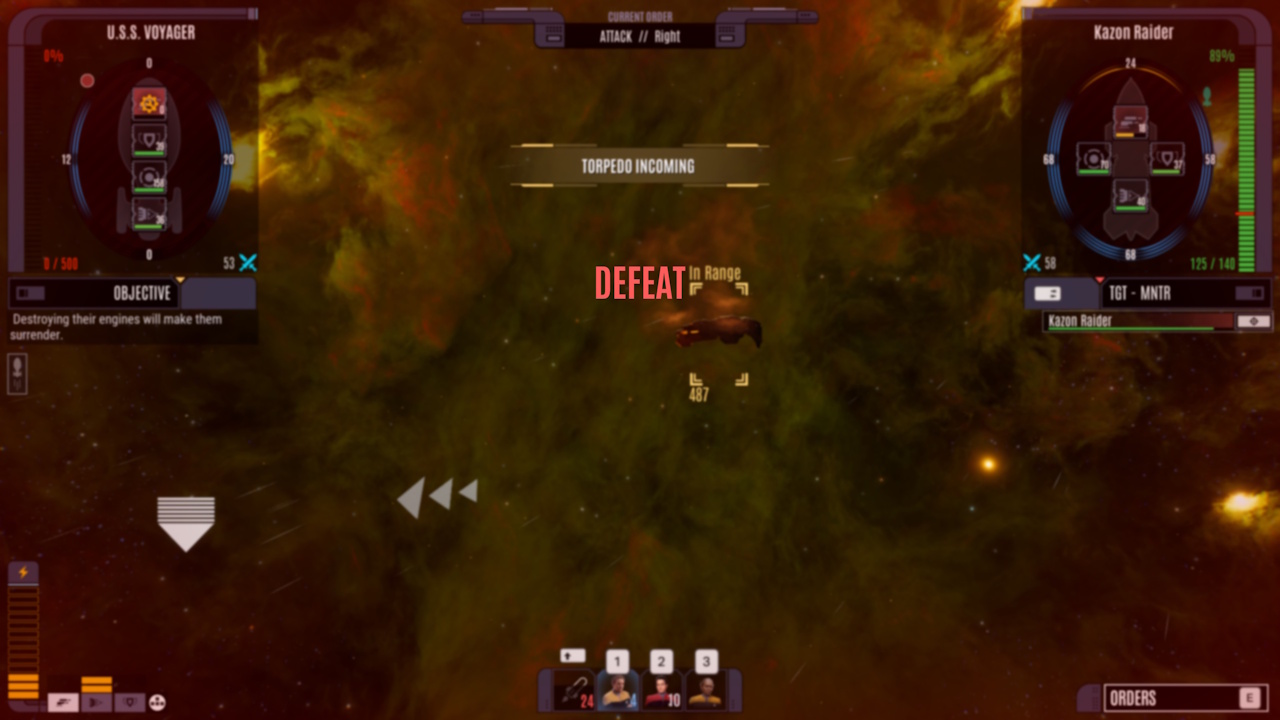
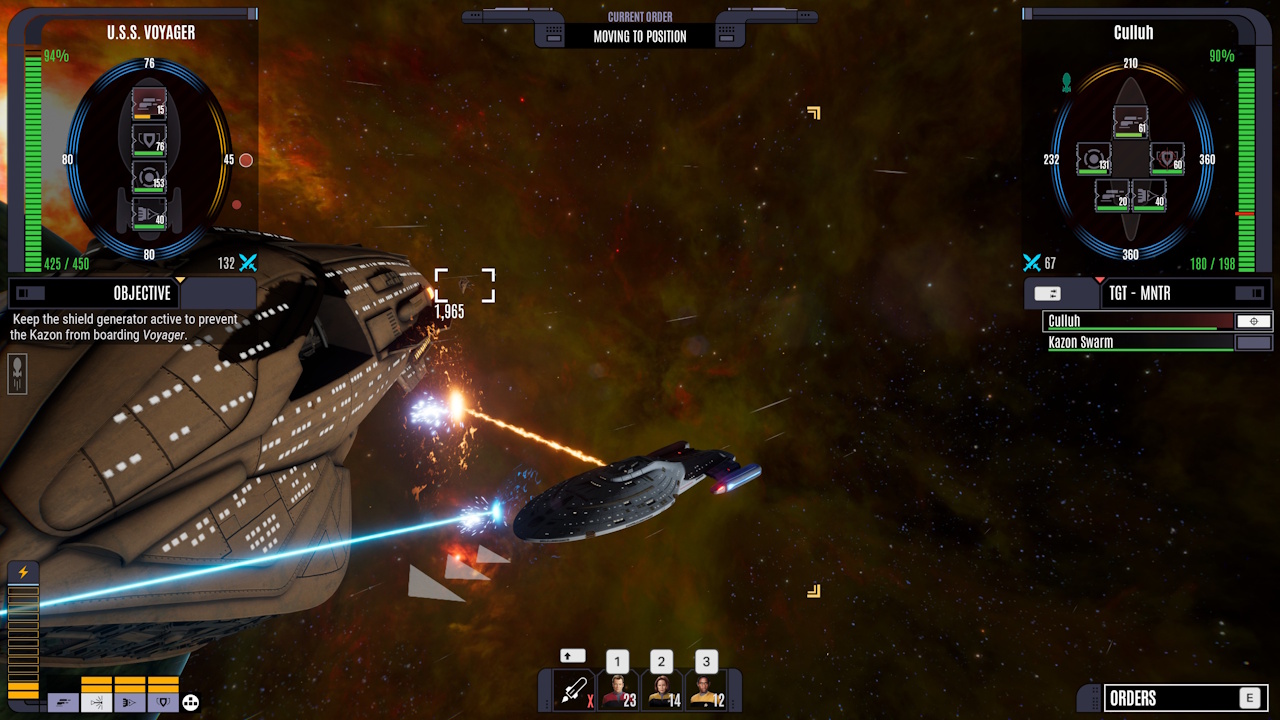
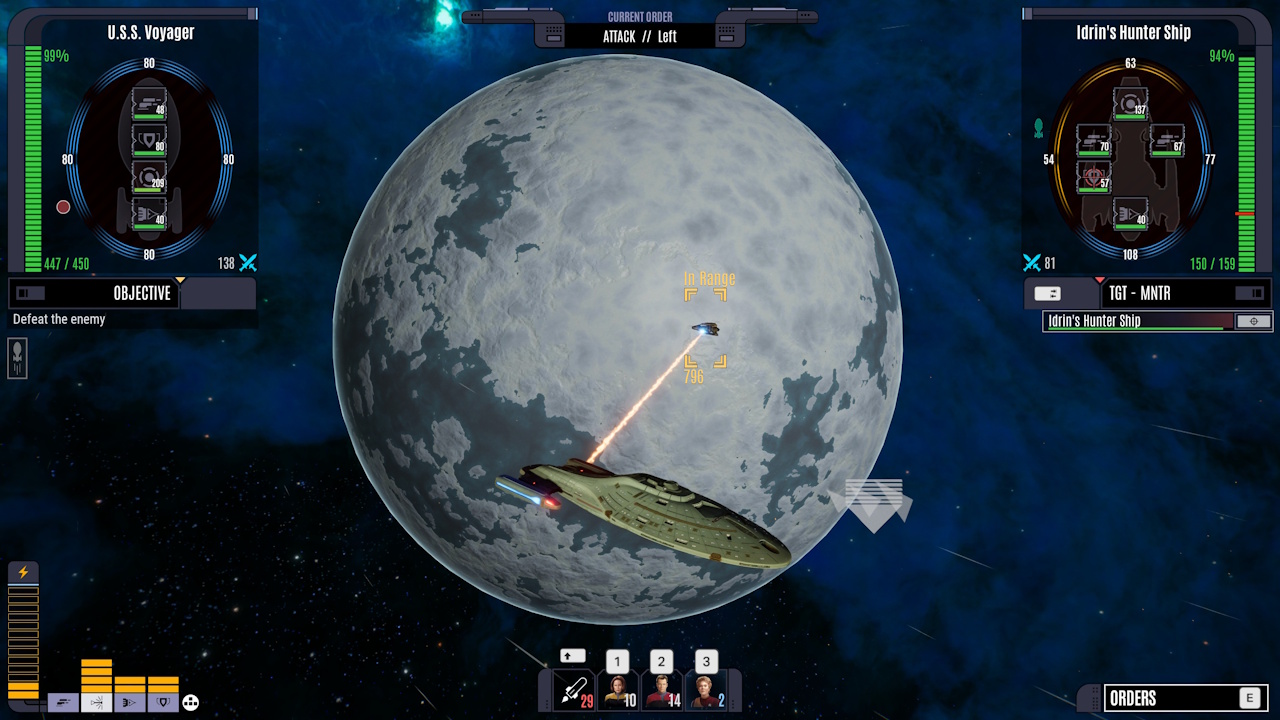
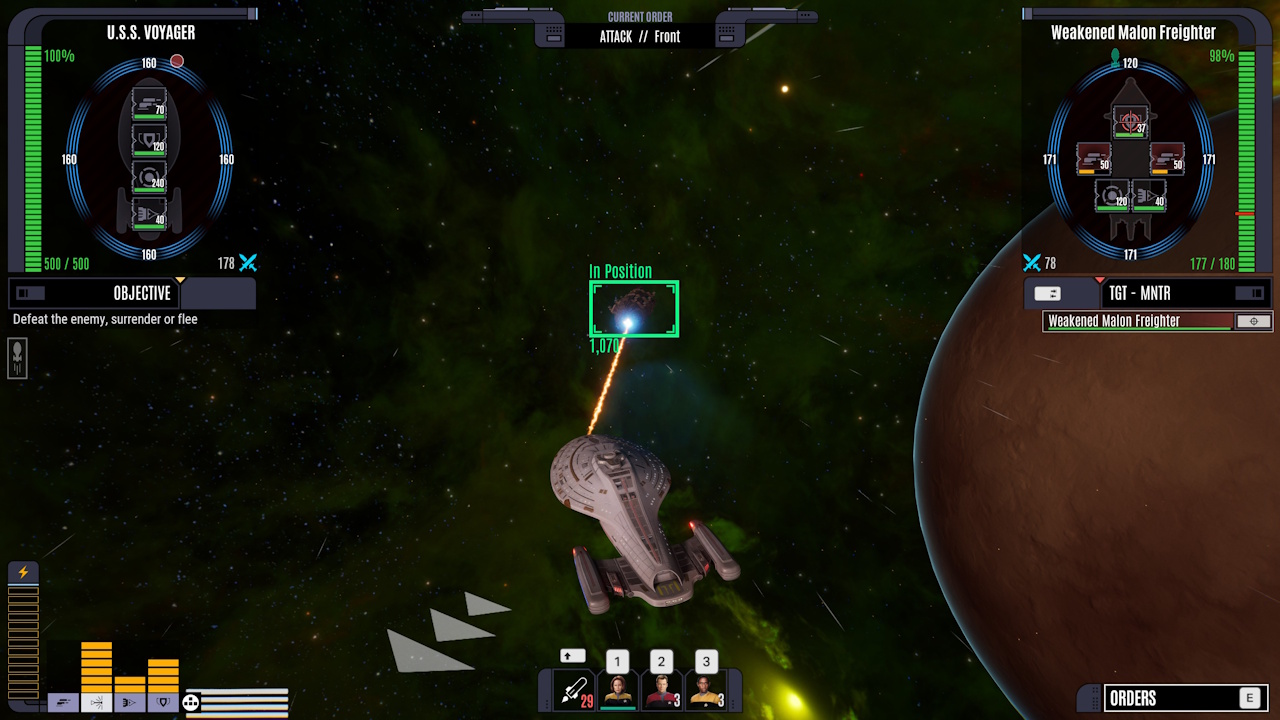
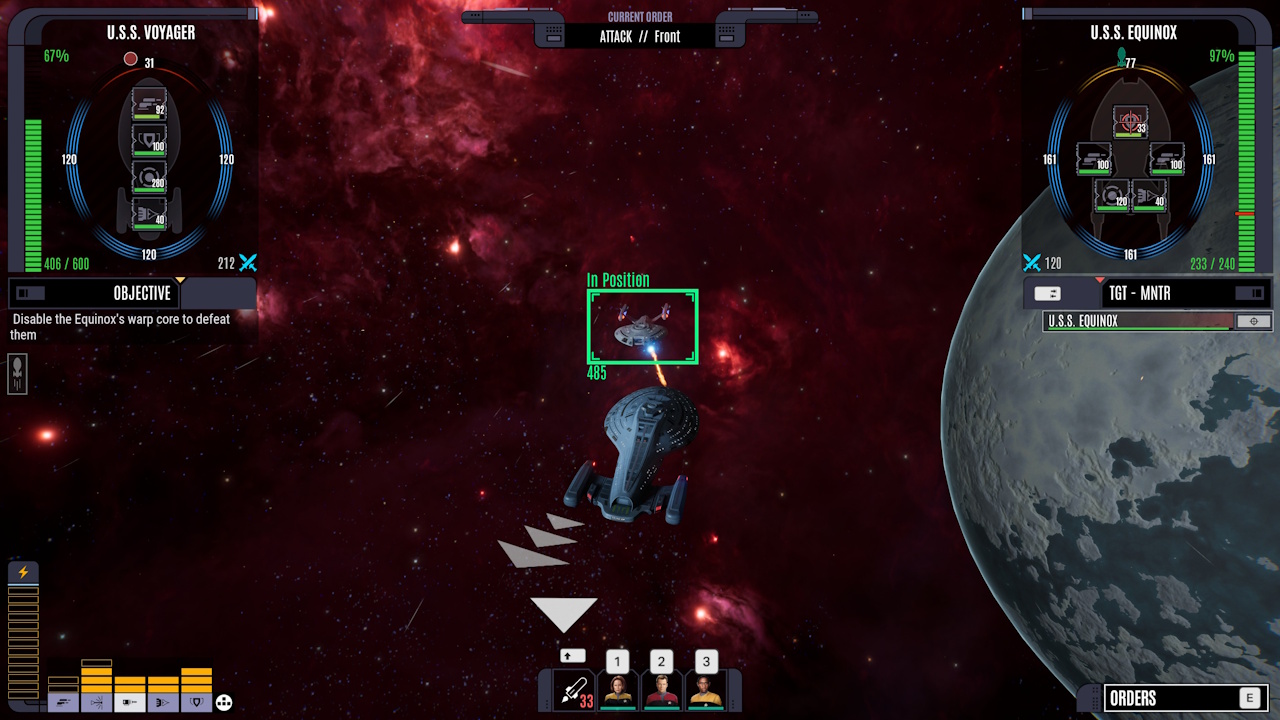
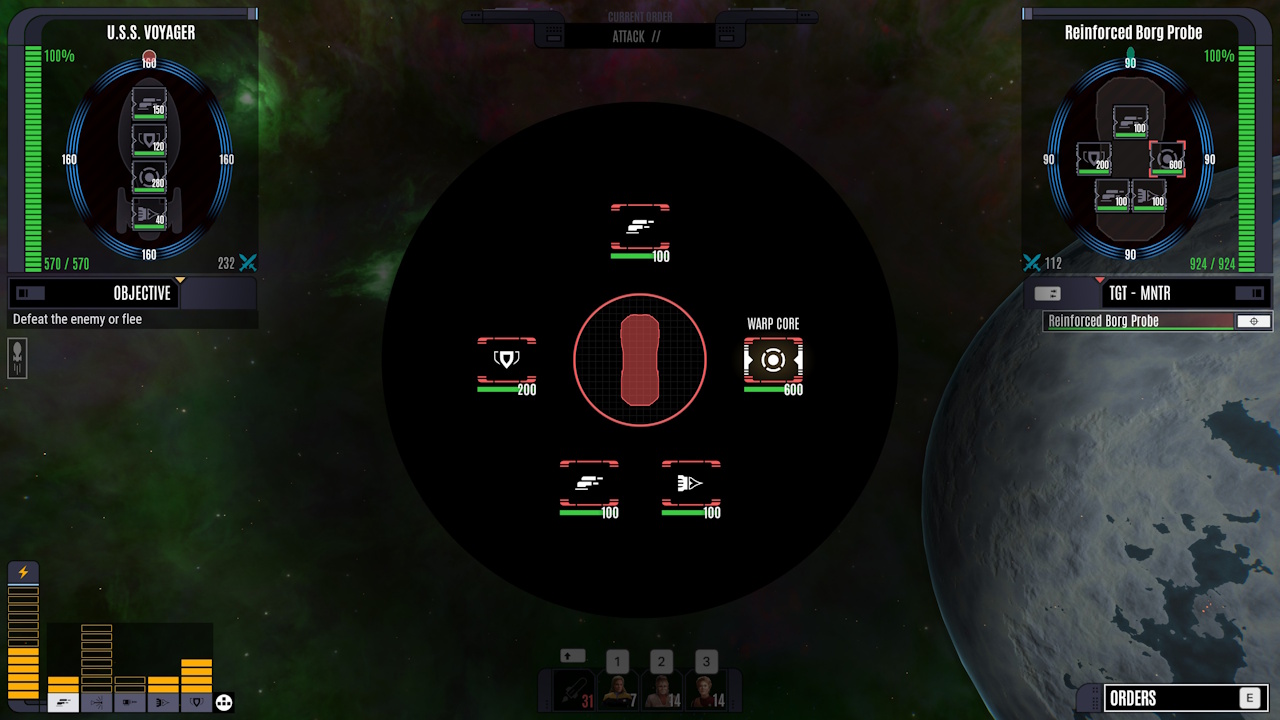
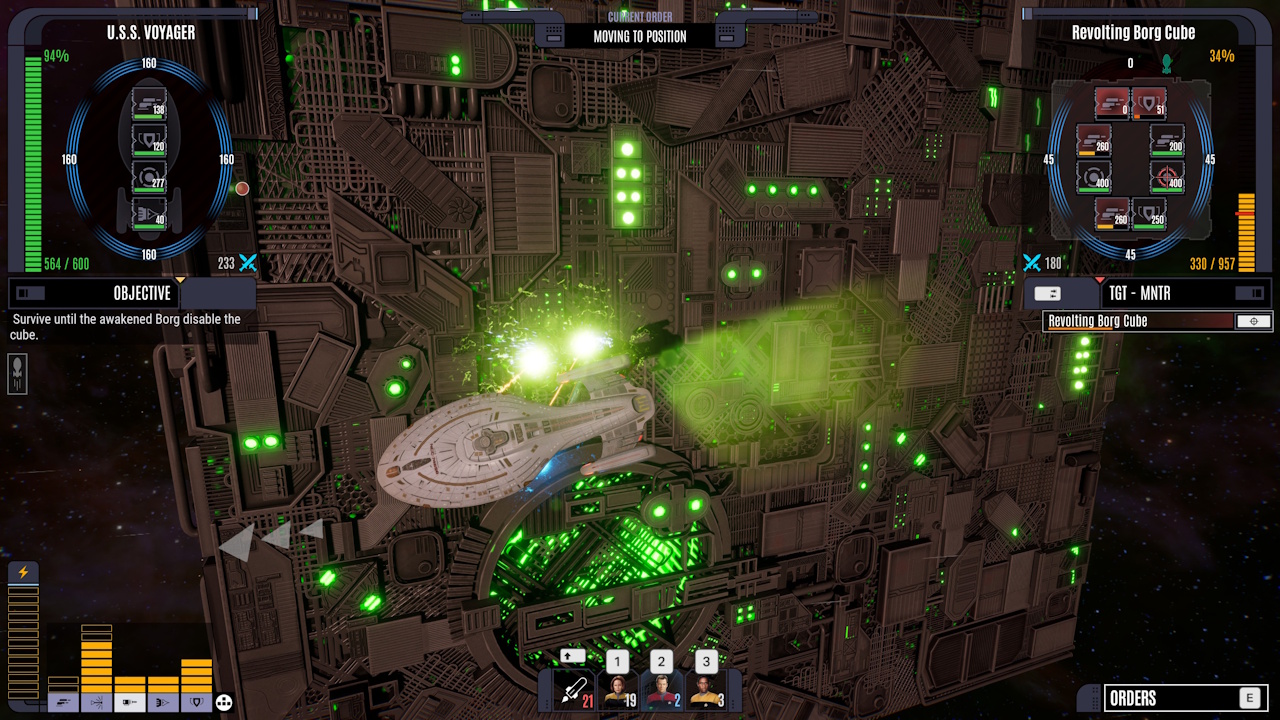
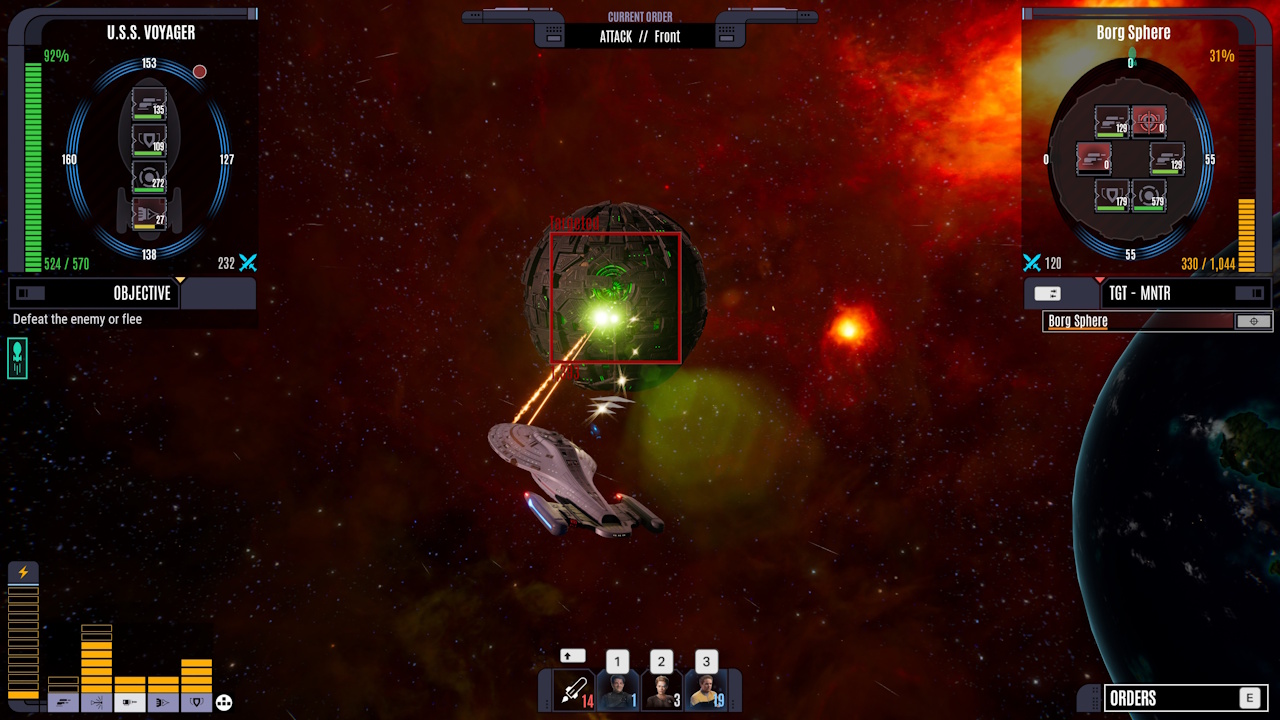
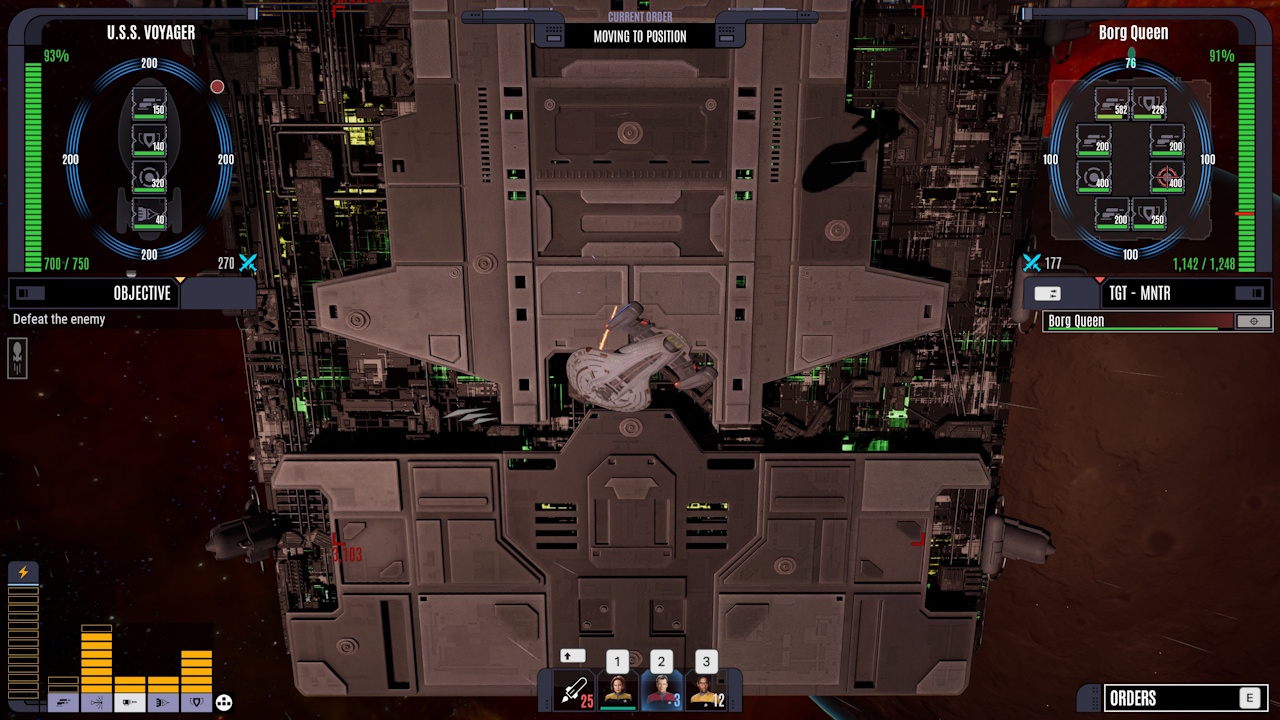
Combat takes place in real-time, and there are a variety of enemy ships you’ll encounter. Some are akin to boss fights, with big, imposing enemies who need to be defeated. Others are random encounters or ambushes at points of interest.
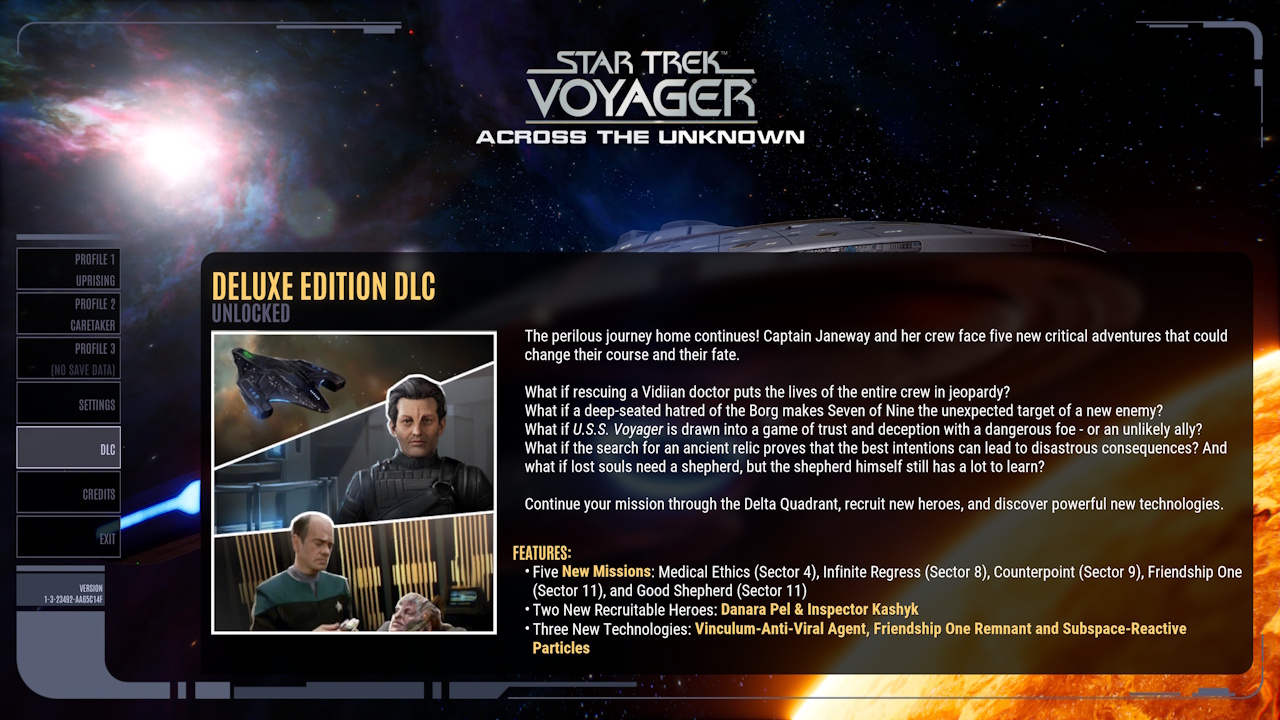
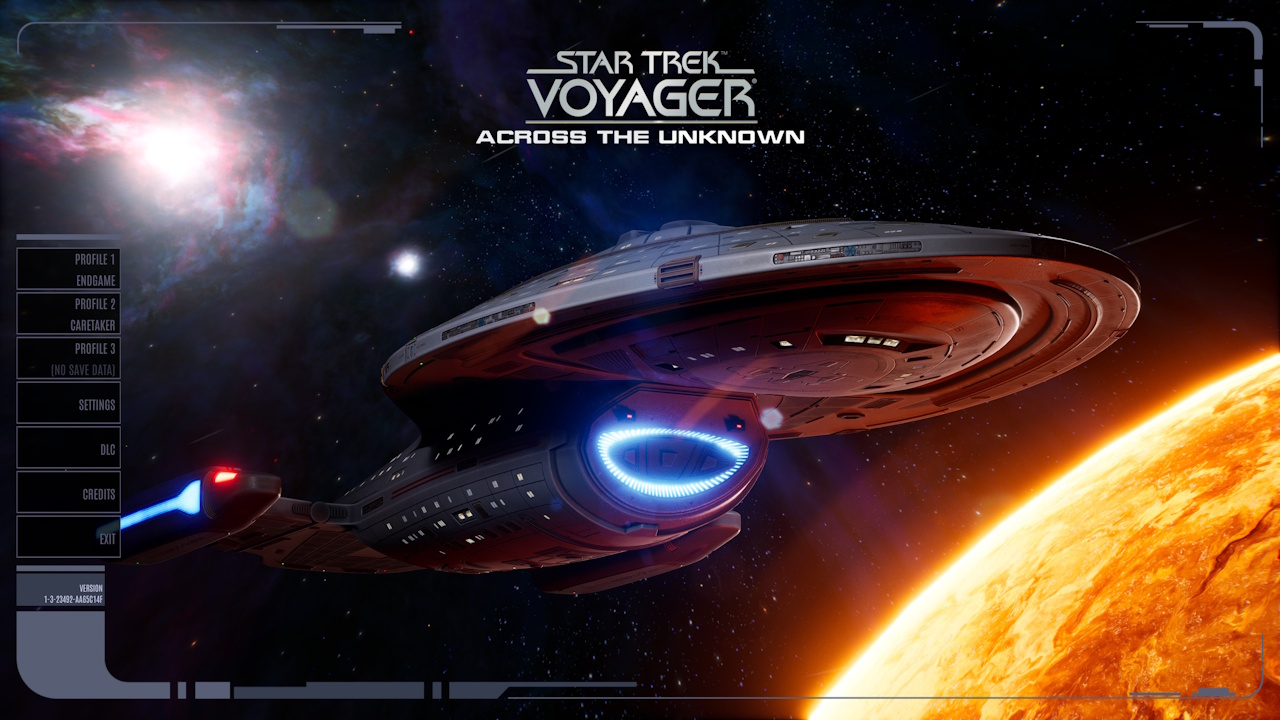
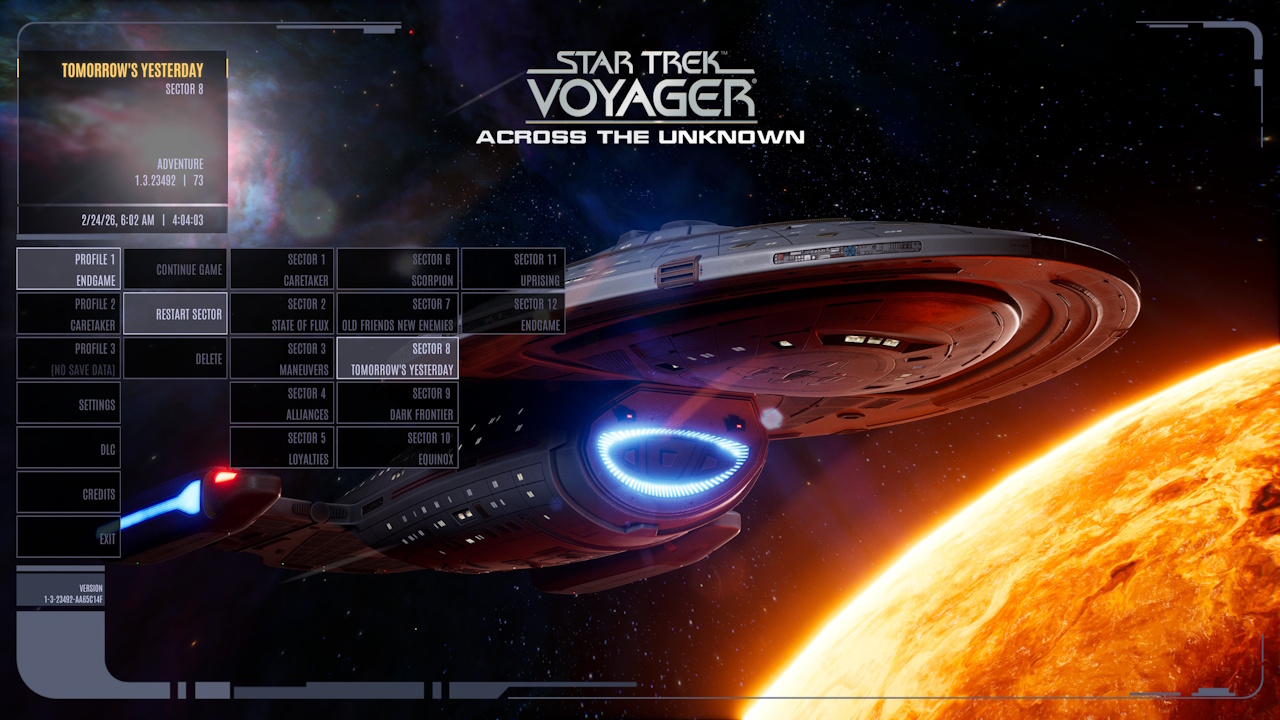
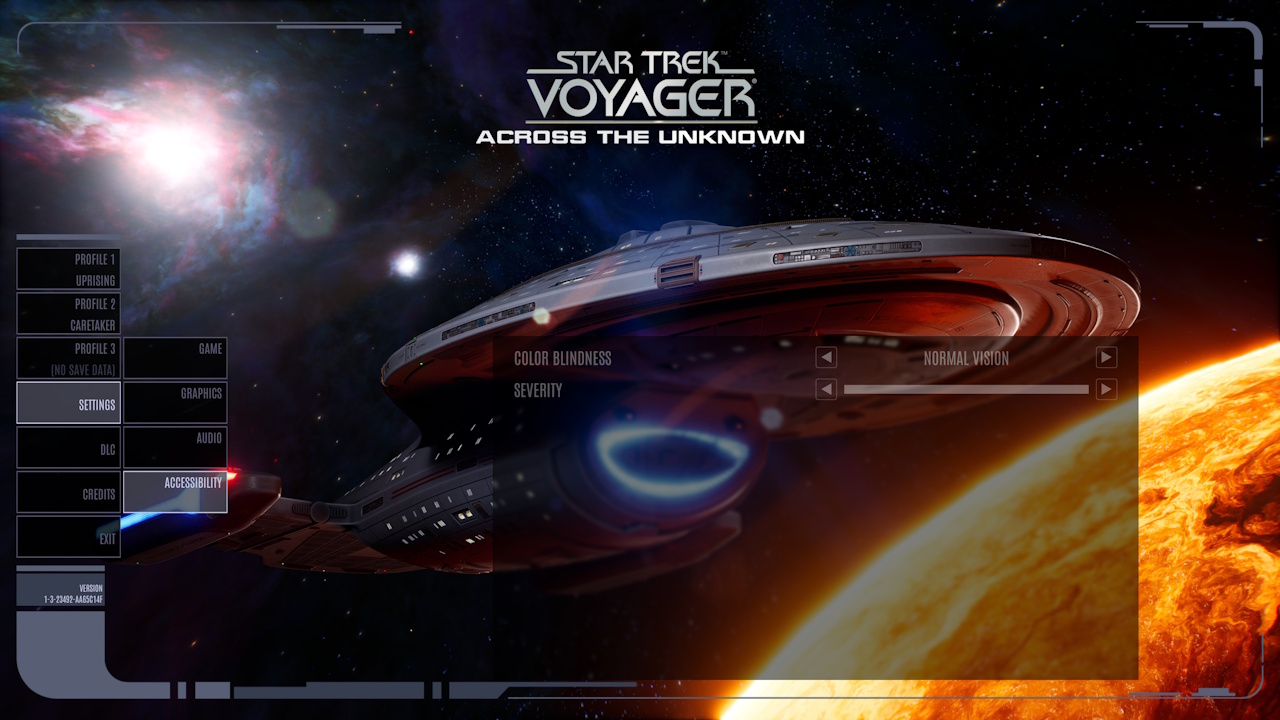
The Main Menu:
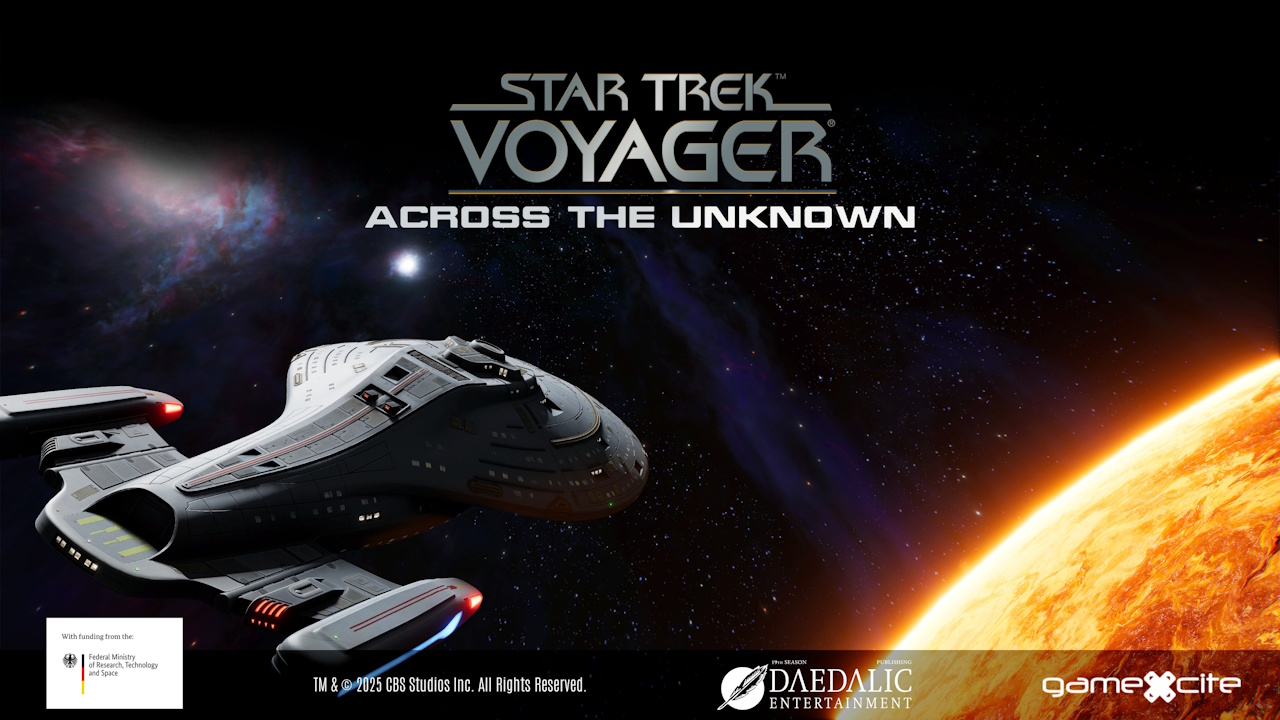
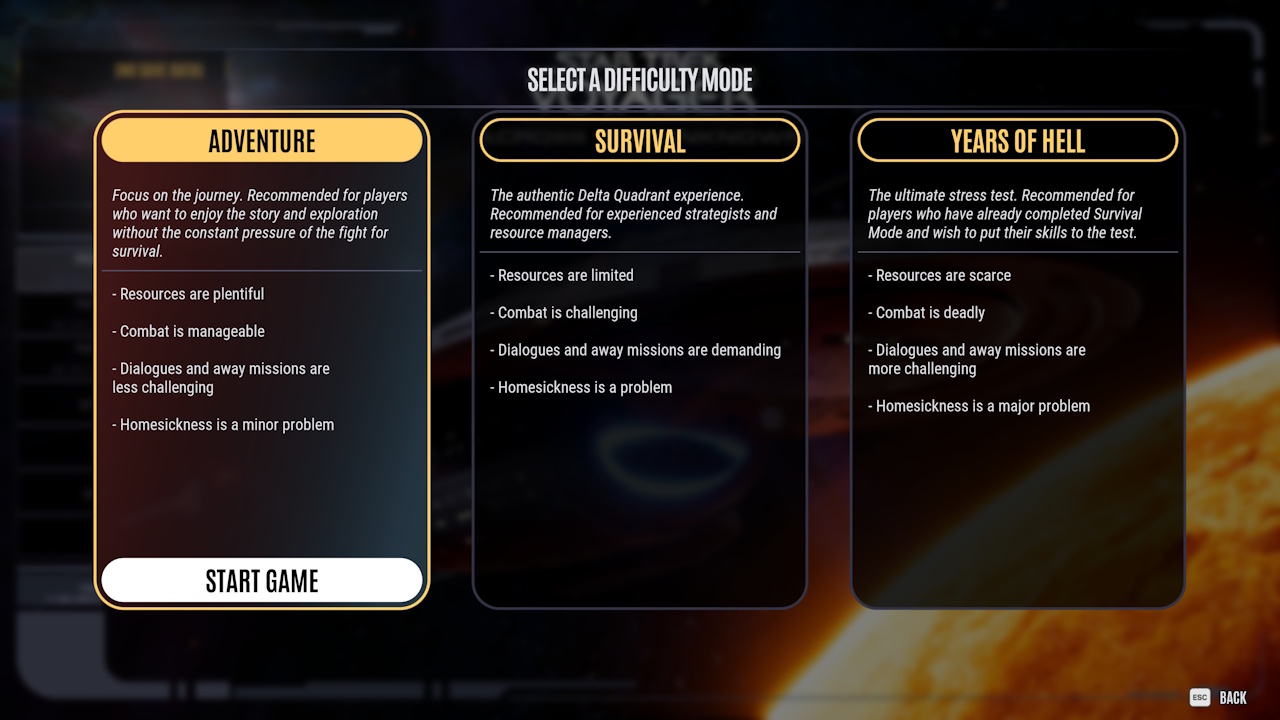
The game’s main menu and difficulty options.
Endings:
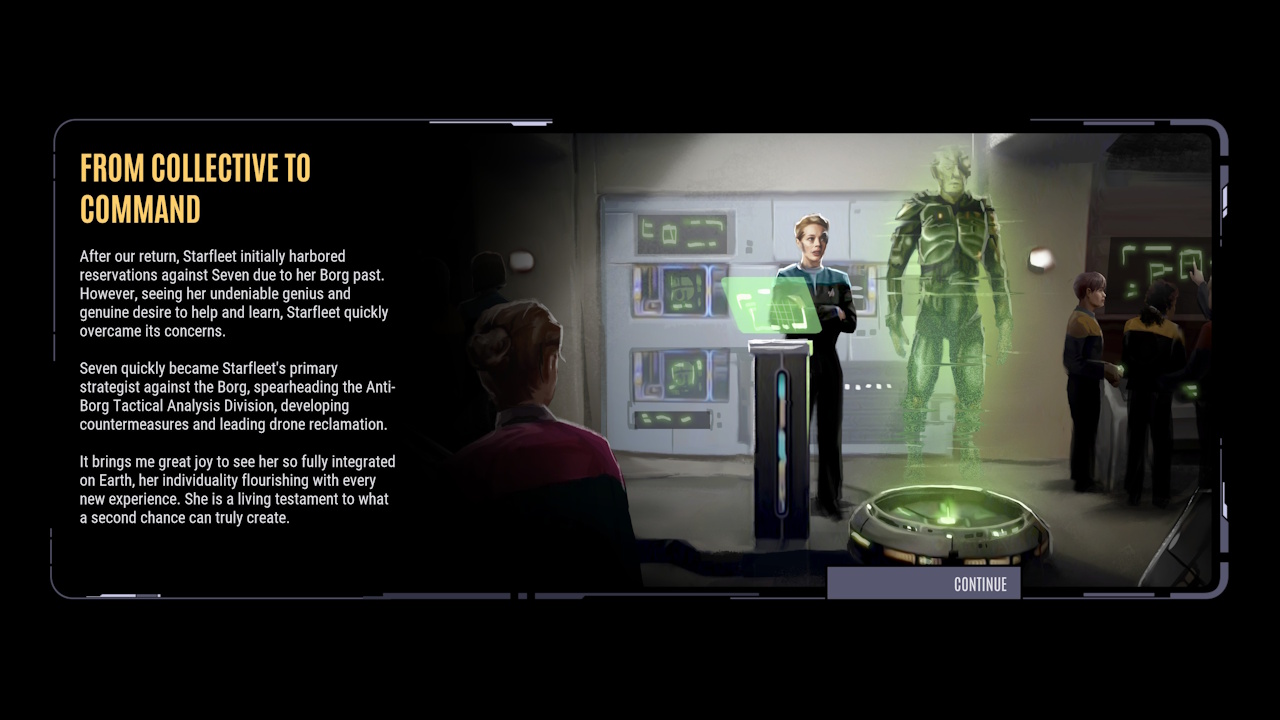
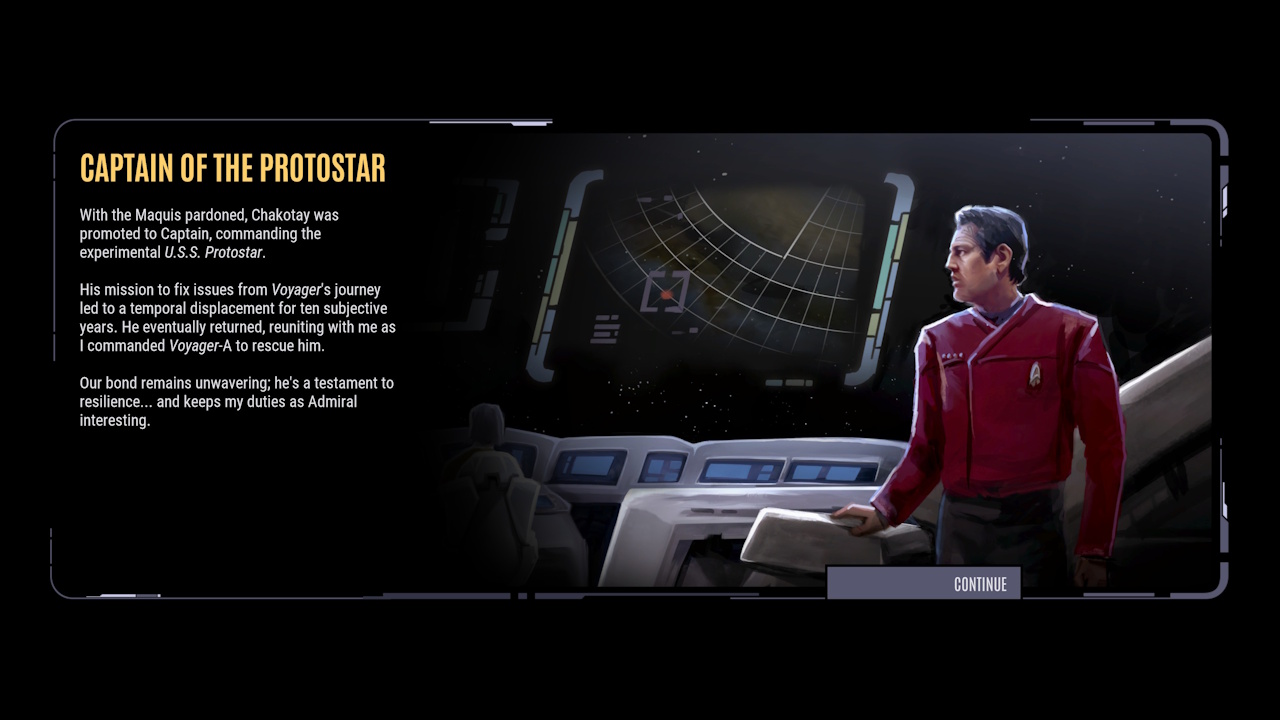
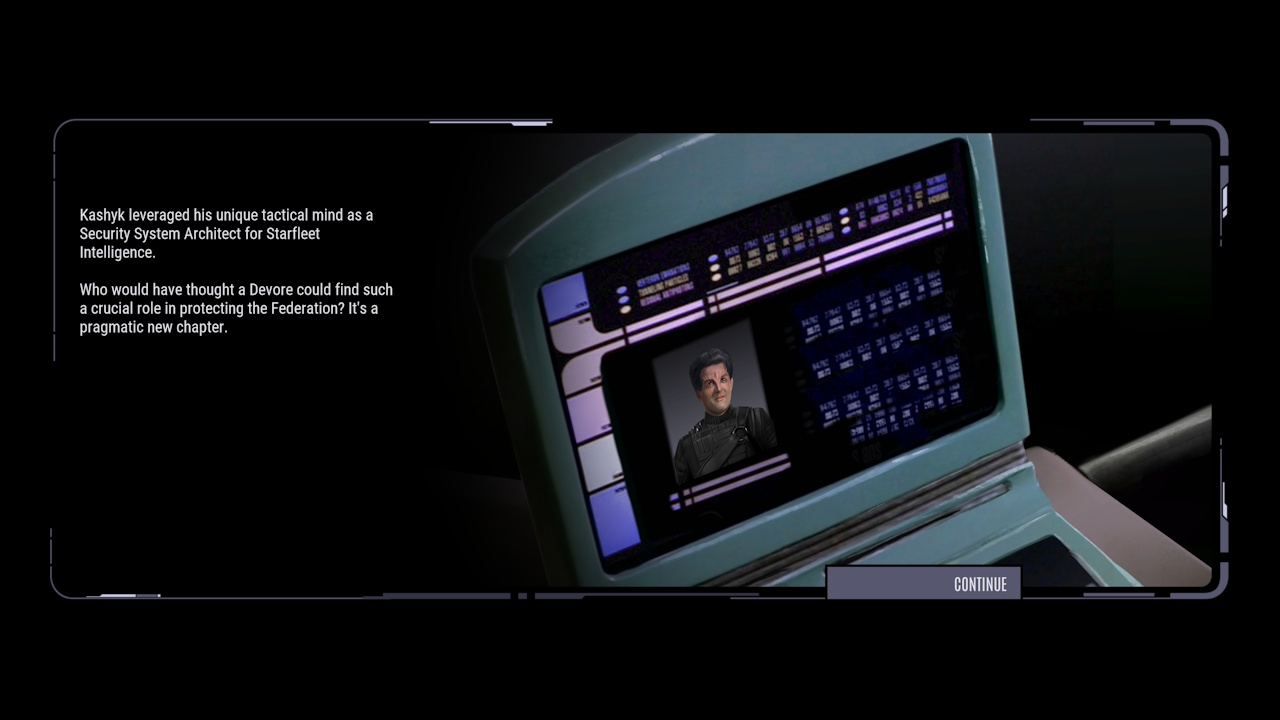
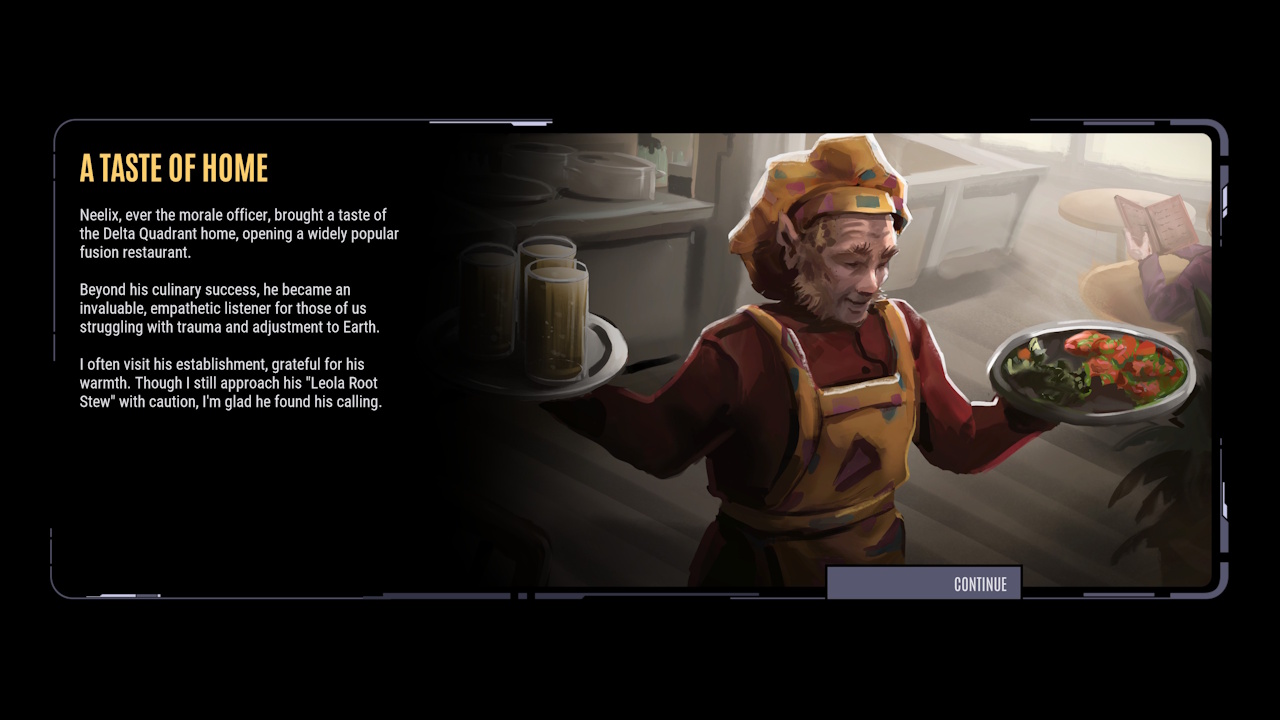
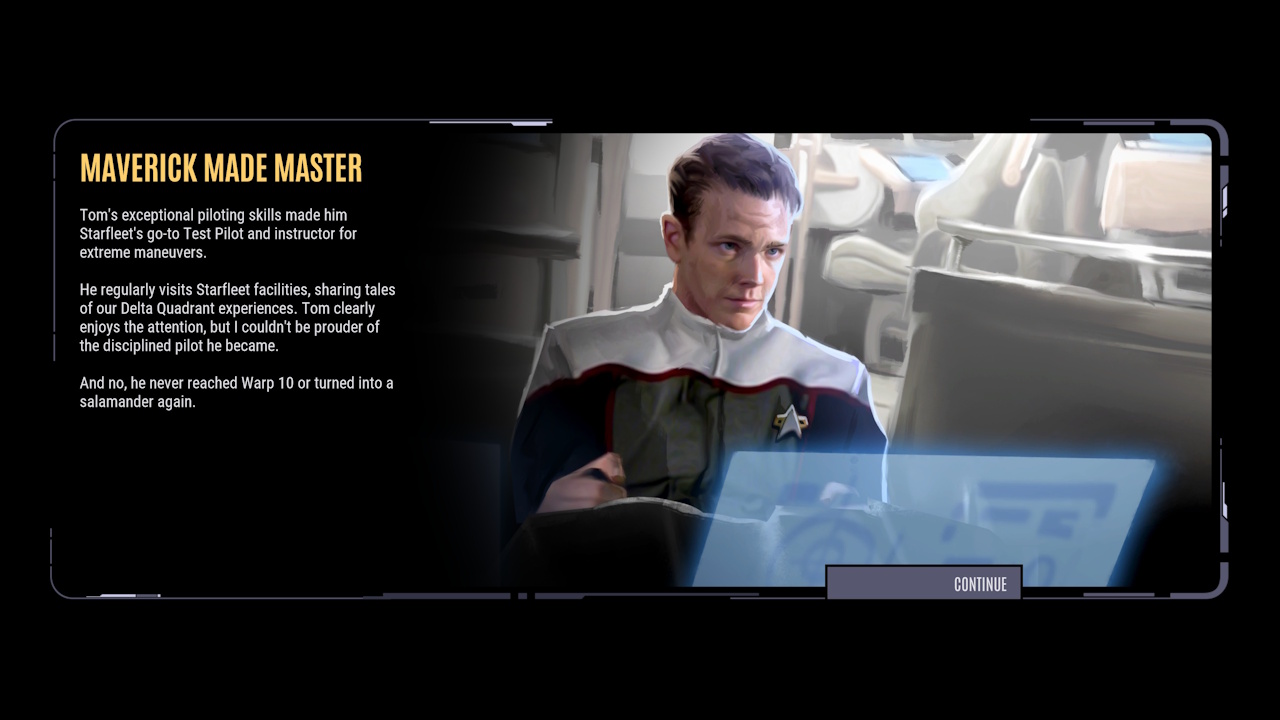
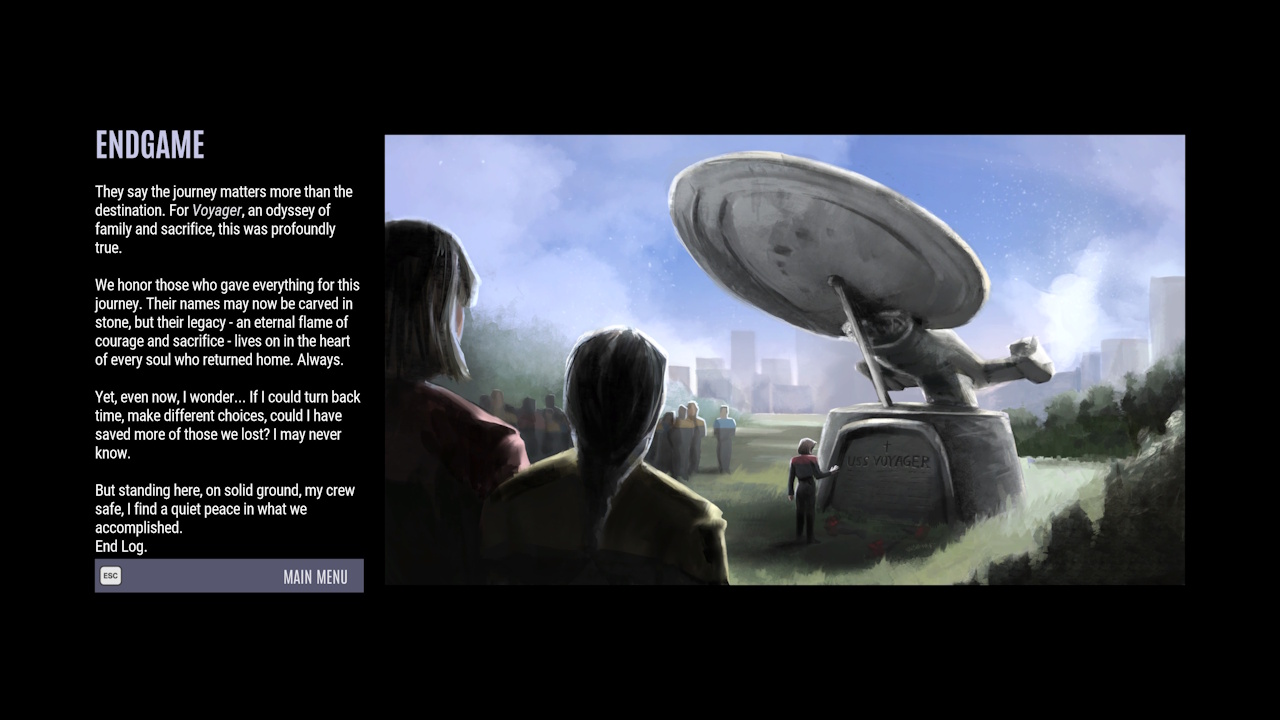
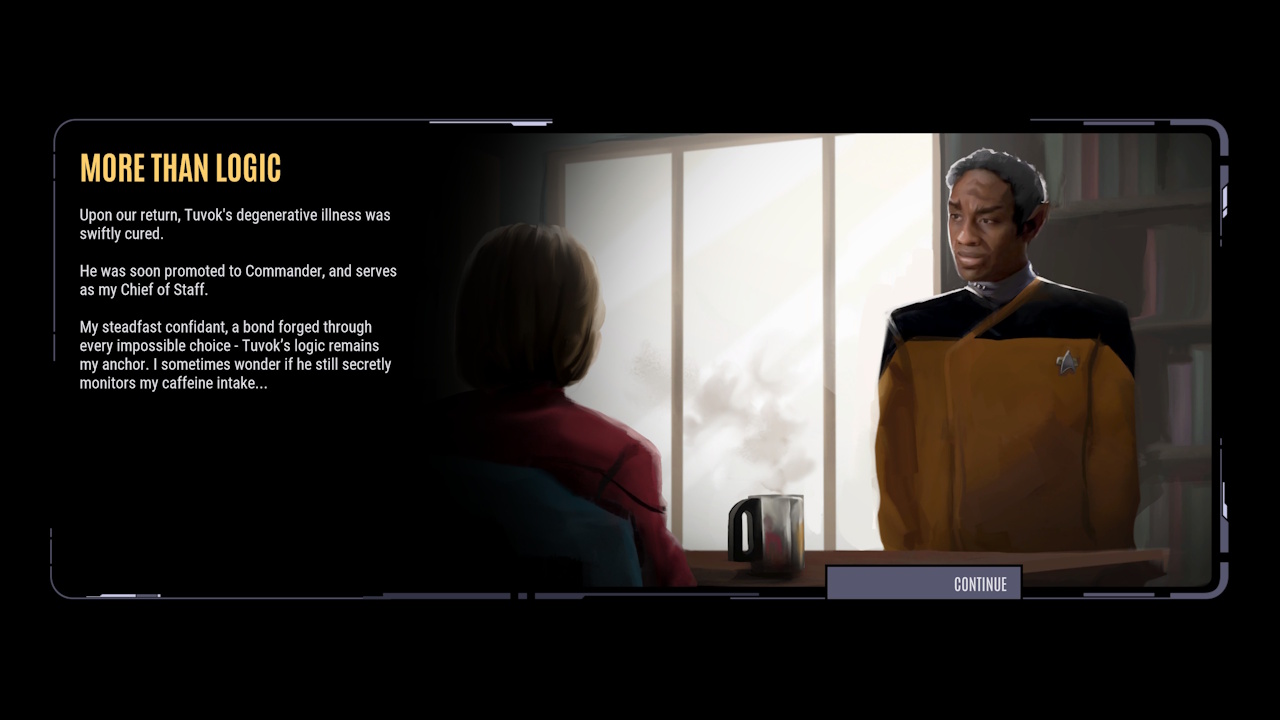
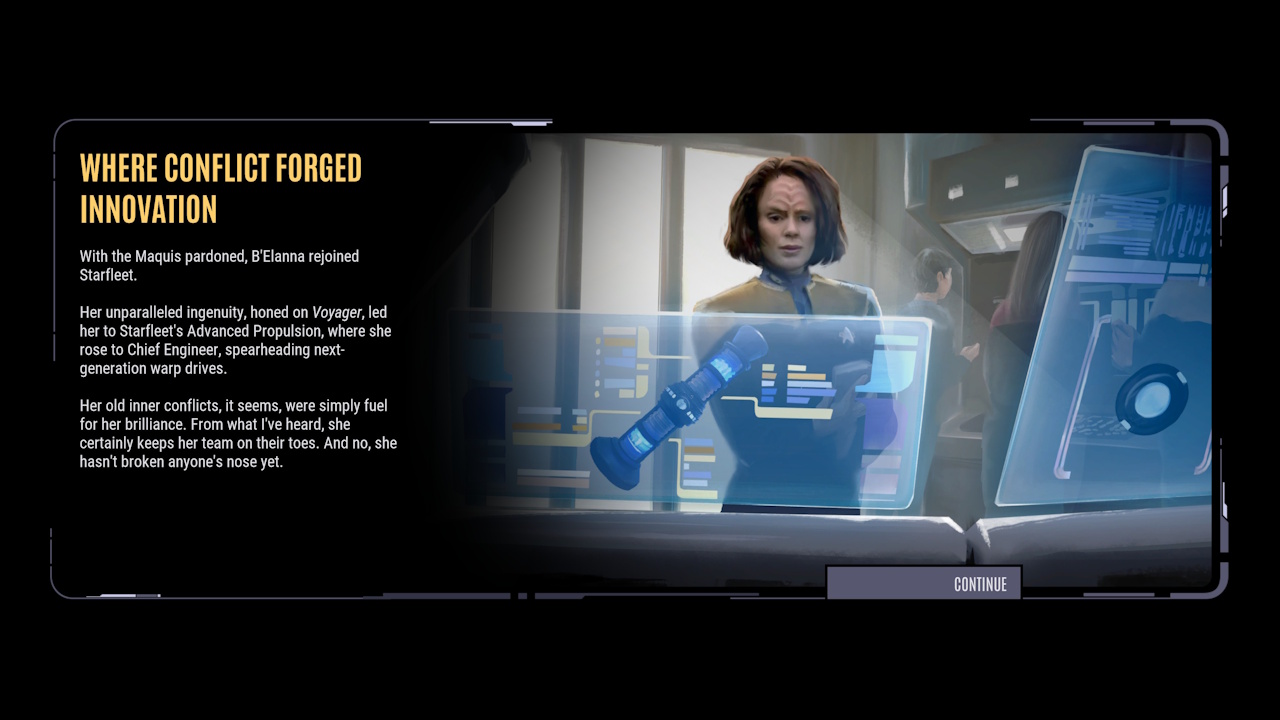
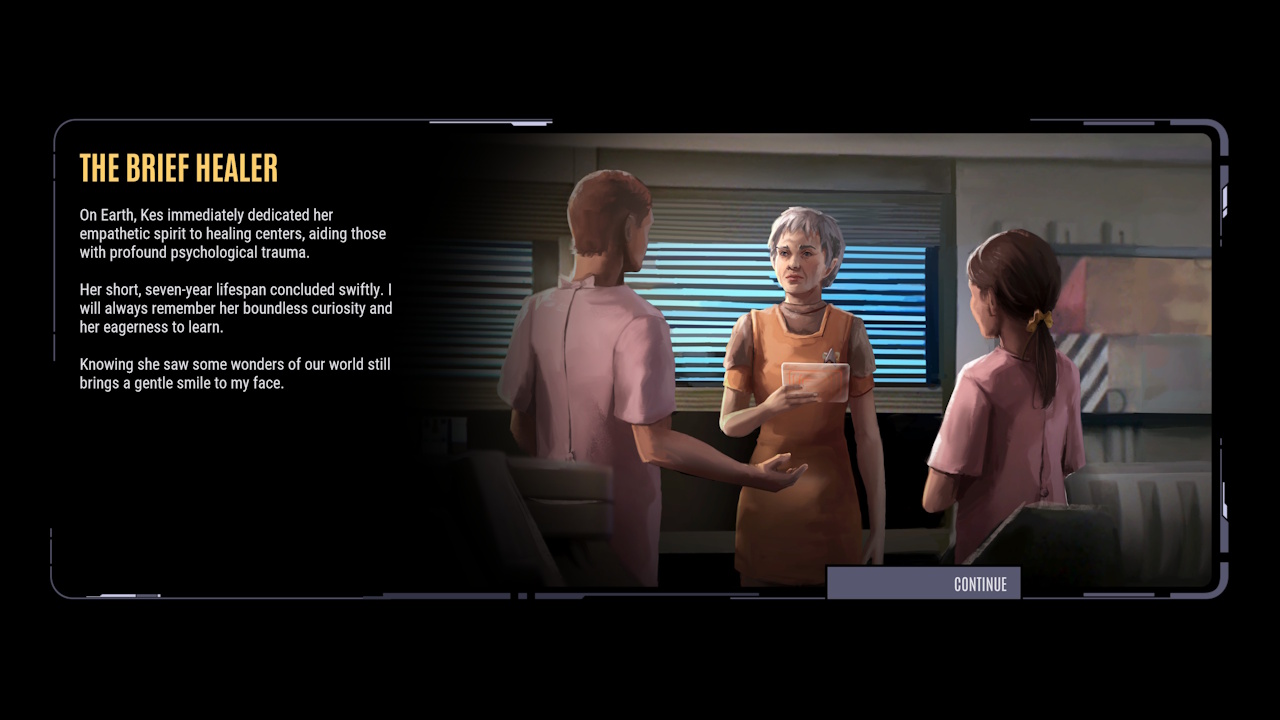
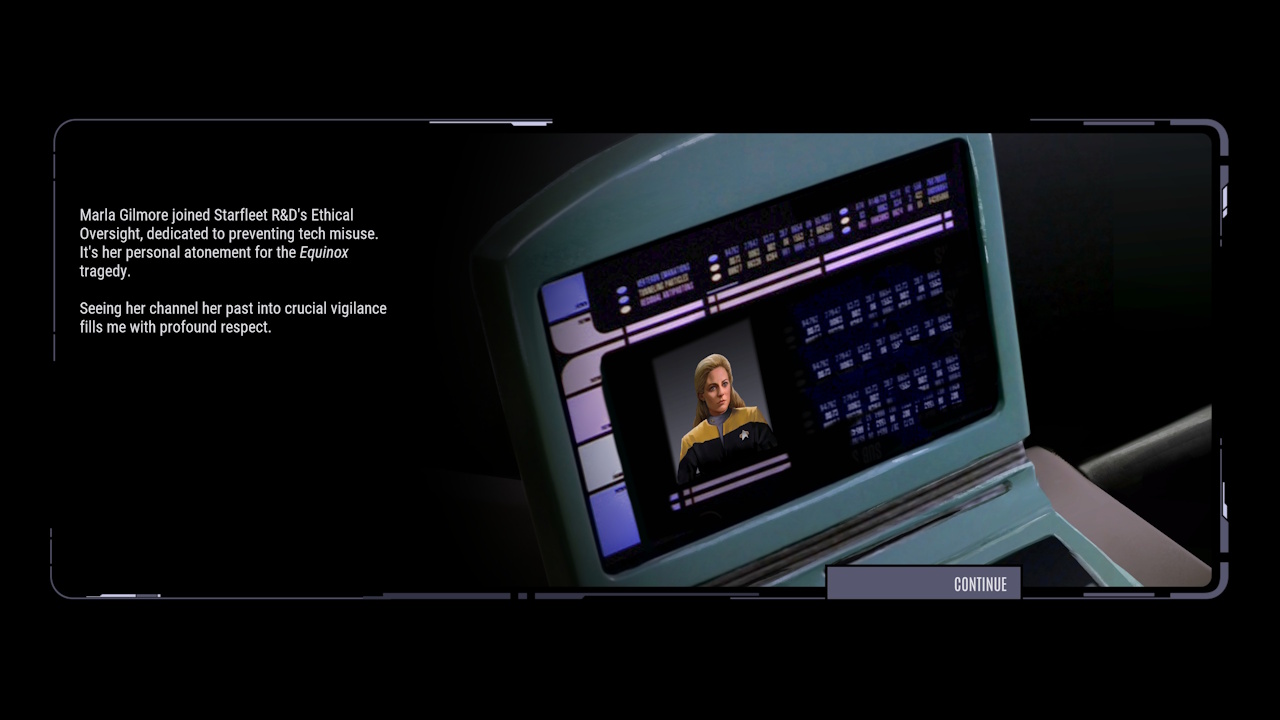
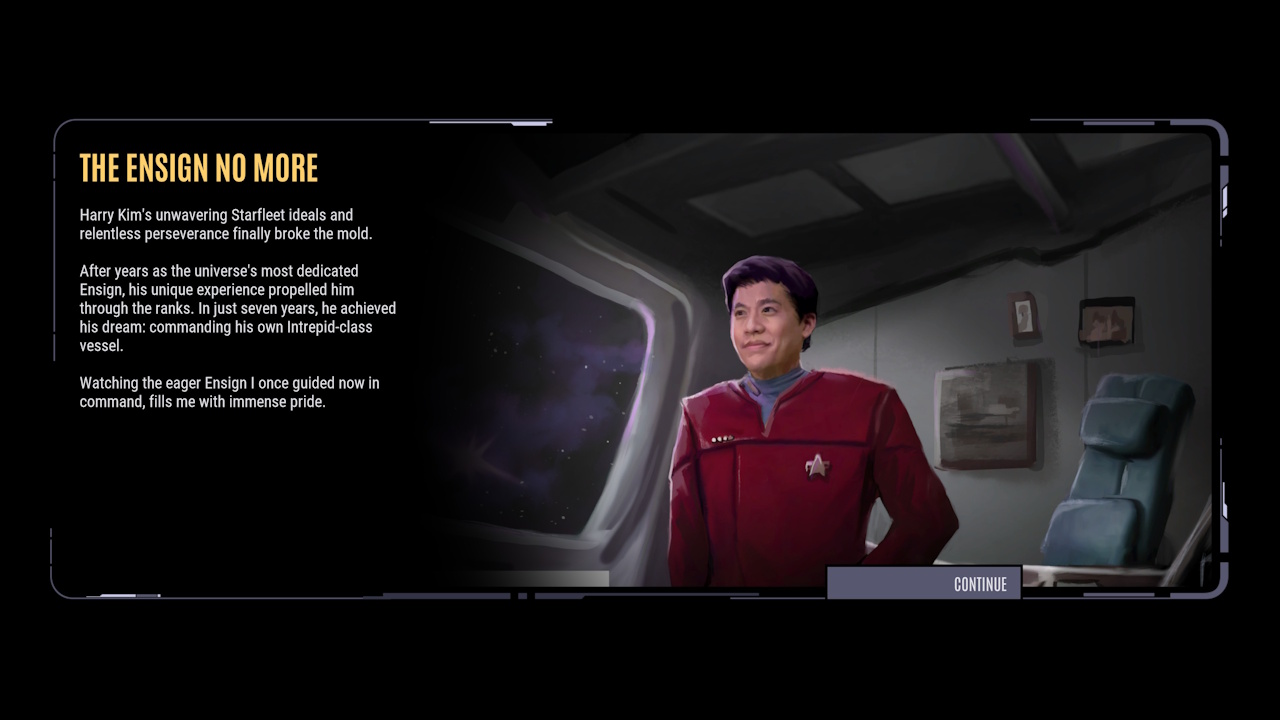
These are a selection of ending cards for various hero characters, as well as a couple from one of the “bad” endings.

So that’s everything I have!
I hope some of these screenshots will prove useful to you – or just interesting, if you’re curious about the game but haven’t yet decided whether or not to commit to it. If you want to get my full thoughts on Across The Unknown, including the positives, some points of criticism, and why I’m happy to recommend it to fans of Voyager, please check out my full review. You can find it by clicking or tapping here.
That’s all for today. Screenshot galleries aren’t usually something I publish here on the website, but I had so many spare ones after my review of Across The Unknown that I thought I’d give it a try. Hopefully someone out there found these to be useful, in any case!
Have fun in the Delta Quadrant, friends!
Star Trek: Voyager – Across The Unknown is out now for Nintendo Switch 2, PC, PlayStation 5, and Xbox Series consoles. Across The Unknown was developed by GameXcite and published by Daedalic Entertainment. Star Trek: Voyager remains the copyright of the Skydance/Paramount corporation. This review contains the thoughts and opinions of one person only and is not intended to cause any offence.
 Trekking with Dennis