Sometimes it can be fun to play an action-packed car game, maybe where you have to steal cars, act as a getaway driver, or do drive-by shootings on your character’s enemies! I wonder if any games like that have been released in the last few days? But on other occasions, it can be just as enjoyable to kick back with a driving game that doesn’t demand anything like that of you: to just cruise an endless open road, with a few different cosmetic options for variety.
That’s exactly what Slow Roads delivers.
I first encountered Slow Roads through its release on Steam earlier this year, but the game has been around for a little while in a smaller, web browser form, as well as an offline version that can be downloaded from itch.io. The Steam version is, from what I can tell, more fully-featured, but the browser version is still available and will continue to be supported, so you can think of it as a good way to try out Slow Roads to see if it could be right for you before you commit any money. A demo version is also available on Steam.
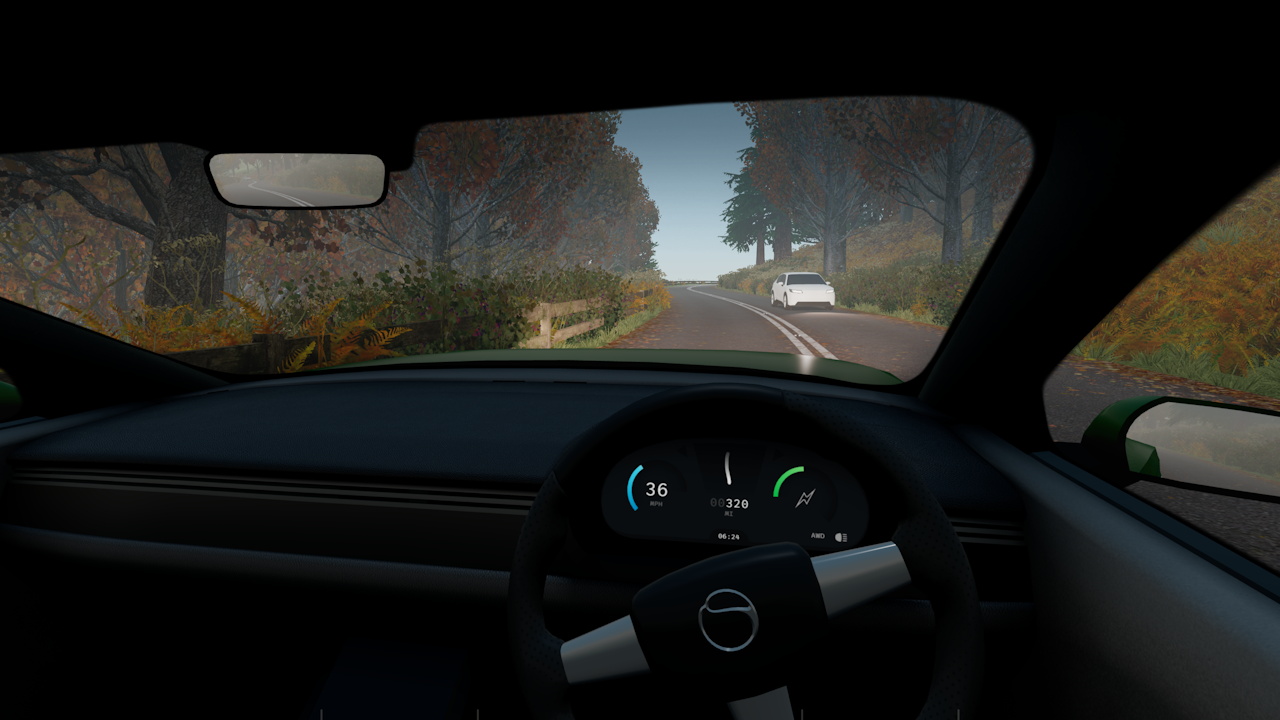
For a while, I’ve been interested in slower-paced gaming experiences that are – for want of a better word – “cozy.” And it’s in that space that I would firmly place Slow Roads. The Steam version of the game offers two main environments, and procedurally generates an endless driving experience based on a few customisable parameters that you can set. And then… you start driving.
Thanks to the never-ending shit-show that we call “global events,” the prices of petrol, diesel, and electricity (for charging your electric car) have shot up, so going on a real road trip – driving to an unknown destination just for the sake of it – is currently out of reach (and out of budget) for a lot of folks. And for people like myself, who have disabilities and health issues, road trips may never have been an option in the first place. But there’s something calming or relaxing about taking a drive – especially in a digital environment where there aren’t any dangers or risks – and I’ve really enjoyed my road trips in Slow Roads.
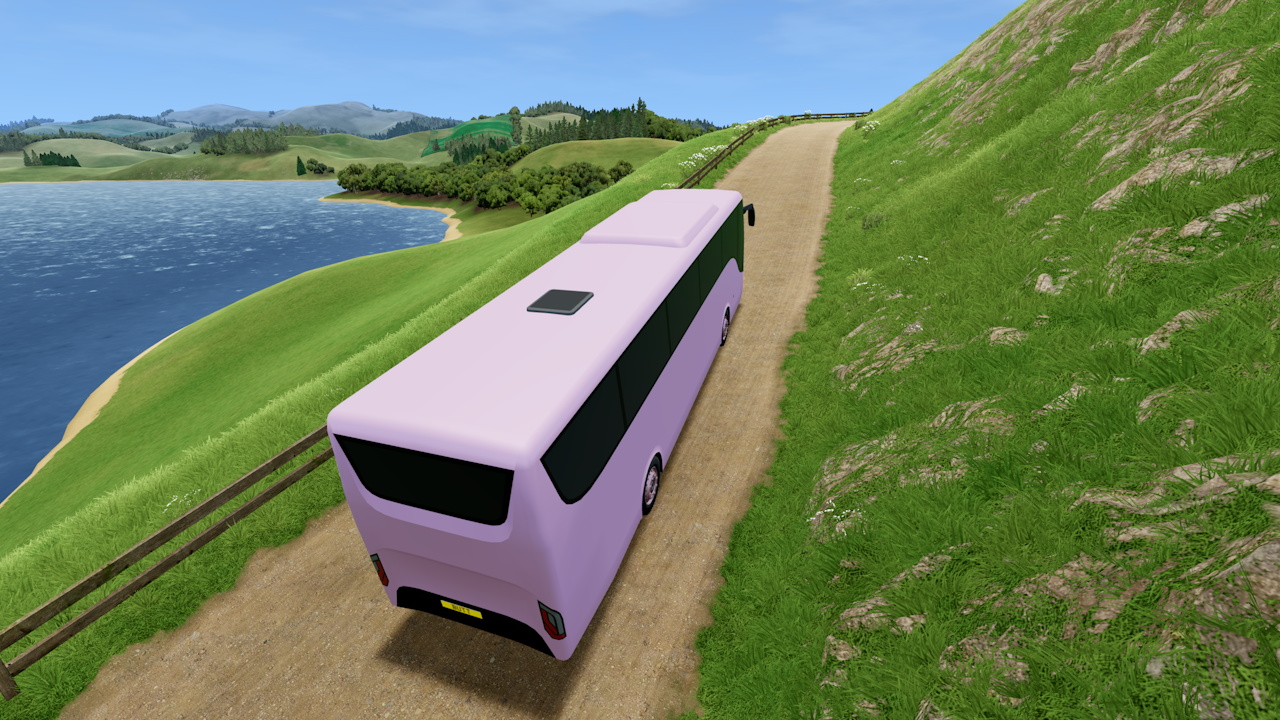
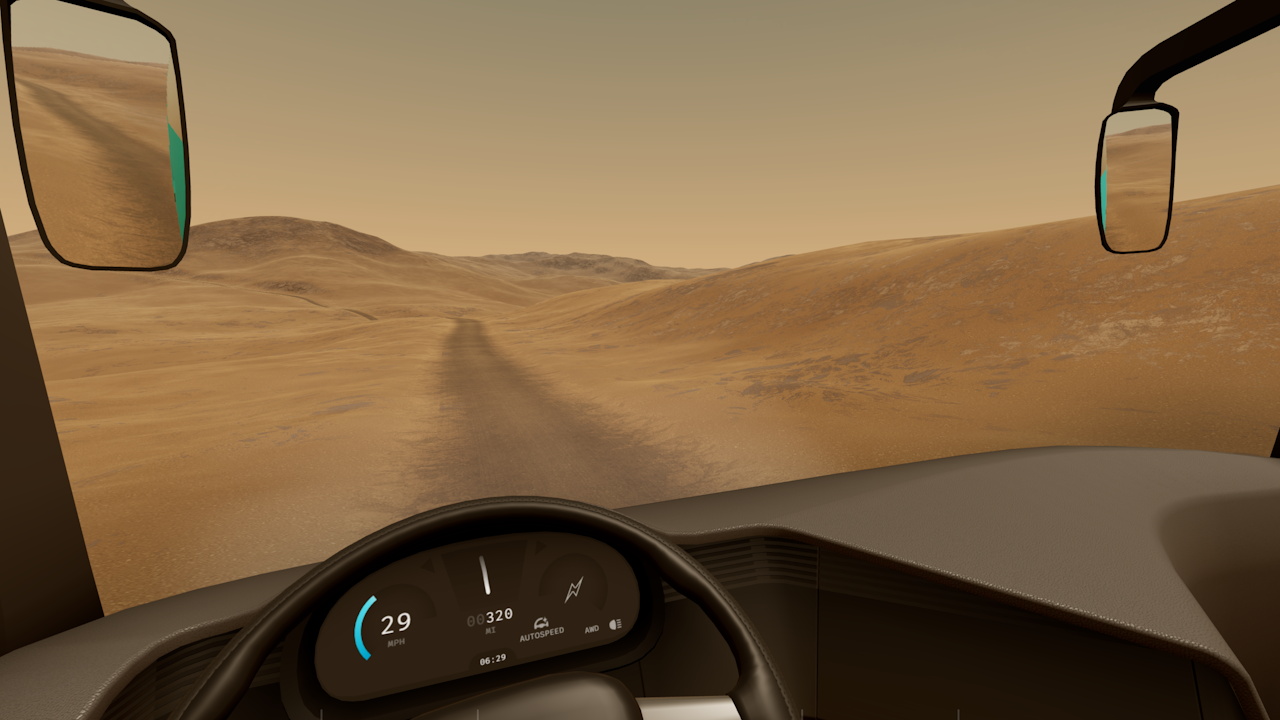
On booting up the game, your main choice is between a simulation of England’s Peak District (a hilly national park) and California’s Pacific coast. There’s a third option to drive across various solar system bodies – the moon, Mars, or Venus – but those were a bit bleak and less visually interesting to me, so I’ve mostly stuck to one of the two Earth-bound locales! As someone who grew up in a rural part of the UK, the Peak District landscape feels… well, like home.
Driving those roads – especially from a first-person view – reminded me of being on the school bus many years ago, or being driven home by a friend’s parents after a busy day of getting into mischief. The cars and vehicles in Slow Roads are modern; you won’t mistake the in-game traffic or your own vehicle for one from the ’80s. But they’re also generic enough that they don’t feel too out-of-place, and they still give off that cozy, relaxing, and – for me, anyway – nostalgic vibe.

California’s coast was a bit of a different experience! Rather than the pure nostalgia of driving through rural England, I got to experience one of the most iconic routes in the world: Slow Roads’ procedurally-generated version of California’s famous State Route 1, which, in real life, runs from the redwood forests of northern California to just south of Los Angeles. Again, though, this route takes on a distinctly rural character in Slow Roads, with no towns or buildings to get in the way of the views of the Pacific.
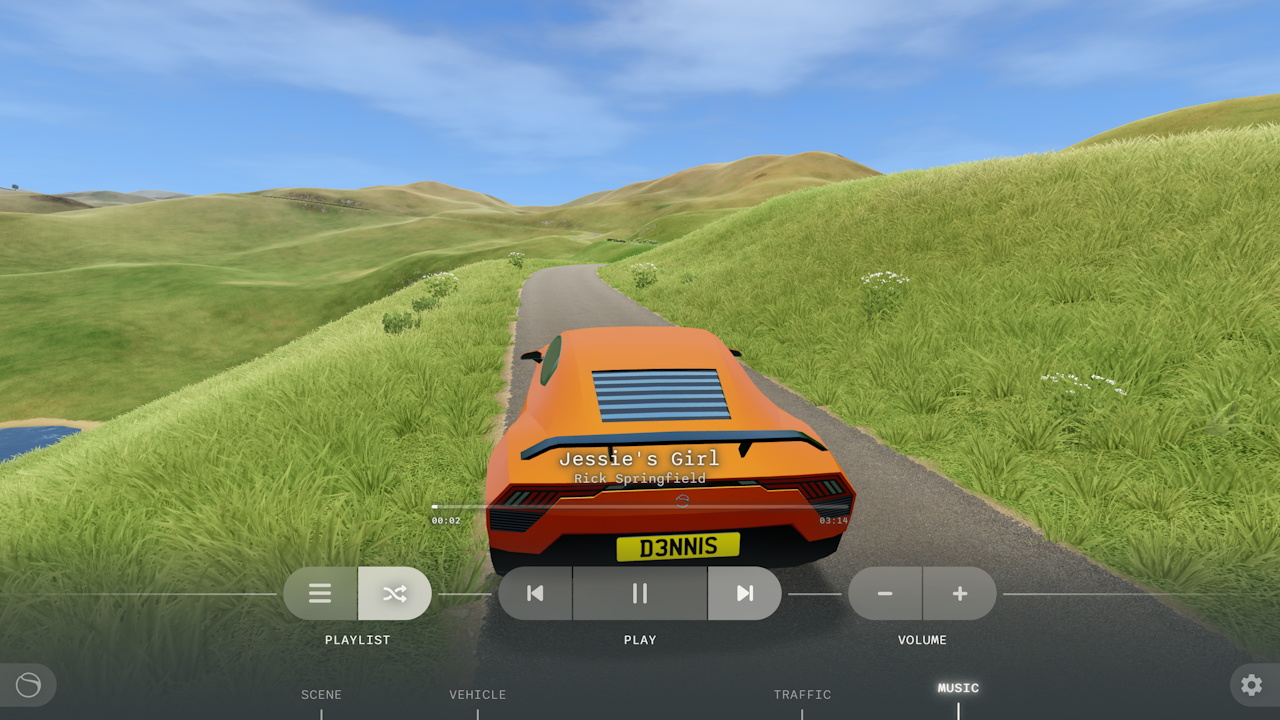
One thing that’s been a ton of fun for me in Slow Roads is importing my own music into the game. Remember when you used to be able to do that on the original Xbox in titles like Grand Theft Auto III? I think music licensing issues pretty much killed that idea in bigger titles, but Slow Roads has a great in-game music player that lets you choose individual tracks or whole folders full of MP3 or FLAC files for your road trip playlist. I think I’ve listened to way more music over the last few months because of Slow Roads!
You can also tune into real-world radio streams, and I guess you could listen to podcasts or any audio that way, too – but that’s not something I’ve played around with as I have a pretty big digital music library on my PC.
The game has a few options for weather conditions, seasons, and time-of-day – though these are more extensive in the Peak District setting than they are in California, at time of writing. However, Slow Roads is still being worked on, and more weather options – like rain – are promised for sometime in the future. In addition, new settings to take the game beyond its current two-and-a-bit locations (or to expand the current ones with more variety; I wasn’t entirely clear on that) are also planned.
However, Slow Roads is the passion project of a solo developer – and has been worked on for more than five years already, as of its 2026 Steam release. I’m always blown away by the *talent* that goes into any solo project, let alone one involving such complicated tech as procedural generation! It does mean, though, that future updates to the game will proceed at the pace of just one person, so if you’re holding off because you’re waiting for a promised future update or new feature, it’s worth being aware of that and keeping it in mind.
Personally, generative A.I. doesn’t really bother me in most cases; indie games in particular get a lot of leeway when it comes to that suite of new technologies. But I know A.I. is a contentious topic in gaming, so if you’re part of the anti-A.I. crowd, rejoice! Slow Roads hasn’t used any generative A.I. in its development process.
A sad sign of the times that reviews have to start discussing generative A.I., but there we are.
I played Slow Roads using a control pad, but it’s worth highlighting that there are other options. As a PC game, you obviously have mouse and keyboard support – but there are also options for keyboard-only and mouse-only controls. The game also supports racing wheel and pedal setups, so if you have something like that, you can get even more of an immersive experience!
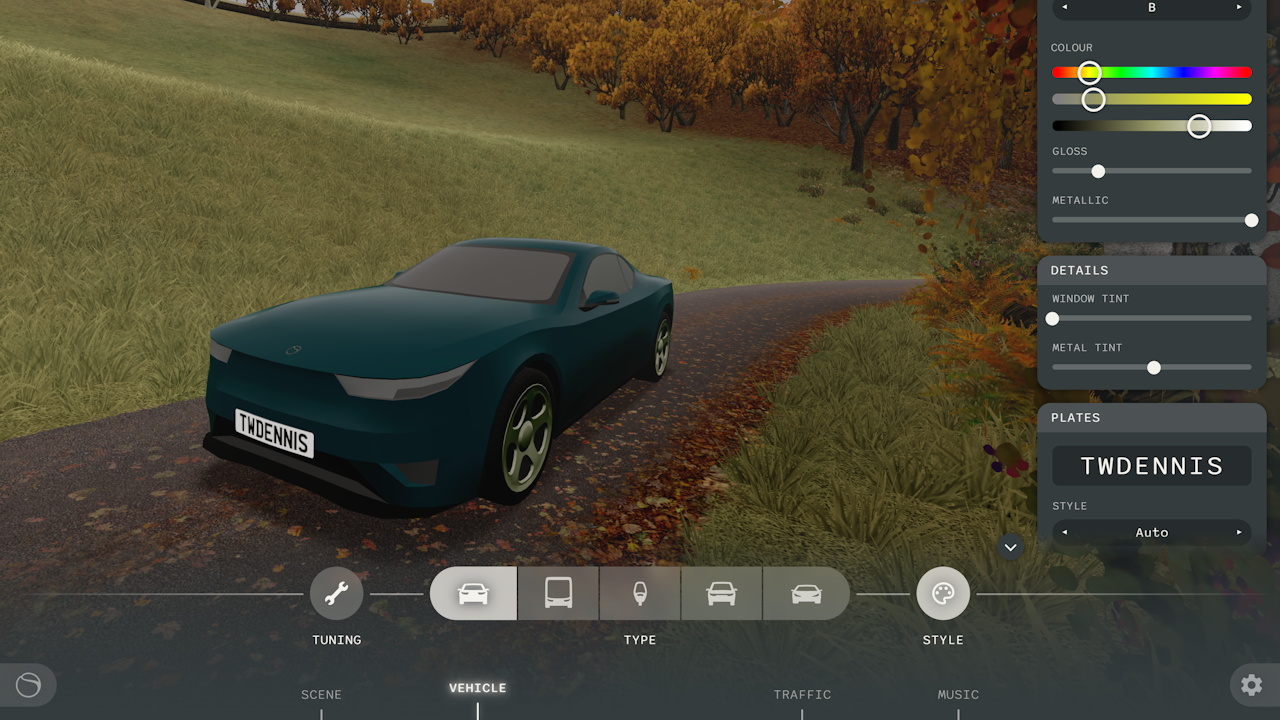
There are a few different in-game vehicles – a couple of different styles of car, a motorcycle, and a coach/bus. Each performs slightly differently, but if you ask me, Slow Roads isn’t a game that you’ll need to spend a ton of time tinkering with even if you’re a car nut. I like the option to choose between combustion engines and electric ones – it doesn’t make a ton of impact on gameplay, but the sound of the vehicle changes, which can affect the mood. And Slow Roads is very much a “mood” game!
Vehicles can be recoloured at will, even in the middle of a drive, and you can swap vehicles on the fly, too. There aren’t things like complex paint jobs or vehicle decals, but you can make your car any colour of the rainbow, which is nice! For me, I like to play games like this in first-person – though several camera angles are available – so the colour doesn’t matter as much to me in that case. Still, customisation is always welcome in any game, and being able to get your car to be a colour you like is great!
Slow Roads features several “auto-drive” options; these vary from auto-accelerating (that’s akin to cruise control) to turning your car into a full-blown self-driving vehicle. The former is fun if you want to retain some control over the game without having to constantly push a button or hold down a trigger (which is great for my arthritis during long sessions!) and the latter is great if you just want to kick back, listen to music, or even literally use Slow Roads as a screensaver or a way to block your screen to keep yourself from doomscrolling. There are a ton of uses for these features, and they’re great accessibility options, too.
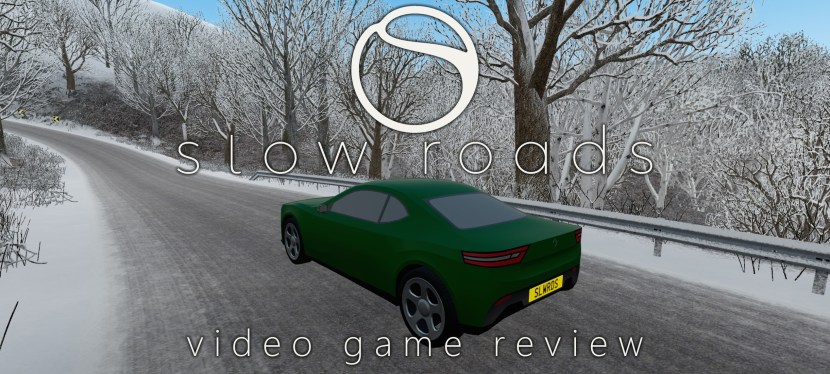
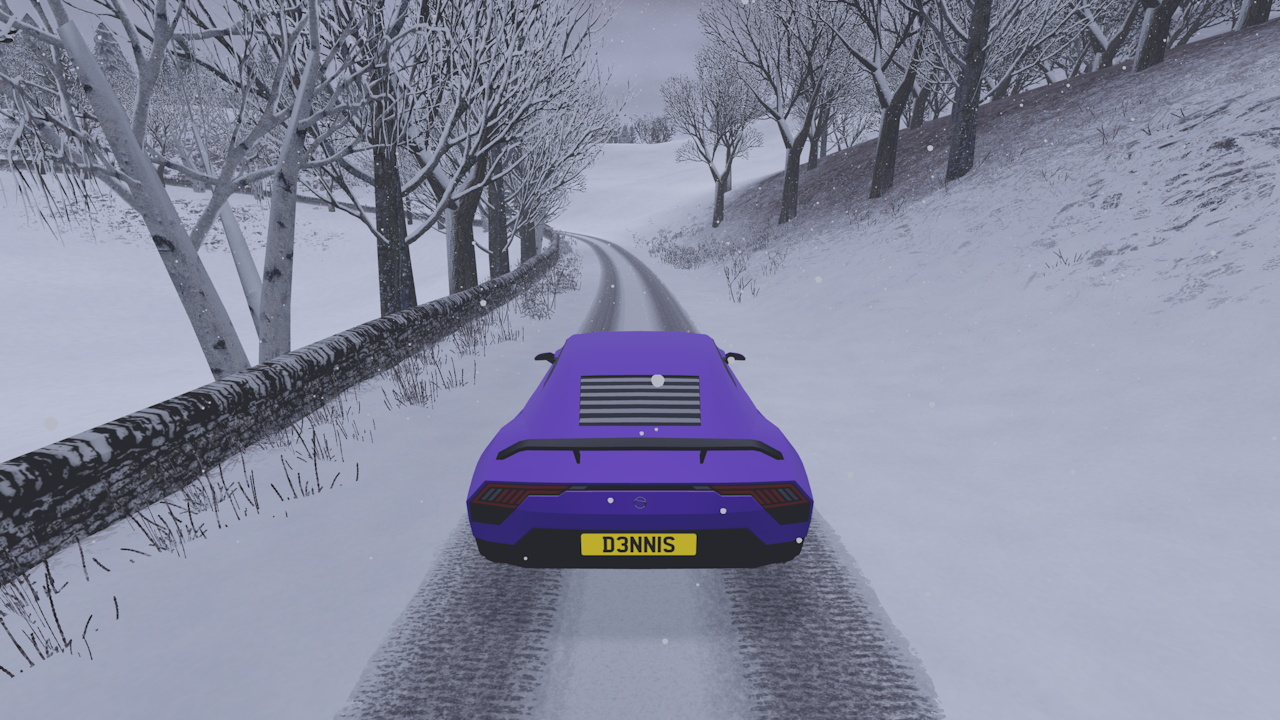
You’ve been looking at screenshots from my playthrough of Slow Roads throughout this review, so you have an idea of what the game looks like. I run the game in full 4K on an Nvidia RTX 3070Ti graphics card, and it runs smoothly at its maximum settings with that setup. I’d describe the graphics as modern and aesthetically pleasing – but not as boundary-pushing or hyperrealistic as some AAA racing games! But if you were expecting that from a small indie game… what’s wrong with you?
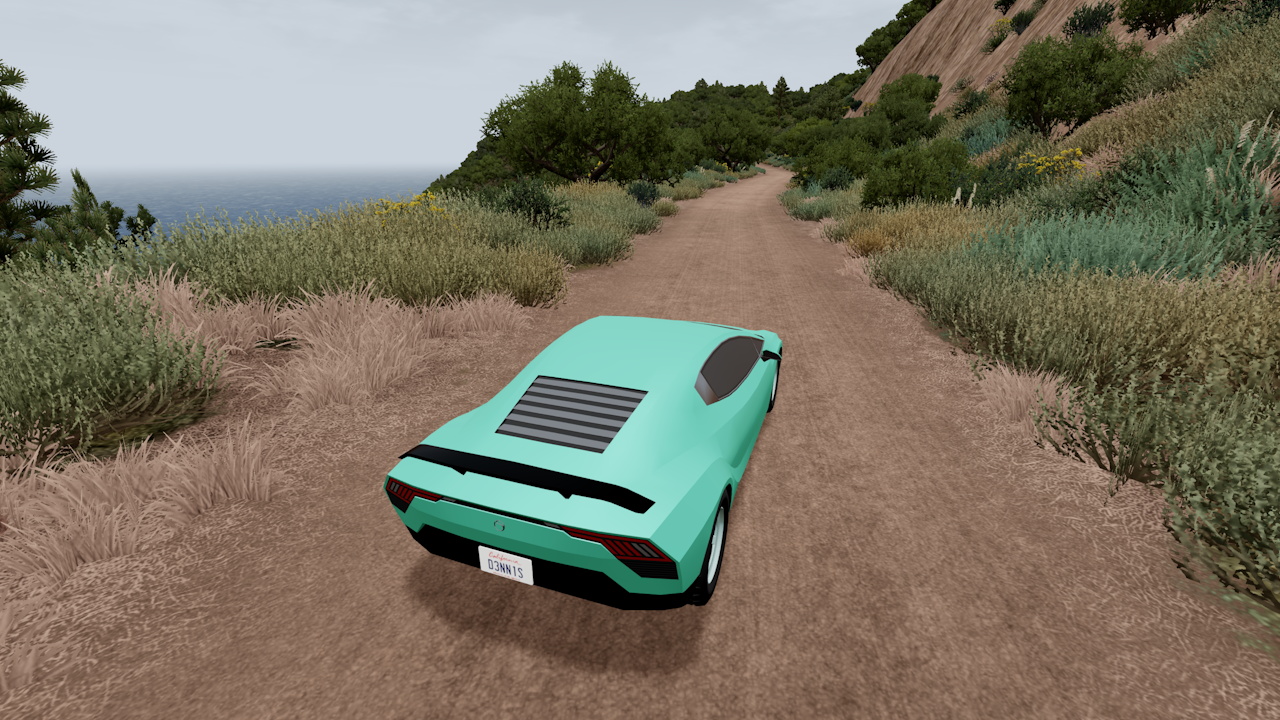
Slow Roads’ visual style is realistic, and if you have the same connection to rural England as I do (or to the Pacific coast), I think it’s easy to get lost in the game’s world, even if the graphics might seem a generation behind what cutting-edge games with huge development teams might be pushing for. For me, that’s just fine – and as long as you set appropriate expectations, given the game’s price and development situation, there’s really nothing to complain about in that regard.
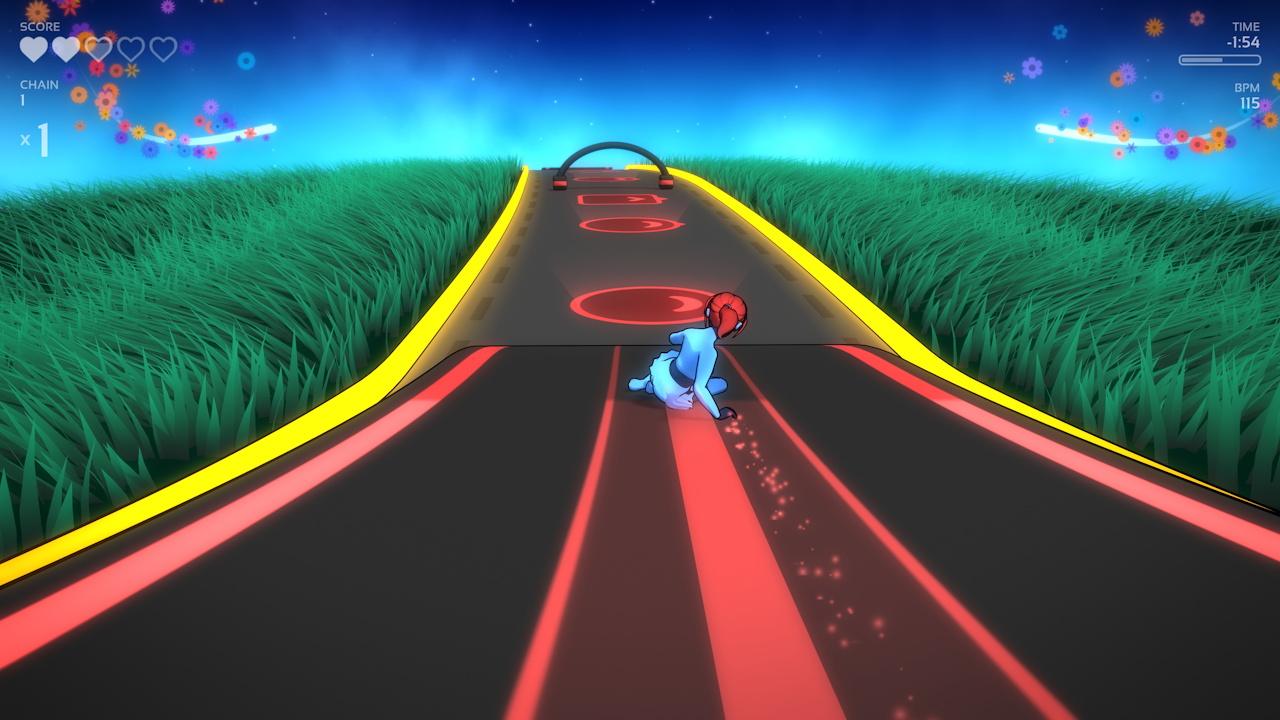
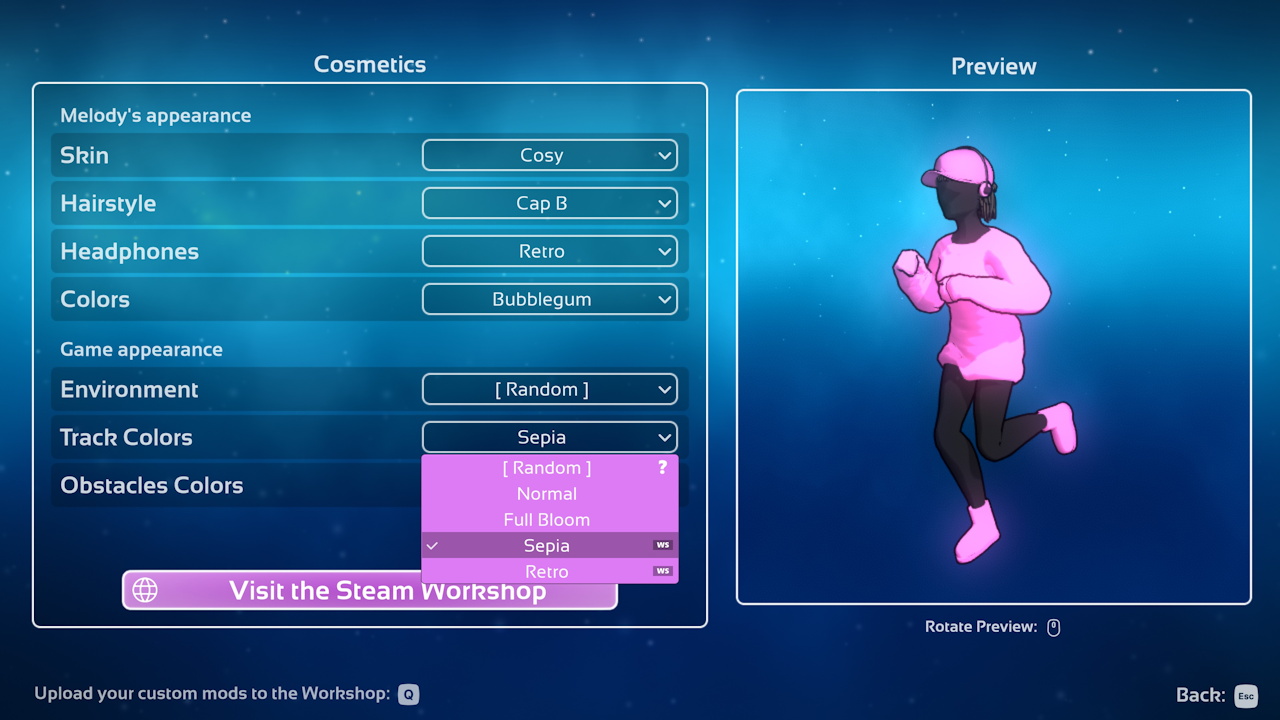
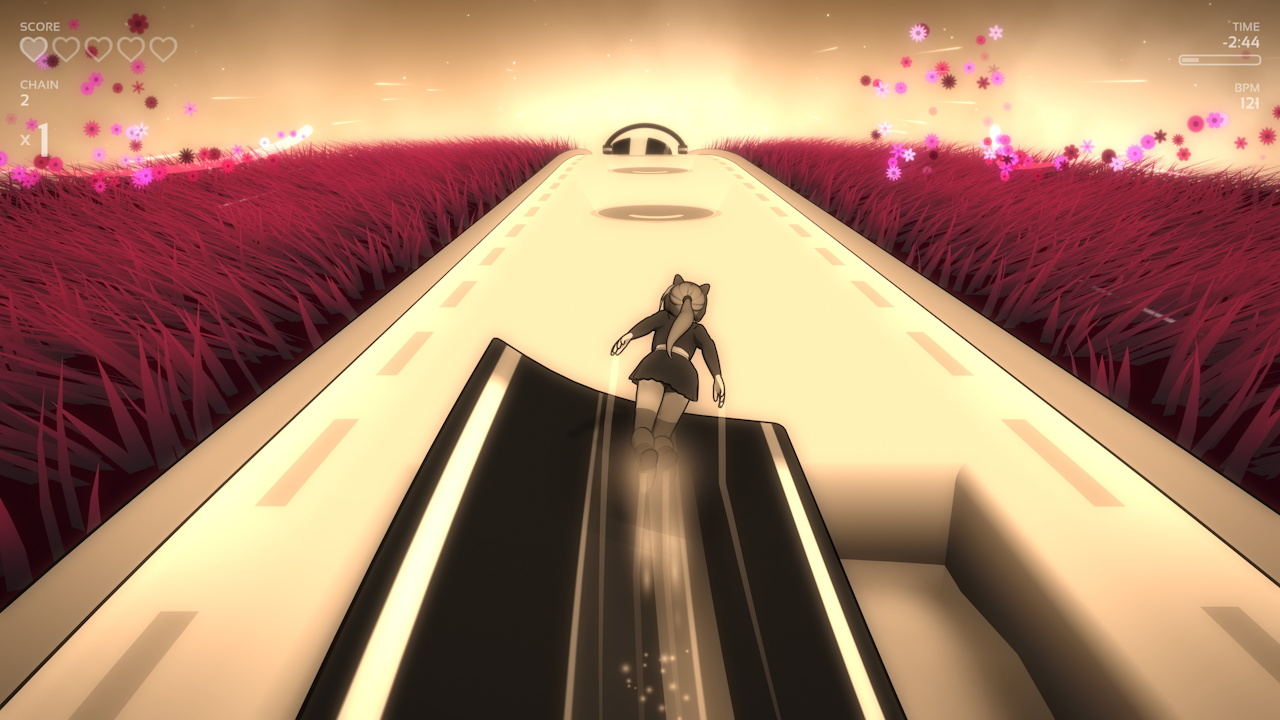
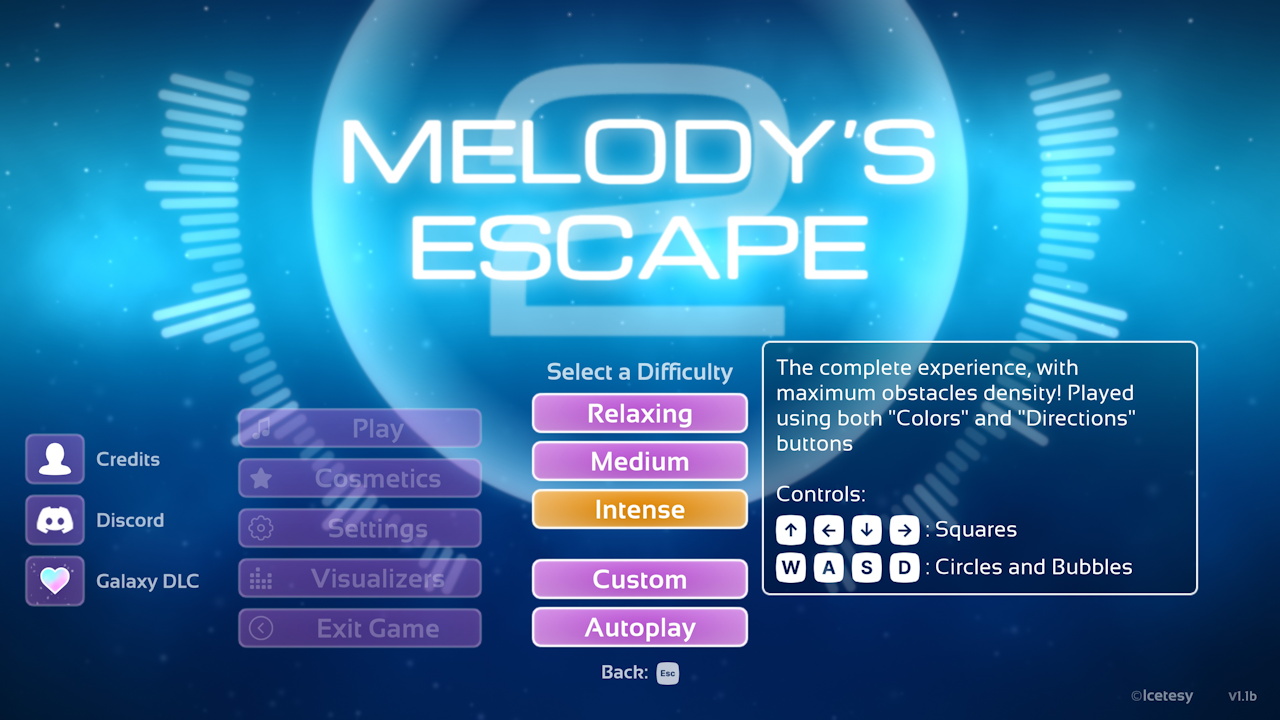
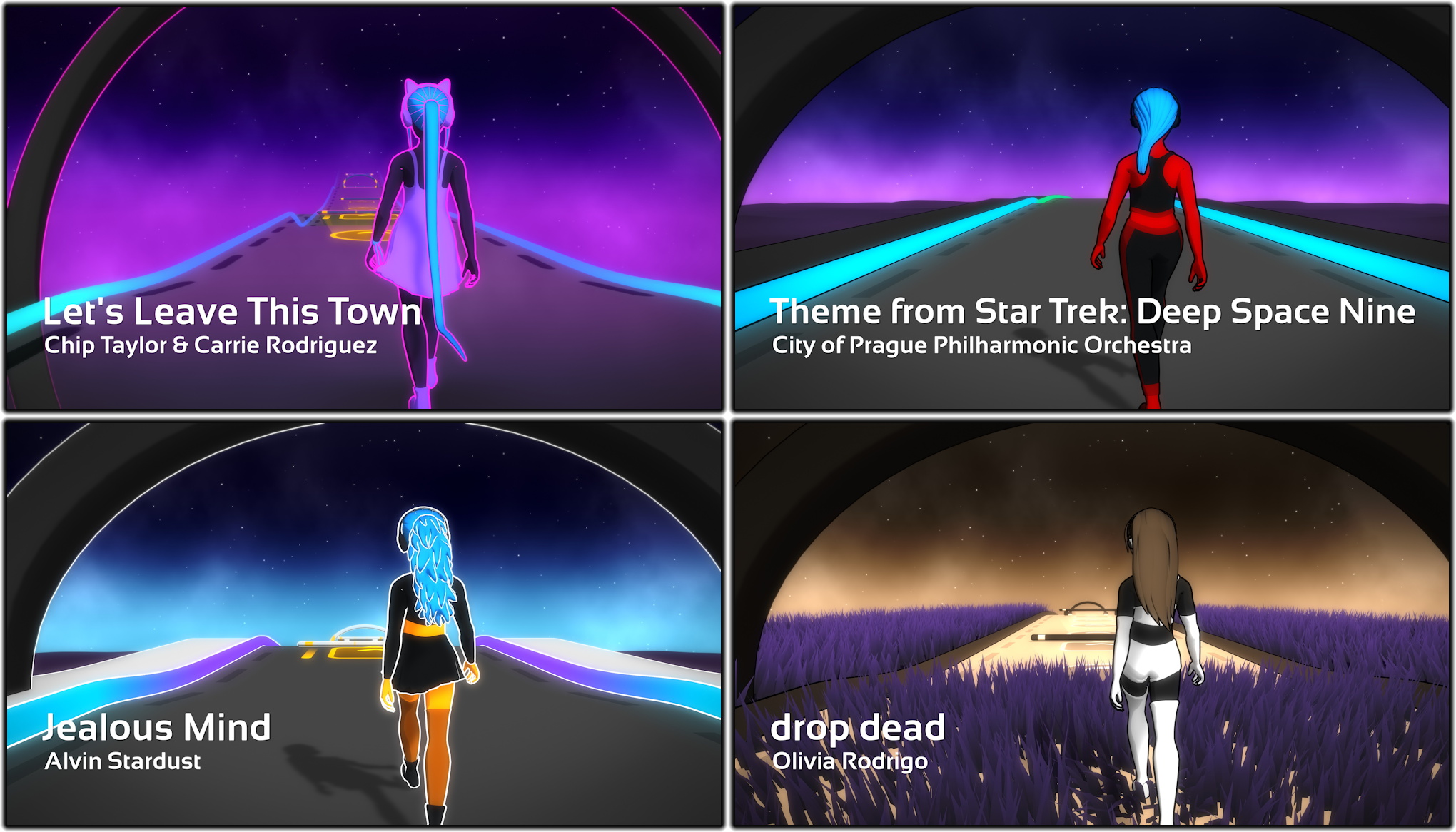
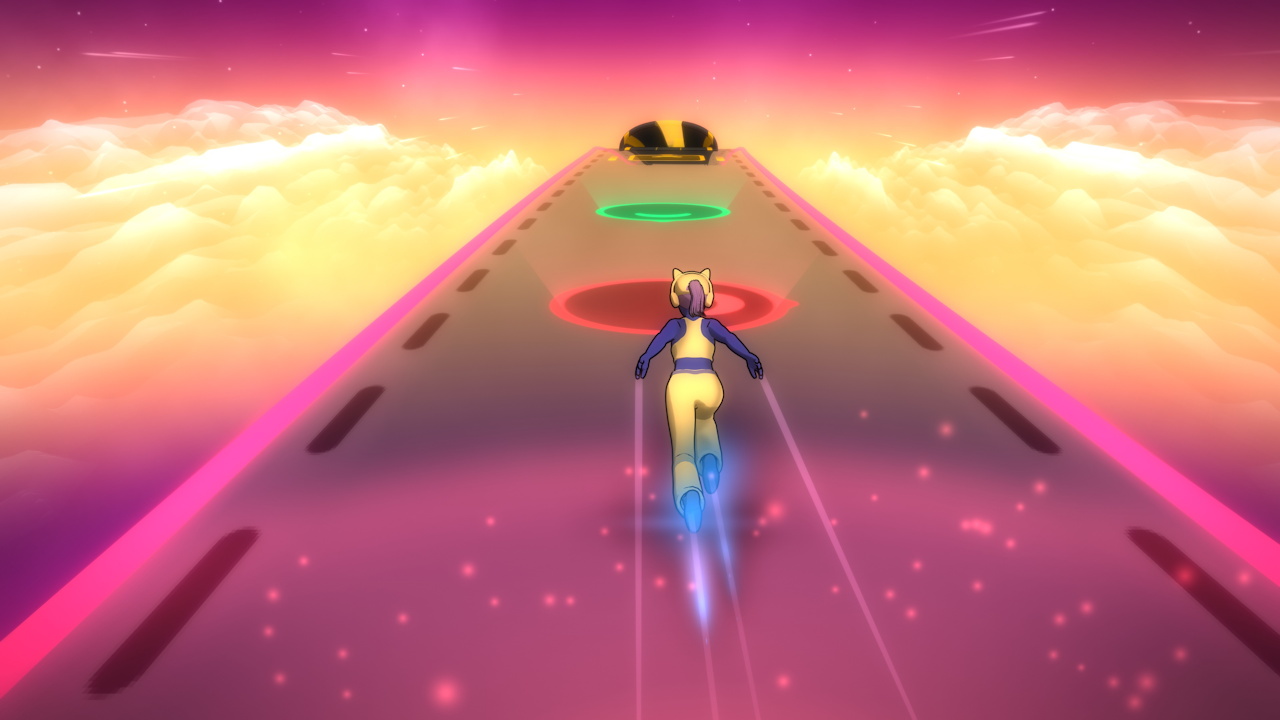
I’ve really been having a blast with Slow Roads over the last few weeks. I think, at time of writing, it’s my second-most-played game of 2026, behind rhythm game Melody’s Escape 2 – which is also a game that lets you use your own music, albeit in a very different way! I wouldn’t have spent so much time cruising down these roads if I wasn’t enjoying myself, and the simple, understated, cozy vibes of Slow Roads have been just pitch-perfect for me. Sure, it can be fun to play a racing game like Sonic Racing: CrossWorlds sometimes, but there’s a lot to be said for a slower-paced, relaxing experience, too.
So I’m very happy to recommend Slow Roads – albeit to a specific kind of player. If you’re someone who needs non-stop excitement, high-octane racing, and guns-blazing adventures… this might not be for you. But if you want to slow down, sometimes, even just for a little while, you could do a lot worse than taking a drive down some… Slow Roads.
Slow Roads is out now on PC via Steam. A smaller version of the game is also available online via the web or via itch.io. Slow Roads is the copyright of Topograph Interactive. This review contains the thoughts and opinions of one person only and is not intended to cause any offence.